SNIP — Type Collector
Hold to lift a letter off
Designed for iPhone
Free · In-app purchases
- Age rating4+
- CategoryGraphics & Design
- Developerminhyeok kim
- LanguagesEnglish+ 3 more
- Size7.3 MB
Links to the official App Store page
Download.org hosts no file of SNIP — Type Collector. The button opens its official App Store page, published by minhyeok kim. Listing last checked on Nov 12, 2026.
Screenshots


About
For anyone who takes a photo whenever they spot great type.
SNIP lets you collect letters you find in the world and use them to create new words and designs.
Signs, posters, stickers, even lettering left on a wall.
Instead of leaving it buried in your camera roll, cut it out and make it yours to use.
■ Collect letters from photos
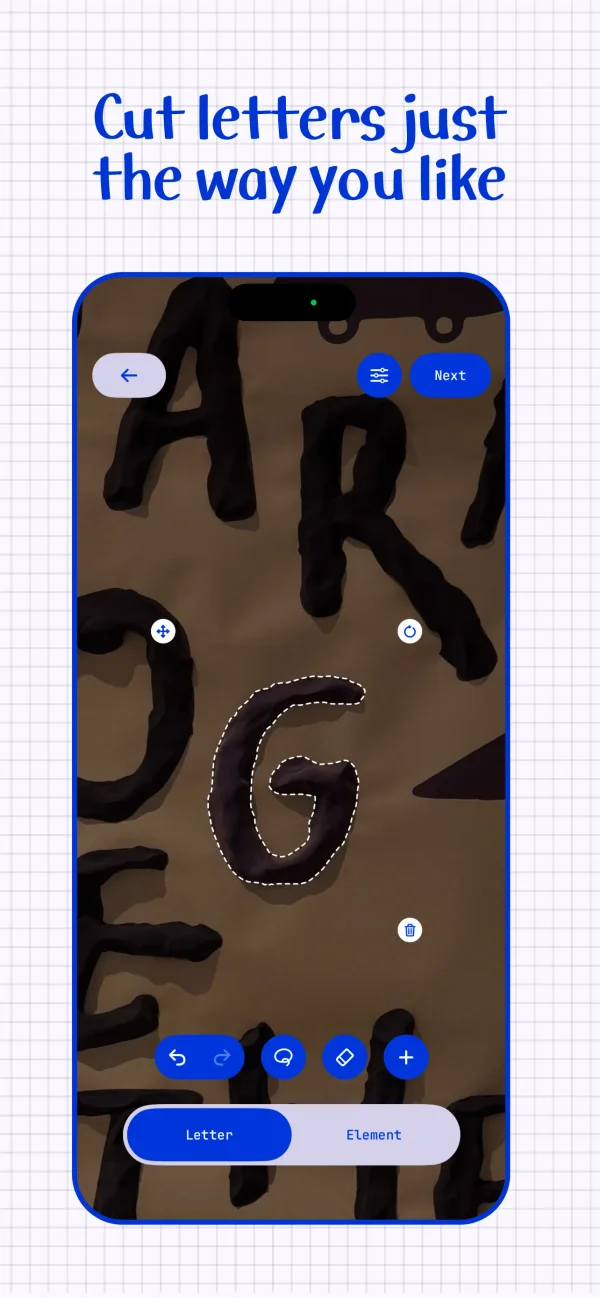
Take a photo, then press and hold to separate a letter from its background.
There’s no need to trace every edge. And when you want more control, you can refine your selection with freeform, rectangle, and circle tools.
For Korean, separated consonants and vowels can still be recognized as a single letter.
Collect letters one by one, or cut out a whole word and save it as a word.
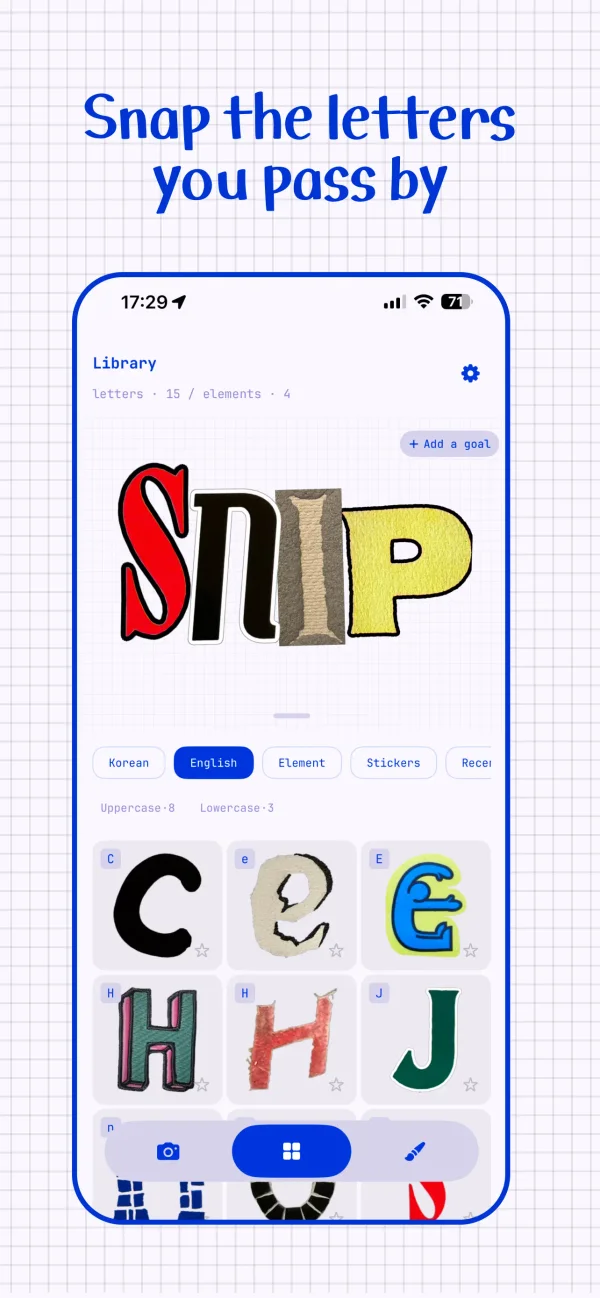
■ Your own Library of letters
Your pieces are organized into letters, Words, and elements.
Letters can be browsed by Korean, English, Japanese, and Chinese.
Use favorites to keep frequently used pieces close, and hide languages you don’t use to keep your Library tidy.
The letters sitting in your camera roll become a collection you can reach for anytime.
■ Create with what you collect
Arrange pieces freely on the Canvas, then move, resize, and rotate them to build words, phrases, and designs.
Edit multiple pieces at once and save your finished work as a PNG with a transparent background.
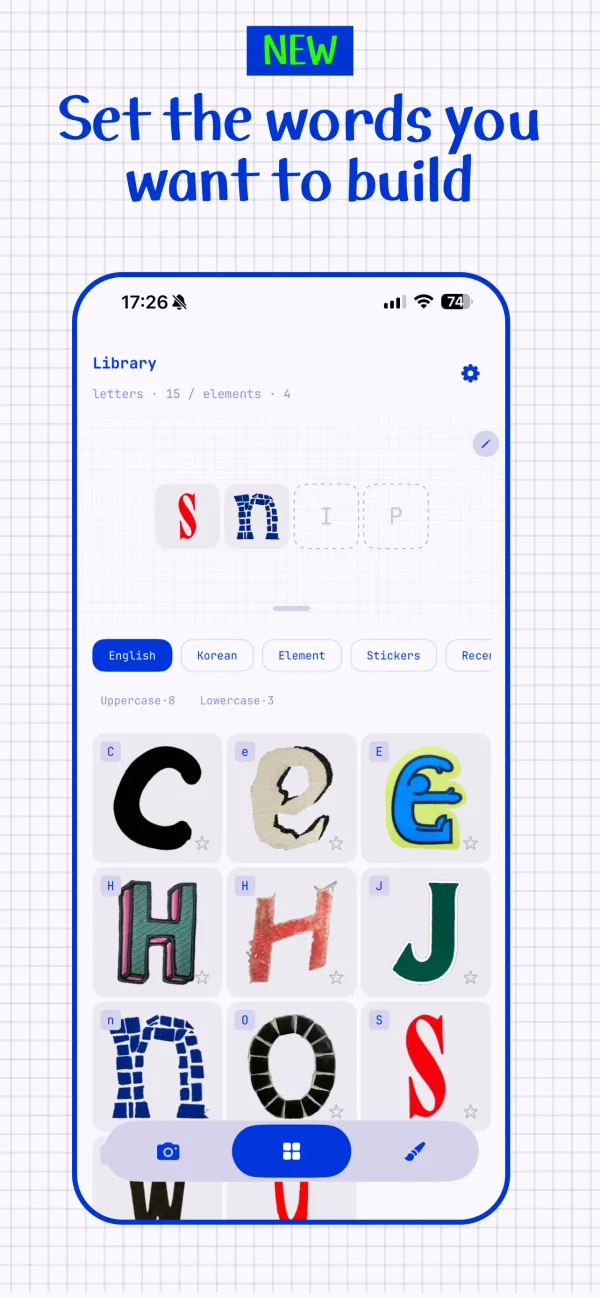
You can also set a word or phrase as your goal and collect the letters you need to complete it.
■ Everything stays on your device
No login or account is required.
Your photos, collected letters and words, and finished work stay on your device. Letter recognition and editing happen there too.
What’s new
Version 1.3 · Sep 30, 2026
Here’s what’s new.
• You can now save whole words from signs and packaging. Name a piece with two or more characters and it becomes a word. Once you save one, the Words tab appears in your Library.
• Longer words take up more space on the Canvas.
• Turn on Grid and level while shooting. Hold your phone upright to check the tilt, or point it down and line up the dot with the center circle.
• The Grid and level button is to the left of the zoom controls. Your setting is remembered for next time.
App privacy
What minhyeok kim declares on the App Store about how this app handles data.
-
Data not collected
The developer does not collect any data from this app.
Privacy practices may vary, for example with the features you use or your age.
Information
- Seller
- minhyeok kim
- Category
- Graphics & Design
- Version
- 1.3
- Updated
- Sep 30, 2026
- Released
- Aug 3, 2026
- Size
- 7.3 MB
- Requires
- iOS 17.0 or later
- Age rating
- 4+
- Price
- Free
- In-app purchases
- Yes
- Languages
- English, Japanese, Korean, Simplified Chinese
- Copyright
- © 2026 minhyeok kim
You might also like
-
 Bake some stickers with AIAI sticker store and creator
-
 MiriCanvas: Poster, PPT designVibrant Graphic Design
-
 tone - photos, printedPhotos, printed.
-
 CMSHTA pocket graphics playground
-
 OneStampTurn details into stamps
-
 herein - Home Screen WidgetsWeather, Calendar, Quote, Days
-
 dayframe: aesthetic recapsCurated calendar & stories
-
 Timedash WidgetsDesign & Customize Widgets
-
 Moshicam Photo Editor & FramesKawaii Photo Booth & Stickers
-
 Savee — Inspiration for youFind and save what you love