- Age rating4+
- CategoryProductivity
- DeveloperAhmed Omar
- LanguagesEnglish+ 13 more
- Size19.6 MB
Links to the official App Store page
Download.org hosts no file of SoloPen Notes. The button opens its official App Store page, published by Ahmed Omar. Listing last checked on Nov 18, 2026.
Screenshots

About
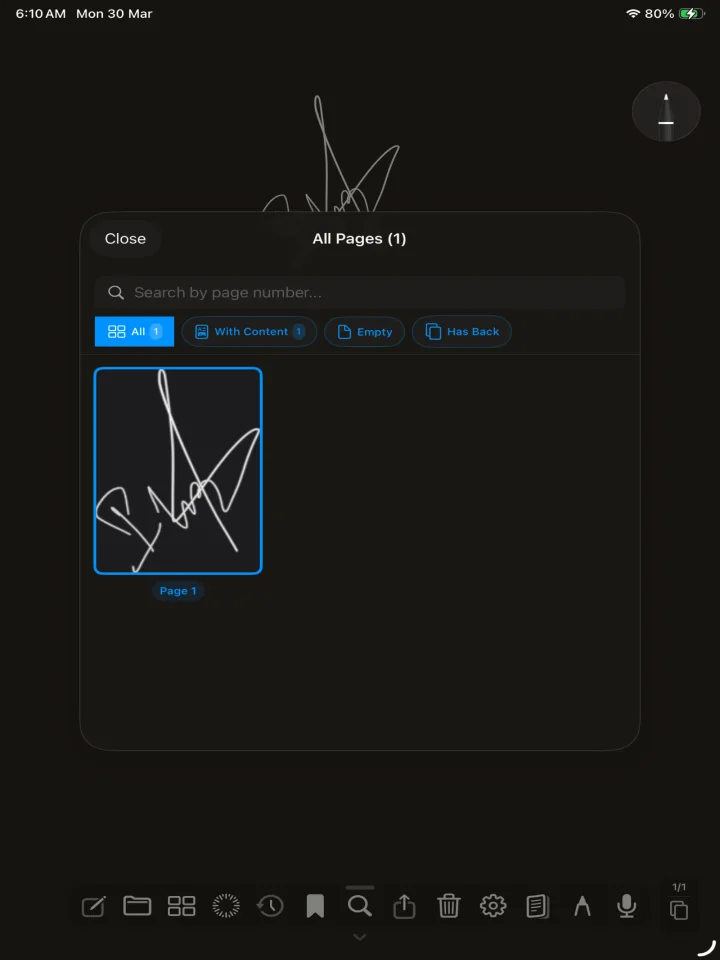
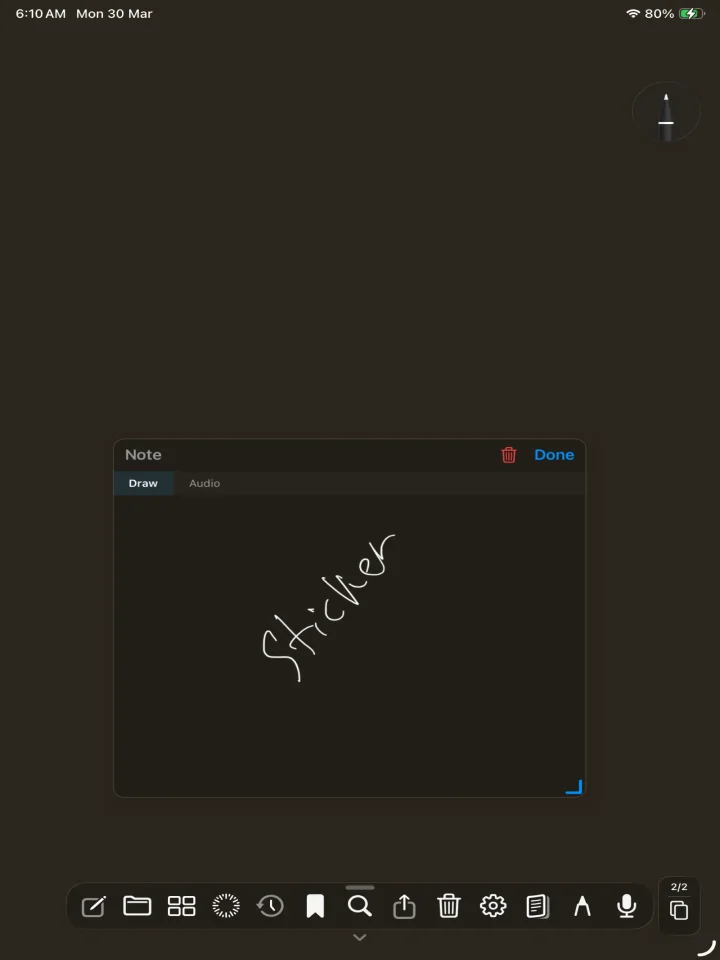
SoloPen Notes is a minimal handwriting app for iPad. No clutter. No distractions. Just you, your Apple Pencil, and endless pages.
Wide range of features that will assist you, mainly:
Core Writing & Canvas
- Apple Pencil Writing : Full pressure-sensitive drawing with PencilKit
- Page Flip with Pencil : Swipe to flip pages using pencil gestures
- Two-Page Spread : Side-by-side pages in landscape mode like a real book
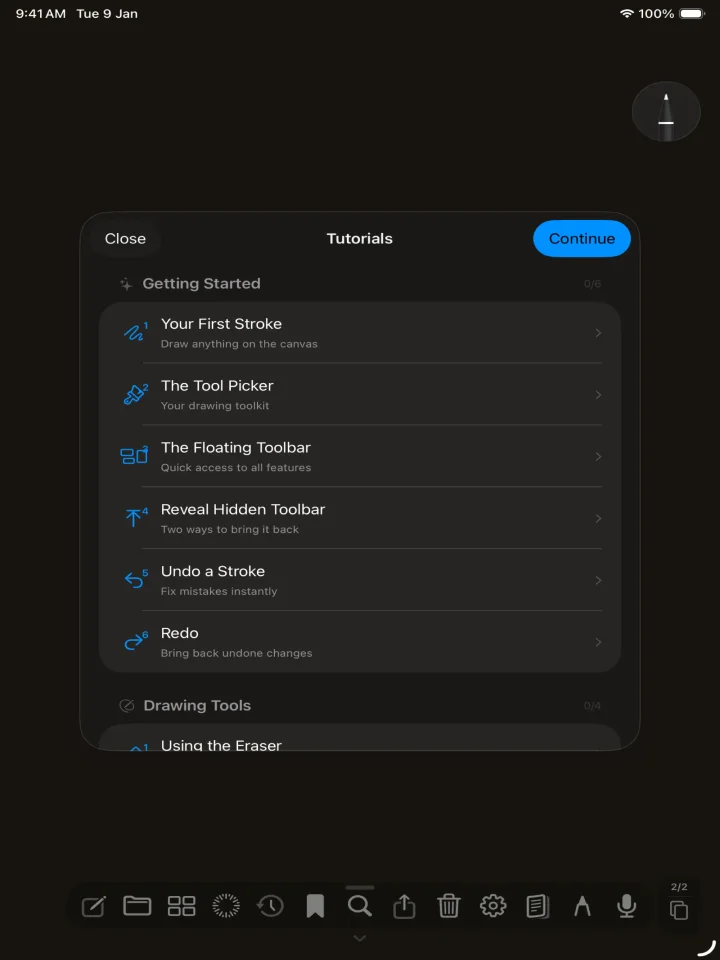
- Tool Picker : iOS 26 native PencilKit tool picker for pens, pencils,
markers, eraser
Page Templates Mainly
- Blank : Clean empty page
- Lined : Horizontal lines for writing
- Grid : Square grid pattern
Paper Themes
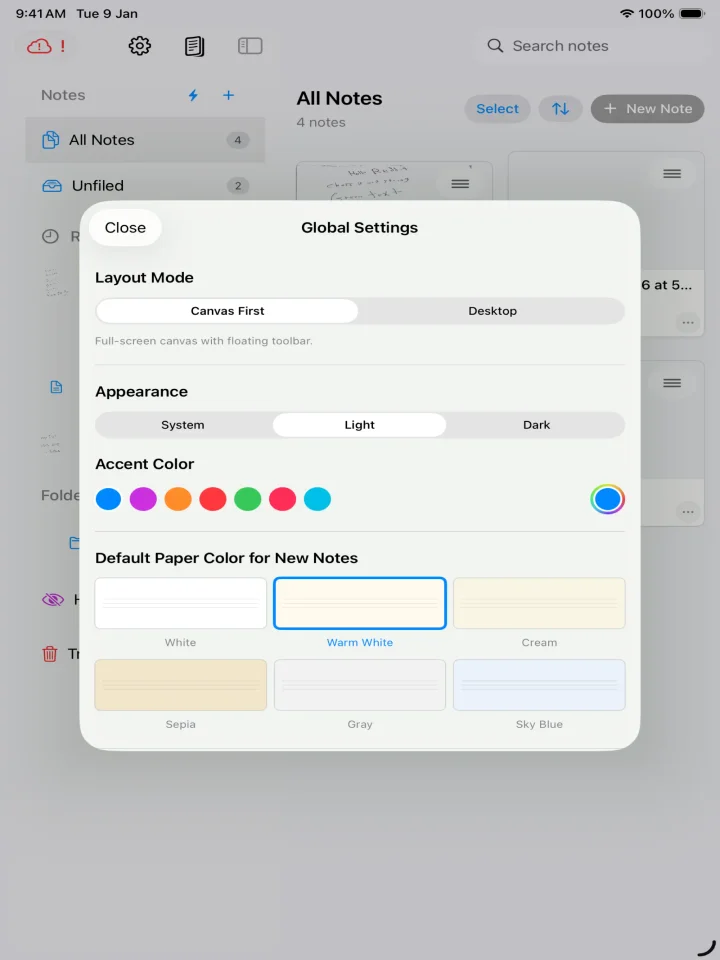
- White : Pure white background
- Warm White : Slightly warm, easy on eyes
- Cream : Cream colored paper
- Sepia : Vintage sepia tone
- Gray : Light gray background
- Dark : Dark mode paper with white ink
Stroke History & Recall
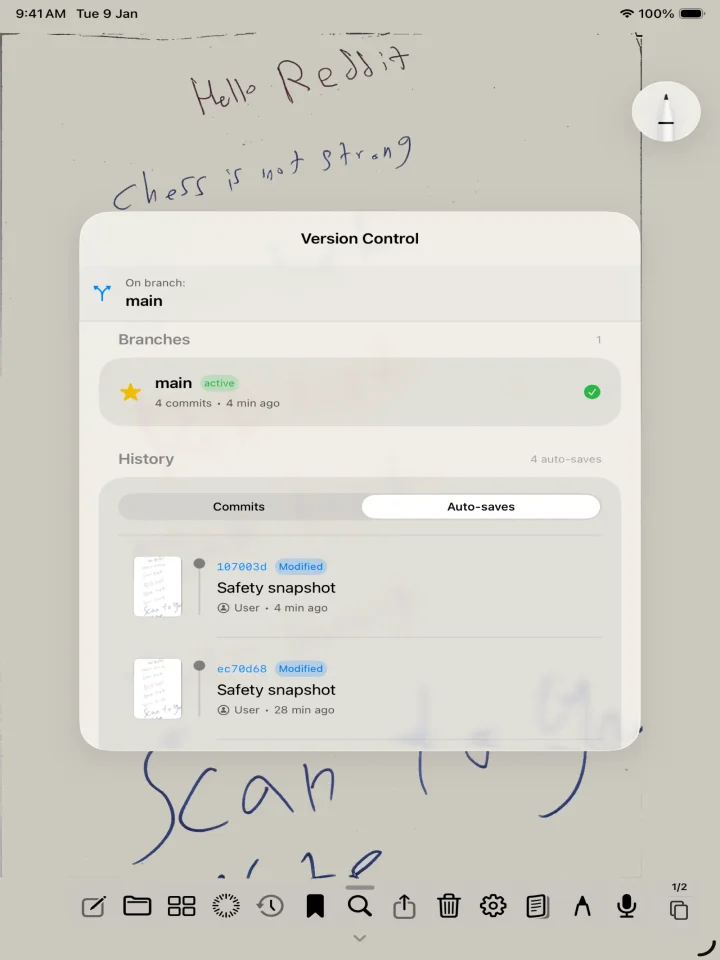
- Stroke Journal : Records every stroke add, remove, transform, mask
- Stroke Fingerprints : Unique identity for each stroke (path + ink hash)
- Global Recall : Timeline scrubbing across all pages with ghost strokes
- Ghost Strokes : Deleted strokes shown at low opacity during recall
- Stroke Replay : Procreate-like time-lapse playback of drawing
Bookmarks
- Stroke Bookmarks : Bookmark selected strokes with tags
- Bookmark Groups : Grouped by page
- Lasso Selection : Two-finger gesture to select strokes for bookmarking
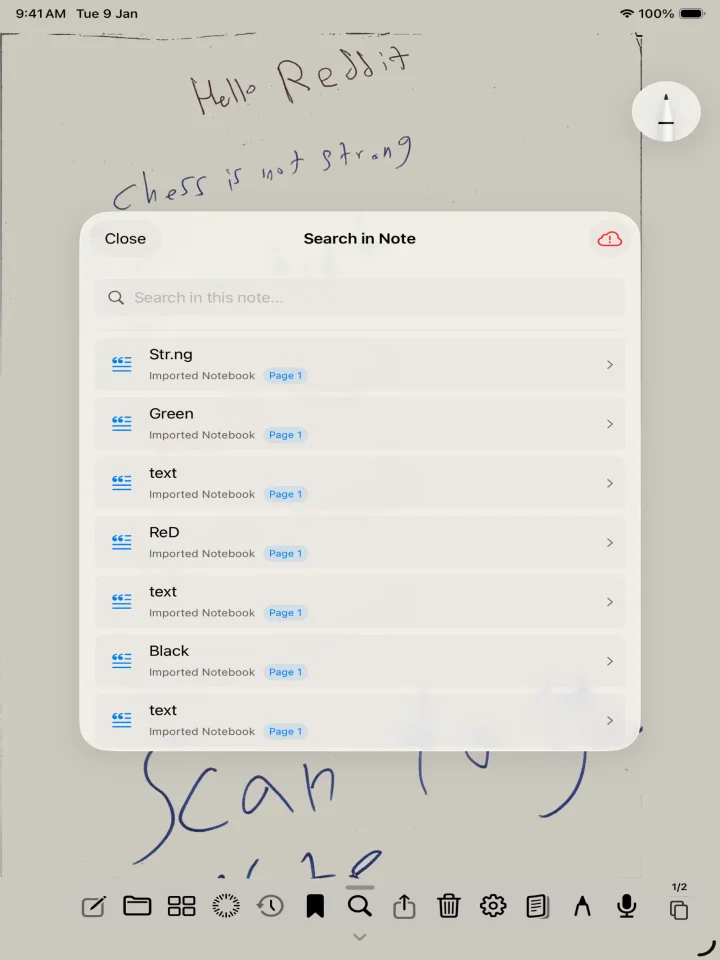
Search & OCR
- Handwriting Recognition : OCR via Vision framework
- Full-Text Search : Search across all notes and pages
- Search Highlighting : Matches highlighted on canvas with bounding boxes
- Page-Grouped Results : Shows which pages contain matches
PDF Features
- PDF Import : Import PDFs as note pages with background images
- PDF Annotation : Draw on top of imported PDFs
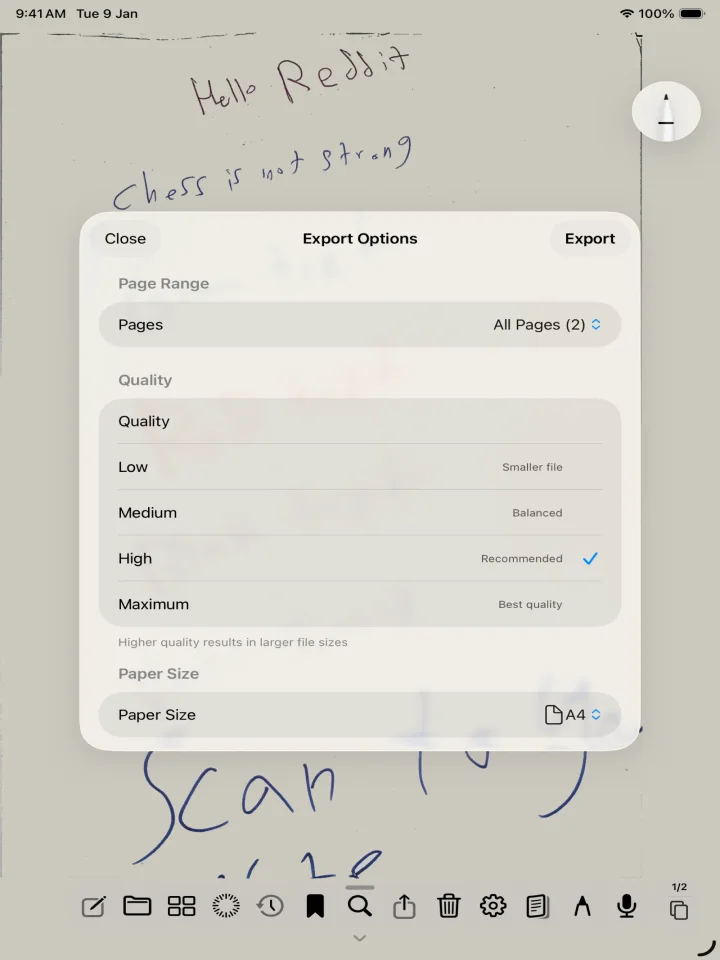
- PDF Export : Export notes
Organization
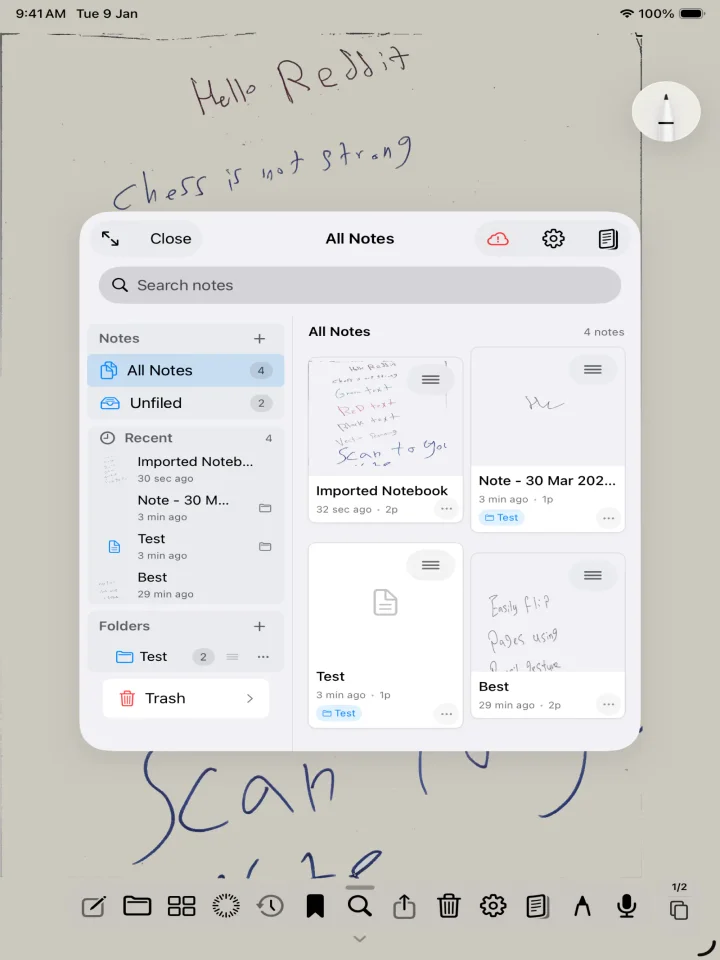
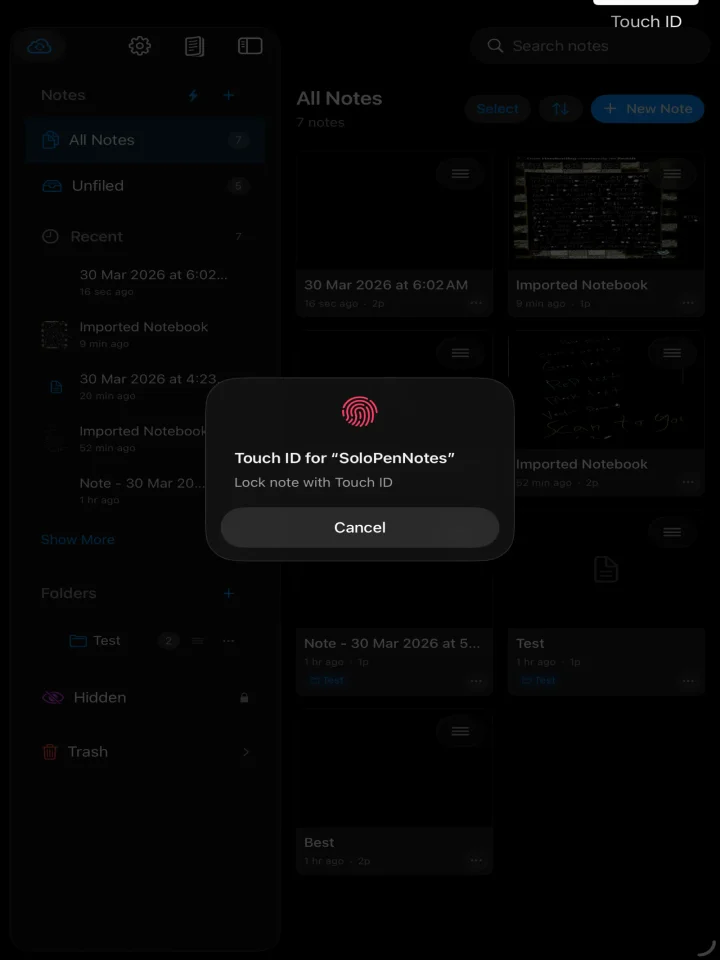
- Folders : Hierarchical folder structure
- Note Icons : Emoji and SF Symbol icons
- Note Titles : Auto-recognized from first line or custom
- Thumbnails : Visual grid of all pages
- Restore from Trash : Recover deleted notes
- Permanent Delete : Empty trash permanently
Sync & Cloud
- iCloud Sync : Automatic CloudKit sync across devices
What’s new
Version 5.0.5 · Oct 5, 2026
enhancements, and local backup files added
App privacy
What Ahmed Omar declares on the App Store about how this app handles data.
-
Data not collected
The developer does not collect any data from this app.
Privacy practices may vary, for example with the features you use or your age.
Information
- Seller
- Ahmed Omar
- Category
- Productivity
- Version
- 5.0.5
- Updated
- Oct 5, 2026
- Released
- Feb 10, 2026
- Size
- 19.6 MB
- Requires
- iOS 26.0 or later
- Age rating
- 4+
- Price
- Free
- Languages
- English, Arabic, French, German, Hebrew, Hindi, Italian, Japanese, Korean, Persian, Simplified Chinese, Spanish + 2 more
- Copyright
- © Ahmed Omar
You might also like
-
 Archium: document organizerSmart Scan, OCR, Doc Organizer
-
 Cosy NotesBeautiful handwritten notes
-
 Simplify Notes: PDF NotebookHandwriting, Notes & Study
-
 Perenne Note. Digital NotebookA notebook that feels real.
-
 ScribblePad: Notes & PDFHandwriting notes & PDF markup
-
 OpenNotes: Notes & PDF MarkupHandwriting, PDFs, no account
-
 MindPulse - AI Mind MapPlan, Brainstorm & Organize
-
 A4Pad – Annotate, Merge PDFCreate from documents & photos
-
 Inky Notes: Good Note takerApple Pencil note taking app
-
 Speech to Text - SonoAI Note Taker