Perenne Note. Digital Notebook
A notebook that feels real.
Designed for iPhone, iPad
Free · In-app purchases
- Age rating17+
- CategoryProductivity
- DeveloperNicholas Compagnoni
- LanguagesEnglish+ 13 more
- Size66.9 MB
Links to the official App Store page
Download.org hosts no file of Perenne Note. Digital Notebook. The button opens its official App Store page, published by Nicholas Compagnoni. Listing last checked on Nov 27, 2026.
Screenshots
About
A real notebook, on your iPad. Write with Apple Pencil on pages that feel like paper, with a pencil that leaves real graphite grain and a pen that follows your hand.
Perenne Note is made for people who think better with a pen in hand. No infinite canvas, no AI, no features you'll never use: just notebooks, planners and your ideas. Plus a free iPhone app to keep them with you.
WRITES LIKE PAPER
Pen, fountain pen, pencil and highlighter, powered by Perenne Engine, the drawing engine we built from scratch: real scanned graphite, paper grain that responds to every stroke, tilt and pressure in every line. Any width, opacity and color, eyedropper included. Turn on real notebook mode to flip pages with your finger and write with your Pencil, without switching modes.
NOTEBOOKS THAT FEEL REAL
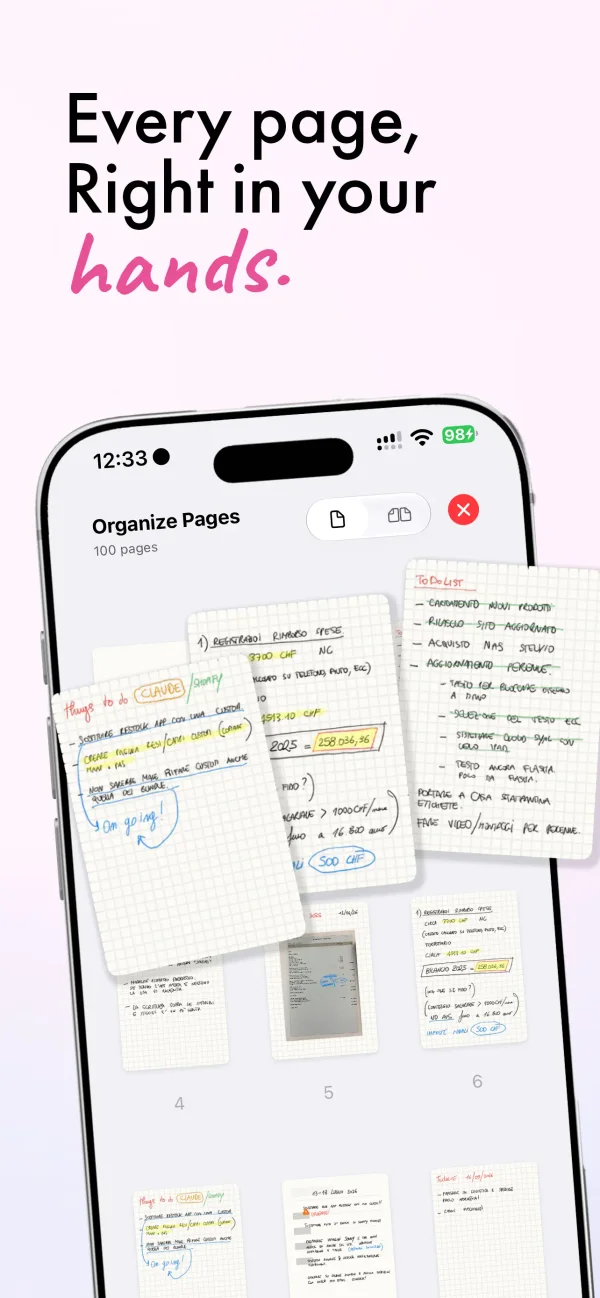
3D covers in 10 colors, 5 textures or your own photo. Blank, ruled, grid or dotted paper, or design your own with the pattern editor. Up to 100 pages, two-page spreads in landscape, colored bookmarks and over 280 stickers: stamps, postmarks and decorations.
DATED PLANNERS
Daily or weekly, in six styles you can switch anytime without losing a line of what you wrote. Tap a day to open it, tap the date to see the month. If you like, your Calendar events and your Reminders to-dos appear right on the pages, ready to check off with your finger or a mark of your Pencil. Your first planner is free to try.
AUDIO NOTES
Record a lecture or a meeting right on the page, even with the screen locked. Where your language supports it, transcription happens on your device: your voice goes nowhere else.
ON YOUR IPHONE, FREE
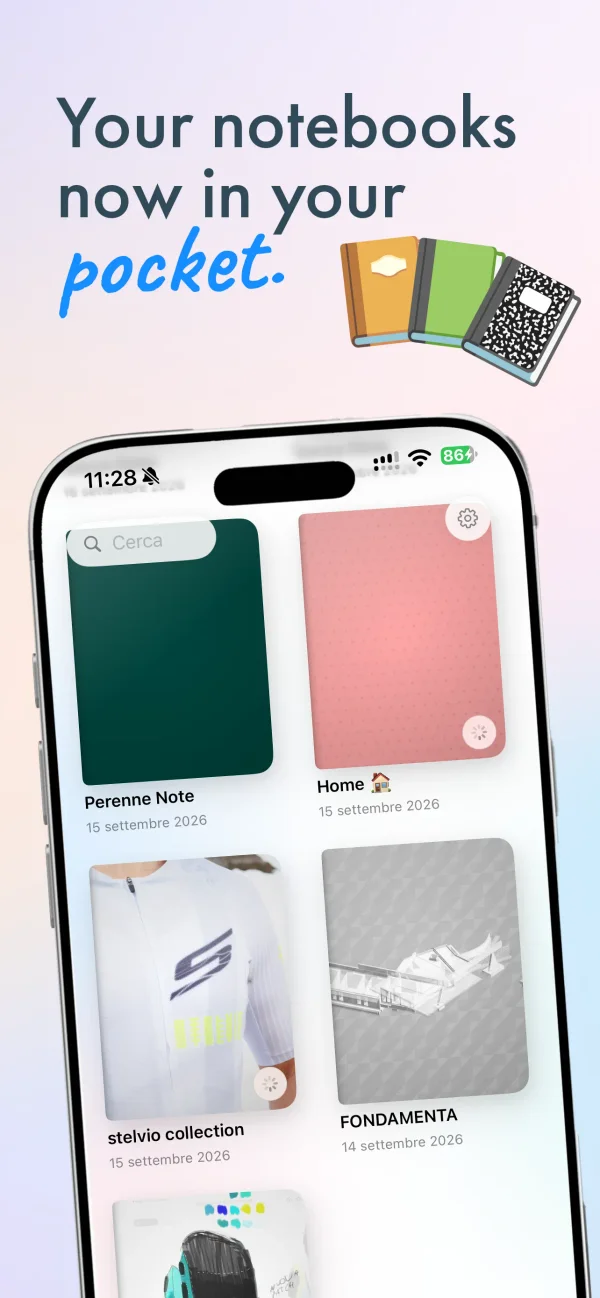
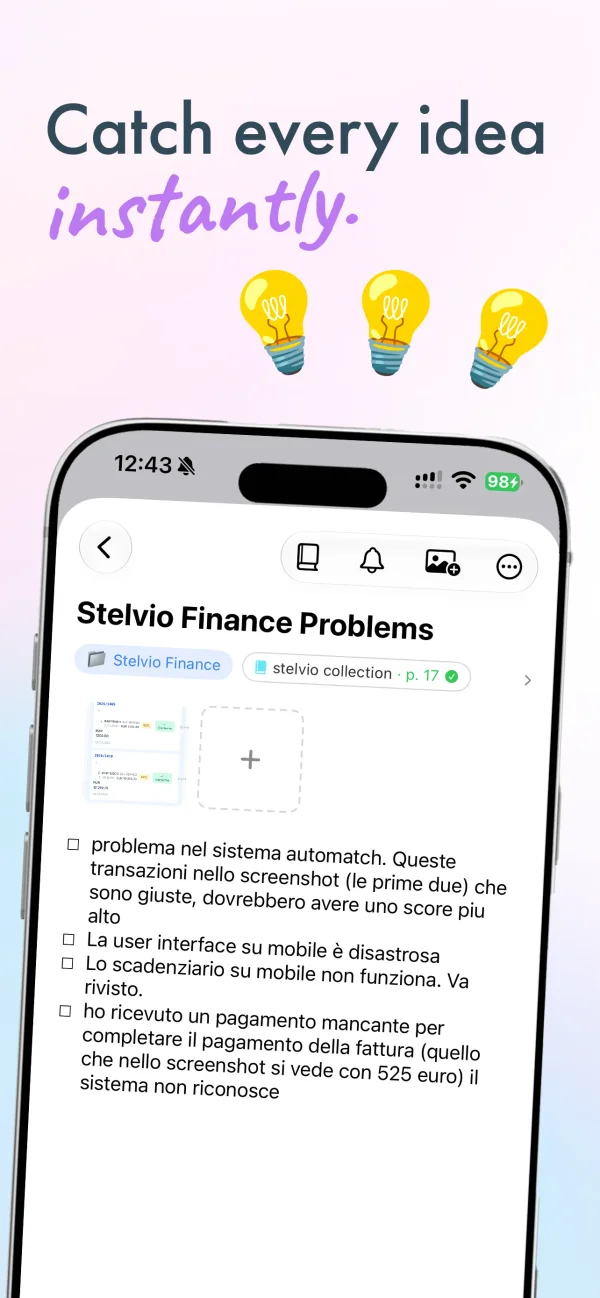
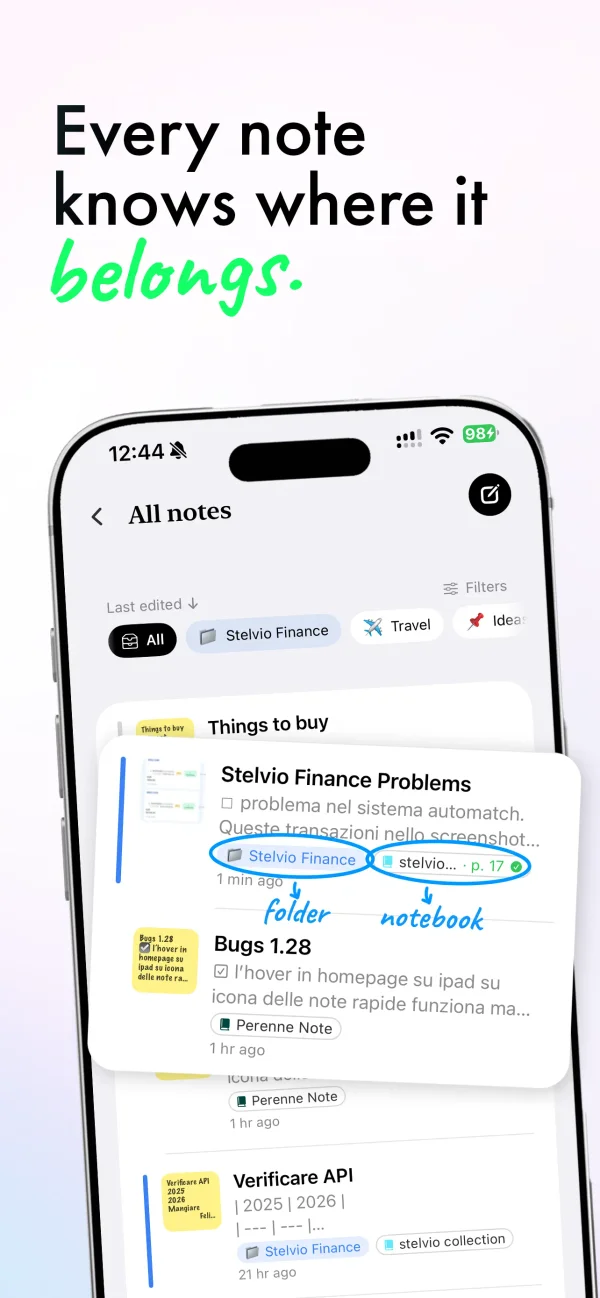
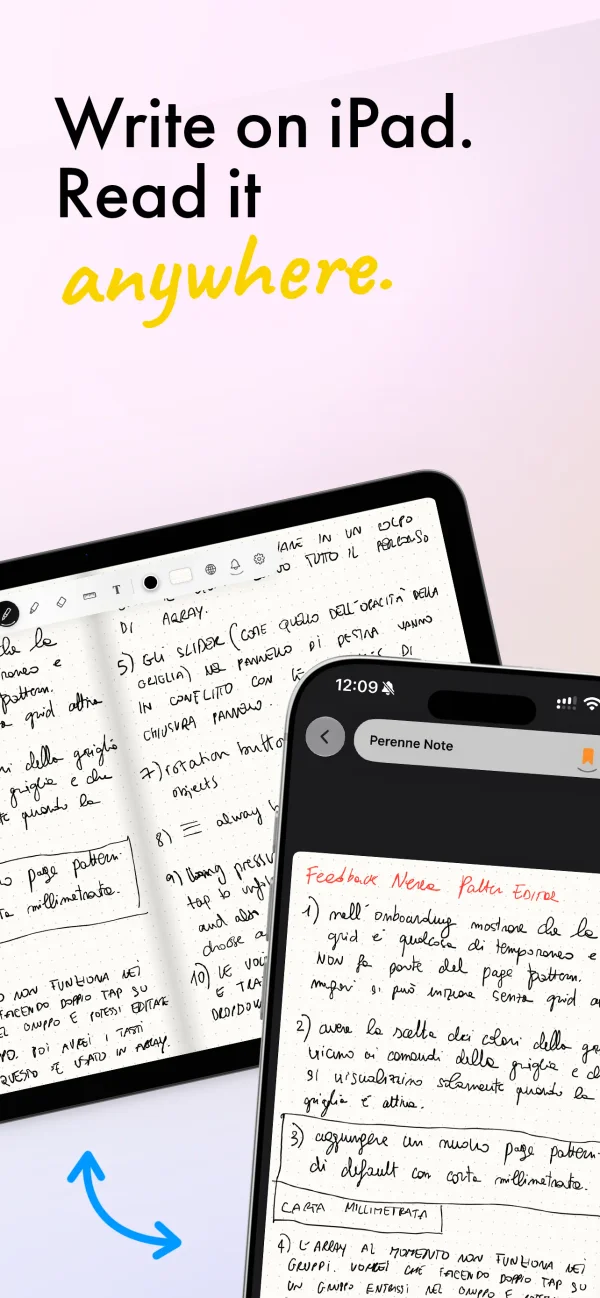
Your notebooks and planners in your pocket: flip through your pages as you wrote them, search everything and catch ideas on the go with quick notes. Text, checklists, tables, photos and audio, ready to place on the page back on your iPad.
REMINDERS THAT TAKE YOU BACK
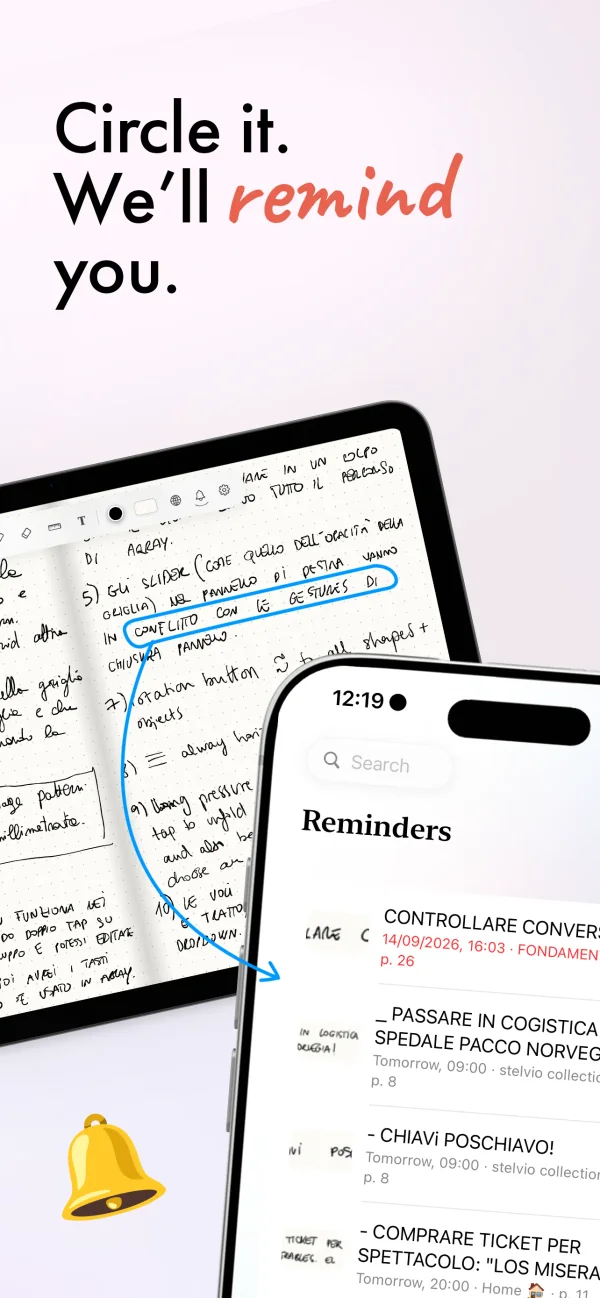
Circle anything with the lasso and set a reminder: the notification arrives with your handwriting and takes you right back to that page. One-time or repeating, in your Calendar too.
THE DESK
Around your notebook there's room for sticky notes, photos and text you want to keep in sight while you write. Write on the notes, draw on the photos, move, rotate and resize everything.
PRIVATE, NO ACCOUNT
No sign-up and no ads. Your notebooks and notes stay yours and sync between iPad and iPhone through your own iCloud. Export pages or whole notebooks as PDF or PNG anytime.
MADE TO FIT YOU
Toolbar at the top or bottom, controls on the side of your writing hand, gestures to undo, keyboard shortcuts. In 14 languages, ready for iOS 27 and iPadOS 27.
YOUR YEAR
Pages written, days in a row and, at the end of the year, an animated recap of everything you created.
TRY IT FREE
Start with a notebook and 6 pages to try everything, and try your first planner for free. Then it's your choice: a single notebook or planner as a one-time purchase, or a subscription for unlimited use, with a free week on the annual plan.
Privacy Policy: https://perenne.app/privacy-policy
Terms of Use (EULA): https://perenne.app/terms-of-service
What’s new
Version 2.0.2 · Nov 26, 2026
Perenne Note 2.0.2: print your notebooks.
- Print right from the app: choose a page, a spread, a range or the whole notebook, pages per sheet, paper, margins and actual size. A preview shows the sheet before you print. From the notebook menu or with ⌘P.
- Covers feel even more real: charms and tassels hang and swing as the cover opens, gold and silver foil catch the light while it turns, and every accessory now has real depth.
- Redesigned Japanese stab binding, with the thread wrapping around the spine.
- Photo covers get matching edges and inside, and covers look sharper on the most powerful iPads.
- In the cover editor you can turn the notebook and watch the accessories move.
- Lighter writing: every stroke now takes much less work from your iPad, so it uses less power while you write.
Improvements:
- A steadier, more precise Apple Pencil Pro palette
- Smoother notebook opening and less memory used by covers
- An updated first tour and various fixes
Thank you for your feedback. It makes the app better.
App privacy
What Nicholas Compagnoni declares on the App Store about how this app handles data.
-
Data not linked to you
May be collected but is not linked to your identity.
- Purchases
- Identifiers
- Usage data
- Diagnostics
Privacy practices may vary, for example with the features you use or your age.
Information
- Seller
- Nicholas Compagnoni
- Category
- Productivity
- Version
- 2.0.2
- Updated
- Nov 26, 2026
- Released
- Mar 30, 2026
- Size
- 66.9 MB
- Requires
- iOS 17.6 or later
- Age rating
- 17+
- Price
- Free
- In-app purchases
- Yes
- Languages
- English, Dutch, French, German, Indonesian, Italian, Japanese, Korean, Polish, Portuguese, Russian, Simplified Chinese + 2 more
- Copyright
- © 2026 perenne note
You might also like
-
 Simplify Notes: PDF NotebookHandwriting, Notes & Study
-
 Serious NotebookPrivate digital notebook
-
 Cosy NotesBeautiful handwritten notes
-
 SoloPen NotesWrite. Flip. Never Lose.
-
 Libreta: A NoteBook AppYour notes, as real books
-
 Inky Notes: Good Note takerApple Pencil note taking app
-
 PaperPad - Handwritten NotesDigital Notebook & Notepad
-
 Study notes & PDF - OneboardSync Notes, Markdown&Organize
-
 Pencil - PDF Notes with PencilHandwrite, Type, Draw, Mark Up
-
 AINotes: Note Taking & PDFHandwriting & Infinite Canvas