
- Age rating4+
- CategoryMusic
- DeveloperSounds for Life
- LanguagesEnglish
- Size66.3 MB
Links to the official App Store page
Download.org hosts no file of Sorbus. The button opens its official App Store page, published by Sounds for Life. Listing last checked on Nov 13, 2026.
Screenshots

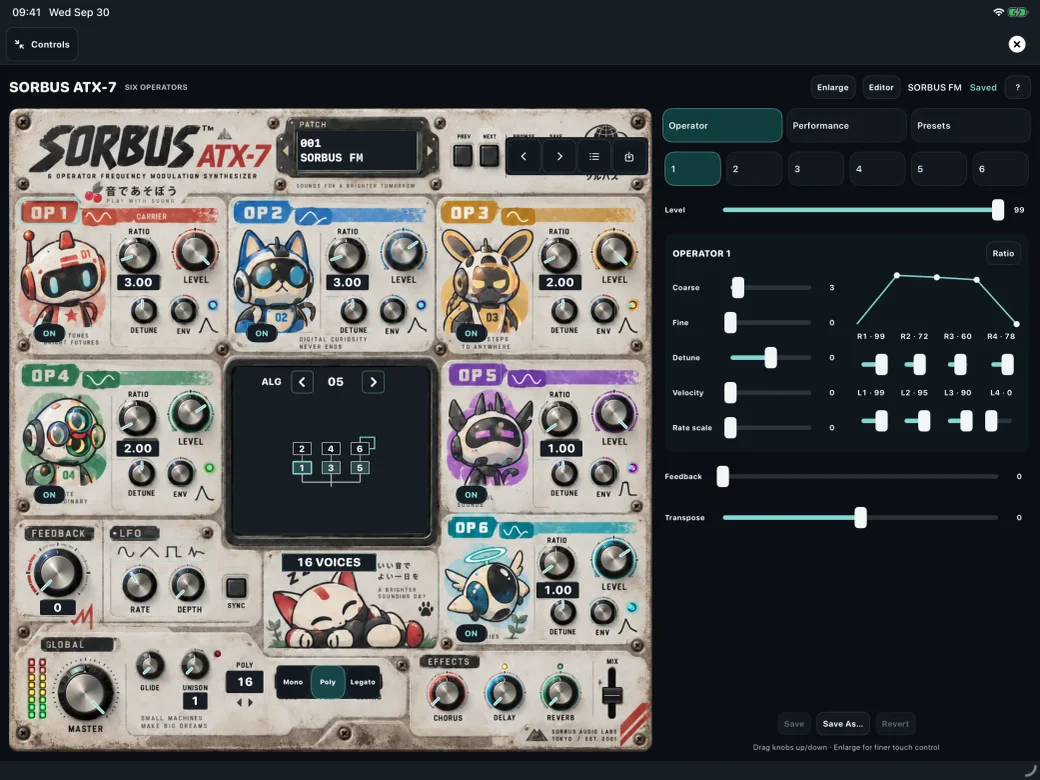

About
Sorbus is for musicians who hear possibilities wherever they are and want to capture ideas quickly and in a useful way. Built independently with a musician's curiosity at heart, Sorbus grows through experimentation.
Compose, arrange, record and explore sound on iPad, completely free.
MAKE A PIECE YOUR WAY
- Combine up to 16 Instrument, Drum, Audio and External MIDI tracks.
- Arrange blocks, duplicate groups and apply swing presets.
- Edit pitch, timing, length and velocity in Piano Grid. Choose Move, Length or Free gestures, with quantization and permanent transport controls.
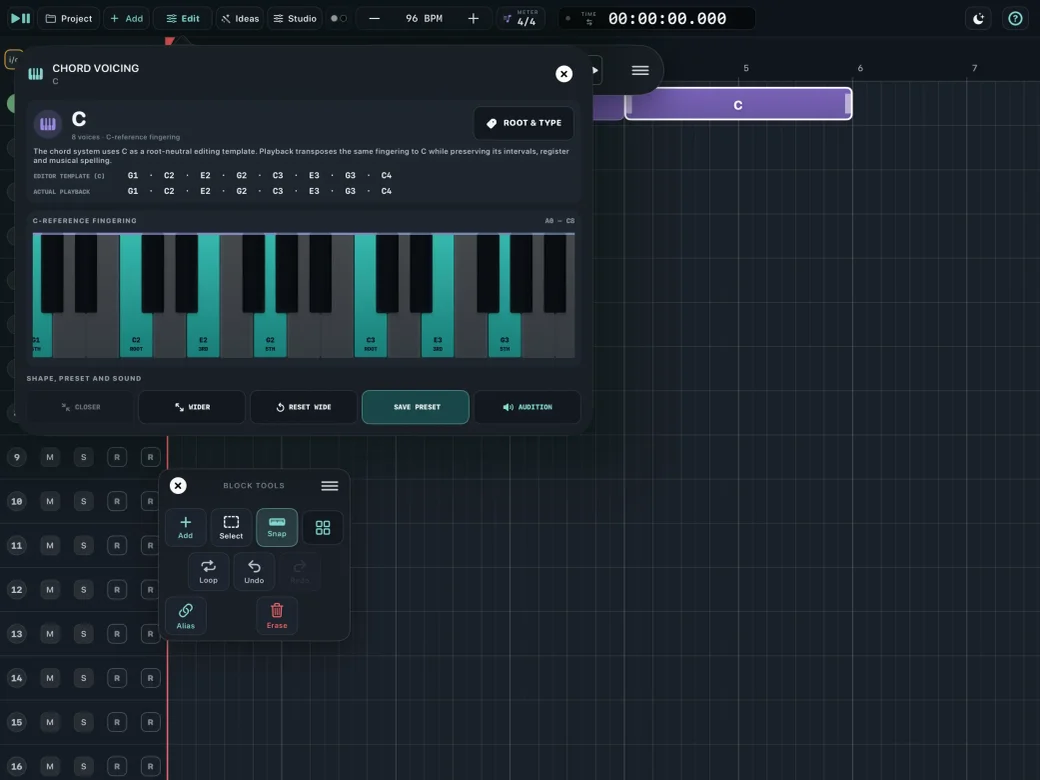
- Explore chords in Harmony with your lane sound or Piano preview, audition while playing, and add chords to the selected lane.
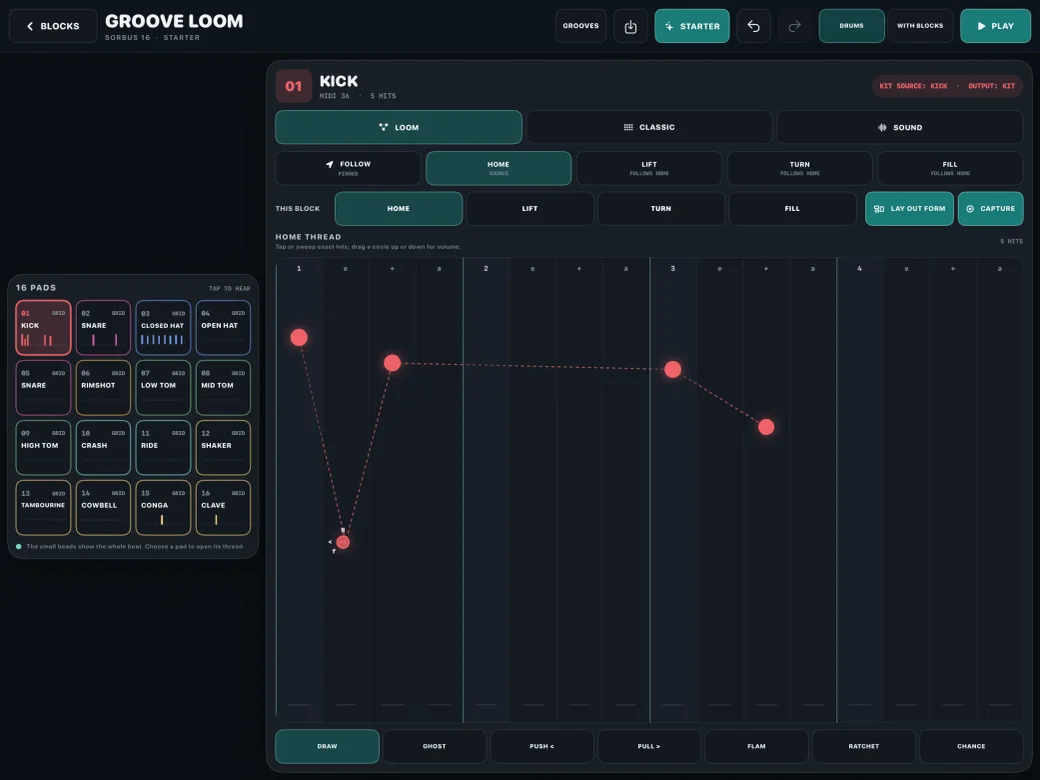
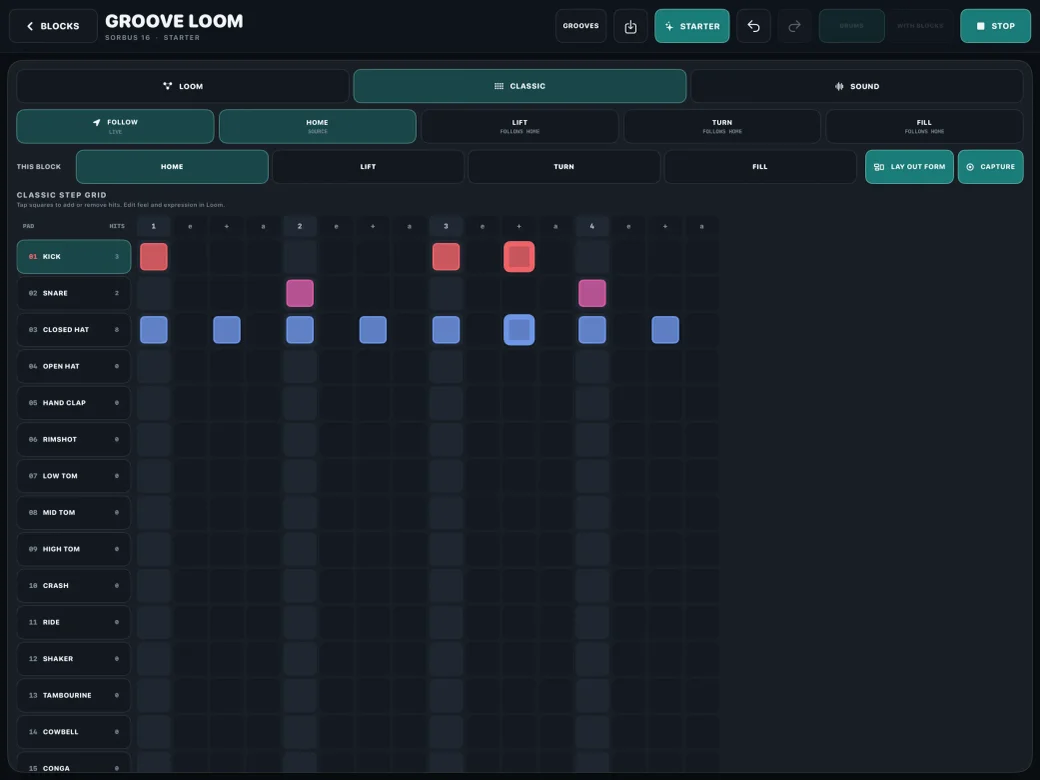
- Build rhythms in Groove Loom with ghost notes, push, pull, flams, ratchets and chance.
- Save projects in Files, import MIDI and export arrangement MIDI.
MAKE INSTRUMENTS FROM YOUR RECORDINGS
Sorbus Gather turns imported samples into playable instruments with key and velocity ranges, alternating takes, loops and three-layer Expression.
Gather Table has a free sample-sorting canvas and colored 88-key map. Import recordings or choose audio blocks from your project. Move, cut and split samples, drag blocks onto keys, extend their key ranges, and edit playable regions and fades in the waveform viewer.
RECORD AND KEEP PLAYING
Record a microphone, compatible USB audio input, another Sorbus track or the Master Mix. Choose an Audio lane's input and press transport Record, or use its R control to prepare first. Input Listen offers Auto, On and Off, with a clear listening status. Monitoring depends on the available input and a suitable output route.
Track capture includes effects, volume and pan. Master capture excludes its destination lane and includes the click when the metronome is on. Keep playback running through ordinary edits and compatible instrument, effect and internal routing changes.
MIX AND EXPLORE
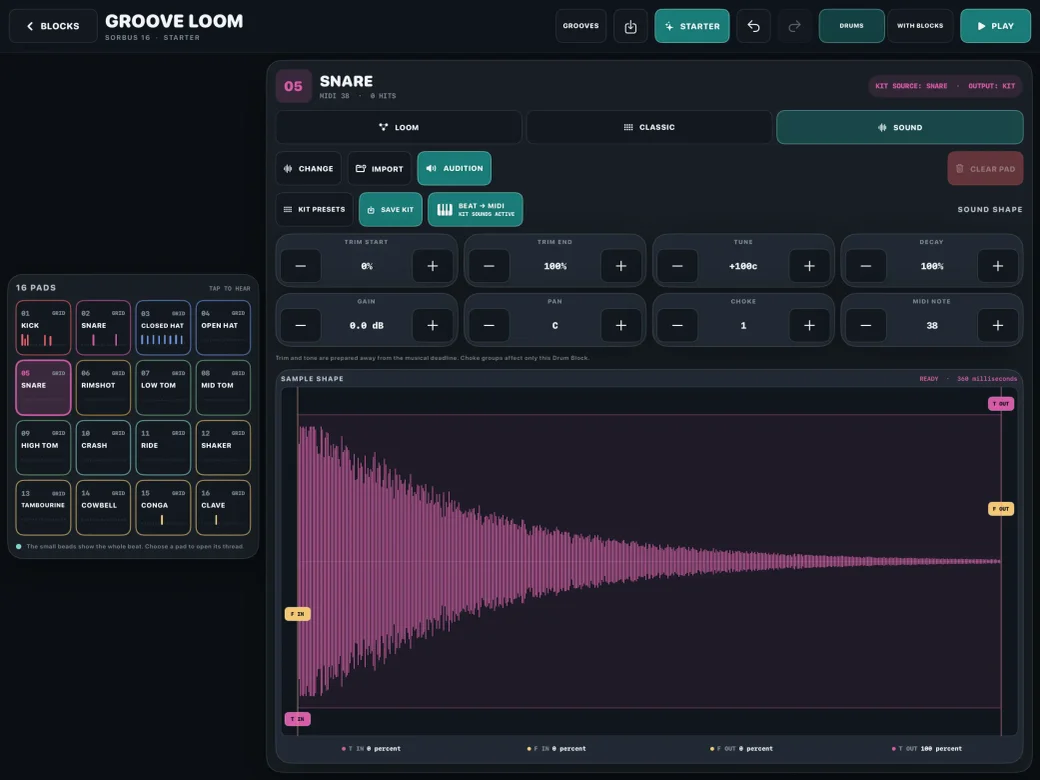
Each instrument track owns its sound: Piano, Air, Sorbus ATX-7, Gather, Gather Table, drums or an installed Audio Unit. Drum tracks share a kit with waveforms, sound shaping and MIDI learn.
Arrangement and Mixer share names, colors and selection. See all 16 mixer channels together, with signal lights and independent track effects.
Galactic Whisper combines convolution-based ambient textures, Freeze and custom WAV impulses. Afterimage reshapes its character through live movement, with Intensity and a spectrogram. Sorbus EQ shapes your mix. Larry's Dirt / Box Distortion adds pedal grit, while Sorbus Amp offers clean and driven amplifier characters, cabinet shaping and feedback.
CONNECT YOUR SETUP
System Routing shows MIDI and audio paths with signal-responsive cables and control shortcuts. Both audio routing screens include Play, Stop and Back. Remove unused remembered devices when no current project route depends on them.
Send External MIDI tracks to several destinations and other Sorbus instruments. Set channel overrides, transpose and key ranges per connection. Use Bluetooth MIDI, independent MIDI Sync In/Out, MIDI Clock and MTC. Choose supported USB output pairs directly, and host compatible AUv3 instruments and effects.
Studio's Gear Library supports OP-1 Field drum-kit import and transfer, plus OP-XY sample downloads and supported native drum-preset backup and transfer. Compatible USB/MTP connections are required. Upload support targets OP-1 Field 1.7.3 and OP-XY 1.1.25; native OP-XY presets are not imported as editable Sorbus kits.
COMPLETELY FREE
All 16 tracks and current features are included, with no purchase reminders, paid upgrade or subscription. Compose, record and explore sound without an unlock or receipt check. Existing purchasers keep the same full app and their projects.
For iPad in landscape, with iPadOS 18 or later. External hardware and an M-series chip are optional. Built-in instruments and effects are not separately distributed AUv3 plug-ins.
What’s new
Version 1.6 · Oct 15, 2026
Sorbus is now completely free.
- All tracks and current features are included for everyone.
- Purchase reminders and the Full App purchase screen have been removed.
- No purchase, subscription or restore step is needed to use the app.
- Existing projects and previous purchasers keep the same unrestricted features.
Thank you for making music with Sorbus.
App privacy
What Sounds for Life declares on the App Store about how this app handles data.
-
Data not collected
The developer does not collect any data from this app.
Privacy practices may vary, for example with the features you use or your age.
Information
- Seller
- Ian Clay
- Category
- Music
- Version
- 1.6
- Updated
- Oct 15, 2026
- Released
- Sep 11, 2026
- Size
- 66.3 MB
- Requires
- iOS 18.0 or later
- Age rating
- 4+
- Price
- Free
- Languages
- English
- Copyright
- © 2026 Ian Clay
You might also like
-
 TonkroSampler, Synth & Beat Studio
-
 Waveguide FluteMusic
-
 VoltageControlEurorack controller in the DAW
-
 Sampledex DAWDigital Audio Station
-
 Cawing_NamNAM amp player & Audio Unit
-
 Arch Carrier Instrument LabDraw shapes. Play their sound.
-
 Deck LitePick a plugin. Plug in. Play.
-
 FrankenJazzJazz Progression Workshop
-
 TRACE: Sampler & FXSampler, scenes and touch FX
-
 Scouter SynthMobile Retro Tracker