- Age rating4+
- CategoryUtilities
- DeveloperTOON,LLC
- LanguagesEnglish
- Size624.0 KB
Links to the official App Store page
Download.org hosts no file of Sound Level Analyzer. The button opens its official App Store page, published by TOON,LLC. Listing last checked on Nov 12, 2026.
Screenshots



About
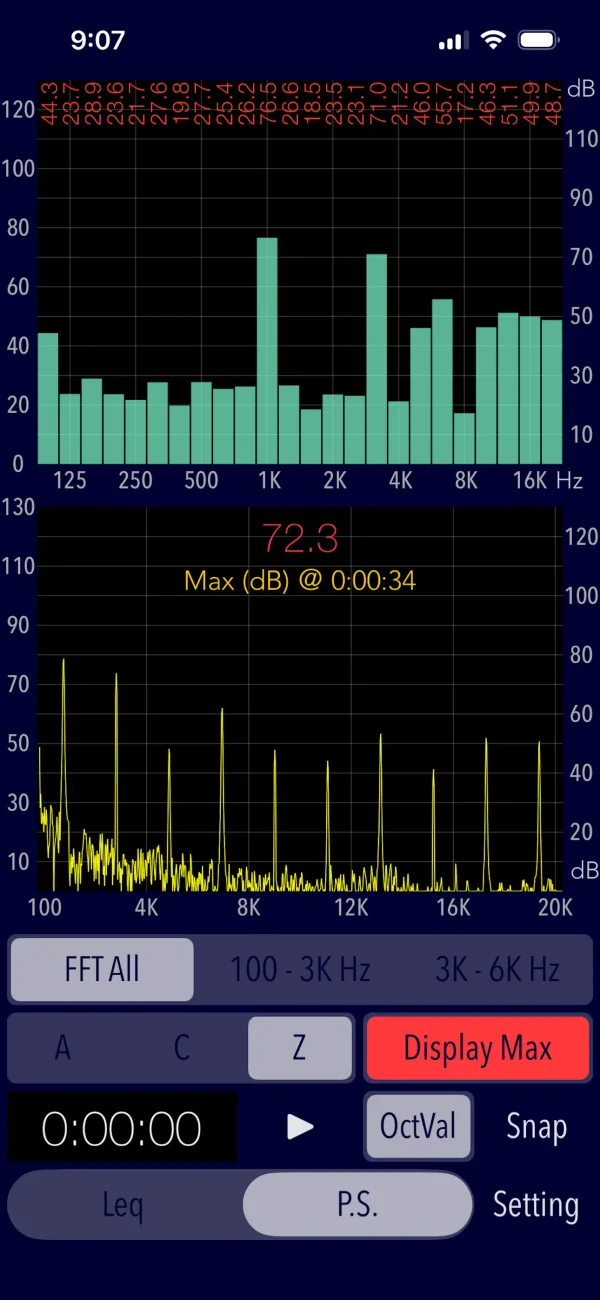
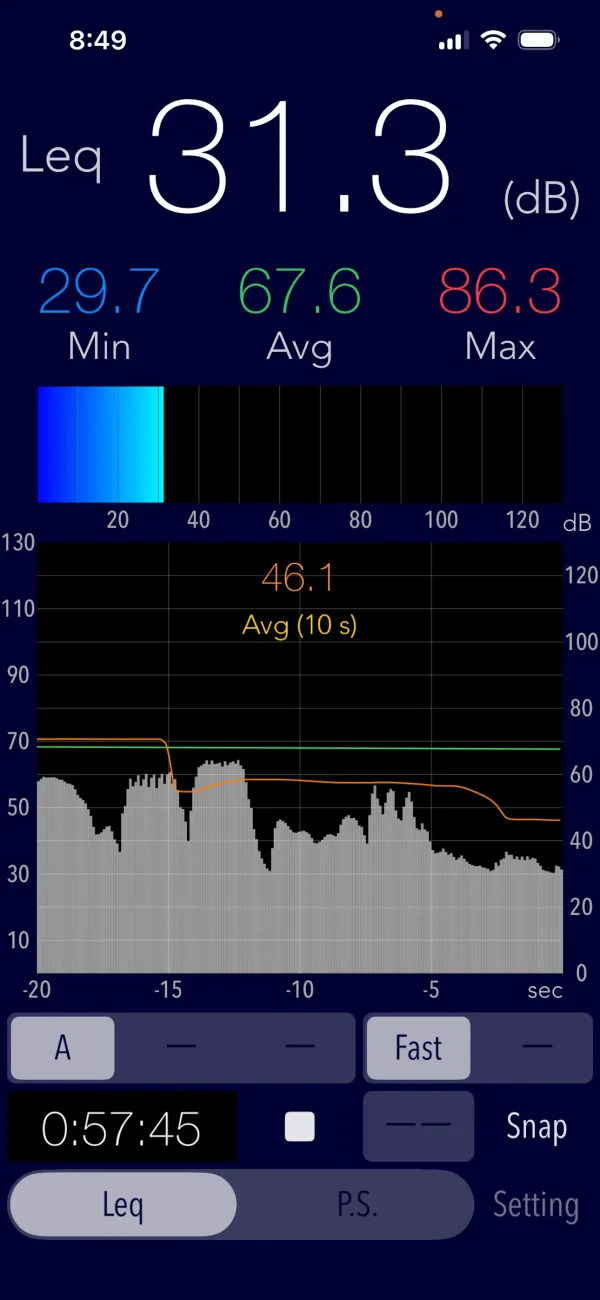
"Sound Level Analyzer" is the standard sound level measurement app with sound frequency analysis tools.
It is available for a wide variety of applications, such as measuring ambient noise in neighborhoods, testing audio systems, checking interior noise in vehicles, checking sound at live events, and much more.
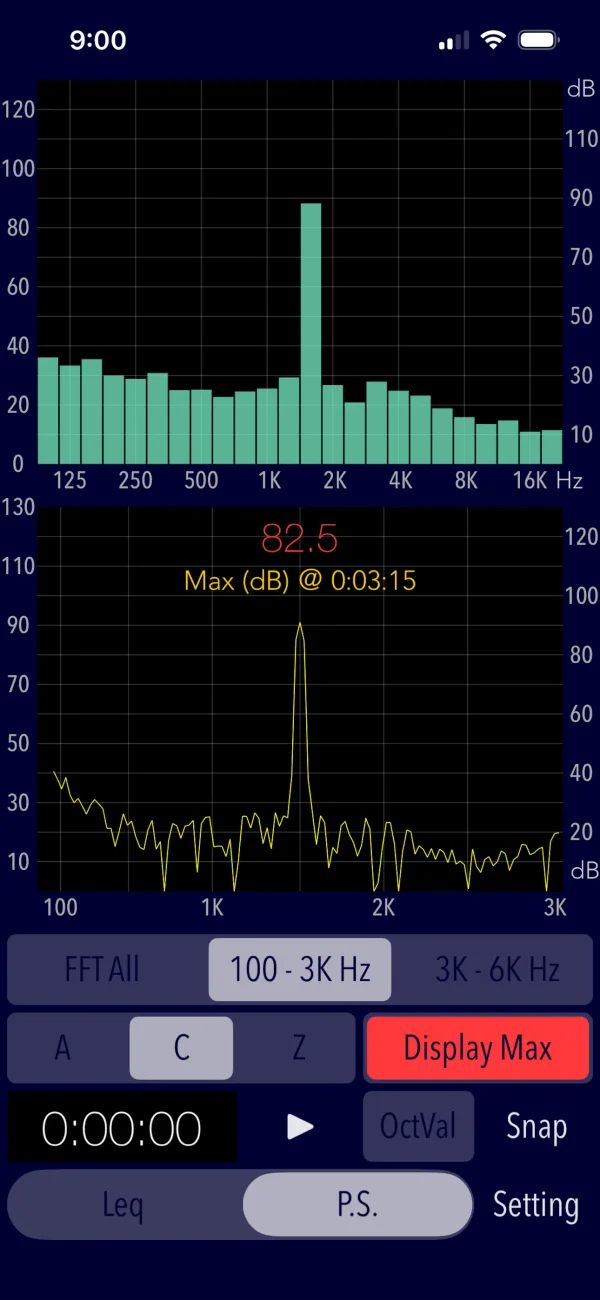
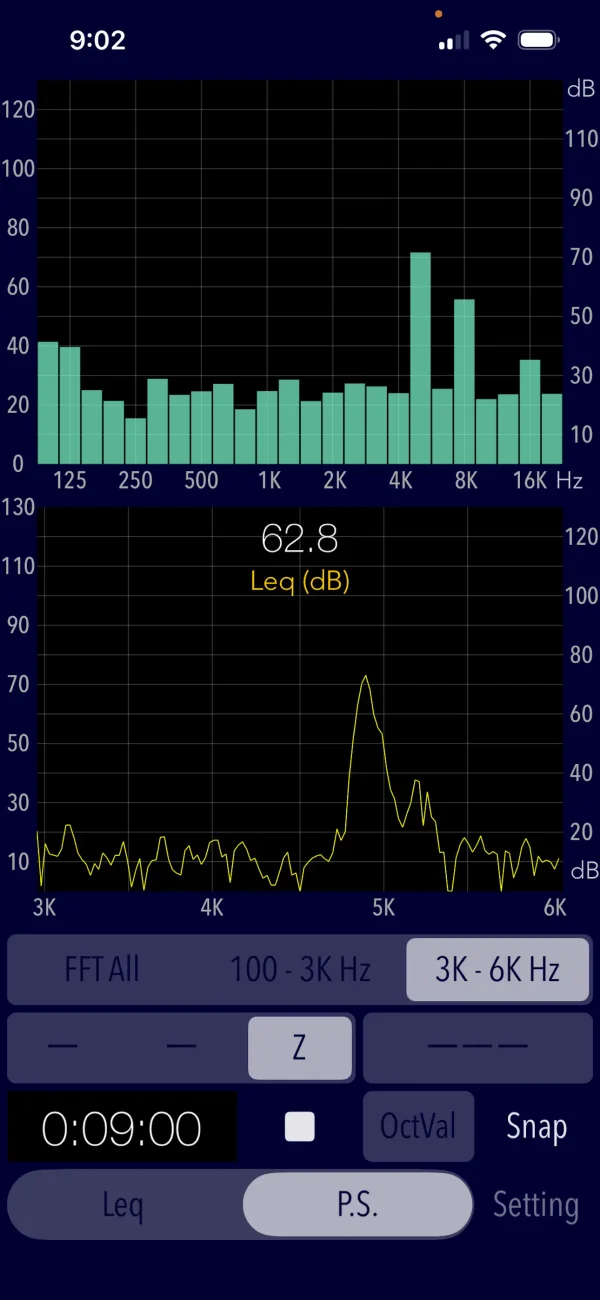
"Sound Level Analyzer" has additional analysis features, which are time graph, real-time frequency spectrum analyzer (RTA) and FFT analyzer. It can be used to analyze sound source characteristics.
Features:
# Measurement and Analysis functions
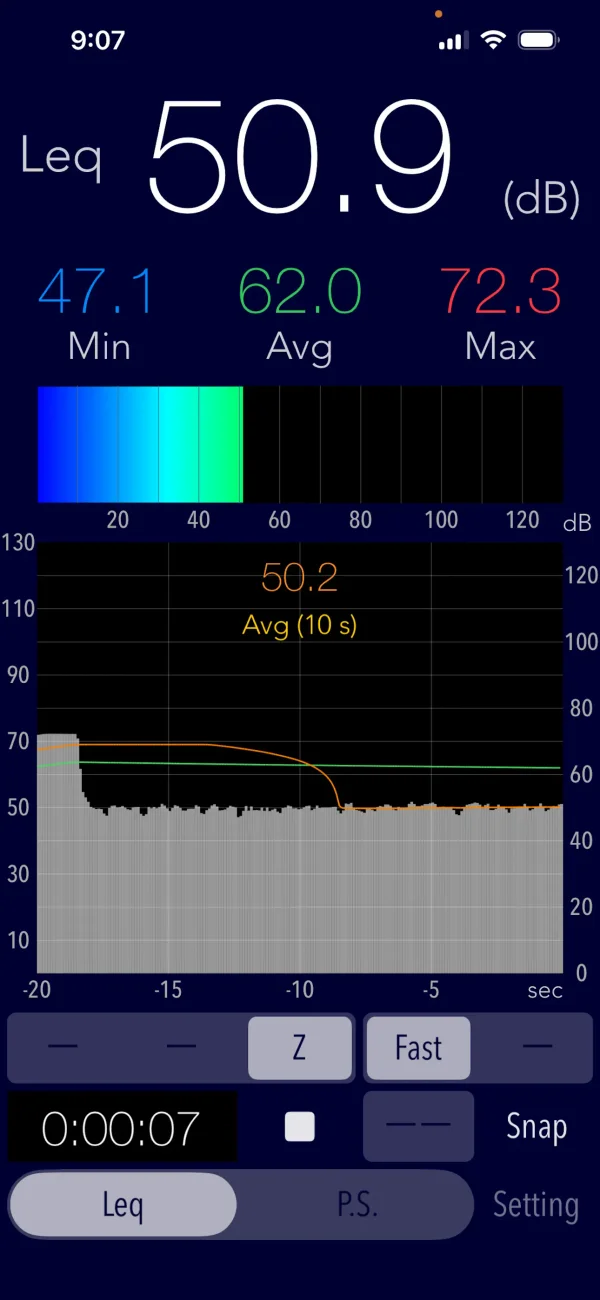
Main (Leq): Sound level measurement (real-time display)
- Sound level measurement (dB): Leq (equivalent noise level), Min (minimum value), Max (maximum value), Avg (time average equivalent noise level)
- Frequency weighting correction characteristics: A (for noise level meter), C (for sound level measurement), Z (no correction)
- Time weighting characteristics: Fast = 0.125 sec, Slow = 1.0 sec
Power Spectrum (P.S.): View of frequency spectrum analysis (real time display)
- Spectrum analyzer function: FFT analysis, 1/3-octave band response analysis.
- FFT frequency range settings: 100Hz - 20kHz (FFT all) / 100Hz - 3kHz / 3k - 6kHz
- Measured value display function in 1/3 oct band response analysis. (OctVal)
- Power spectrum display function at the time of occurrence of Max. (Display Max)
# Control functions
- Calibration: level correction value setting, -20 to +20dB
- Measurement timer: 1 minute / 5 minutes / 10 minutes / 15 minutes / 20 minutes / 30 minutes / 1 hours
- Snapshot (Snap): Save measurement display with time stamp to Photos.
Applications:
- Live Sound
- Environmental noise measurement
- Installation of audio equipment
- Tuning of audio equipment
- Architectural acoustics
- Broadcast
- Device management
Example of the noise level situation:
- 130dB: Engine sound of Airplane
- 110dB: Horn of Car
- 100dB: Noise of passing train
- 90dB: In loud factory
- 80dB: In the train, Vacuum cleaner
- 70dB: Noisy office, Noisy Street
- 60dB: Quiet Car, Normal conversation
- 50dB: Quiet office
- 40dB: In the library, Quiet residential area
- 30dB: Outskirts of midnight, Whisper
- 20dB: Sounds of rubbing leaves
Note: The first time the app accesses the built-in microphone and Photos after installation, the iOS system will ask you for permission to access them. If you have not enabled this setting, the application will not be able to access them due to iOS system privacy restrictions. Please enable the access permission in the iOS setting "Settings > Privacy & Security > Photos or Microphone".
Please visit our iOS app support page for more information on this app.
What’s new
Version 9.1 · Jul 26, 2026
- Improved internal processing and performance.
App privacy
What TOON,LLC declares on the App Store about how this app handles data.
-
Data not collected
The developer does not collect any data from this app.
Privacy practices may vary, for example with the features you use or your age.
Information
- Seller
- TOON,LLC
- Category
- Utilities
- Version
- 9.1
- Updated
- Jul 26, 2026
- Released
- Jun 10, 2014
- Size
- 624.0 KB
- Requires
- iOS 26.2 or later
- Age rating
- 4+
- Price
- $7.99
- Languages
- English
- Copyright
- © TOON,LLC
You might also like
-
 RTA ProAudio Spectrum Analyzer
-
 G+LiveUtilities
-
 RotONUtilities
-
 Unwrap - Zip & RAR ExtractorPreview, extract & compress
-
 Dialing Code: Country PrefixFlags, maps & local time
-
 QalculatorUtilities
-
 Aligna - File RenamerBatch rename with simple rules
-
 AudioAnalyzerHTUtilities
-
 JustRuler - 実寸定規Ruler, level & protractor
-
 Level: Sound Level MeterSet & Match Speaker Levels