
- Age rating4+
- CategoryMusic
- DeveloperKawai Musical Instruments Manufacturing Co., Ltd.
- LanguagesEnglish
- Size14.6 MB
Links to the official App Store page
Download.org hosts no file of Sound Museum. The button opens its official App Store page, published by Kawai Musical Instruments Manufacturing Co., Ltd. Listing last checked on Nov 15, 2026.
Screenshots
About
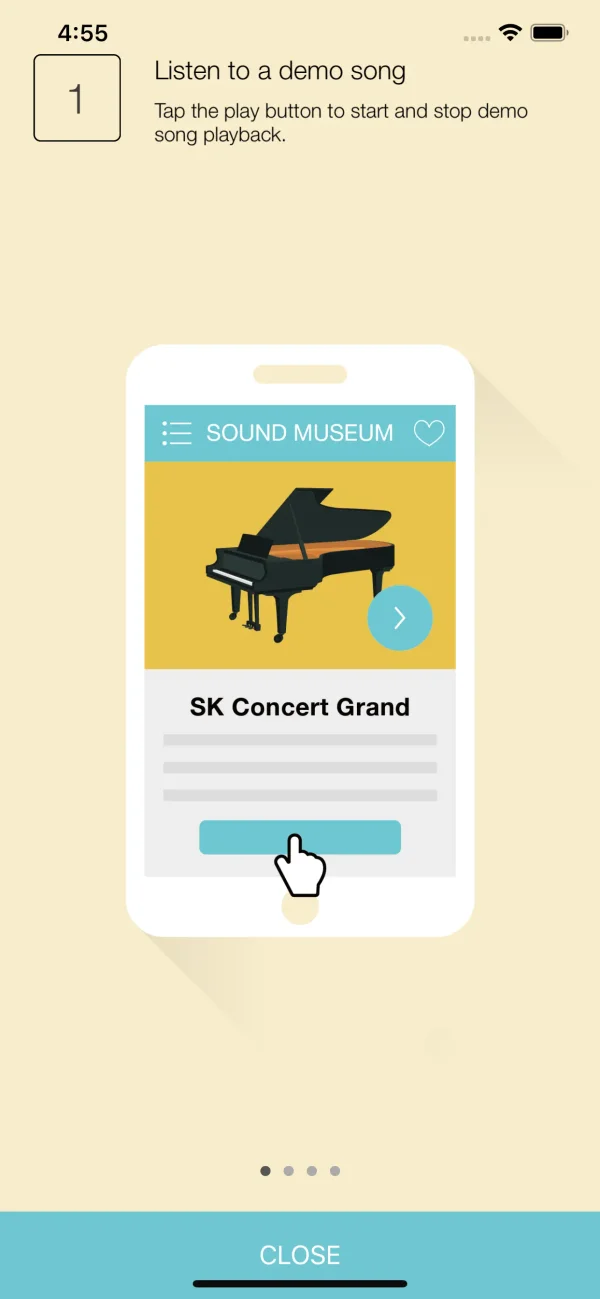
Learn about the various instrument sounds included with your Kawai digital piano, listen to inspirational song demos, select Dual and Split playing modes, and store favourite sounds - all from a beautiful touch interface.
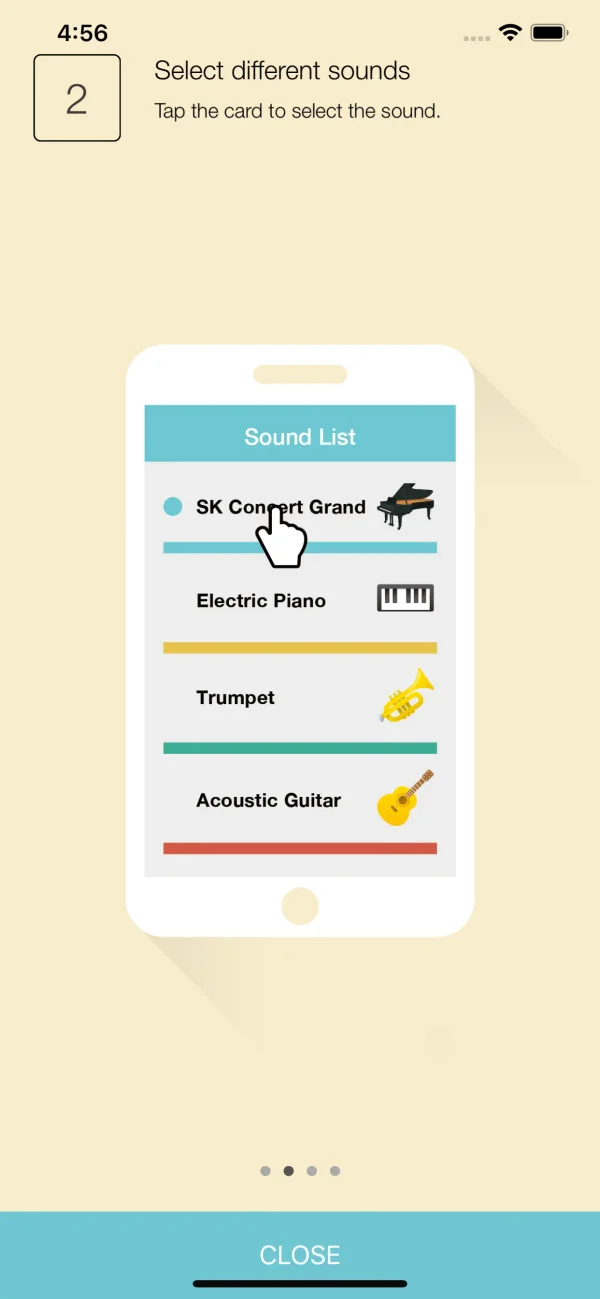
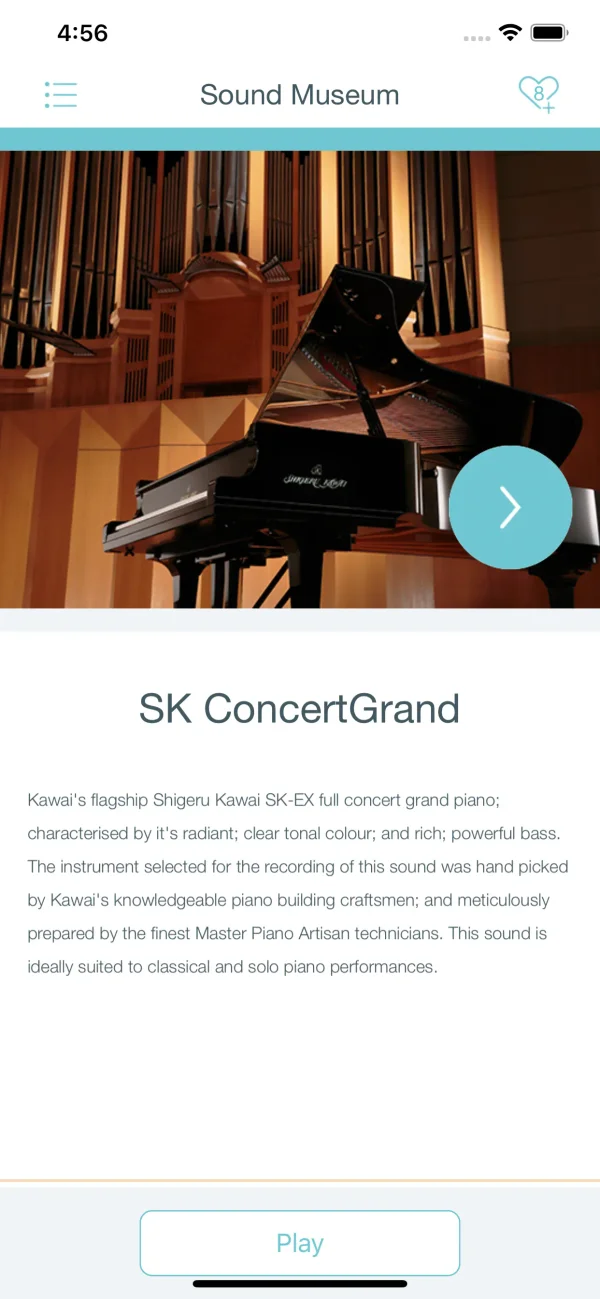
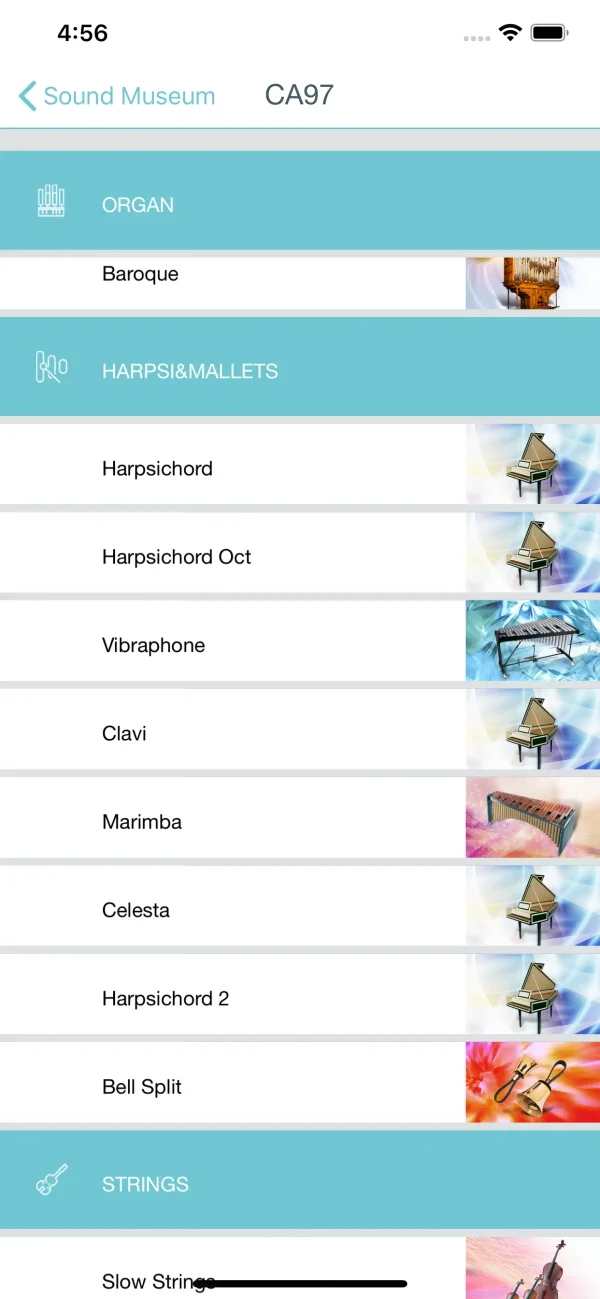
Sound Museum is musical instrument learning app developed especially for Kawai digital pianos, providing an opportunity for players of all levels to explore the various instrument voices available in their piano. Using the attractive touch interface, players can easily select sounds, read about each instrument's tonal characteristics and suitable musical genre, and listen to professionally recorded demonstration pieces.
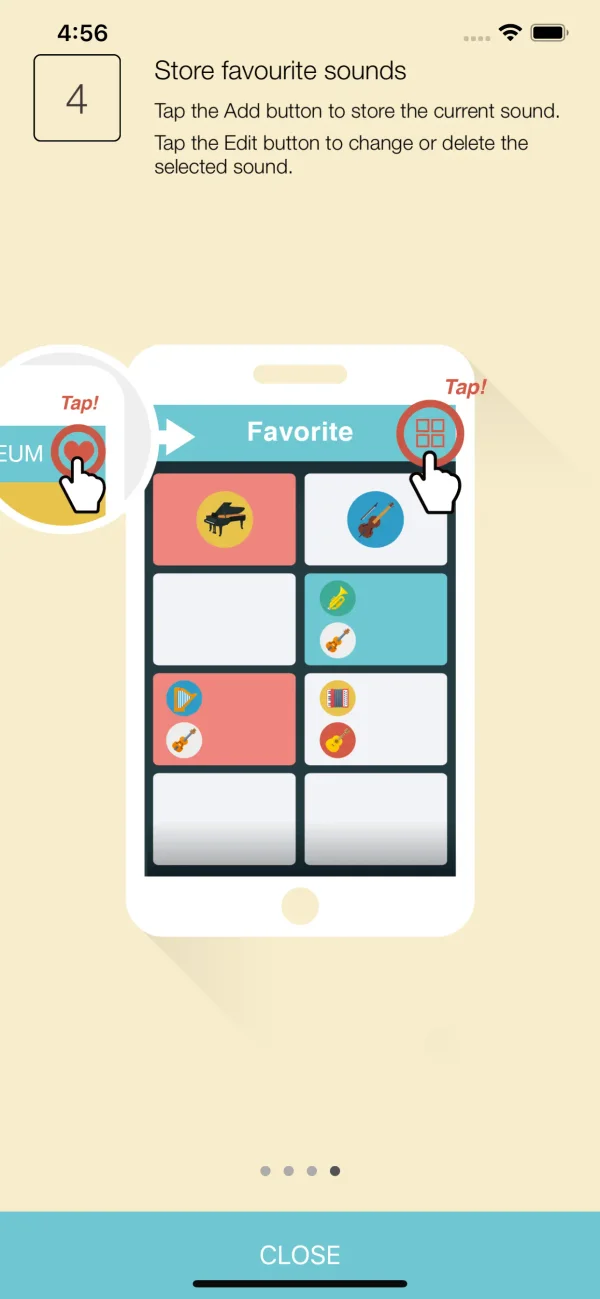
It's also possible to use Sound Museum to select sound combinations for Dual and Split playing modes, adjusting the volume balance and split point as desired. Popular sounds or sound combinations can even be stored to one of eight Favourite memories for convenient recall at a later date.
Sound Museum is compatible with a broad range of Kawai digital pianos, and fully supports the Quicco Sound mi.1 Bluetooth MIDI interface for cable-free wireless connectivity.
Feature Summary
===============
- Learn about the musical instrument sounds available in Kawai digital pianos.
- Listen to built-in demonstration songs and new musical performances.
- Select Dual and Split playing modes and adjust relevant settings.
- Store popular sounds to Favourite memories for convenient recall.
- Connect wirelessly using the Quicco Sound mi.1 Bluetooth MIDI interface.
Compatible models:
Kawai CN39/CN29/CN37/CN27/CN17/CN35/CN25/CN14/KDP110/KDP90/KDP70, CS11/CS8, ES8/ES100/ES110, CA58/CA48/CA28/CA97/CA67/CA17/CA33
\* The 'Lightning to USB Camera Adapter', 'Lightning to USB 3 Camera Adapter', or 'Apple iPad Camera Connection Kit' accessory is required in order to connect an iOS device to the Kawai digital piano using a USB cable. It is also possible to connect the iOS device wirelessly using the Quicco Sound 'mi.1' Bluetooth MIDI interface.
\* When connecting via Bluetooth MIDI using an iPhone 7/iPhone 7 Plus, the CN37, CN27, ES110, and QuiccoSound mi.1 may need to be updated to the latest BLE MIDI firmware in order to function correctly.
What’s new
Version 1.0.16 · Jan 11, 2026
Minor fixes
App privacy
What Kawai Musical Instruments Manufacturing Co., Ltd. declares on the App Store about how this app handles data.
-
Data not collected
The developer does not collect any data from this app.
Privacy practices may vary, for example with the features you use or your age.
Information
- Seller
- Kawai Musical Instruments Manufacturing Co., Ltd.
- Category
- Music
- Version
- 1.0.16
- Updated
- Jan 11, 2026
- Released
- Oct 6, 2016
- Size
- 14.6 MB
- Requires
- iOS 9.0 or later
- Age rating
- 4+
- Price
- Free
- Languages
- English
- Copyright
- © 2026 Kawai Musical Instruments Manufacturing Co., Ltd.
You might also like
-
 Music Burst - Play InstrumentsPiano Drums Guitar & Saxophone
-
 Colossus PianoExtremely Realistic Piano App
-
 bismark bs-16iSoundFont / DLS Sample Player
-
 Piano DesignerMusic
-
 Mellowsound - Vintage SamplerAUv3 & MIDI Instruments
-
 Digital Piano Controller - USMusic
-
 Tabla Drums Dhol Piano GuitarPlay Instruments with musics
-
 Instruments FreeKids' musical picture book
-
 iGrand Piano CSMusic
-
 SampleTank CSSound and groove workstation