
Spatial Collage - Photo Maker
3D Spatial Collage Maker
Designed for iPhone, iPad
Free · In-app purchases
- Age rating4+
- CategoryPhoto & Video
- DeveloperAbhinandan Chakraborty
- LanguagesEnglish
- Size17.3 MB
Links to the official App Store page
Download.org hosts no file of Spatial Collage - Photo Maker. The button opens its official App Store page, published by Abhinandan Chakraborty. Listing last checked on Nov 12, 2026.
Screenshots

About
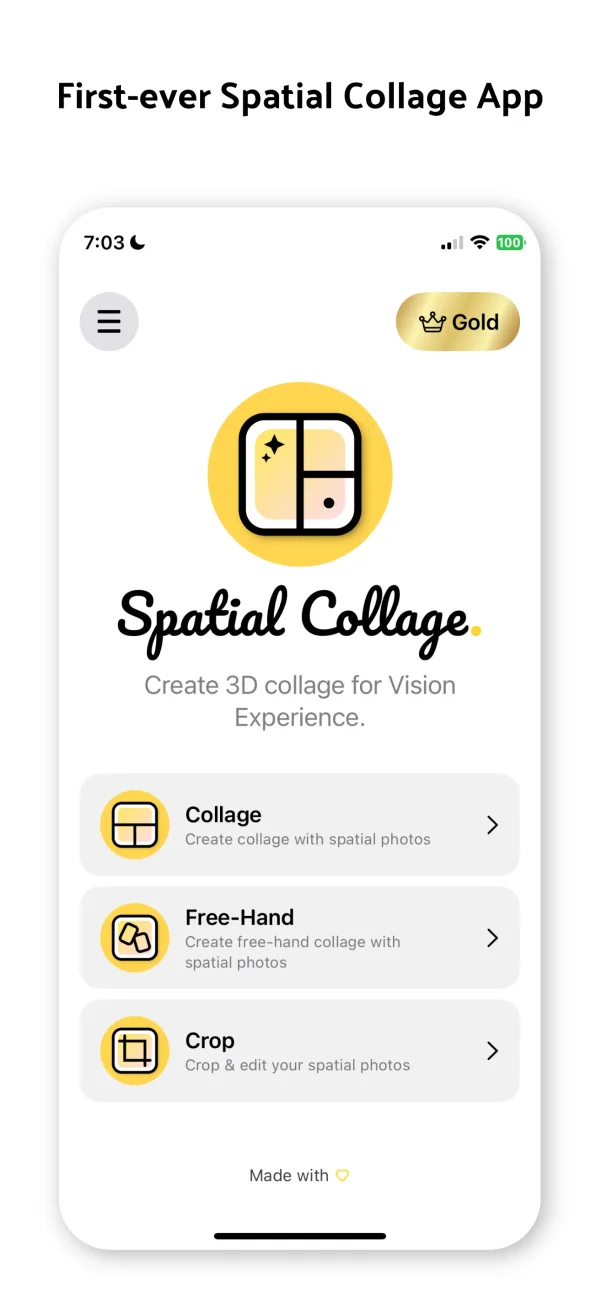
Unleash Your Spatial Vision in 3D: Introducing Spatial Collage!
Revolutionise collage creation with Spatial Collage, the groundbreaking app that lets you build stunning 3D collages on your Apple Vision, iPhone, iPad, and even your Mac running on Apple Silicon.
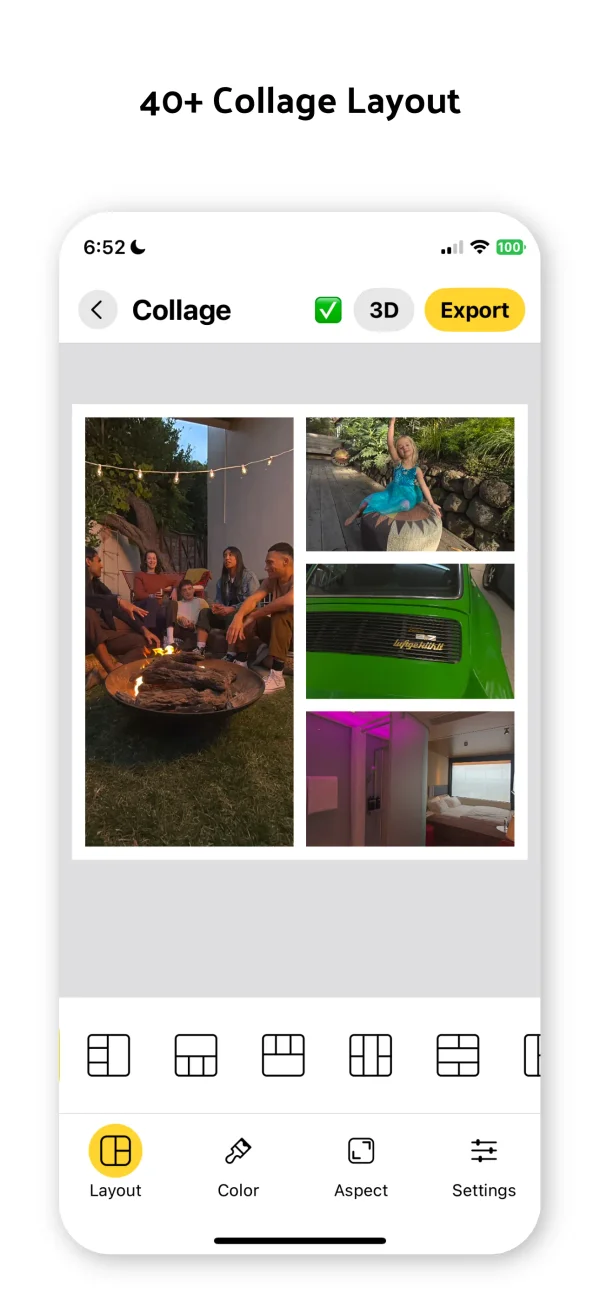
COLLAGE:
With more than 40 different collage layouts and sizing options, you can create a wide variety of spatial collages. Use a background image or color to bring your collage to life. You can also add a spatial photo as the background of your collage.
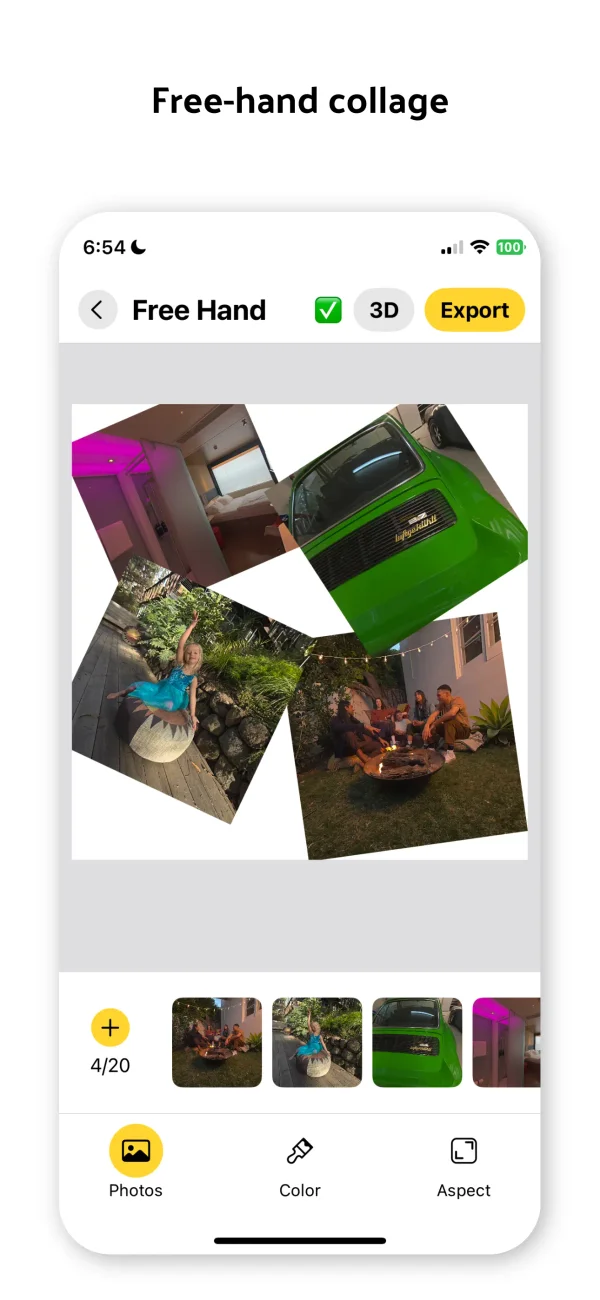
FREE-HAND COLLAGE:
Free-hand collage lets you drag and drop collages anywhere on your canvas. We support up to 20 images. You can use various sizing options to ensure your canvas fits your needs. Use a background image or color to bring your free-hand collage to life. You can also add a spatial photo as the background of your collage.
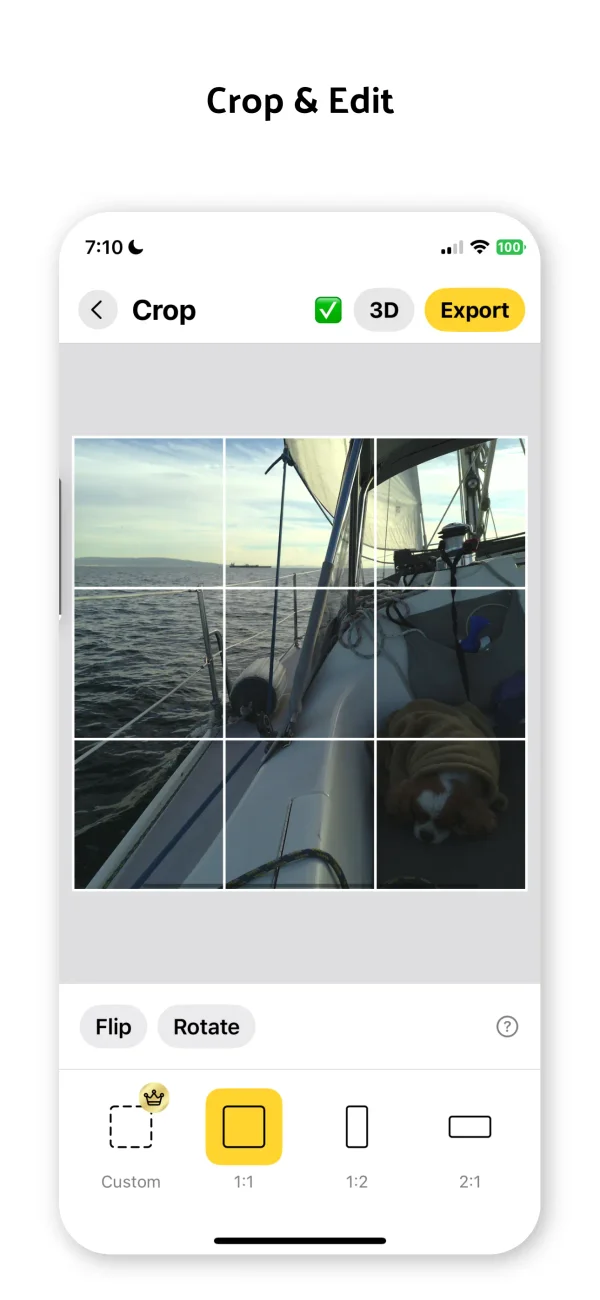
CROP:
Crop your spatial photo to your desired dimensions for an optimal spatial experience. You can also rotate, zoom, or flip your spatial photo to adjust it to your needs.
PHOTO FILTER:
Now you can apply various photo filters to your spatial photos. You can also undo your edits. You can increase or decrease the brightness, contrast, and saturation of your spatial photo.
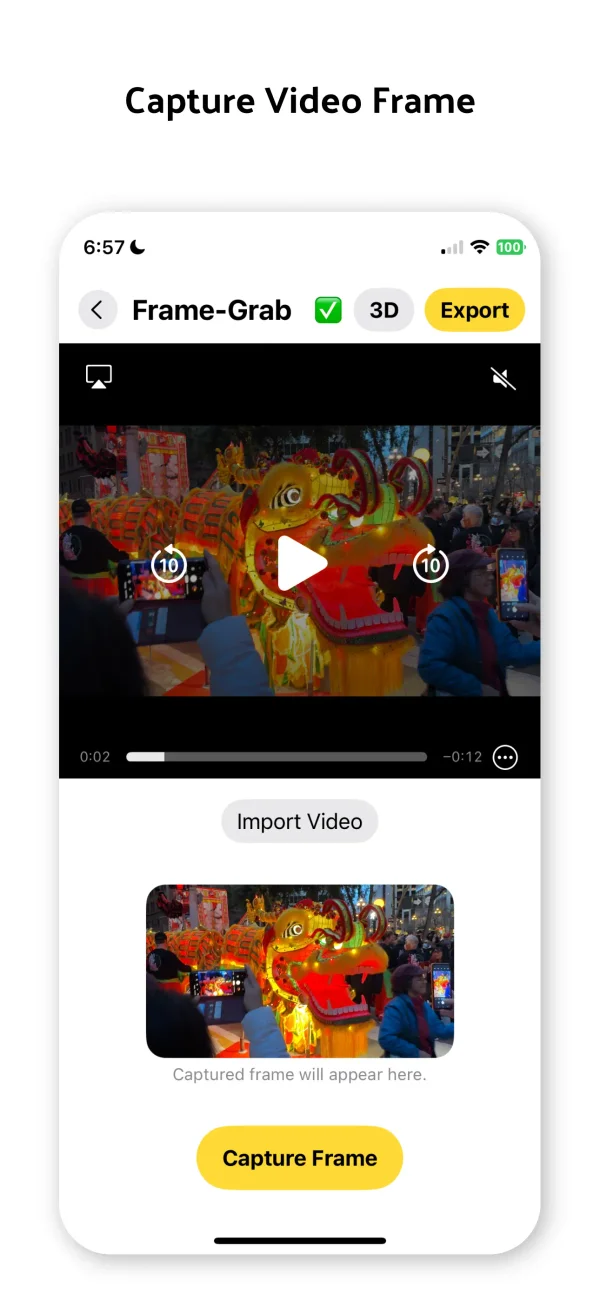
FRAME-GRAB:
You can use this feature to extract a frame from your spatial video and save it as a spatial photo or side-by-side 3D photo.
OTHER FEATURE
--> Fully compatible with 2D photos.
--> Experience 3D preview (Apple Vision supports immersive preview).
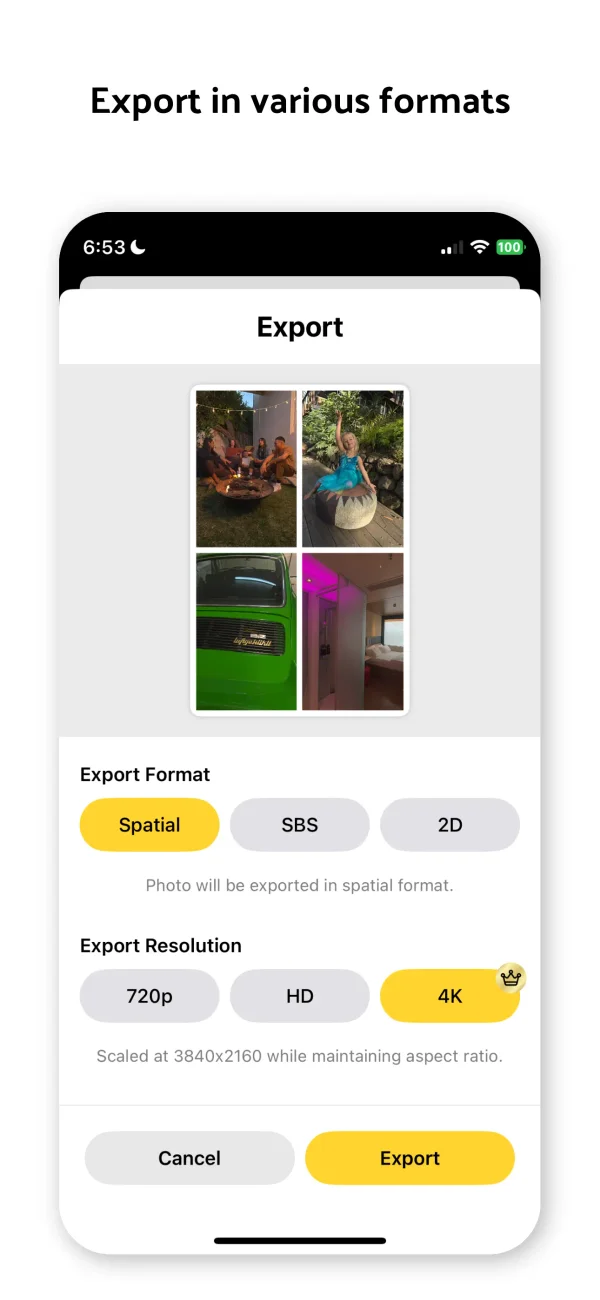
--> Export your creation in Spatial format or Side-by-side (SBS) format or in plain 2D format.
--> Zero ads.
--> Works completely offline.
Gold Subscription Features:
--> Unlock all collage layouts.
--> Add upto 20 images in Free-hand collages.
--> Add custom background image (including spatial photo) on your canvas.
--> Export in 4K.
--> Helps us to keep our app Ad-free.
Gold Subscription comes with 2 plans (Price may vary based on country)
1. Weekly Plan - Access Gold features for just $4.99 USD per week
2. Monthly Plan - Access Gold features for just $9.99 USD per month
You can upgrade and downgrade between these plans at anytime. You can also cancel subscription at anytime from your Apple account.
Terms of Use
https://waspchat.com/spatialcollage/terms
Privacy Policy
https://waspchat.com/spatialcollage/policy
Download "Spatial Collage" today and unlock a whole new world of creative expression!
What’s new
Version 1.4 · Jan 7, 2025
Update v1.4:
- Fixed importing spatial photo from iPhone 16 line-up.
- Fixed exporting spatial photo.
- Improved Spatial Preview on Apple Vision.
App privacy
What Abhinandan Chakraborty declares on the App Store about how this app handles data.
-
Data not linked to you
May be collected but is not linked to your identity.
- User content
- Usage data
- Diagnostics
Privacy practices may vary, for example with the features you use or your age.
Information
- Seller
- Abhinandan Chakraborty
- Category
- Photo & Video
- Version
- 1.4
- Updated
- Jan 7, 2025
- Released
- Jul 4, 2024
- Size
- 17.3 MB
- Requires
- iOS 18.0 or later
- Age rating
- 4+
- Price
- Free
- In-app purchases
- Yes
- Languages
- English
- Copyright
- © Abhinandan Chakraborty
You might also like
-
 Trip PostcardsPainted on your iPhone
-
 360 Ultra Pano360 Camera - Ultra-Wide Lens
-
 ViewloopPhoto & Video Slideshow Viewer
-
 ReTouchFlowPhoto & Video
-
 MemoAR - Memoir in ARPlay memories as holograms
-
 AH ProductionGet your Photos Instantly
-
 Spatial 3D StudioStep Into Your Memories
-
 Swipe Photo Cleaner: SwipeLeftDelete Photos & Free Up Space
-
 VoxScanEasy Voxel Modeling with LiDAR
-
 Magic Snap - AI Photo CameraRetro Film & AI Art Filters