
- Age rating4+
- CategoryPhoto & Video
- DeveloperByungil Park
- LanguagesEnglish+ 2 more
- Size1.4 MB
Links to the official App Store page
Download.org hosts no file of Spatial Converter. The button opens its official App Store page, published by Byungil Park. Listing last checked on Nov 12, 2026.
Screenshots
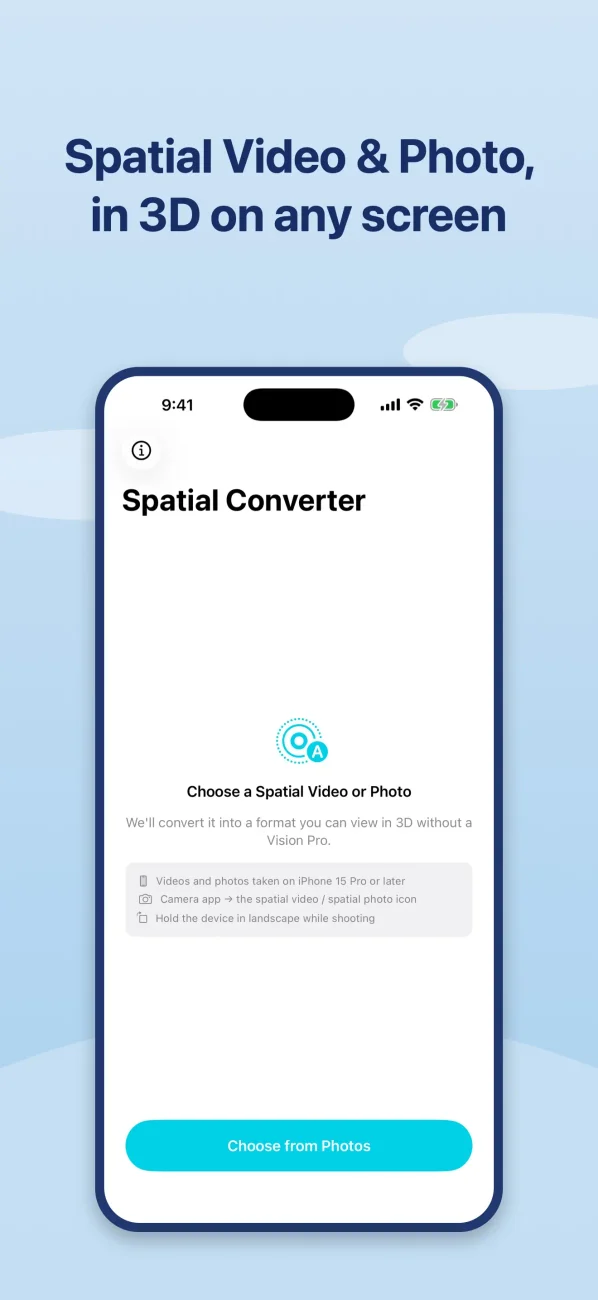
About
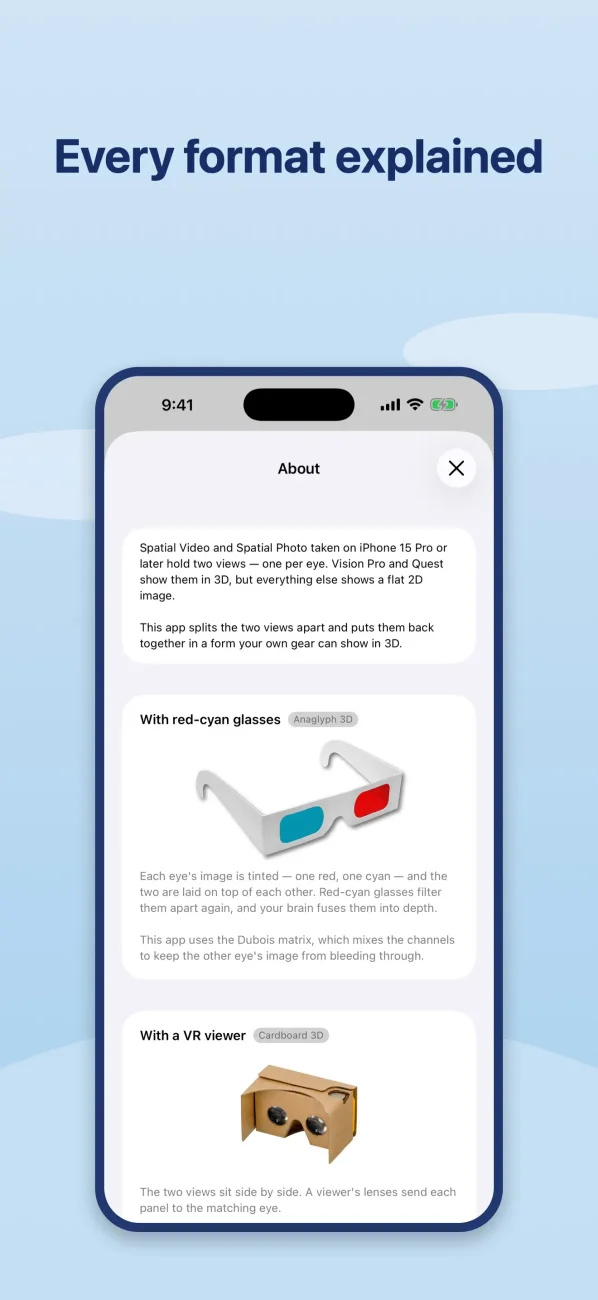
iPhone 15 Pro and later capture Spatial Video and Spatial Photo — two views, one
for each eye. Vision Pro and Quest show them in 3D. Everything else shows a flat
2D image.
Spatial Converter splits the two views apart and puts them back together in a
form your own gear can show in 3D.
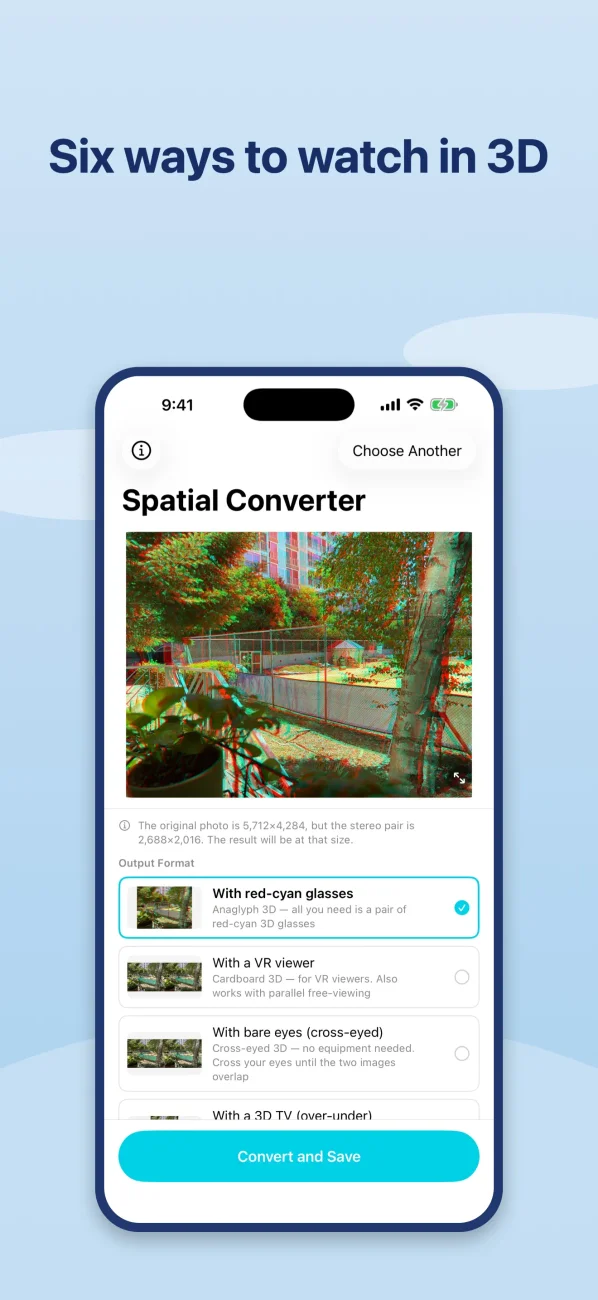
SIX WAYS TO WATCH
• Anaglyph 3D — red-cyan glasses. Uses the Dubois matrix, which mixes the color
channels to keep the other eye's image from bleeding through.
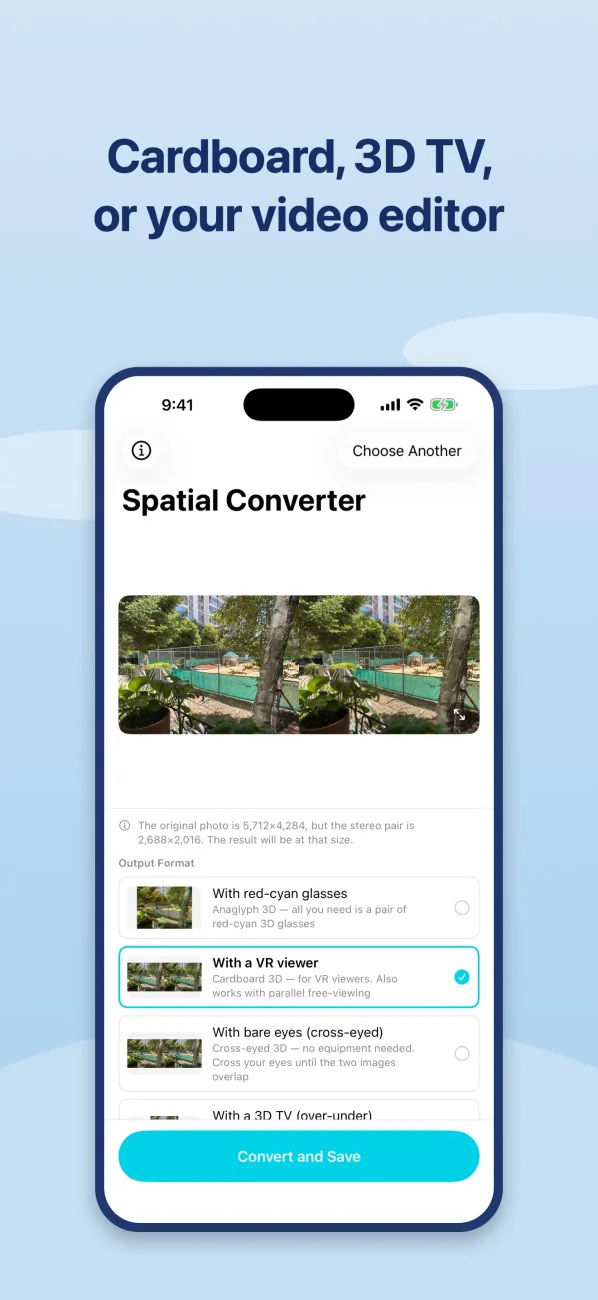
• Cardboard 3D — side by side, for VR viewers. Also works with the naked eye
using the parallel viewing technique.
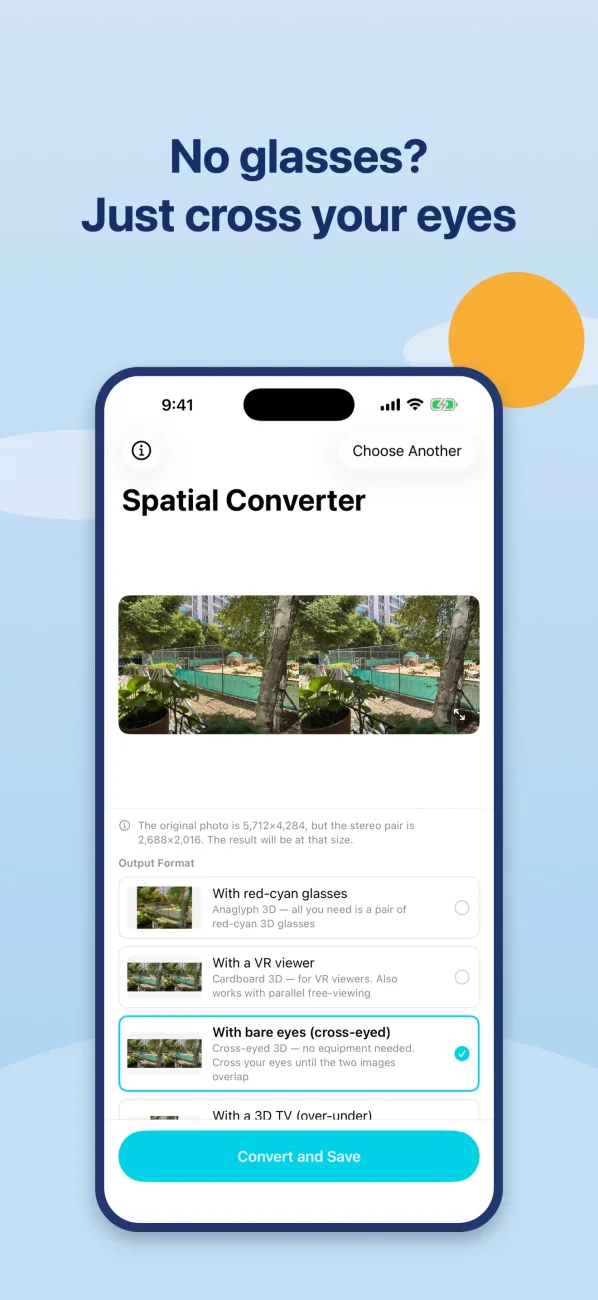
• Cross-eyed 3D — the same layout with the panels swapped. Cross your eyes
slightly and the 3D image appears. No equipment at all.
• Over-Under 3D — stacked top and bottom, for 3D TVs and players that expect it.
• Left and right separately — two ordinary 2D files for your video editor.
• Spatial (MV-HEVC) — a lossless copy of the original, for Vision Pro and Quest.
SEE IT BEFORE YOU CONVERT
Pick a format and the preview changes at once. Compare all six, then convert the
one you want. No guessing.
BUILT FOR SPATIAL MEDIA
• Checks which view belongs to which eye before converting, so depth comes out
the right way round — an error that is easy to make and hard to notice.
• Applies the convergence hint recorded by the camera.
• Keeps the audio track untouched.
• Converts a 15-second clip in a few seconds.
PRIVATE AND SIMPLE
• Everything happens on your device. Nothing is uploaded.
• No account, no ads, no subscription.
• Only asks permission to ADD to your photo library — it never reads your photos.
REQUIREMENTS
Spatial Video and Spatial Photo are captured on iPhone 15 Pro or later:
Camera app → the spatial icon → hold the device in landscape.
--- WHAT'S NEW (v1.2) ---------------------------------------------------- [744]
Spatial Photo support, three new output formats, and a live preview.
• SPATIAL PHOTO — convert the stereo photos your iPhone takes, not just video.
All six formats work with photos too.
• CROSS-EYED 3D — a new format that needs no equipment at all. Cross your eyes
slightly and the 3D image appears.
• LEFT AND RIGHT SEPARATELY — export each eye as its own 2D file for editing.
• SPATIAL PASSTHROUGH — save a lossless copy for Vision Pro and Quest.
• LIVE PREVIEW — see each format on screen before converting.
• Left and right are now confirmed before converting, so depth comes out the
right way round.
• Anaglyph rebuilt on the Dubois matrix for less ghosting.
• Anaglyph, Cardboard and Over-Under 3D work as before.
Requires iOS 18.
What’s new
Version 1.2.0 · Aug 18, 2026
Spatial Photo support, three new output formats, and a live preview.
• SPATIAL PHOTO — convert the stereo photos your iPhone takes, not just video.
All six formats work with photos too.
• CROSS-EYED 3D — a new format that needs no equipment at all. Cross your eyes
slightly and the 3D image appears.
• LEFT AND RIGHT SEPARATELY — export each eye as its own 2D file for editing.
• SPATIAL PASSTHROUGH — save a lossless copy for Vision Pro and Quest.
• LIVE PREVIEW — see each format on screen before converting.
• Left and right are now confirmed before converting, so depth comes out the
right way round.
• Anaglyph rebuilt on the Dubois matrix for less ghosting.
• Anaglyph, Cardboard and Over-Under 3D work as before.
Requires iOS 18.
App privacy
What Byungil Park declares on the App Store about how this app handles data.
-
Data not collected
The developer does not collect any data from this app.
Privacy practices may vary, for example with the features you use or your age.
Information
- Seller
- Byungil Park
- Category
- Photo & Video
- Version
- 1.2.0
- Updated
- Aug 18, 2026
- Released
- Mar 15, 2024
- Size
- 1.4 MB
- Requires
- iOS 18.0 or later
- Age rating
- 4+
- Languages
- English, Japanese, Korean
- Copyright
- © 2024@Practical.kr
You might also like
-
 3D Effect Video ConverterConvert 2D video to 3D Video
-
 Photo & PDF Vault - PrivatorLock & Hide Any File, Edit PDF
-
 OneRoll Dual RecorderOne Shot. Portrait + Landscape
-
 PhotoSSDPhoto & Video Viewer for SSD
-
 EasyWowCam - 40 Images packEasy Amazing Camera
-
 Aire SubtitleOn-device subtitles for video
-
 iSpatialAdjusterPhoto & Video
-
 Speed Range | Video EditorMultiple speeds in one video
-
 AI Subtitle Maker & TranslatorVideo Player: Offline Captions
-
 ThreeD360Photo & Video