
- Độ tuổi4+
- Danh mụcẢnh & Video
- Nhà phát triểnByungil Park
- Ngôn ngữTiếng Anh+ 2 ngôn ngữ khác
- Kích thước1,4 MB
Liên kết đến trang App Store chính thức
Download.org không lưu trữ tệp nào của Spatial Converter. Nút này mở trang ứng dụng trên App Store, nơi Byungil Park phát hành ứng dụng. Trang được kiểm tra lần cuối: 12/11/2026.
Ảnh chụp màn hình
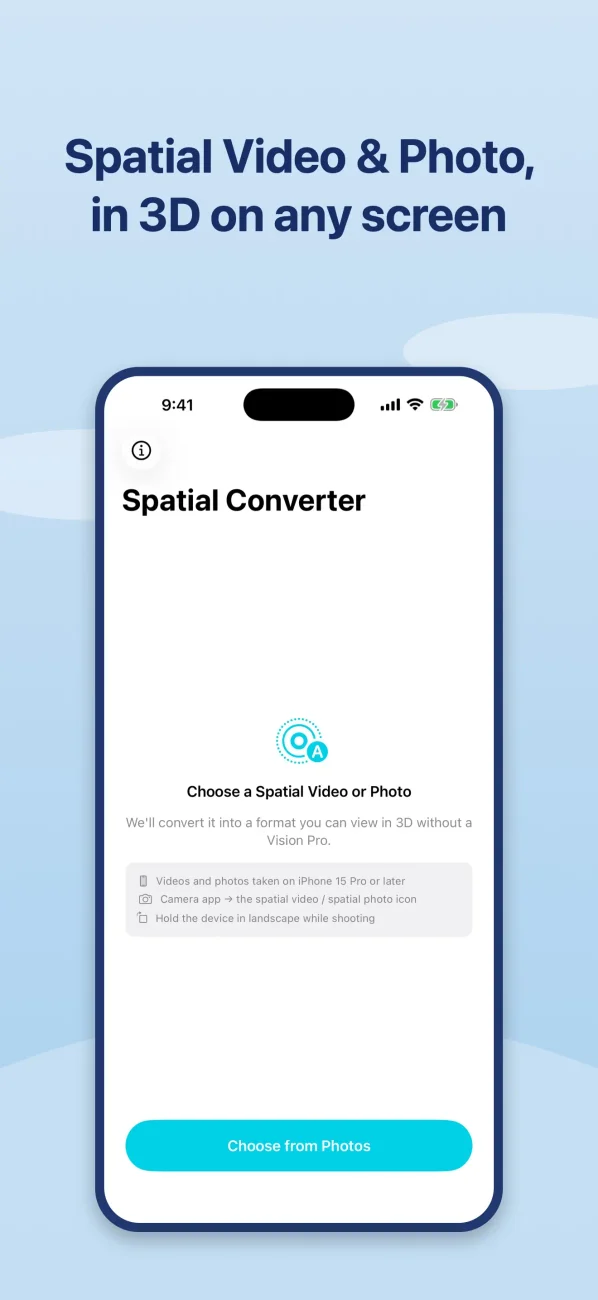
Giới thiệu
Nhà phát triển chưa cung cấp nội dung này bằng ngôn ngữ của bạn.
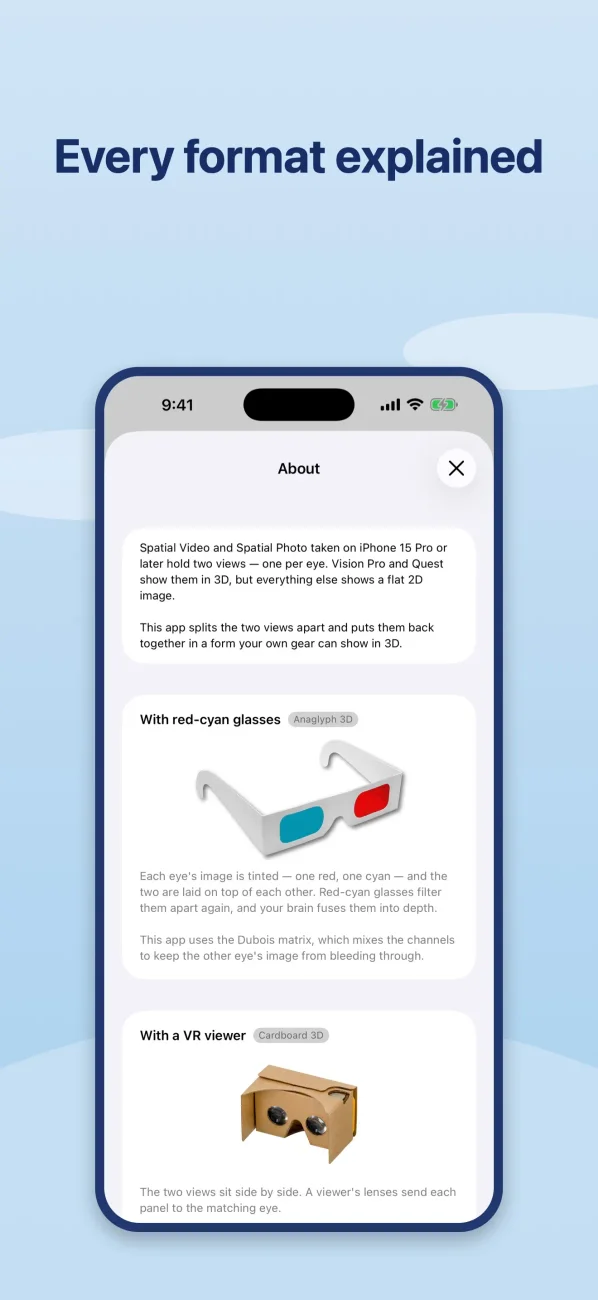
iPhone 15 Pro and later capture Spatial Video and Spatial Photo — two views, one
for each eye. Vision Pro and Quest show them in 3D. Everything else shows a flat
2D image.
Spatial Converter splits the two views apart and puts them back together in a
form your own gear can show in 3D.
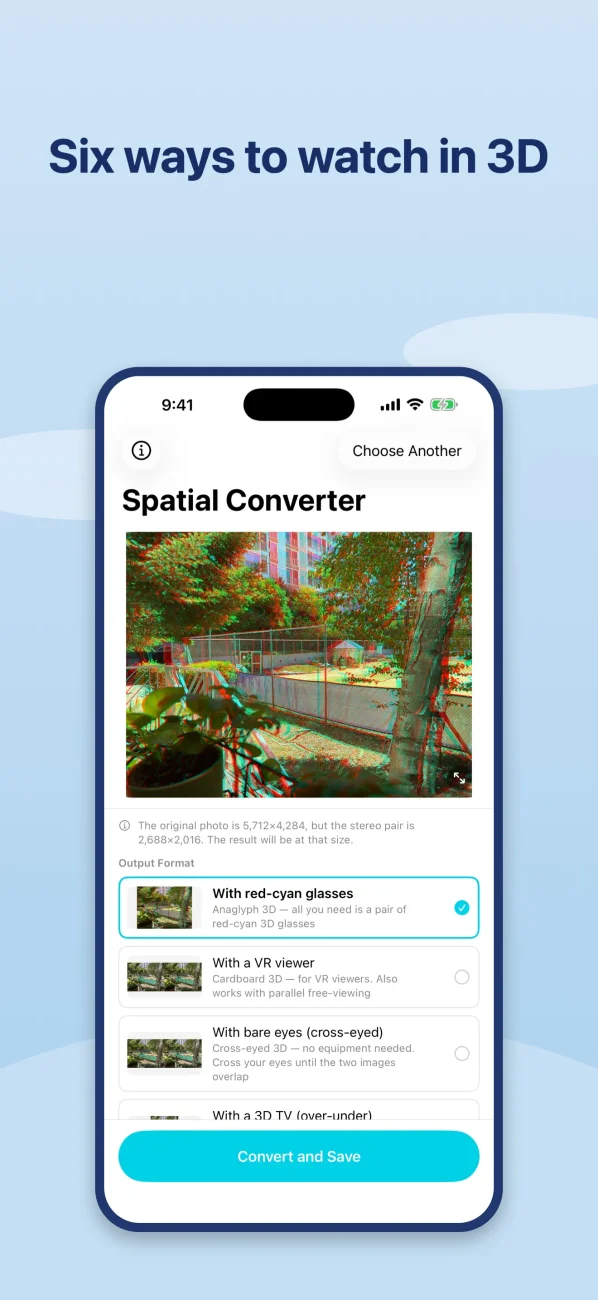
SIX WAYS TO WATCH
• Anaglyph 3D — red-cyan glasses. Uses the Dubois matrix, which mixes the color
channels to keep the other eye's image from bleeding through.
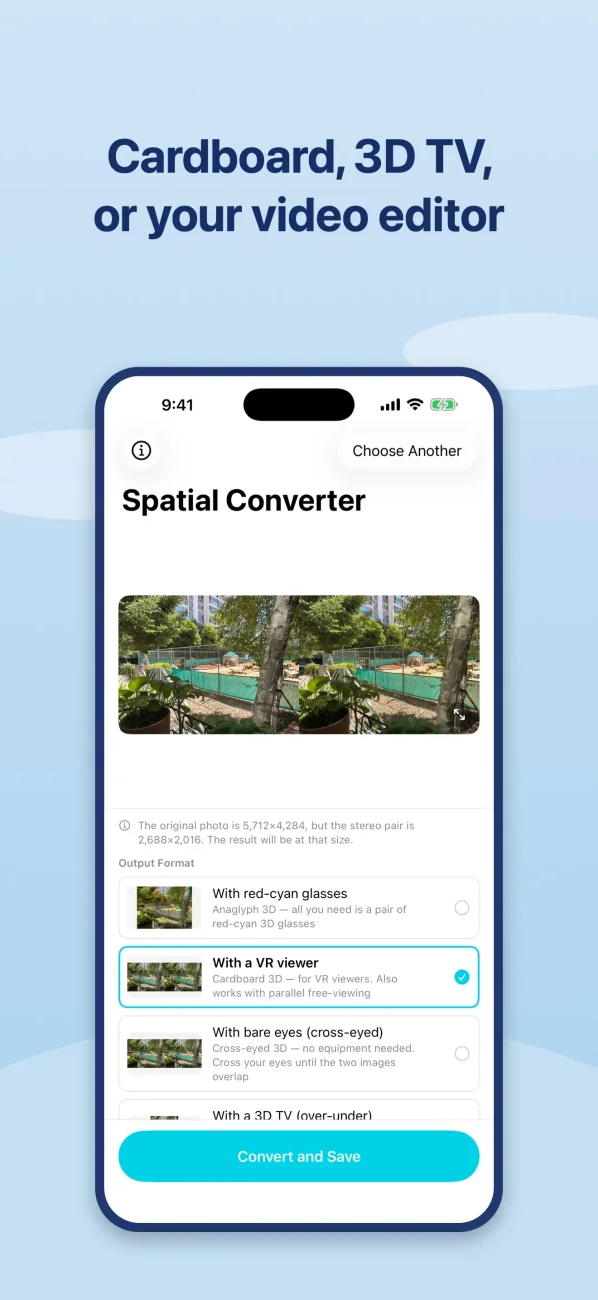
• Cardboard 3D — side by side, for VR viewers. Also works with the naked eye
using the parallel viewing technique.
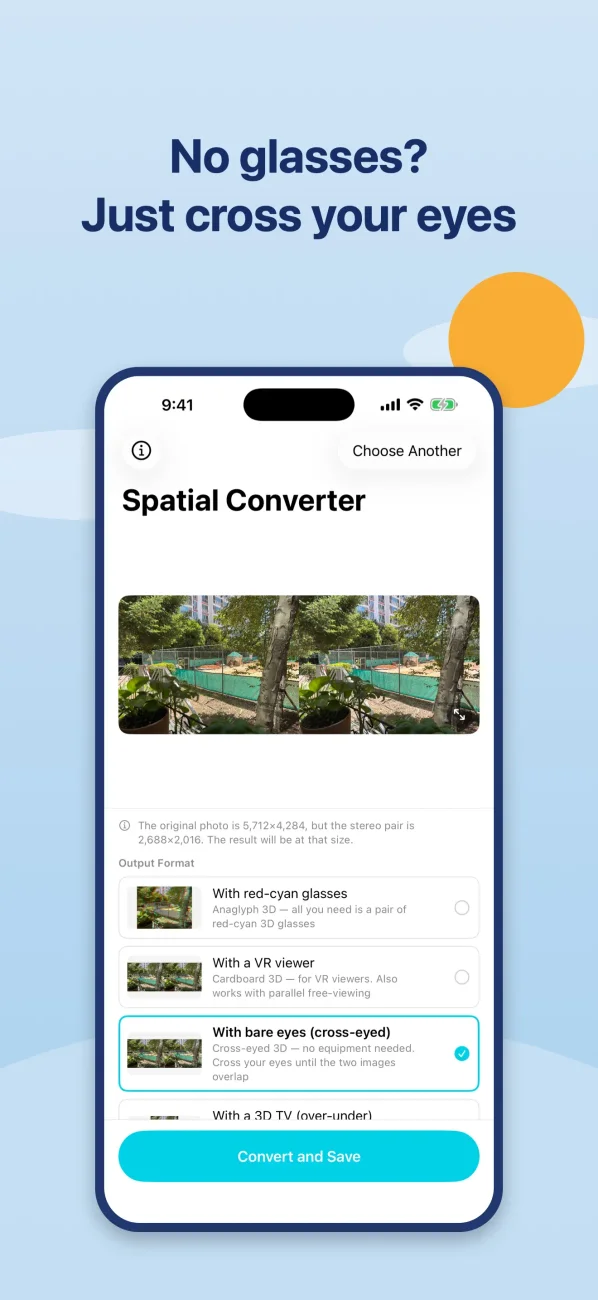
• Cross-eyed 3D — the same layout with the panels swapped. Cross your eyes
slightly and the 3D image appears. No equipment at all.
• Over-Under 3D — stacked top and bottom, for 3D TVs and players that expect it.
• Left and right separately — two ordinary 2D files for your video editor.
• Spatial (MV-HEVC) — a lossless copy of the original, for Vision Pro and Quest.
SEE IT BEFORE YOU CONVERT
Pick a format and the preview changes at once. Compare all six, then convert the
one you want. No guessing.
BUILT FOR SPATIAL MEDIA
• Checks which view belongs to which eye before converting, so depth comes out
the right way round — an error that is easy to make and hard to notice.
• Applies the convergence hint recorded by the camera.
• Keeps the audio track untouched.
• Converts a 15-second clip in a few seconds.
PRIVATE AND SIMPLE
• Everything happens on your device. Nothing is uploaded.
• No account, no ads, no subscription.
• Only asks permission to ADD to your photo library — it never reads your photos.
REQUIREMENTS
Spatial Video and Spatial Photo are captured on iPhone 15 Pro or later:
Camera app → the spatial icon → hold the device in landscape.
--- WHAT'S NEW (v1.2) ---------------------------------------------------- [744]
Spatial Photo support, three new output formats, and a live preview.
• SPATIAL PHOTO — convert the stereo photos your iPhone takes, not just video.
All six formats work with photos too.
• CROSS-EYED 3D — a new format that needs no equipment at all. Cross your eyes
slightly and the 3D image appears.
• LEFT AND RIGHT SEPARATELY — export each eye as its own 2D file for editing.
• SPATIAL PASSTHROUGH — save a lossless copy for Vision Pro and Quest.
• LIVE PREVIEW — see each format on screen before converting.
• Left and right are now confirmed before converting, so depth comes out the
right way round.
• Anaglyph rebuilt on the Dubois matrix for less ghosting.
• Anaglyph, Cardboard and Over-Under 3D work as before.
Requires iOS 18.
Có gì mới
Phiên bản 1.2.0 · 18/08/2026
Spatial Photo support, three new output formats, and a live preview.
• SPATIAL PHOTO — convert the stereo photos your iPhone takes, not just video.
All six formats work with photos too.
• CROSS-EYED 3D — a new format that needs no equipment at all. Cross your eyes
slightly and the 3D image appears.
• LEFT AND RIGHT SEPARATELY — export each eye as its own 2D file for editing.
• SPATIAL PASSTHROUGH — save a lossless copy for Vision Pro and Quest.
• LIVE PREVIEW — see each format on screen before converting.
• Left and right are now confirmed before converting, so depth comes out the
right way round.
• Anaglyph rebuilt on the Dubois matrix for less ghosting.
• Anaglyph, Cardboard and Over-Under 3D work as before.
Requires iOS 18.
Quyền riêng tư của ứng dụng
Những gì Byungil Park khai báo trên App Store về cách ứng dụng này xử lý dữ liệu.
-
Dữ liệu không được thu thập
Nhà phát triển không thu thập bất kỳ dữ liệu nào từ ứng dụng này.
Phương thức đảm bảo quyền riêng tư có thể khác nhau, chẳng hạn như tuỳ theo các tính năng bạn sử dụng hoặc độ tuổi của bạn.
Thông tin
- Người bán
- Byungil Park
- Danh mục
- Ảnh & Video
- Phiên bản
- 1.2.0
- Cập nhật
- 18/08/2026
- Phát hành
- 15/03/2024
- Kích thước
- 1,4 MB
- Yêu cầu
- iOS 18.0 trở lên
- Độ tuổi
- 4+
- Giá
- 149.000đ
- Ngôn ngữ
- Tiếng Anh, Tiếng Nhật, Tiếng Hàn
- Bản quyền
- © 2024@Practical.kr
Có thể bạn cũng thích
-
 3D Effect Video ConverterẢnh & Video
-
 Két sắt ảnh & PDF - PrivatorKhóa & ẩn mọi tệp, sửa PDF
-
 OneRoll Dual RecorderẢnh & Video
-
 PhotoSSDẢnh & Video
-
 EasyWowCam - 40 Images packẢnh & Video
-
 Aire Phụ đềPhụ đề video ngay trên máy
-
 iSpatialAdjusterẢnh & Video
-
 Speed Range | Video EditorẢnh & Video
-
 Dịch video, tạo phụ đề tự độngTrình phát song ngữ tiếng Việt
-
 ThreeD360Ảnh & Video