
Speech Bubble Maker
Create transparent PNG bubbles
Designed for iPhone, iPad, iPod touch
Free · In-app purchases
- Age rating4+
- CategoryGraphics & Design
- DeveloperYuichi Sasaki
- LanguagesEnglish+ 13 more
- Size25.7 MB
Links to the official App Store page
Download.org hosts no file of Speech Bubble Maker. The button opens its official App Store page, published by Yuichi Sasaki. Listing last checked on Nov 17, 2026.
Screenshots
About
"I just need a speech bubble, but searching stock sites every time is so tedious..."
"I can never find the right size or color..."
"The tail is pointing the wrong way..."
Sound familiar?
Speech Bubble Maker lets you create the exact speech bubble you need, right when you need it. No more endless searching through stock sites.
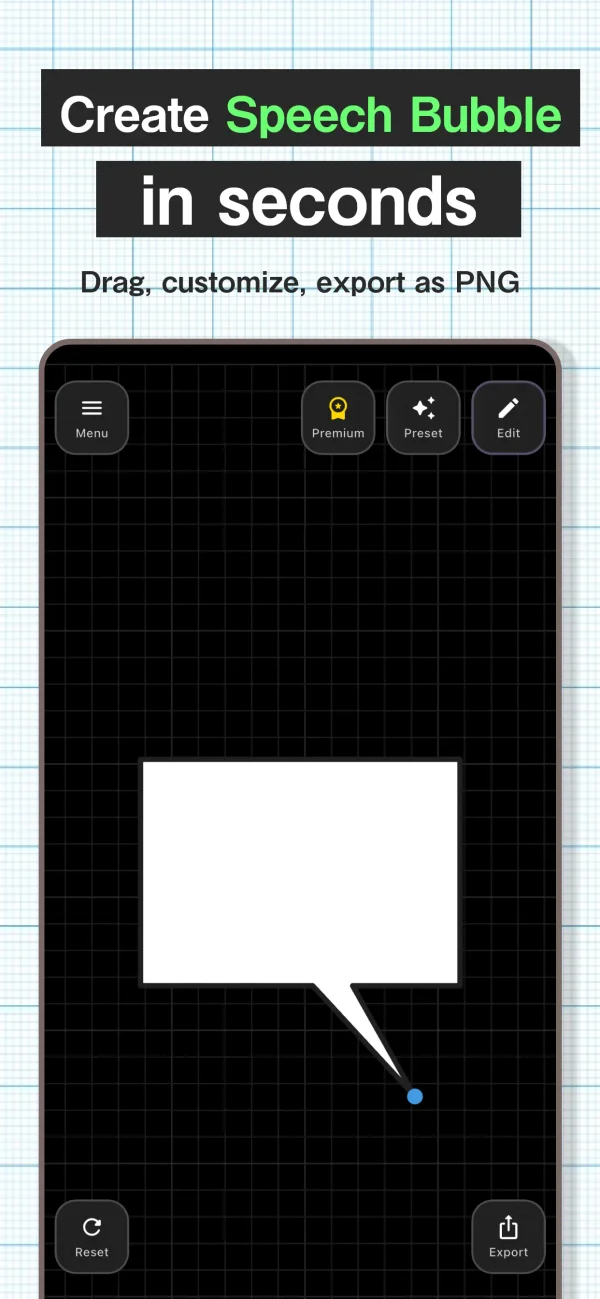
Just drag with your finger to position the tail anywhere you want, making it easy to match your character's placement. Export as transparent PNG for easy editing in your favorite image app.
◆ Perfect for
・Adding speech bubbles to comics and illustrations
・Making social media posts more eye-catching
・Creating LINE stickers or custom emoji
・Game streaming and YouTube thumbnails
・Presentations and documents
◆ Key Features
【Multiple Shapes】
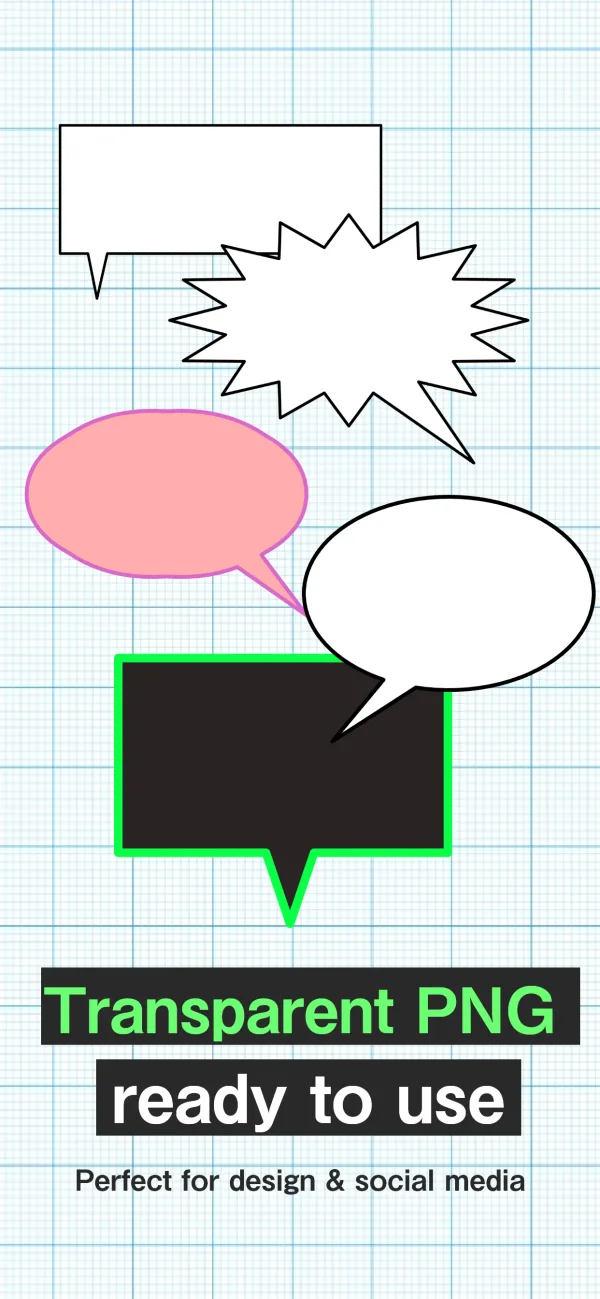
Choose from ellipse, rectangle, cloud, jagged, and more. Find the perfect shape for dialogue, thoughts, or shouts.
【Full Customization】
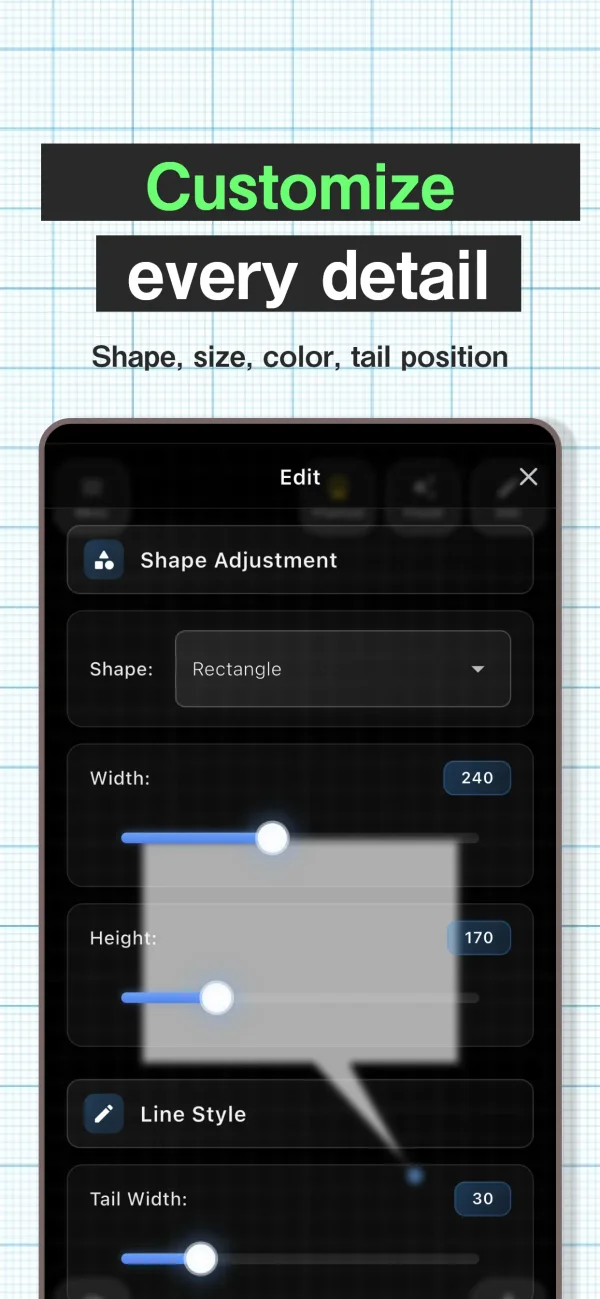
Adjust size, color, and border thickness to match your vision.
【Flexible Tail Positioning】
Simply drag to place the tail exactly where you need it. Position it naturally toward your character's mouth.
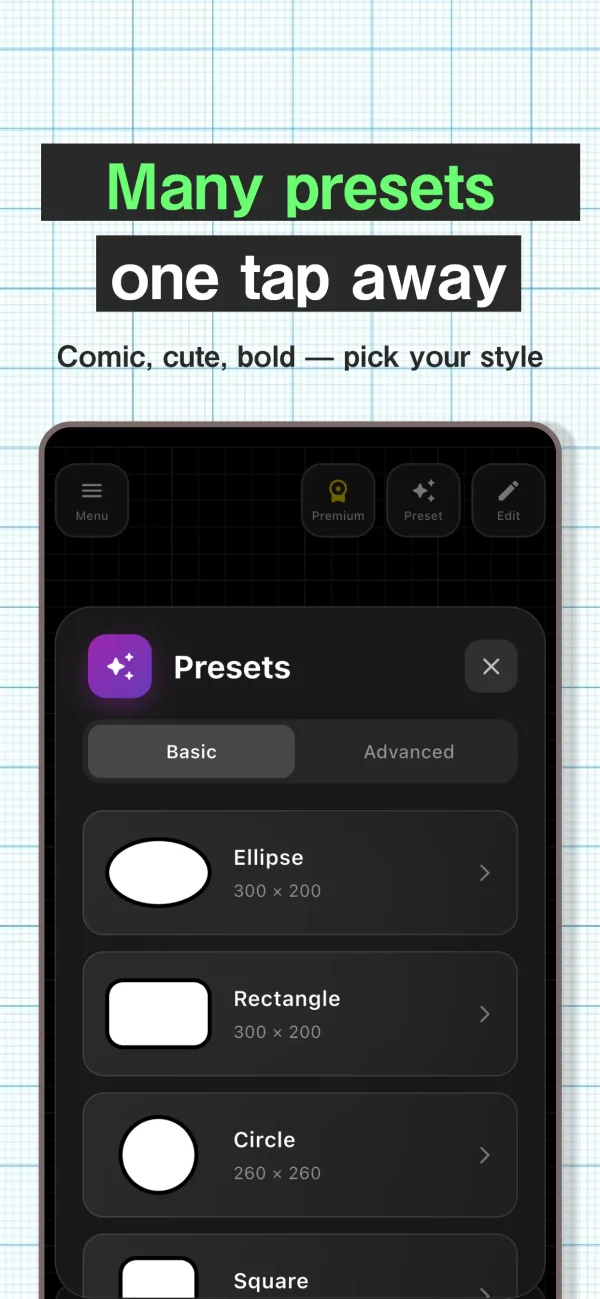
【16 Presets】
Can't decide? Just pick a preset. Comic style, cute, simple, bold—apply any style with one tap.
【Transparent PNG Export】
Save with a transparent background so your bubbles blend naturally over any image. High resolution quality suitable for print.
【Easy Sharing】
Share directly to LINE, Twitter, Instagram, and more. Or send to your favorite image editor for further customization.
◆ Simple 3-Step Process
1. Choose a shape or preset
2. Adjust colors and size to your liking
3. Tap export to save and share
Intuitive controls make it easy for anyone to get started right away.
What’s new
Version 1.2.0 · Nov 29, 2025
・Overall performance optimization
・Added ad-free plan
App privacy
What Yuichi Sasaki declares on the App Store about how this app handles data.
-
Data not linked to you
May be collected but is not linked to your identity.
- Usage data
Privacy practices may vary, for example with the features you use or your age.
Information
- Seller
- Yuichi Sasaki
- Category
- Graphics & Design
- Version
- 1.2.0
- Updated
- Nov 29, 2025
- Released
- Sep 26, 2025
- Size
- 25.7 MB
- Requires
- iOS 13.0 or later
- Age rating
- 4+
- Price
- Free
- In-app purchases
- Yes
- Languages
- English, French, German, Indonesian, Italian, Japanese, Korean, Portuguese, Russian, Simplified Chinese, Spanish, Thai + 2 more
- Copyright
- © UhiyamaLab
You might also like
-
 ComicBackgroundCreate a comic background
-
 Speed Lines Maker – Comic FXGraphics & Design
-
 Cartoon Yourself AI: Toon AIAnime, Manga & 3D Toon Effects
-
 Star Doodle ARDrawing App with Magic Effects
-
 MangaEditorGraphics & Design
-
 MangaGenAI: AI Comic MakerCharacters, boards & scripts
-
 나의폰트만들기Graphics & Design
-
 AI Video Maker - RabbioCreate video from text & photo
-
 iAvatar : AI Art GeneratorImage Art, AI Photo Generator