Speedo - GPS Speedometer
GPS Speed Tracker & HUD
Designed for iPhone
Free · In-app purchases
- Age rating4+
- CategoryTravel
- DeveloperAndrey Kiselev
- LanguagesEnglish
- Size21.1 MB
Links to the official App Store page
Download.org hosts no file of Speedo - GPS Speedometer. The button opens its official App Store page, published by Andrey Kiselev. Listing last checked on Nov 15, 2026.
Screenshots
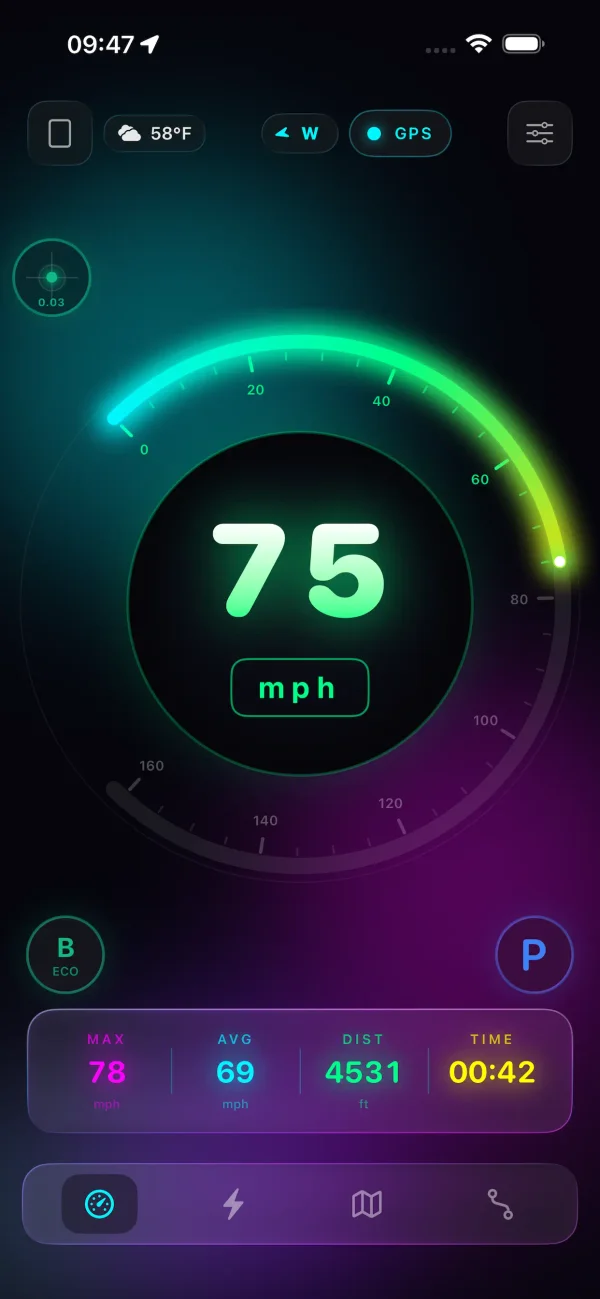
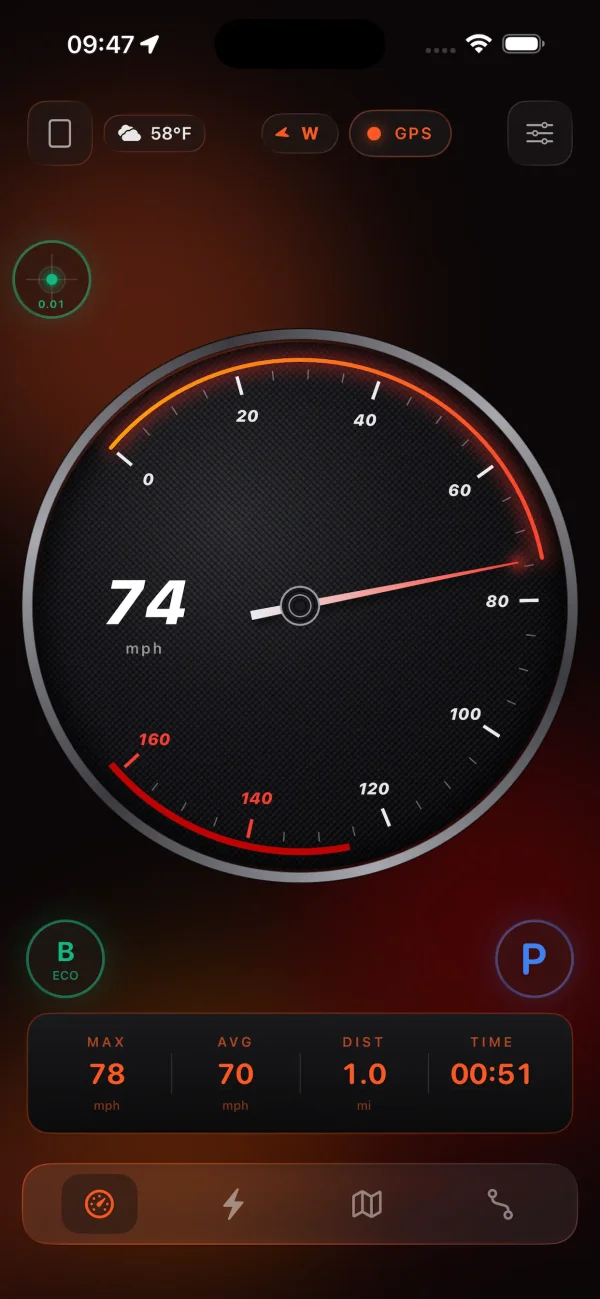
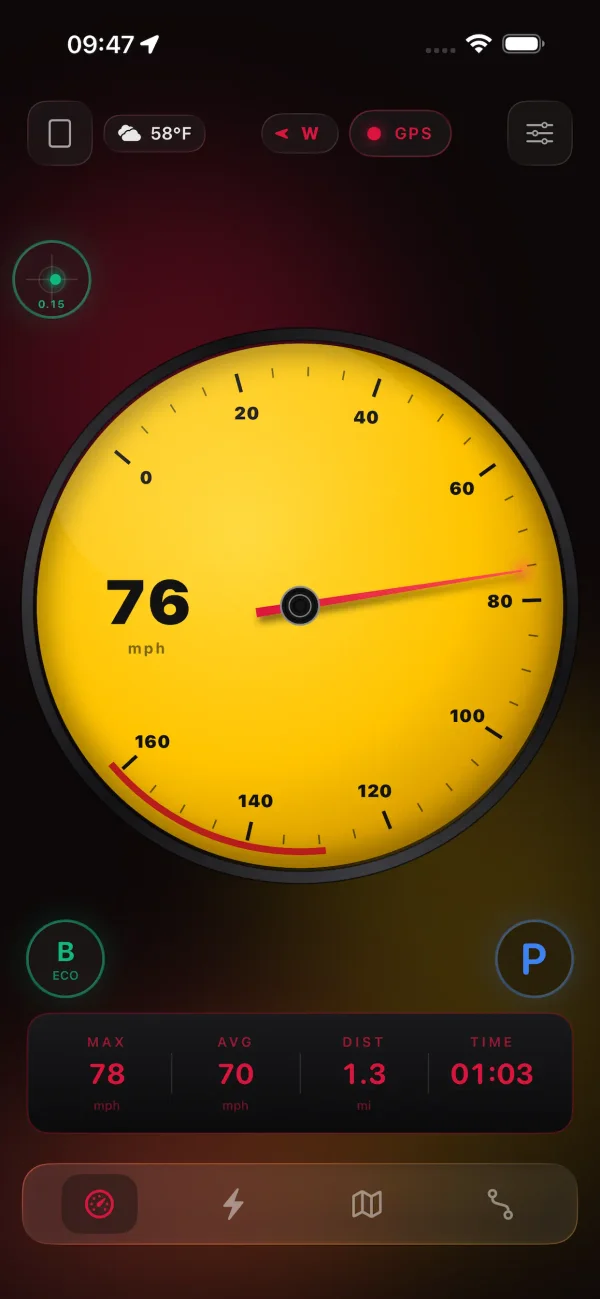

About
Turn your iPhone into a precision speedometer with real-time GPS tracking and beautiful, customizable displays.
REAL-TIME SPEED TRACKING
• Accurate GPS-based speed measurement
• 6 stunning speedometer themes: Neon, Racing, Tesla, Retro, Digital, Bicycle
• 4 speed units: km/h, mph, knots, m/s
• Current, maximum, and average speed display
• Acceleration indicator
TRIP RECORDING
• Record your journeys with one tap
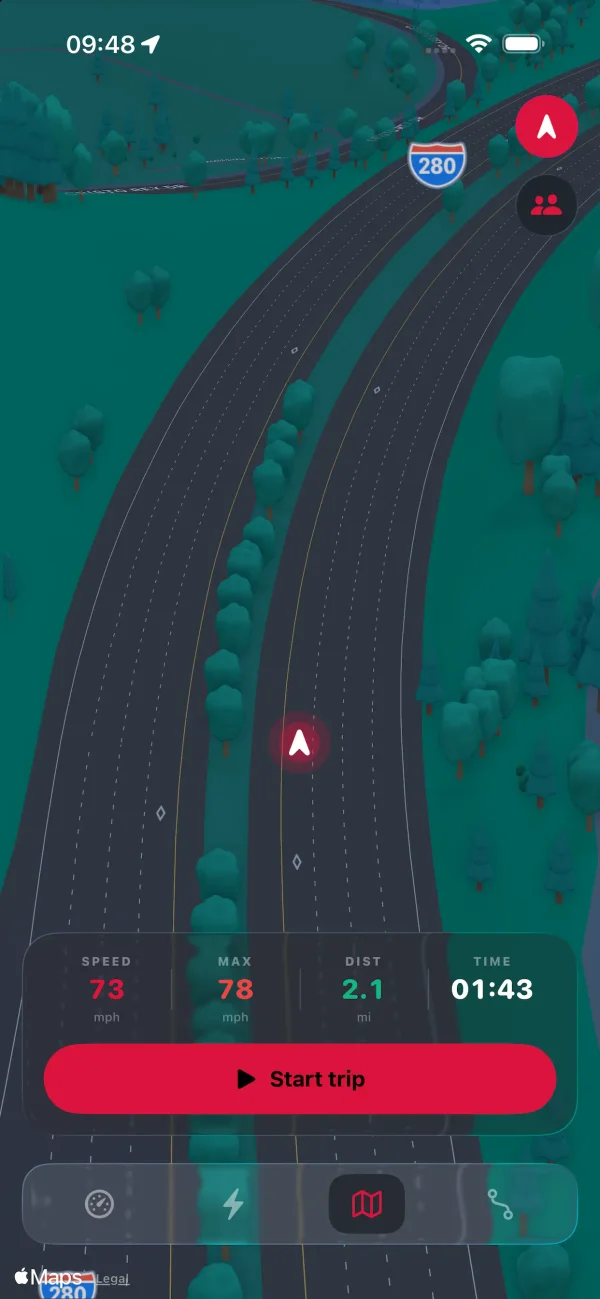
• View detailed route on interactive map
• Speed-colored route visualization (green → red)
• Add checkpoints with comments
• Trip history with complete statistics
SMART FEATURES
• HUD mode — mirror display for windshield projection
• Speed limit alerts with sound notifications
• Works in silent mode
• Compass heading display
• Keeps screen awake while driving
iOS INTEGRATION
• Home Screen widget with live speed
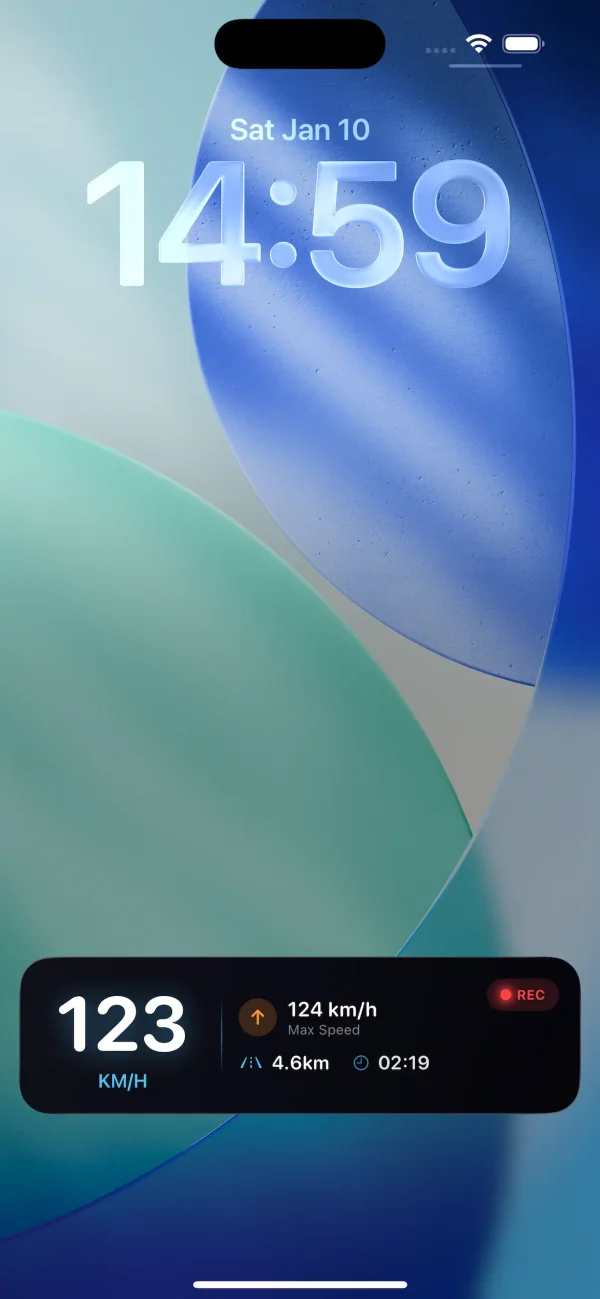
• Lock Screen widget
• Dynamic Island support (iPhone 14 Pro+)
• Siri voice commands
FREE FEATURES
• Neon & Racing themes
• km/h & mph units
• Real-time speed display
FULL ACCESS (one-time purchase)
• All 6 premium themes
• All speed units including knots & m/s
• Trip recording & history
• Speed limit alerts
• HUD mode
What’s new
Version 3.0.0 · Sep 22, 2026
Speedometer is rebuilt from the ground up as a native app. It starts faster,
the needle answers the pedal instead of the GPS, and the whole thing is
lighter on your battery.
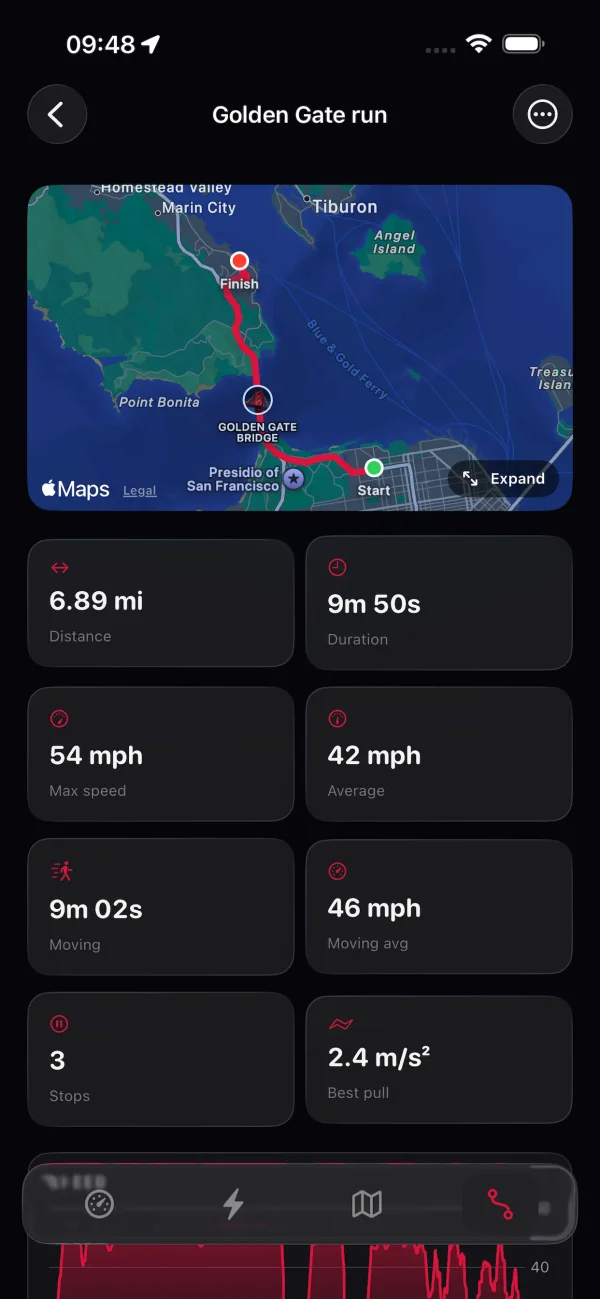
• Trips. A logbook with the route of every drive, coloured by speed. Tap a
drive to open its map full screen and zoom into any corner of it.
• Map. Your route, your heading and your whole convoy on one screen.
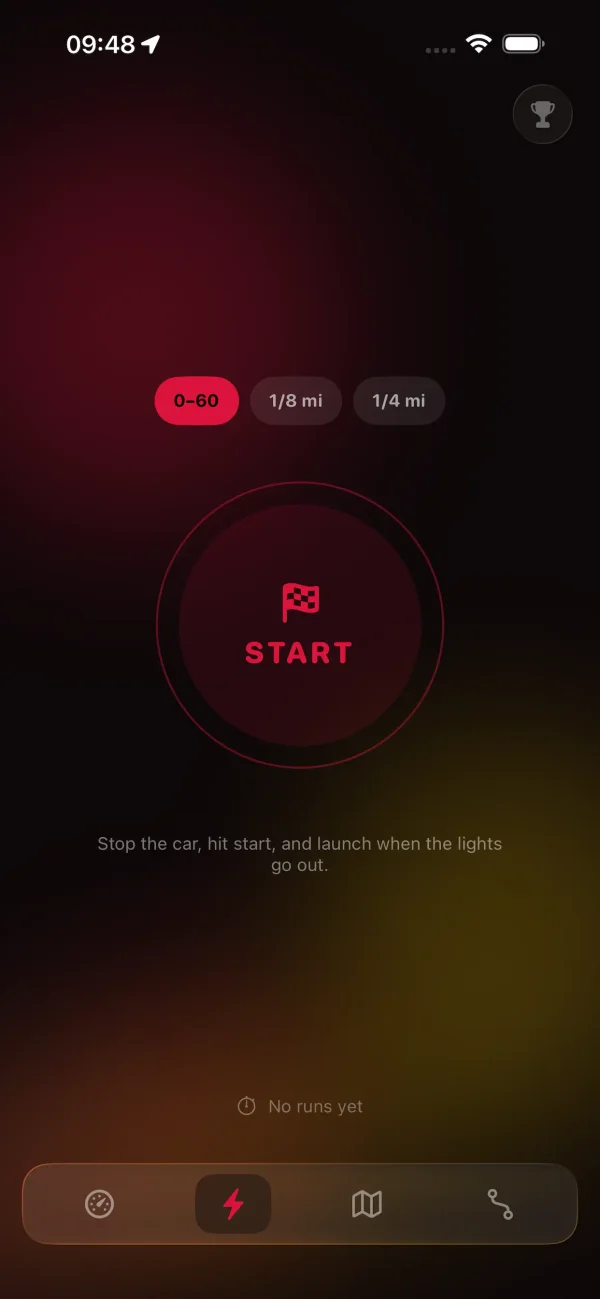
• 0–100. A grand prix start gantry, splits on the way up, and your ten best
runs kept. In miles: eighth and quarter mile runs.
• Lock Screen. Speed, distance and time while you drive, and a parking timer
that counts down where you can see it.
• Picture in Picture. Keep the dial floating over whatever else you open.
• For US drivers. A speed limit sign, trip A and B odometers and a compass,
all in miles.
• Parking. Pin where you left the car, set any timer you like, not just the
preset ones.
Everything you had saved comes across. Nothing to set up again.
App privacy
What Andrey Kiselev declares on the App Store about how this app handles data.
-
Data not linked to you
May be collected but is not linked to your identity.
- Location
- User content
- Identifiers
- Usage data
Privacy practices may vary, for example with the features you use or your age.
Information
- Seller
- Andrey Kiselev
- Category
- Travel
- Version
- 3.0.0
- Updated
- Sep 22, 2026
- Released
- Jan 7, 2026
- Size
- 21.1 MB
- Requires
- iOS 17.0 or later
- Age rating
- 4+
- Price
- Free
- In-app purchases
- Yes
- Languages
- English
- Copyright
- © 2026 AKIDISLAB
You might also like
-
 Speedometer Pro: GPS TrackerReal-Time Speed & MPH Display
-
 Simple Speedometer: Car HUDGPS MPH, Odometer & HUD
-
 Speedometer GPS Speed & HUDSpeed Limit Alert, Trip Meter
-
 GPS Speedometer: HUD Speed MPHGPS Odometer, My Speed Tracker
-
 Speedometer: Speed Tracker&GPSCar Play, HUD, Mile, Mph Test
-
 Speed GPS Tracker Speedometer+Simple mph/kph digital display
-
 Speedometer: GРS Speed TrackerMonitor Your Speed & Distance
-
 Speedometer: Speed Tracker ProDigital Mph Meter & Odometer
-
 Odo Speedometer: Drive TrackerGPS Speed, Car, Bike, Map, OBD
-
 GPS Speedometer - MPH TrackerOdometer & Speed Monitor