
SpendPal: Expense Tracker
Know where it went, no bank
Designed for iPhone
Free · In-app purchases
- Age rating4+
- CategoryFinance
- Developer帅 陈
- LanguagesEnglish+ 9 more
- Size13.8 MB
Links to the official App Store page
Download.org hosts no file of SpendPal: Expense Tracker. The button opens its official App Store page, published by 帅 陈. Listing last checked on Nov 23, 2026.
Screenshots

About
By the end of the month, you know where it went. Not roughly — actually.
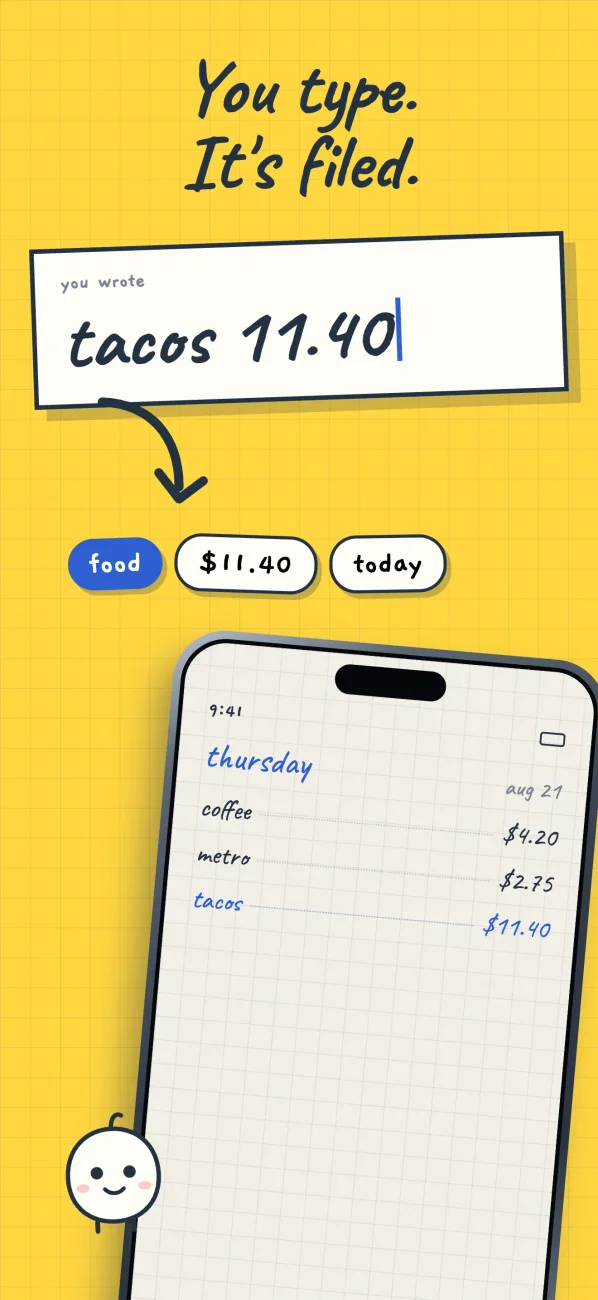
That costs you one line a day. Type tacos 11.40 and press enter. SpendPal reads the amount, files the category, and writes it onto today's page. A paper notebook that happens to do the arithmetic.
One line, then you're done
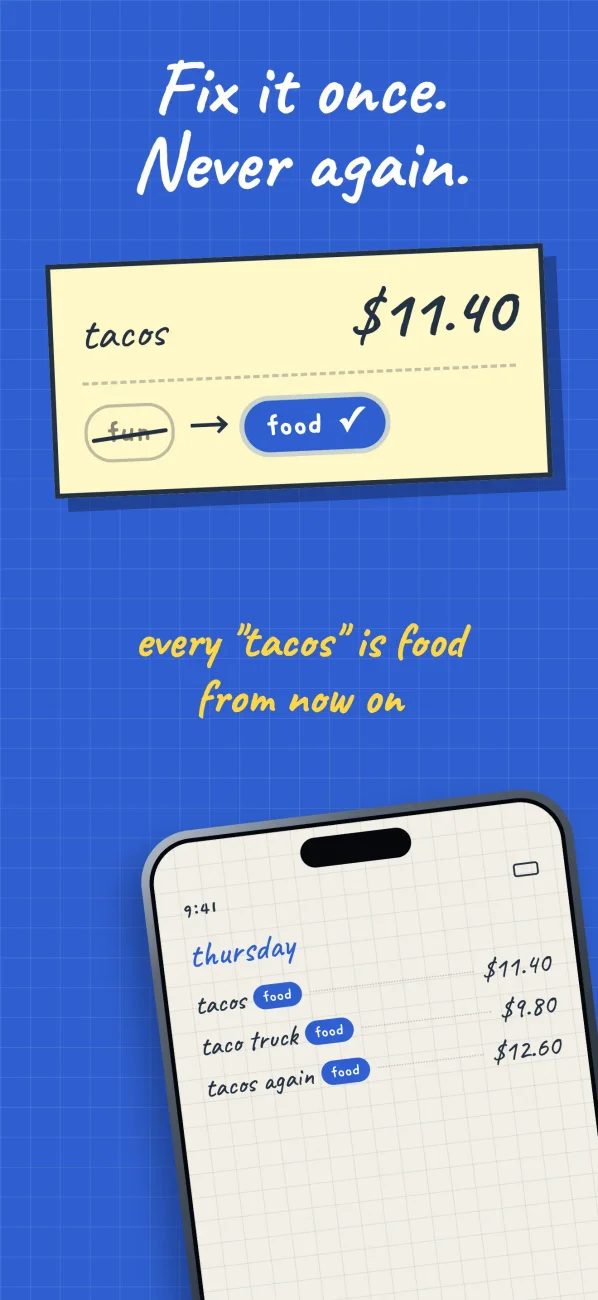
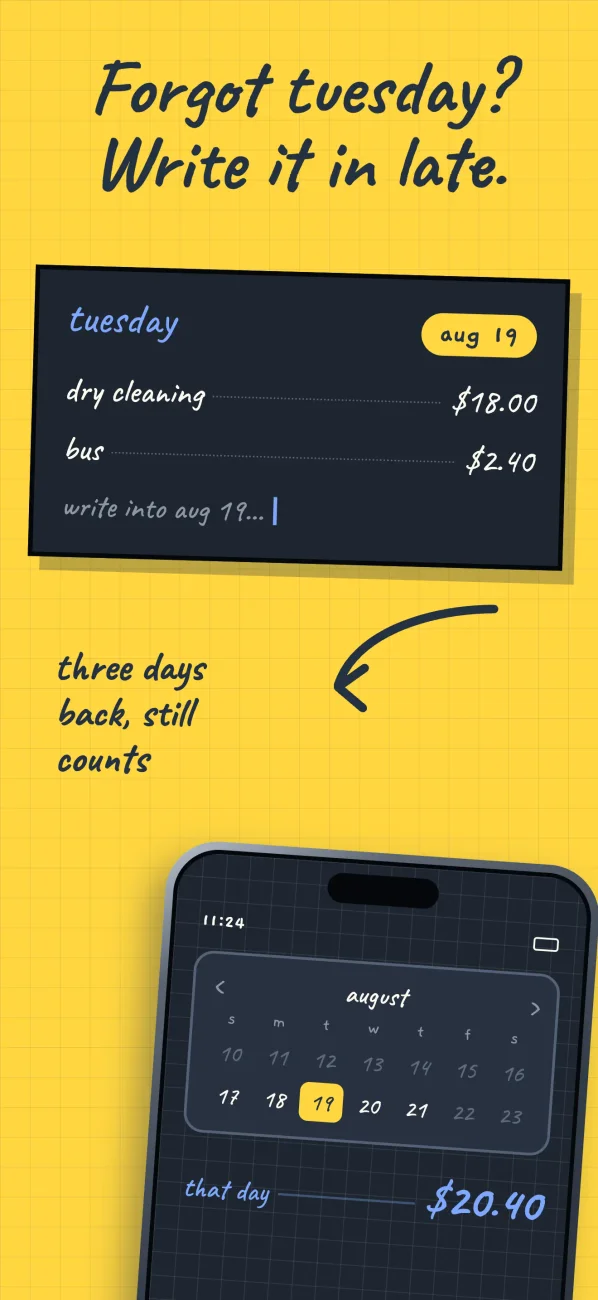
Write in plain words and let the app sort out the rest. It learns your regulars, so the second coffee lands in the right place without being told. Tap any row to fix it. Tap the date to flip back and write into an earlier day.
Drawn by hand, not by a spreadsheet
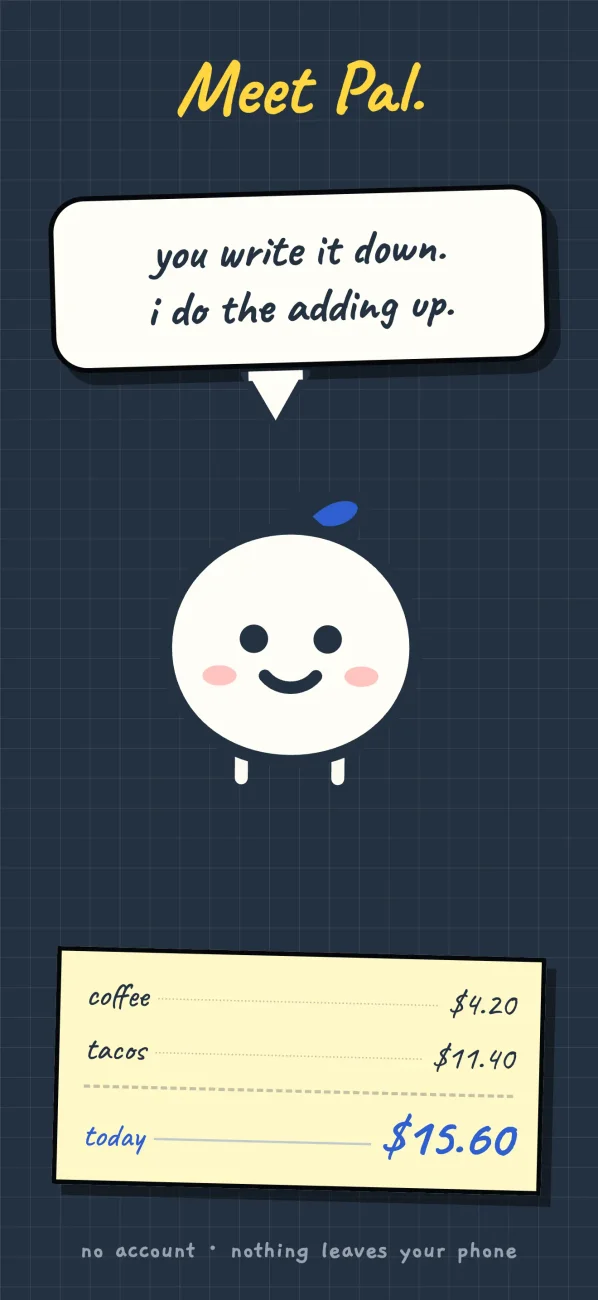
Every page is handwriting on paper, and a small mascot called pal keeps you company in the corner. It's the rare money app you don't mind opening.
A month you can read at a glance
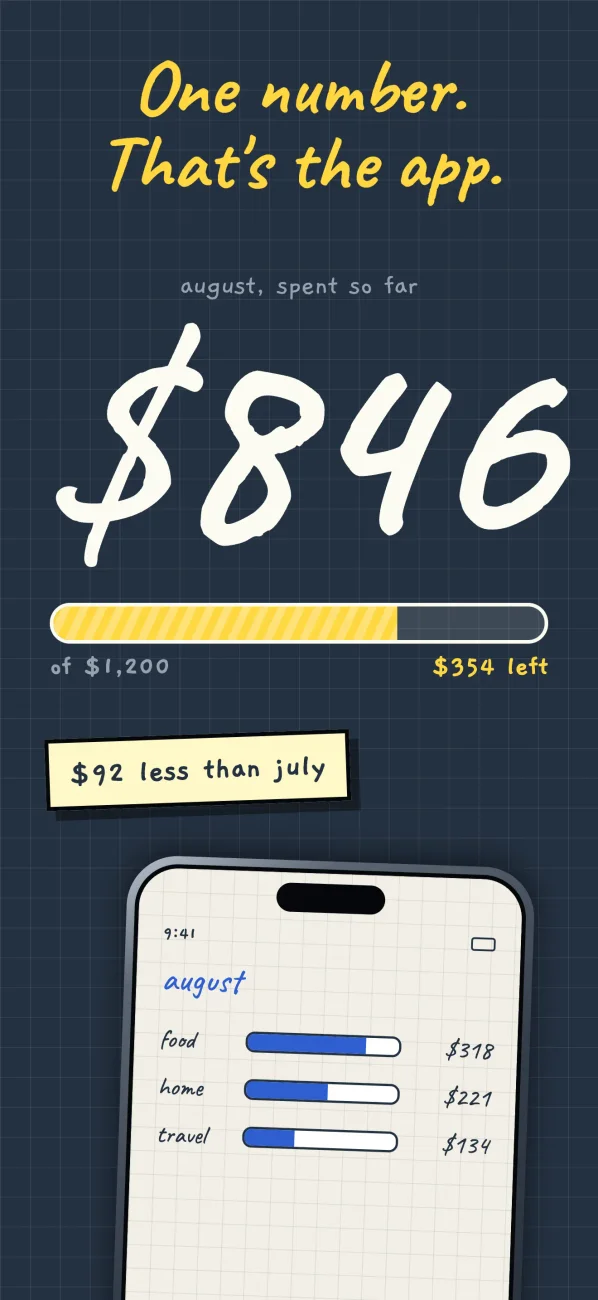
Set one monthly number. A single bar fills as you spend, next to what you spent last month and where it went. No alerts, no red screens, no charts you didn't ask for.
Two seconds from the lock screen
The widget shows today's total and a line to write in. Tap it and you land in the app with the keyboard already up. Home Screen and Lock Screen sizes included.
Nobody asks for your bank
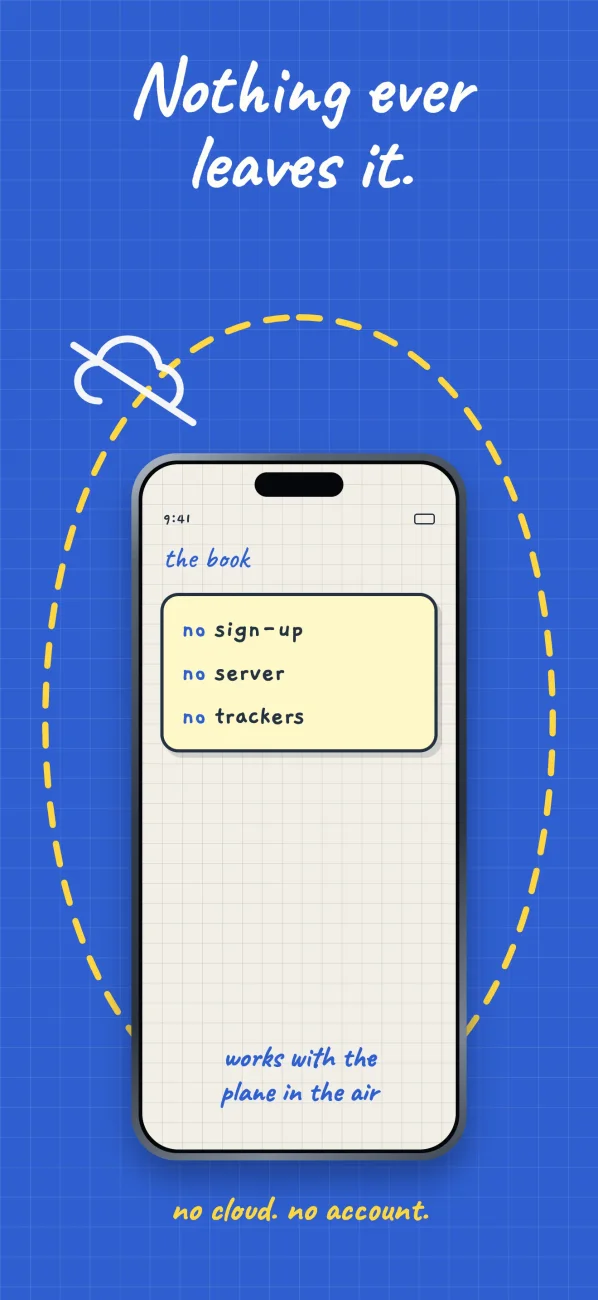
No account, no sign-up, no bank login, no server of ours. Everything lives on the phone, and iCloud sync — on by default, one tap to stop — goes to your own private database. Keep a backup file wherever you like. Deleting the app deletes the data — that's the point.
Also inside
30+ currencies · dark mode that actually looks like paper at night · works with no connection, ever · no ads, no tracking, no email asking you to come back.
What Premium opens
The first five lines are yours to write, with five categories and day, week and month trends. Premium lifts both limits, adds year and all-time trends, and turns on CSV import and export. Weekly, yearly, or a one-time lifetime purchase.
Privacy: https://elevenapril.com/privacy
Terms: https://elevenapril.com/terms
What’s new
Version 1.1 · Nov 20, 2026
Now tailored for iPhone Duo — unfold your phone to open a true two-page paper notebook spread, with clear breathing room along the hinge and seamless writing between folded and unfolded views.
What else makes daily tracking easier:
• Daily spending pace: set a monthly number and see roughly how much is left per day for the rest of the month
• Quick repeats & backfill: tap recent staples while typing to fill a line in one tap, or jump back to fill a blank yesterday
• Category drill-down: tap any category in Trends to inspect every line behind the total
• Quiet evening nudge: an optional reminder that only speaks up if today’s page is still blank
• Polish: fixed comma-decimal formatting on detail sticky notes and refined localization
App privacy
What 帅 陈 declares on the App Store about how this app handles data.
-
Data not collected
The developer does not collect any data from this app.
Privacy practices may vary, for example with the features you use or your age.
Information
- Seller
- 帅 陈
- Category
- Finance
- Version
- 1.1
- Updated
- Nov 20, 2026
- Released
- Sep 11, 2026
- Size
- 13.8 MB
- Requires
- iOS 18.0 or later
- Age rating
- 4+
- Price
- Free
- In-app purchases
- Yes
- Languages
- English, French, German, Italian, Japanese, Korean, Portuguese, Simplified Chinese, Spanish, Traditional Chinese
- Copyright
- © 2026 ElevenApril
You might also like
-
 Jot: Budget & Expense TrackerPrivate Money, Simple Spending
-
 Vesta: AI Budget PlannerSee your money 12 months ahead
-
 Blink Budget: Spending LogTrack spending in 1 second
-
 MyFinanzaFinance
-
 Centamo: Spending TrackerSee where your money goes
-
 Effective ExpensesExpense & Income Tracker
-
 DayLeft: Daily BudgetExpense & Spending Tracker
-
 DJ FinanceBook Keeping/Asset Management
-
 Milli: Budget Expense TrackerDaily spending, bills, savings
-
 MoneyPeasSimple expenses tracking