
- Age rating4+
- CategoryProductivity
- DeveloperIbrahim Abouhaikal
- LanguagesEnglish
- Size7.8 MB
Links to the official App Store page
Download.org hosts no file of Spendly: Smart Expense Tracker. The button opens its official App Store page, published by Ibrahim Abouhaikal. Listing last checked on Nov 12, 2026.
Screenshots
About
SPENDLY – Smart Expense Tracker
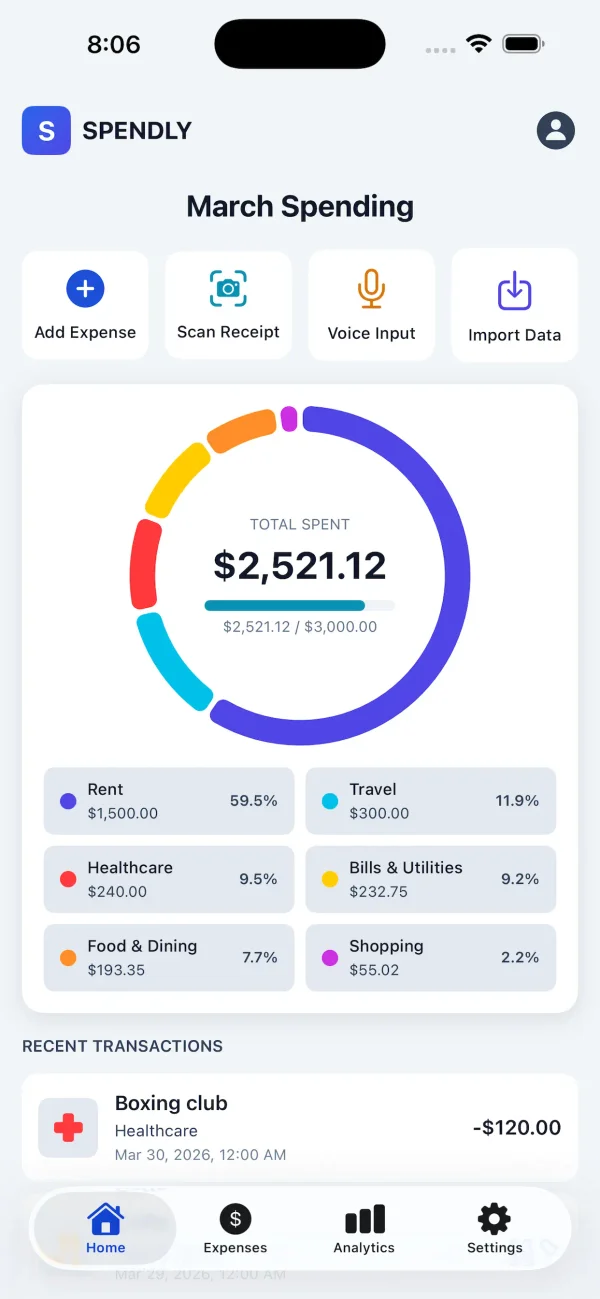
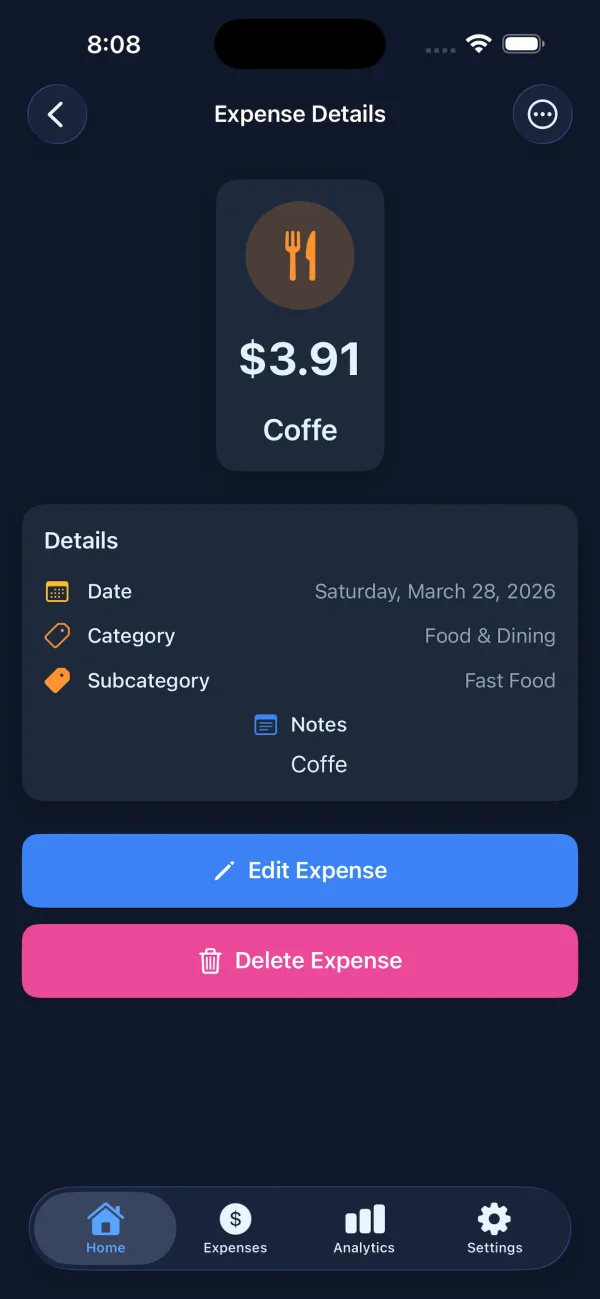
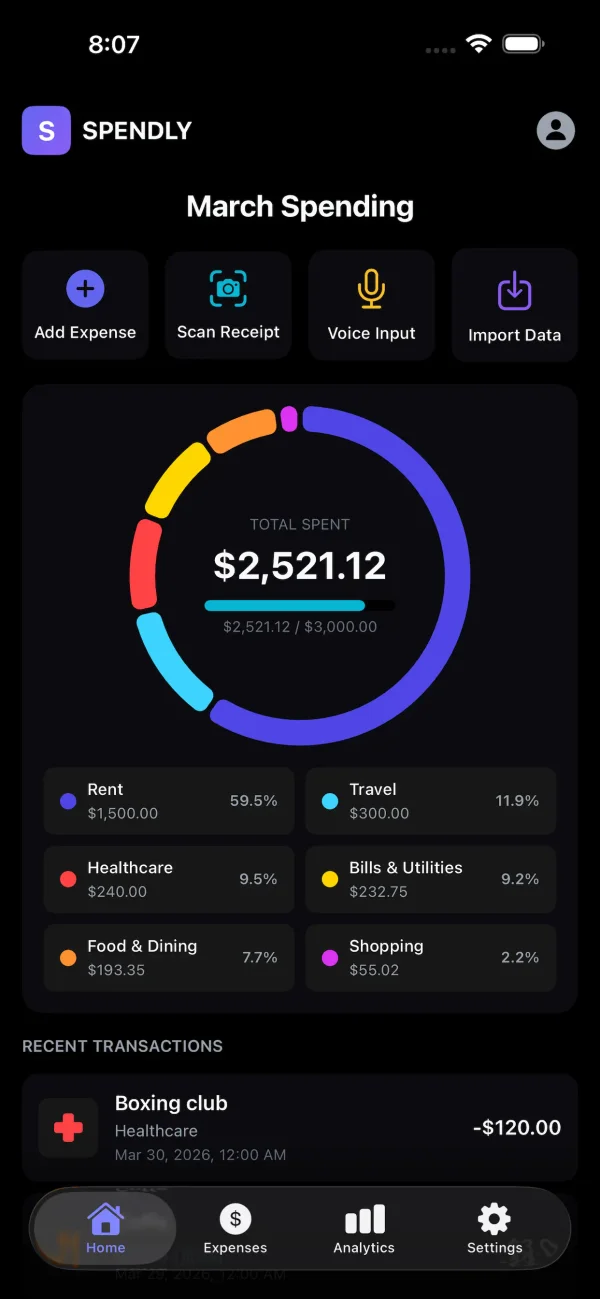
SPENDLY helps you track every dollar with ease. Whether you’re managing daily spending, monitoring monthly budgets, or analyzing where your money goes, SPENDLY gives you the tools to stay on top of your finances.
TRACK EXPENSES YOUR WAY • Add expenses manually with a simple, clean form • Scan receipts with your camera—capture and attach receipt images to any expense • Use voice input to add expenses hands-free—speak the amount and details, and SPENDLY transcribes it for you • Choose from multiple currencies to match your region
ORGANIZE WITH CATEGORIES • 10 built-in categories: Food, Transportation, Shopping, Entertainment, Utilities, and more • Create unlimited custom categories with your own icons and colors • Add subcategories for fine-grained organization (e.g., Food → Groceries, Restaurants) • Color-coded categories for quick visual identification
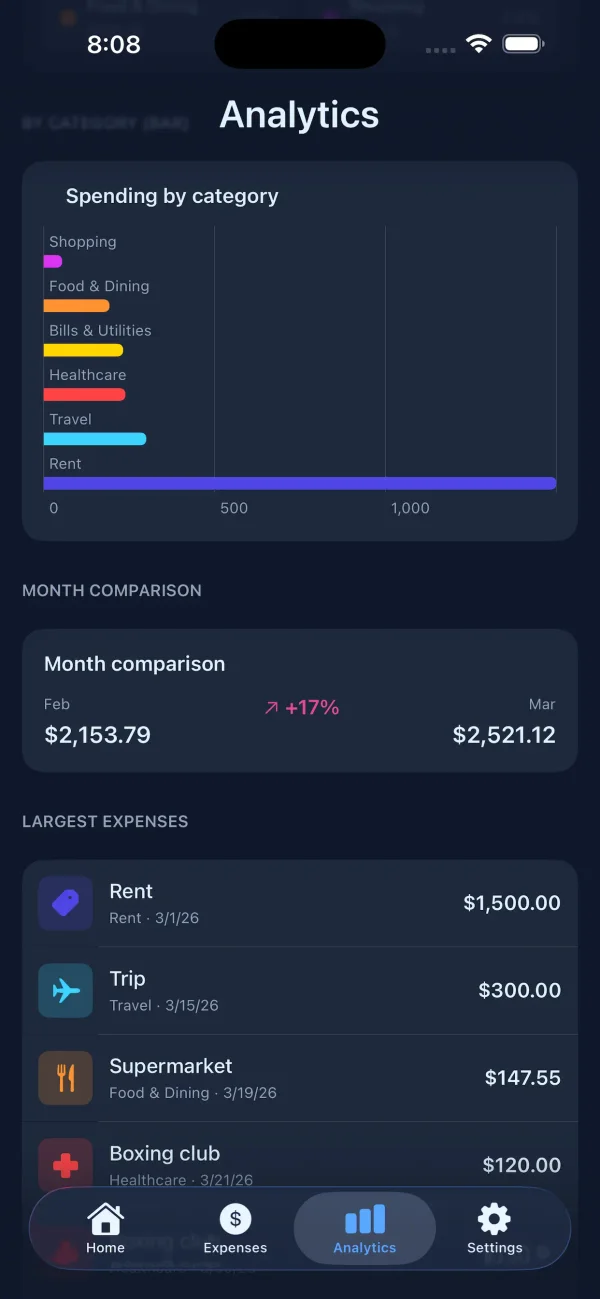
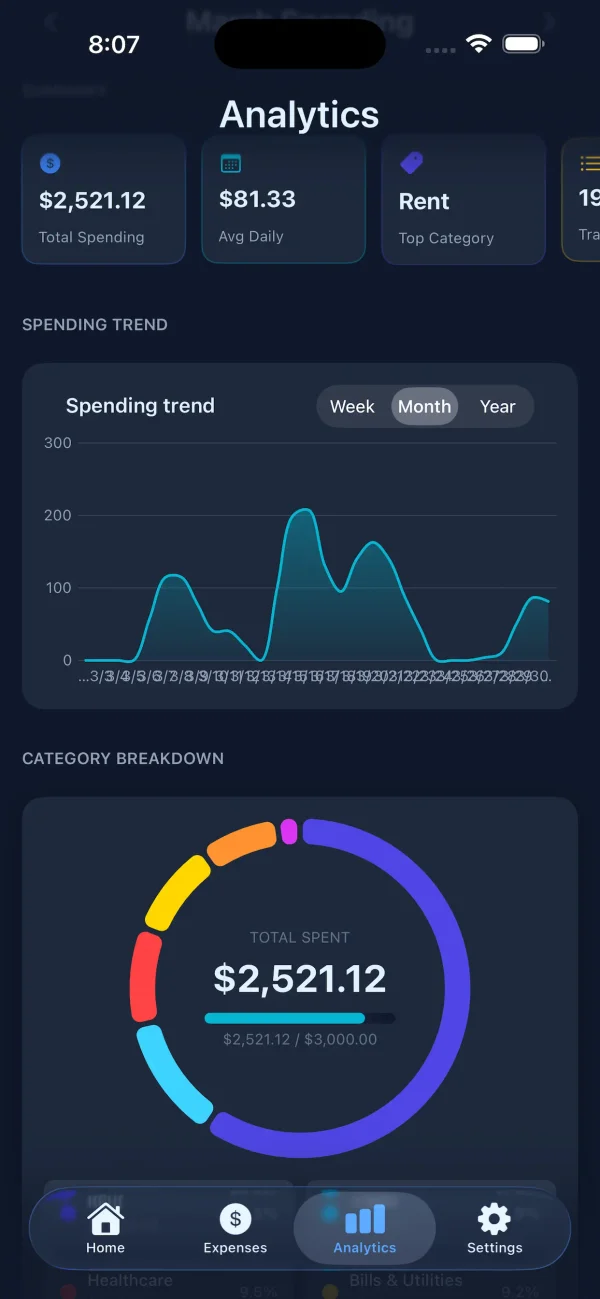
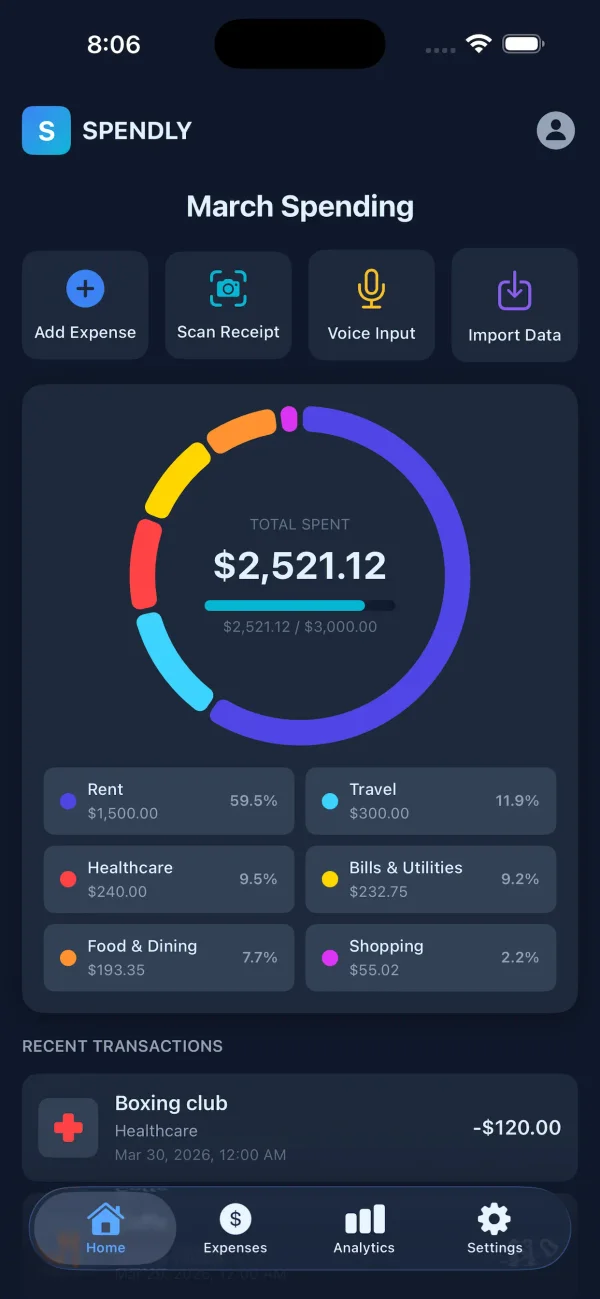
BEAUTIFUL ANALYTICS • Interactive pie charts show your spending breakdown by category • Monthly, weekly, and daily statistics at a glance • Spending trends and category comparisons • Set a monthly budget and track your progress with visual indicators • Dashboard with recent transactions and quick stats
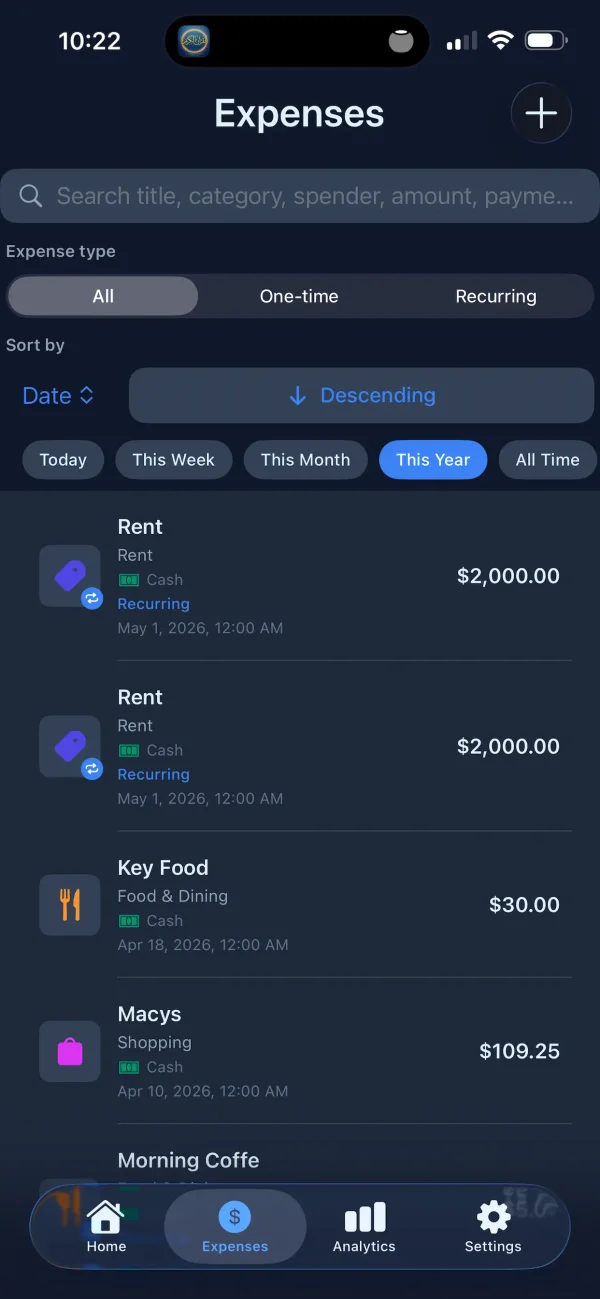
FLEXIBLE & ACCESSIBLE • Light, Blue (premium), and Dark themes—choose what suits you • Match system appearance or auto-switch by time of day • Optimized for both iPhone and iPad with adaptive layouts • Clean, modern design following Apple Human Interface Guidelines
YOUR DATA, YOUR DEVICE • All data stored locally on your device—no account required to start • Export and import your data for backup or transfer • Profile picture/avatar on your dashboard • Manage categories, budgets, and preferences in Settings
GET STARTED IN SECONDS • Friendly onboarding for first-time users • Optional currency and theme setup • Sample data option to explore features before adding your own
Download SPENDLY today and take the first step toward smarter spending habits.
Terms of Use: http://smart-apps.us/contents/apps/spendly/docs/terms-of-service.html
What’s new
Version 2.0 · May 16, 2026
RECURRING EXPENSES: Add support for daily, weekly, monthly, or yearly recurring expenses. Set reminders in advance so you never miss a payment.
MULTIPLE SPENDERS: Create and manage multiple spenders in Settings. Assign a spender to each expense and use Analytics to compare spending totals and trends by person—not just by category.
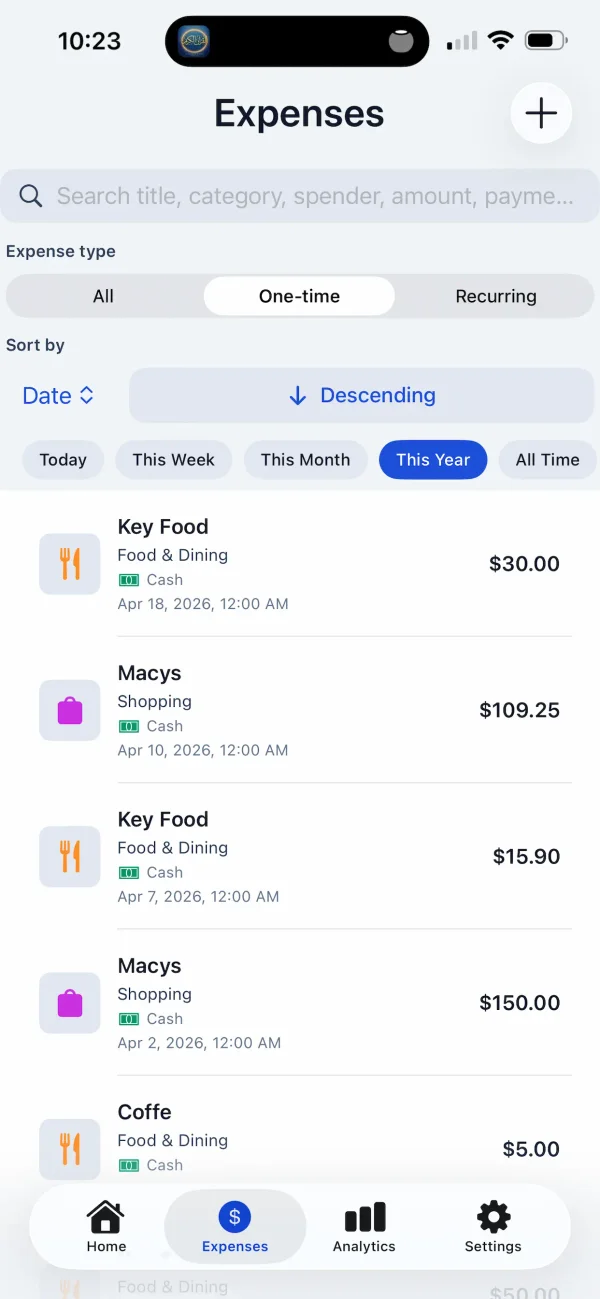
ENHANCED SEARCH & FILTERING: Quickly find what you need with powerful search and filtering. Filter by date range, expense type, category, payment method, and easily distinguish between one-time and recurring expenses.
ENHANCED ANALYTICS: Select specific months and years to analyze your expenses. View detailed summaries, spending trends, category breakdowns, payment method insights, and period-to-period comparisons.
IMPROVED IMPORT & EXPORT: Import expenses from CSV or text files with flexible formatting for dates, amounts, and categories. New category names are automatically created. Export your data as a complete CSV file, including spender names and stable IDs for recurring templates.
App privacy
What Ibrahim Abouhaikal declares on the App Store about how this app handles data.
-
Data not collected
The developer does not collect any data from this app.
Privacy practices may vary, for example with the features you use or your age.
Information
- Seller
- Ibrahim Abouhaikal
- Category
- Productivity
- Version
- 2.0
- Updated
- May 16, 2026
- Released
- Apr 2, 2026
- Size
- 7.8 MB
- Requires
- iOS 18.6 or later
- Age rating
- 4+
- Price
- Free
- In-app purchases
- Yes
- Languages
- English
- Copyright
- Copyright © 2026 Ibrahim Abouhaikal. All rights reserved. Spendly and related marks are trademarks or registered trademarks of Ibrahim Abouhaikal in the United States and/or other countries.
You might also like
-
 Snippets: Quick Markdown NotesSync via iCloud
-
 Doc Reader: Text to SpeechListen to Docs in Any Language
-
 Aroha: Habit Builder & TrackerFocus, mood & daily planner
-
 Nerve - Screen Time ControlBrain Game App Blocker & Focus
-
 KeyVox: AI Voice KeyboardNo Subscription. AI Dictation.
-
 Brio: Daily Planner, Todo ListTime Block & ADHD Organizer
-
 Verbatim: AI Note TakerAI Note Taking, Memo Recorder
-
 PromptKit - AI Prompt ManagerSave Templates, Manage Library
-
 Note Taker AI - 100% localJUST TALK Your notes are ready
-
 Bookmark Read Later - LinkjoyOffline, Highlight, Notebook