
Spenso: Expense Tracker
Receipt scanner & spending log
Designed for iPhone
In-app purchases
- Age rating4+
- CategoryFinance
- DeveloperChirill Ceban
- LanguagesPortuguese+ 5 more
- Size30.5 MB
Links to the official App Store page
Download.org hosts no file of Spenso: Expense Tracker. The button opens its official App Store page, published by Chirill Ceban. Listing last checked on Nov 13, 2026.
Screenshots

About
Turn a quick note, receipt, or invoice into an organized expense, without wrestling with forms or complicated dashboards.
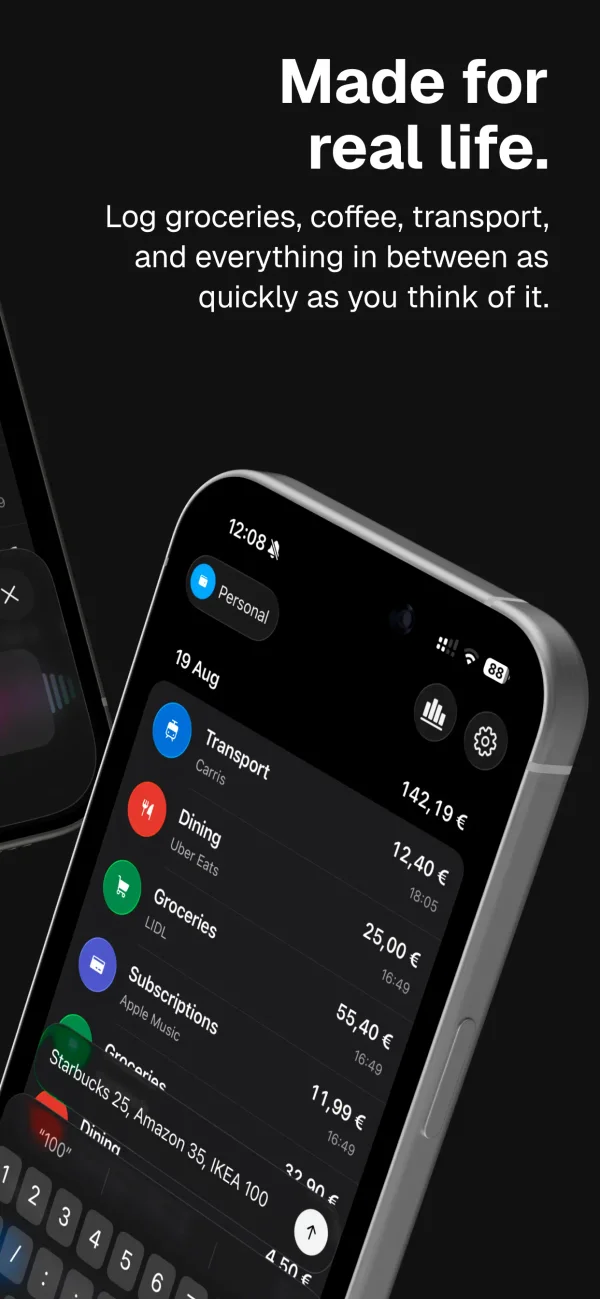
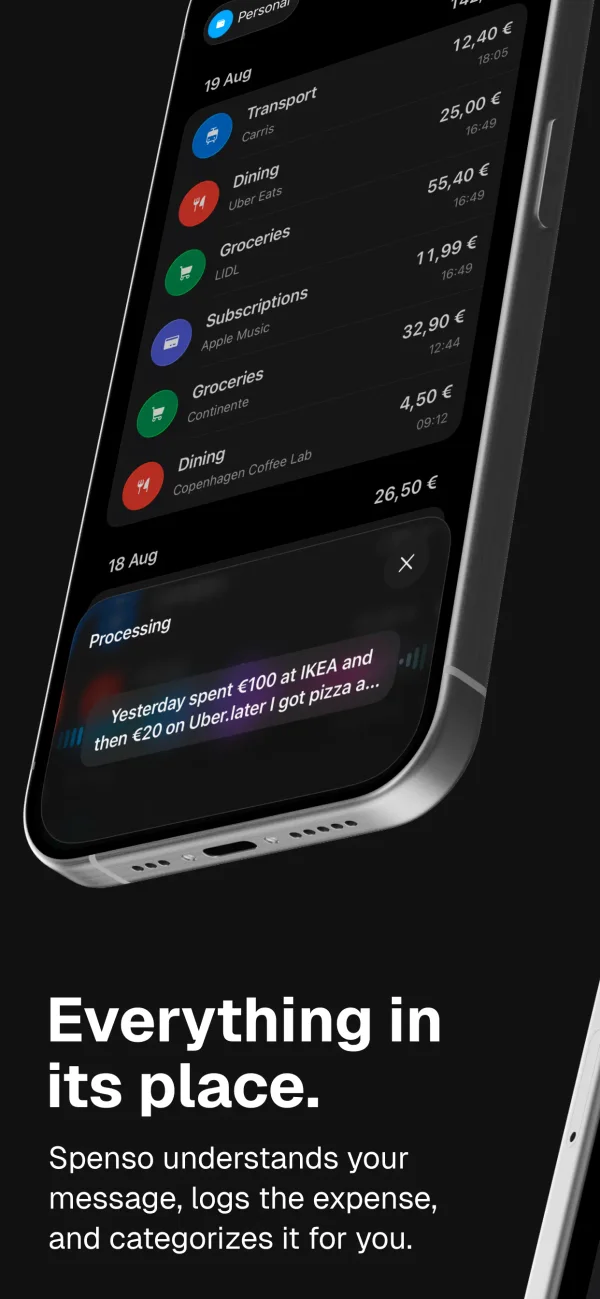
Write “Coffee 4.50”, describe several purchases in one message, or scan a receipt. Spenso picks out the important details, prepares expense drafts, and lets you review everything before saving.
SCAN RECEIPTS AND INVOICES
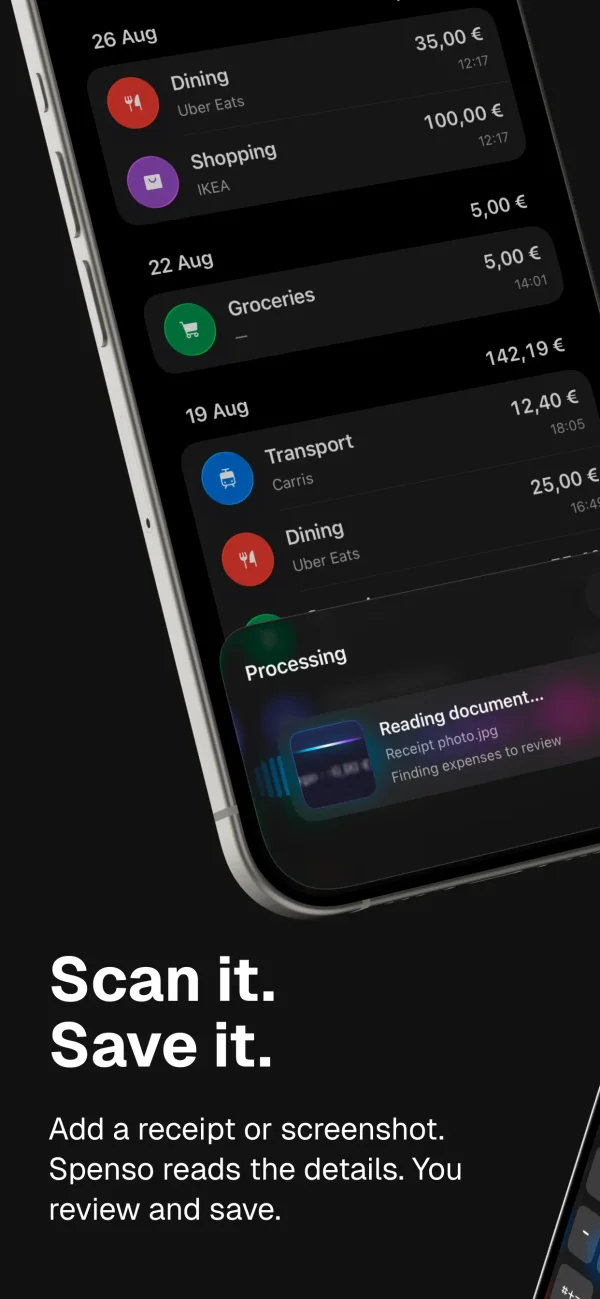
Scan a paper receipt or invoice with your camera, or import a photo or PDF. Spenso AI reads the details and prepares expense drafts for you to check, edit, or discard. Document processing requires an internet connection.
KEEP THE DOCUMENT WITH THE EXPENSE
Save the source photo or PDF alongside your expenses, so you can open it later to check a total or find a purchase detail. Keep your receipts and spending history together.
QUICK CAPTURE, IN YOUR OWN WORDS
Enter an expense the way you would naturally say it. Spenso recognizes amounts, merchants, dates, categories, and tags, with on-device processing whenever possible.
SIRI AND DICTATION
Tell Siri what you spent when your hands are full, or dictate directly in Spenso. Record one expense or several, then confirm, edit, or discard the drafts before anything is saved.
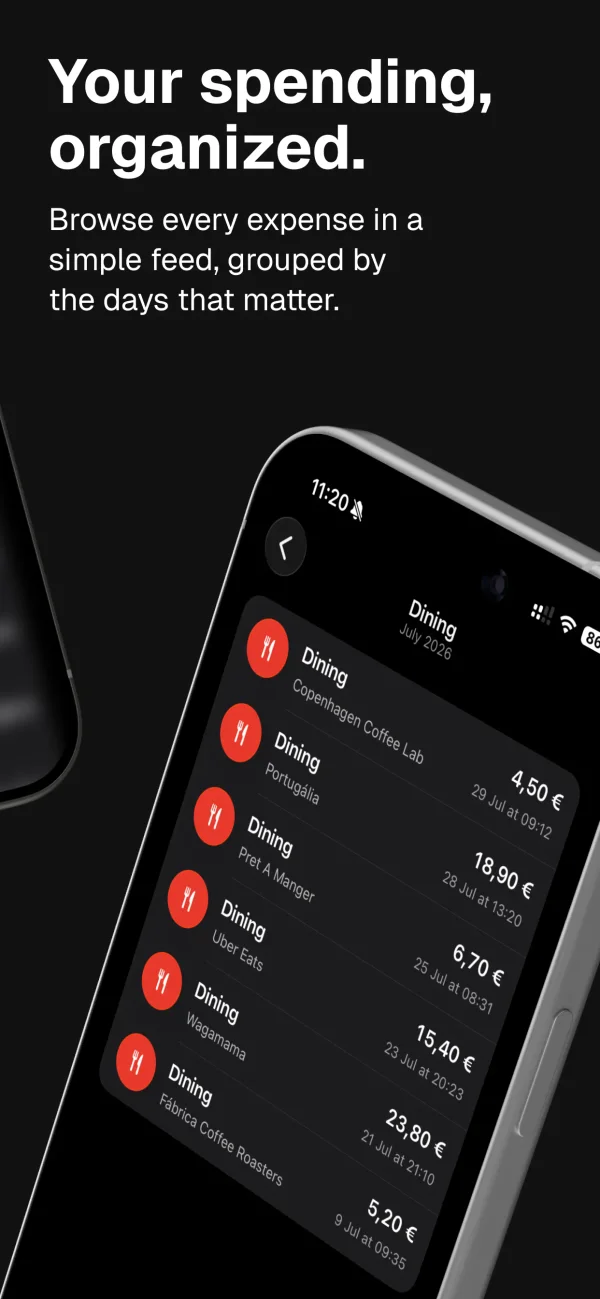
A CLEAR DAILY HISTORY
See your spending organized by day. Open an expense to adjust its amount, date, category, tags, or note whenever you need to.
MONTHLY OVERVIEW
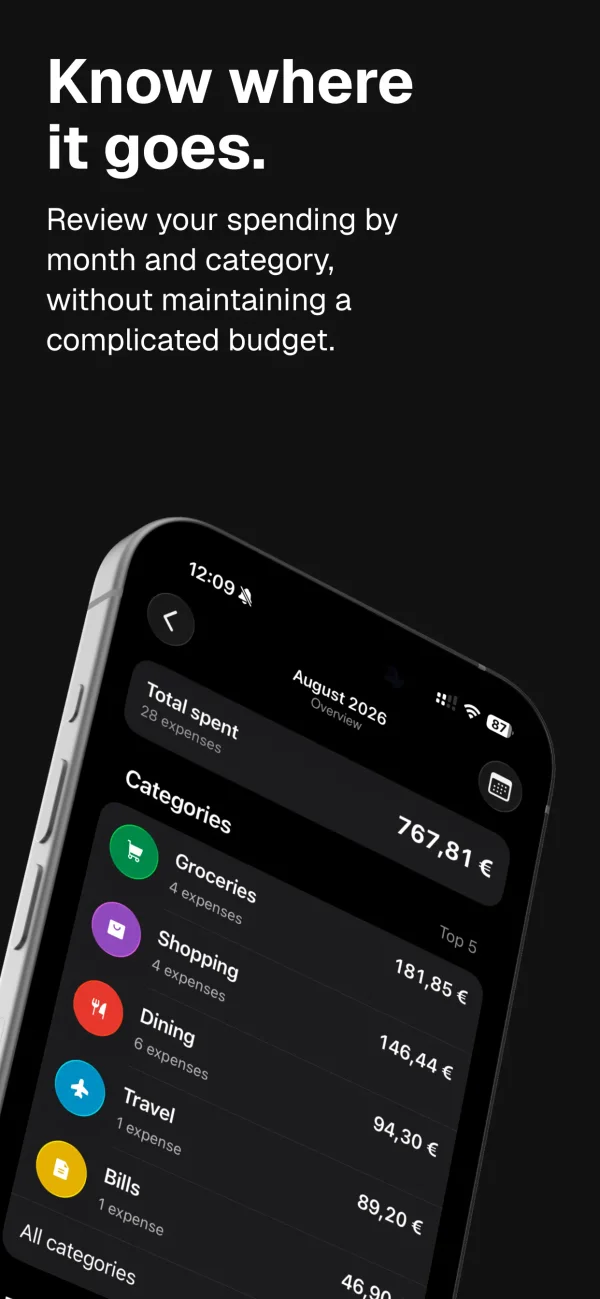
Understand where your money went with clear monthly totals and category breakdowns. Open a category to see the expenses behind the total.
ORGANIZE IT YOUR WAY
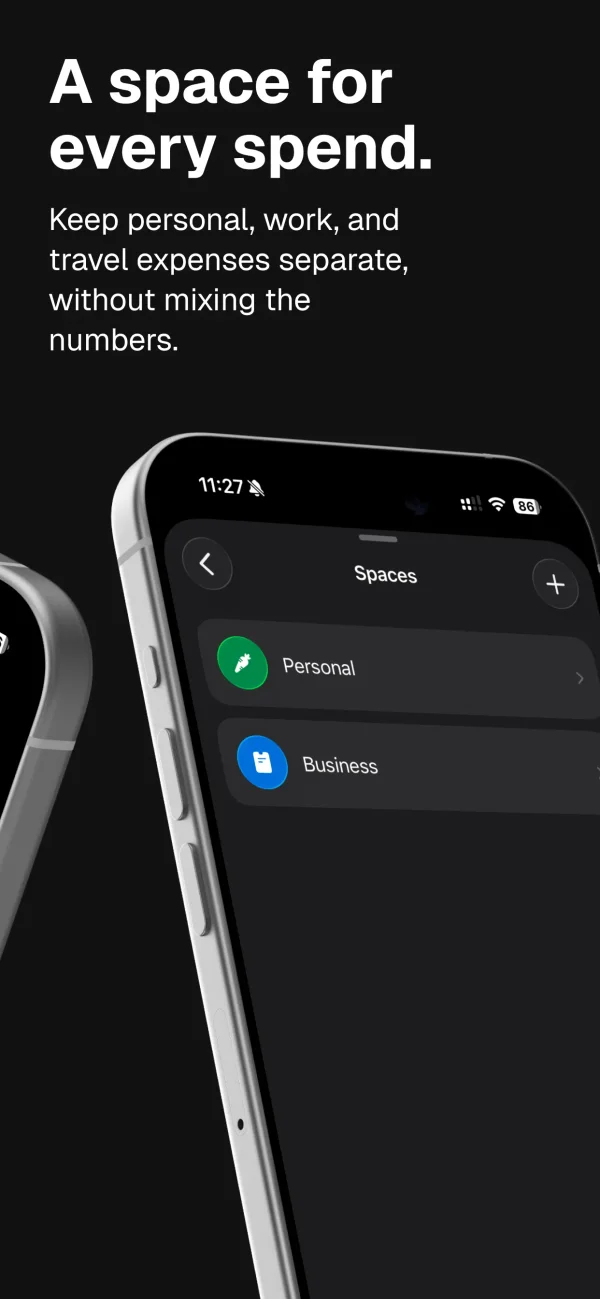
Create categories and tags that fit your life. Use separate spaces for personal, travel, or project spending, each with its own currency, categories, and tags.
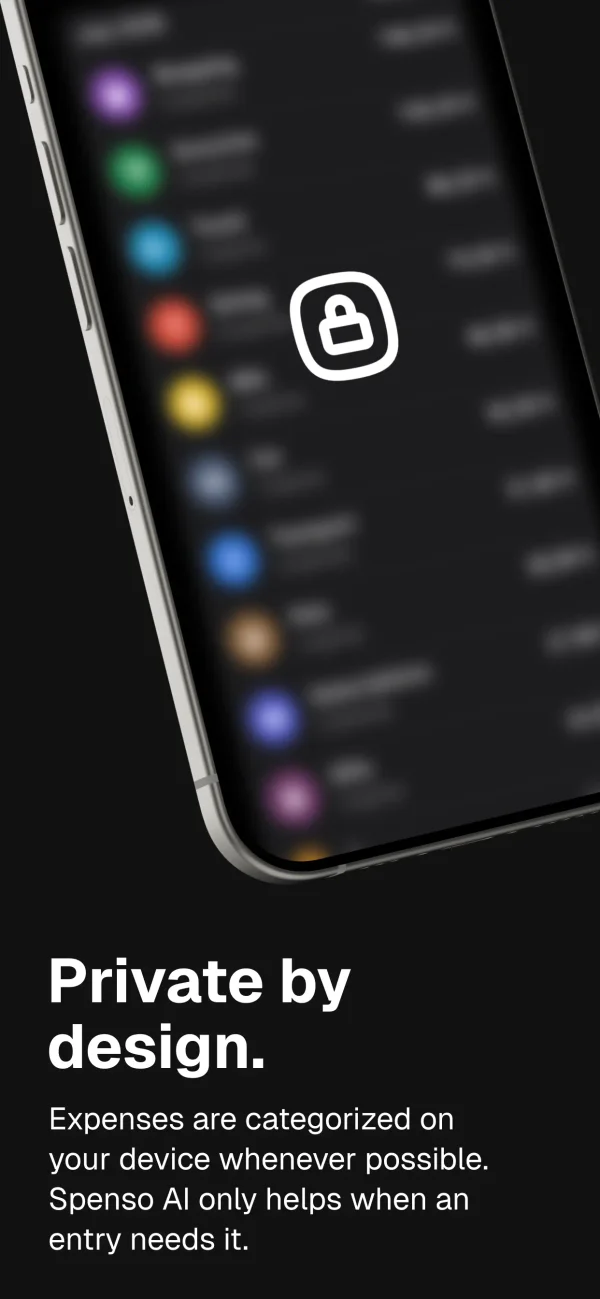
PRIVATE BY DESIGN
Saved expenses live on your device and in your private iCloud database. AI and Siri results remain drafts until you explicitly confirm them.
Spenso is an expense log, not a budgeting app. Keep a useful record of what you spend without adding another system to maintain.
LEGAL
Apple Standard EULA: https://www.apple.com/legal/internet-services/itunes/dev/stdeula/
Privacy Policy: https://getspenso.com/legal/privacy-policy
Terms of Service: https://getspenso.com/legal/terms-of-service
What’s new
Version 1.7.0 · Oct 12, 2026
I’ve made it easier to find old expenses and see where your money goes.
- Search your history and combine filters for dates, categories, tags, and amounts.
- Follow monthly spending and category trends over 3, 6, or 12 months, or this year.
- Tap a month in a chart to see the amount and open its expenses.
- Move between months with the picker or bottom arrows.
I also tidied up the cards and filters, with smoother period changes and clearer chart labels.
Thanks for using Spenso!
App privacy
What Chirill Ceban declares on the App Store about how this app handles data.
-
Data not linked to you
May be collected but is not linked to your identity.
- Identifiers
- Usage data
- Diagnostics
Privacy practices may vary, for example with the features you use or your age.
Information
- Seller
- Chirill Ceban
- Category
- Finance
- Version
- 1.7.0
- Updated
- Oct 12, 2026
- Released
- Jul 22, 2026
- Size
- 30.5 MB
- Requires
- iOS 26.0 or later
- Age rating
- 4+
- In-app purchases
- Yes
- Languages
- Portuguese, German, Spanish, French, English, Italian
- Copyright
- © 2026 - Spenso
You might also like
-
 Topf: Expense TrackerBudget Planner & Money Manager
-
 Washi · Money: ExpensesPrivate expense tracker
-
 PaceSpender: Spending TrackerBudget, expense & bill manager
-
 Trackle: Budget & ExpensesSubscriptions & Statistics
-
 Receipt Scanner: ExpensesScan, track & PDF tax reports
-
 Cupr: Expense TrackerSpending & income in seconds
-
 Expense Tracker - TrackDadTrack Spending with AI
-
 Budgi - Money ManagerFinance Insights & Reports
-
 Sumspace: Personal FinanceSpending & wealth tracker
-
 Payments reminder BillsOnLoans, Subscriptions & Budget