Spiffy Clock
Tell time in style.
Designed for iPhone, iPad
Free · In-app purchases
- Age rating4+
- CategoryUtilities
- DeveloperMatthew Roberts
- LanguagesEnglish
- Size4.0 MB
Links to the official App Store page
Download.org hosts no file of Spiffy Clock. The button opens its official App Store page, published by Matthew Roberts. Listing last checked on Nov 15, 2026.
Screenshots

About
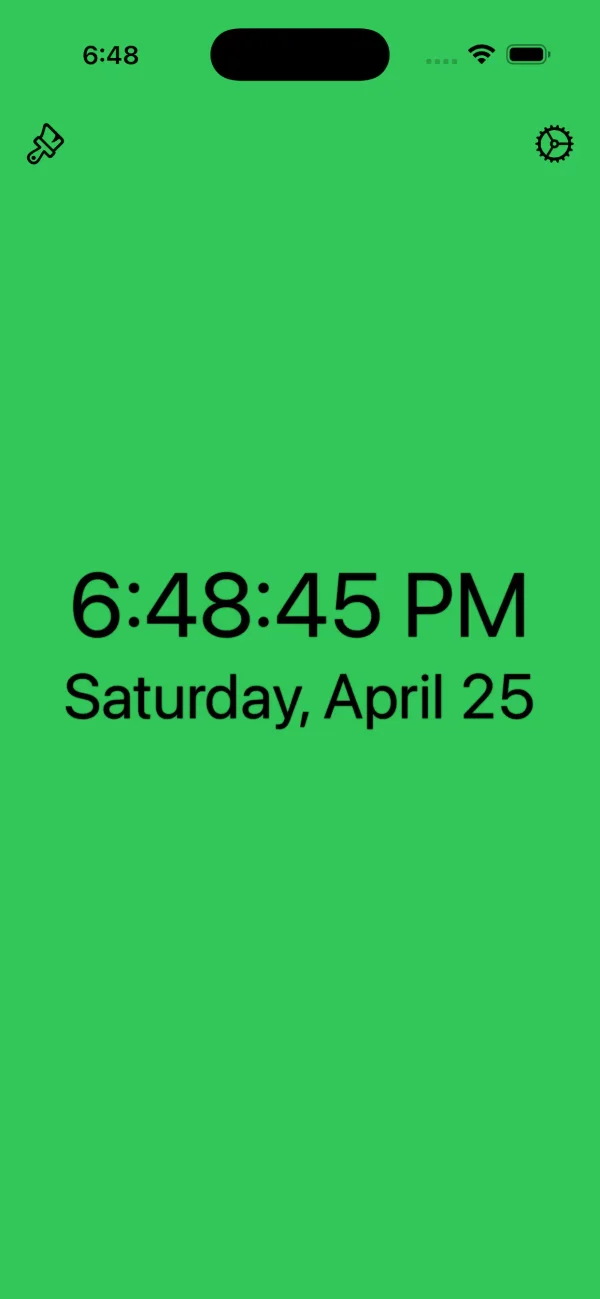
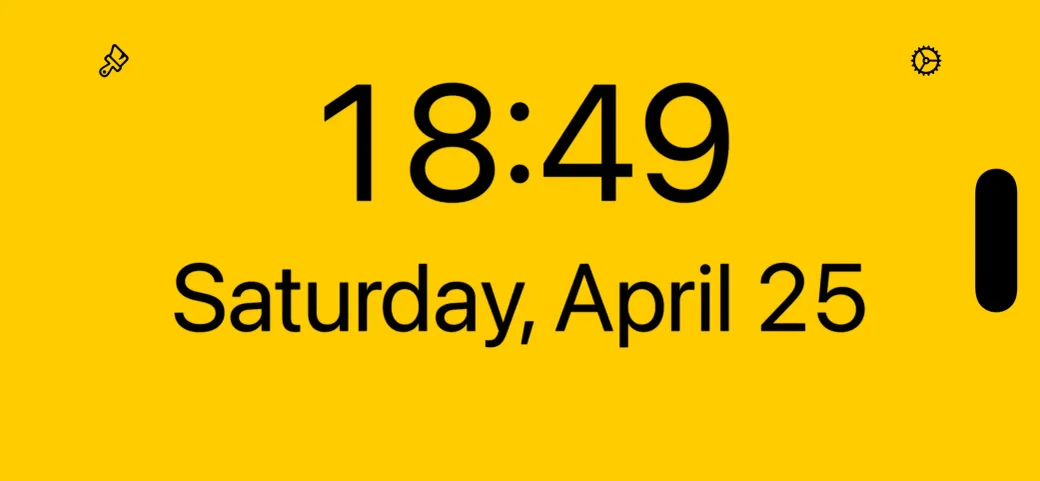
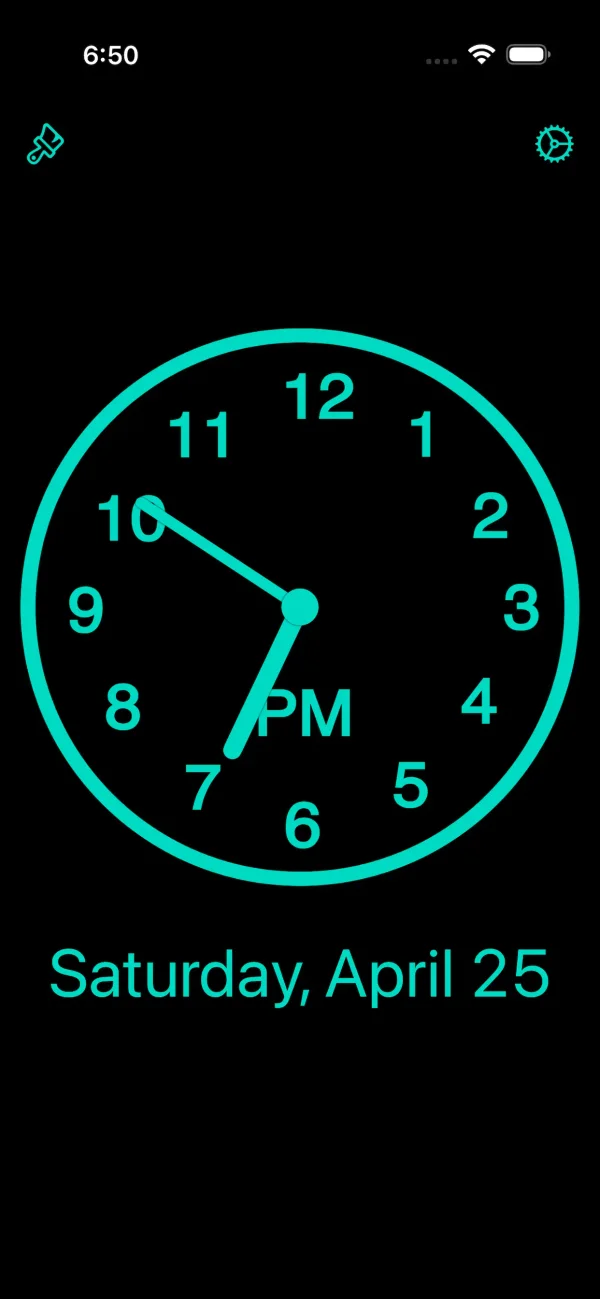
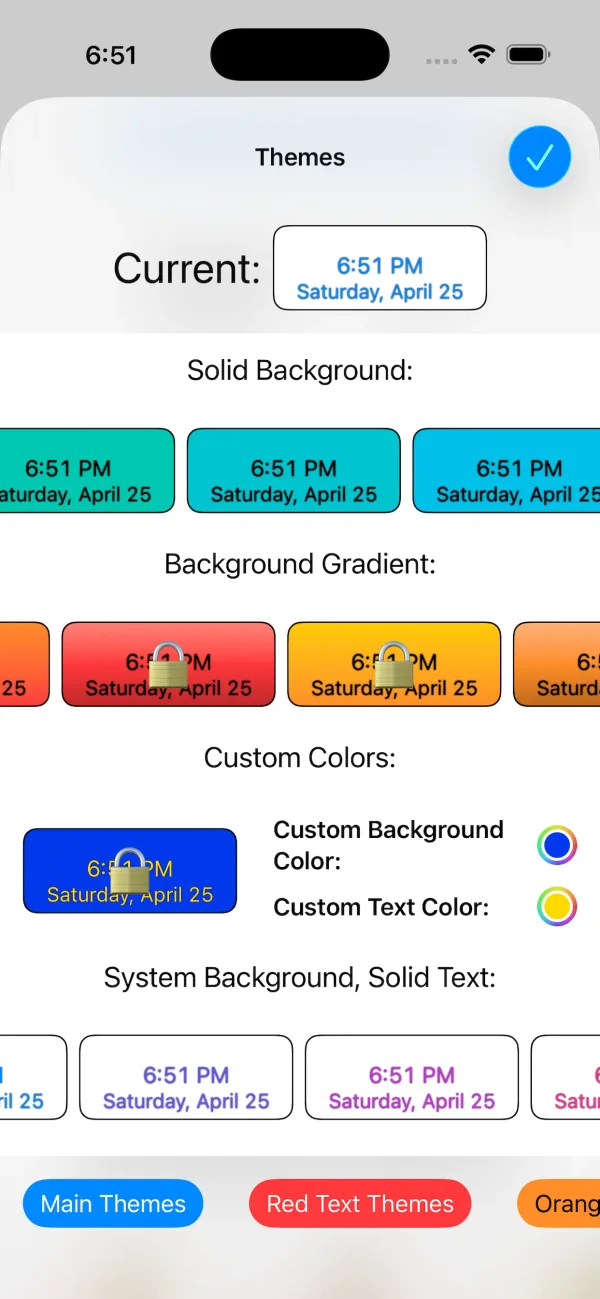
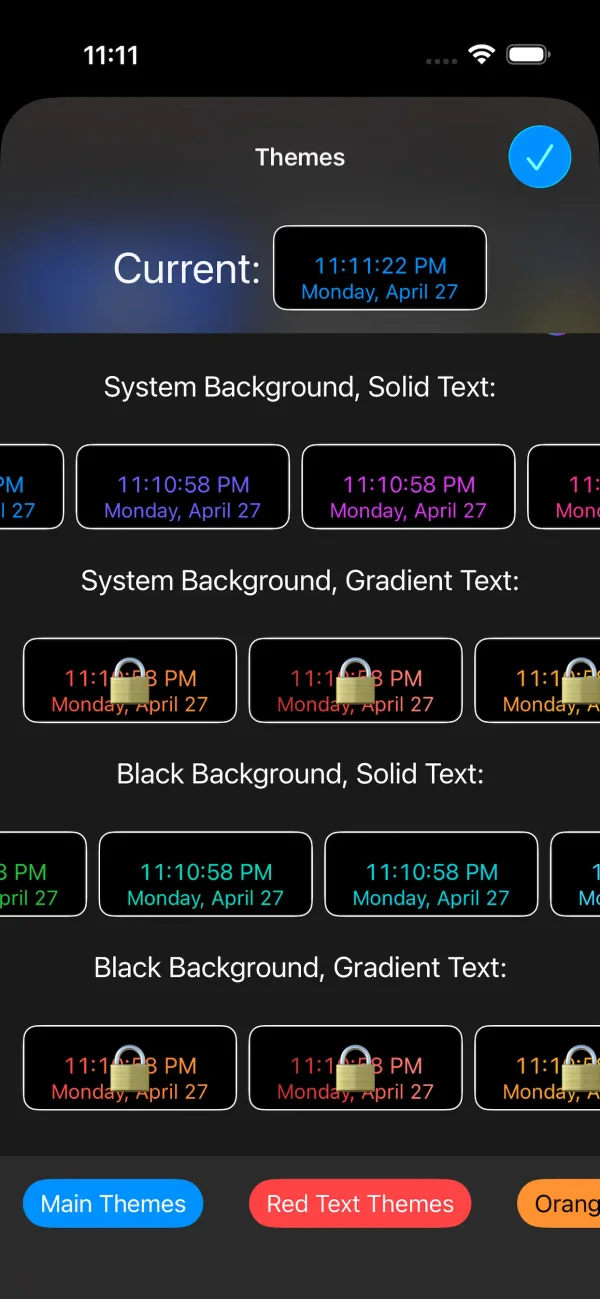
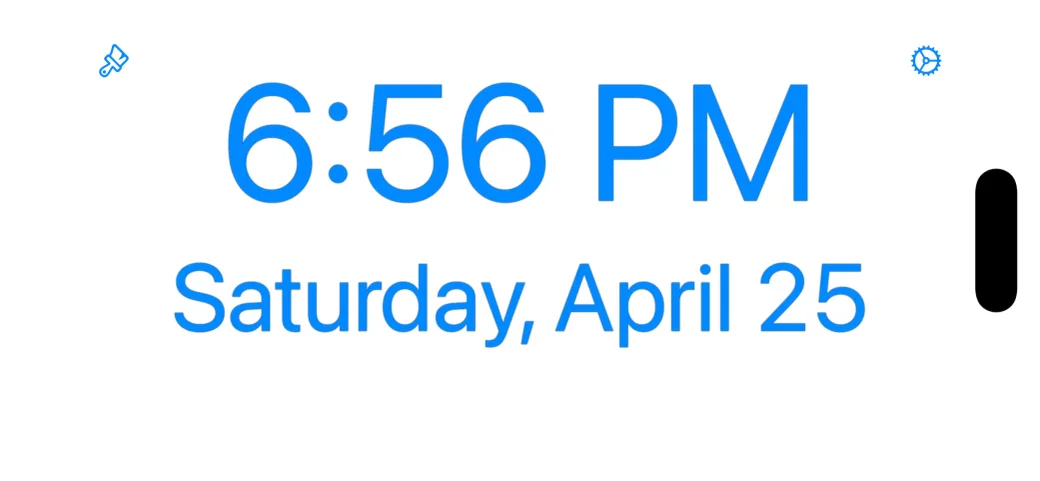
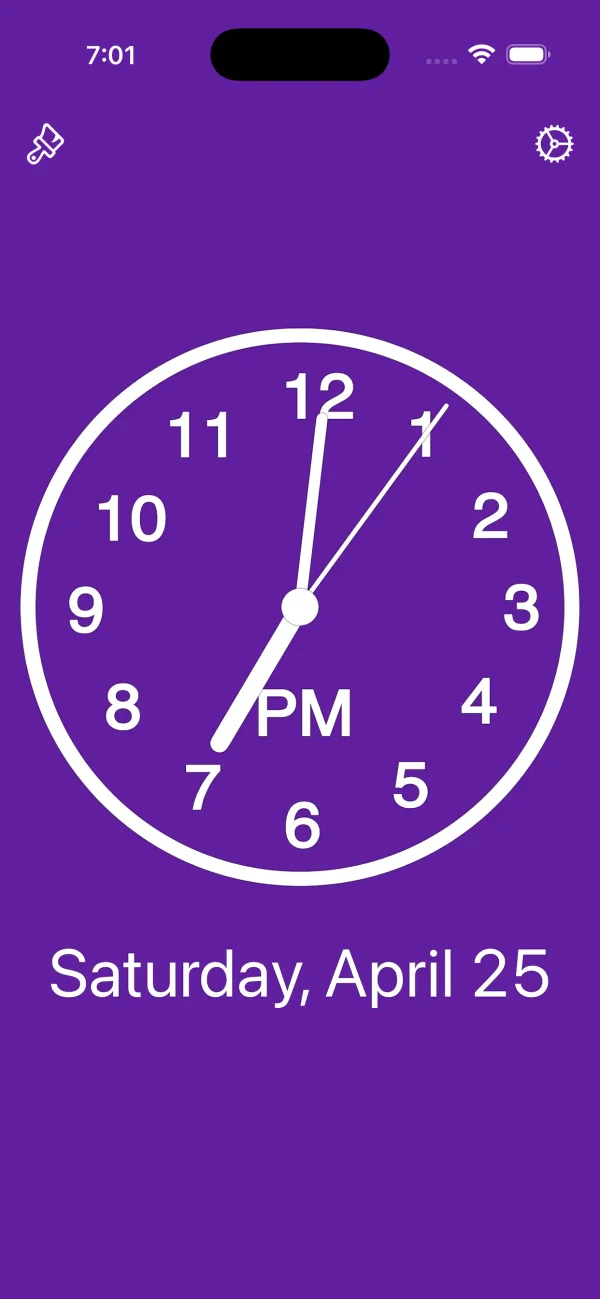
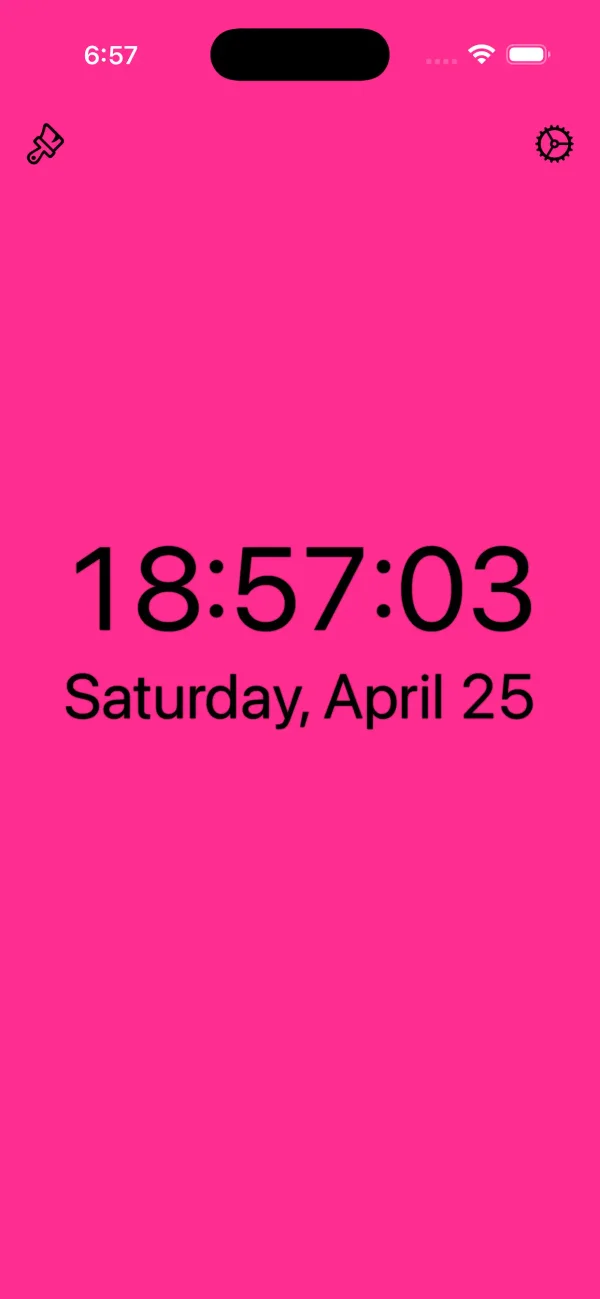
Spiffy Clock puts the time and date front and center! It has 16 free colors that can be displayed as the background or as the text. An in-app purchase unlocks gradient backgrounds, gradient text, custom background and text colors, bi-color themes, gold, silver, and bronze, and rainbow coloring. Choose from numerous settings exactly how you want the time and date and day of the week displayed. When the color choice is for the background, the color will automatically change for light mode and dark mode, except when using custom colors. Works in both portrait and landscape mode.
A night mode for use with dark mode allows you to display dark text in dark mode.
Free color choices are:
—Red
—Orange
—Yellow
—Green
—Mint
—Cyan
—Teal
—Blue
—Indigo
—Purple
—Pink
—Brown
—Black
—Gray
—White
—System
Paid color choices are:
—Gradients
—Gold
—Silver
—Bronze
—Rainbow
—Bi-color themes
—Custom colors
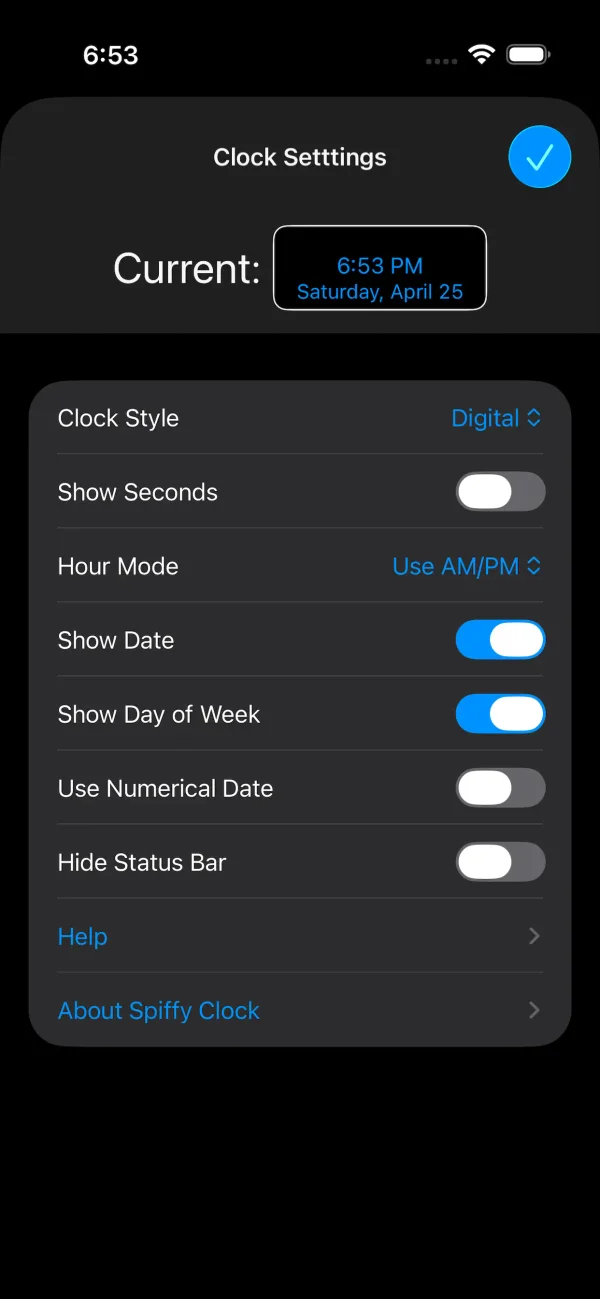
Time and date settings are:
— Analog or digital clock
—Show/hide seconds
—Use 24 hour or 12 hour time with AM and PM
—Show/hide date
—Show/hide day of the week
—Use numerical date
You also can hide the status bar if you want.
This app is a great complement to the desktop app Clock Suite. Similar colors are used, so there is a consistent look and feel across your devices.
What’s new
Version 3.0 · Aug 29, 2026
Spiffy Clock 3.0 is a major update!
There is now an analog clock mode for free, and paid custom color choices, bi-color themes, and gold, silver, bronze, and rainbow color choices.
App privacy
What Matthew Roberts declares on the App Store about how this app handles data.
-
Data not collected
The developer does not collect any data from this app.
Privacy practices may vary, for example with the features you use or your age.
Information
- Seller
- Matthew Roberts
- Category
- Utilities
- Version
- 3.0
- Updated
- Aug 29, 2026
- Released
- Feb 7, 2022
- Size
- 4.0 MB
- Requires
- iOS 26.0 or later
- Age rating
- 4+
- Price
- Free
- In-app purchases
- Yes
- Languages
- English
- Copyright
- Copyright © 2022-2026 Matt Roberts. All rights reserved.
You might also like
-
 Minimum ClockSimple Digital Clock
-
 Desk Clock DisplayUltimate Always On Clock app
-
 Stand Clock DisplayUltimate Desk Clock
-
 Digital Clock UltraUtilities
-
 Custom Digital ClockCustomizable digital clock
-
 Big Clock: Digital DisplayHuge Nightstand Clock & Timer
-
 SFClockSimple Flip Clock and Calendar
-
 Flip Clock: Desk & NightstandStandBy Widget, Bedside & LED
-
 ClockClip-make your device desk clock-
-
 Smart Digital & Analog ClockCustomizable Clock with Widget