
- Age rating4+
- CategoryProductivity
- DeveloperThreennovate
- LanguagesEnglish
- Size10.6 MB
Links to the official App Store page
Download.org hosts no file of Spindle: Time Tracker. The button opens its official App Store page, published by Threennovate. Listing last checked on Nov 7, 2026.
Screenshots
About
Spindle is a time tracker for people and teams who work on several things at once.
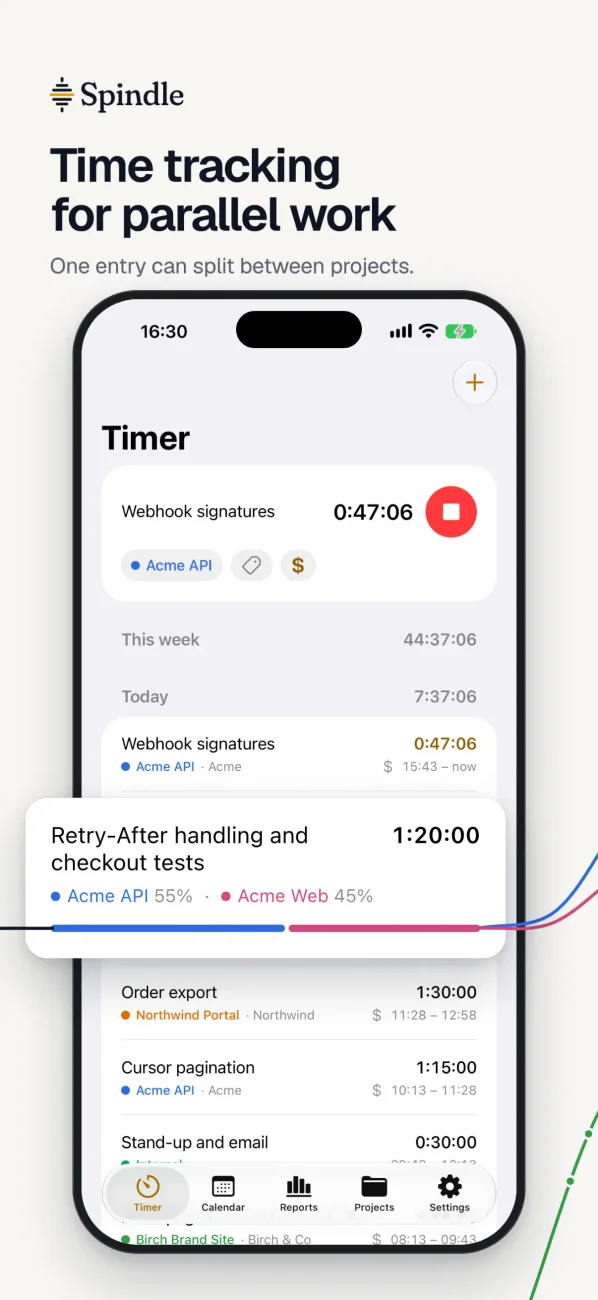
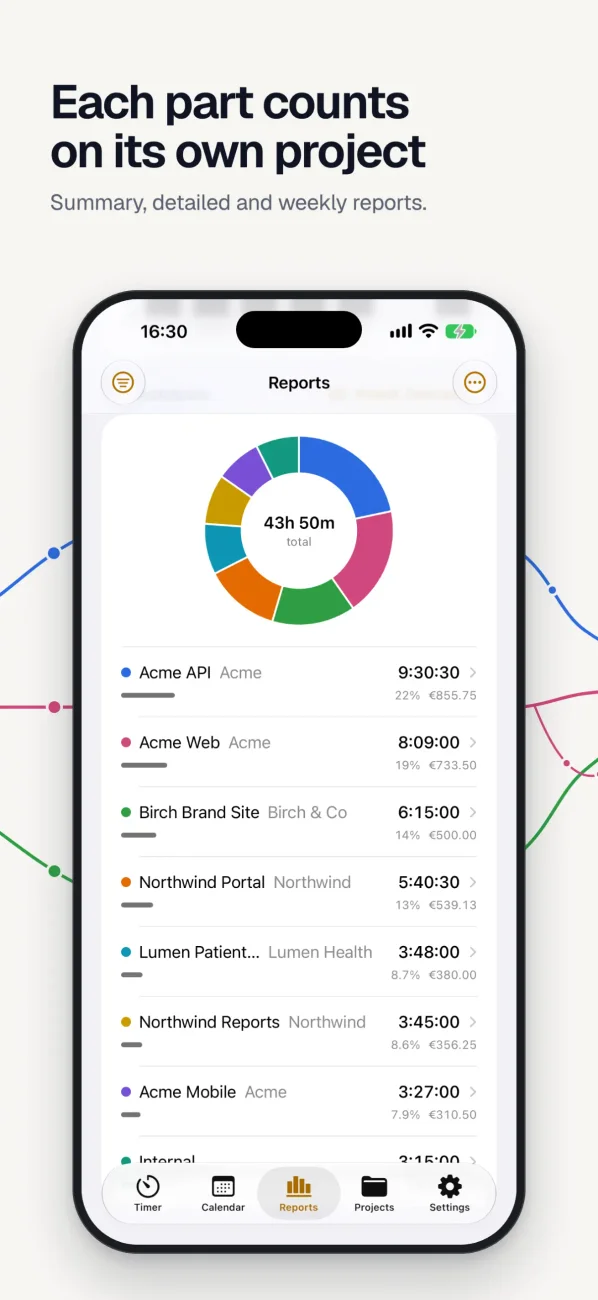
Most time trackers put each entry on a single project. When an AI agent works on one project while you start a task in another, that hour went into both. In Spindle, an entry can split its time between up to six projects, and every report counts each part on its own project.
On your iPhone:
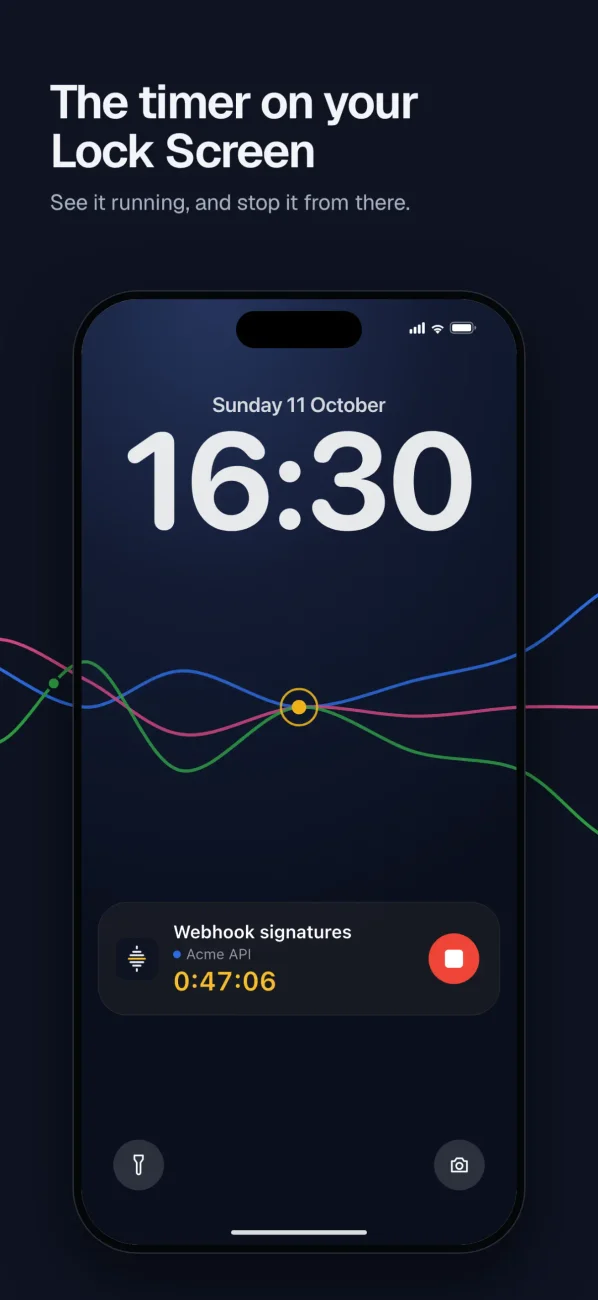
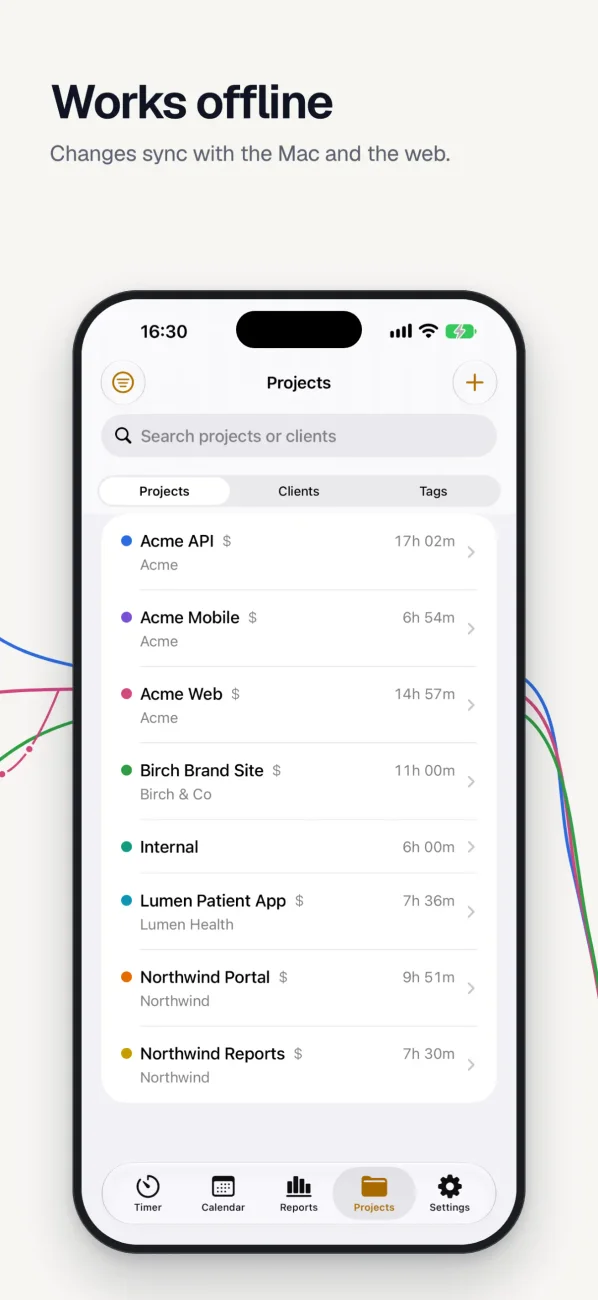
• Start and stop the timer, with project, tags and billable time. The running timer stays on the Lock Screen and in the Dynamic Island.
• Start a timer with Siri or the Shortcuts app.
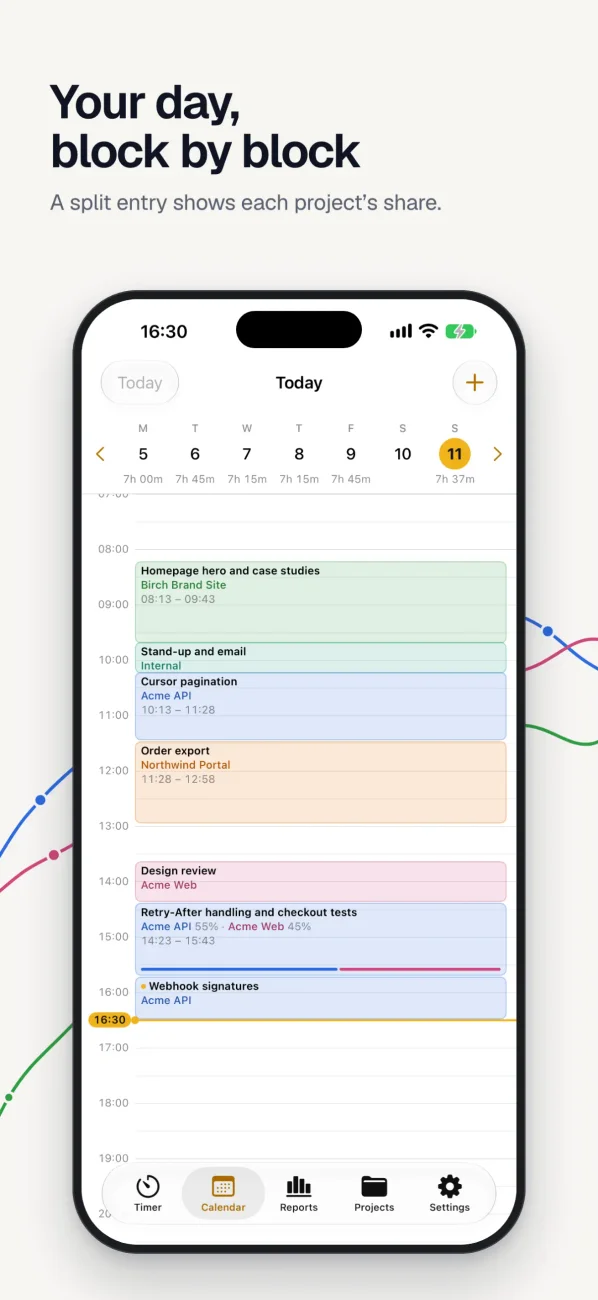
• See your day in a calendar and add time with a tap.
• Edit entries and their projects; entries split on the web or the Mac show each project's share.
• Reports with filters.
• Manage projects, clients and tags.
• Keep working offline: changes are sent when you're back online.
• Pomodoro, if you like working in focused blocks.
On the Mac, Spindle can suggest splits from the Claude Code and Codex logs on your computer. It keeps when you worked, never what you wrote, and nothing is saved until you confirm it.
Spindle doesn't watch your screen, apps or windows. In a team, each person confirms their own time.
Spindle is open source. You need a Spindle account to use the app.
What’s new
Version 2.6.0 · Oct 21, 2026
What's new in Spindle 2.6
• Continue with Google or Apple. Sign in or create an account without a new password.
• Use your own server. If you host Spindle yourself, enter its address when you sign in.
• A description for each project. A split entry now has its own description per project, so each client's report shows only their part of the work.
• No more lost edits. If you change an entry that was changed on another device in the meantime, Spindle keeps both versions and lets you choose: keep yours or keep theirs.
• Safer data export. An export is always saved under a plain file name inside its own folder.
App privacy
What Threennovate declares on the App Store about how this app handles data.
-
Data linked to you
May be collected and linked to your identity.
- Contact info
- User content
- Identifiers
Privacy practices may vary, for example with the features you use or your age.
Information
- Seller
- Threennovate d.o.o.
- Category
- Productivity
- Version
- 2.6.0
- Updated
- Oct 21, 2026
- Released
- Oct 20, 2026
- Size
- 10.6 MB
- Requires
- iOS 17.0 or later
- Age rating
- 4+
- Price
- Free
- Languages
- English
- Copyright
- © 2026 Threennovate d.o.o.
You might also like
-
 MarkTaskProductivity
-
 NeoTODO.txtProductivity
-
 Moleskine PlannerOrganize your time and tasks
-
 House Chores Cleaning ScheduleHome Chore Tracker & Checklist
-
 Do Habits: Get It DoneDaily Routine & Goal Planner
-
 Zeely: AI Marketing PlatformLet AI grow your brand
-
 Form+ for Google FormsSurveys, Quizzes & Responses
-
 Todoist: To Do List & CalendarTask manager & Reminders