Wallshader: Wallpaper Studio
Live & animated backgrounds
Designed for iPhone, iPad, Mac
Free · In-app purchases
- Age rating4+
- CategoryGraphics & Design
- DeveloperOsman Koycu
- LanguagesEnglish
- Size6.9 MB
Links to the official App Store page
Download.org hosts no file of Wallshader: Wallpaper Studio. The button opens its official App Store page, published by Osman Koycu. Listing last checked on Nov 12, 2026.
Screenshots

About
Wallshader is a wallpaper design studio in your pocket.
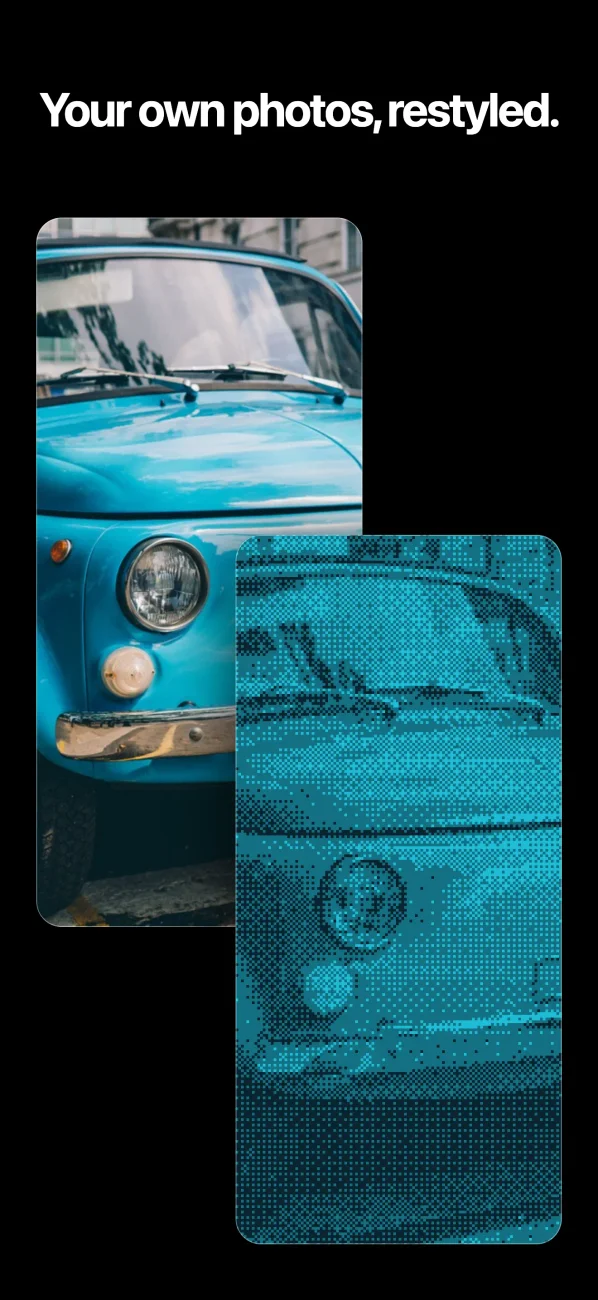
Don't scroll through someone else's wallpaper collection. Make your own: pick a GPU shader and shape it into something that's yours, or take a photo you love and dissolve it into dithering, halftone dots, or fluted glass. Save it as a still, or as a Live Photo that animates on your Lock Screen.
A MOVING LOCK SCREEN, MADE BY YOU
Animated shaders save as Live Photos. Set one as your Lock Screen wallpaper from Photos and it comes alive every time you wake your iPhone. A built-in visual guide walks you through the setup the first time.
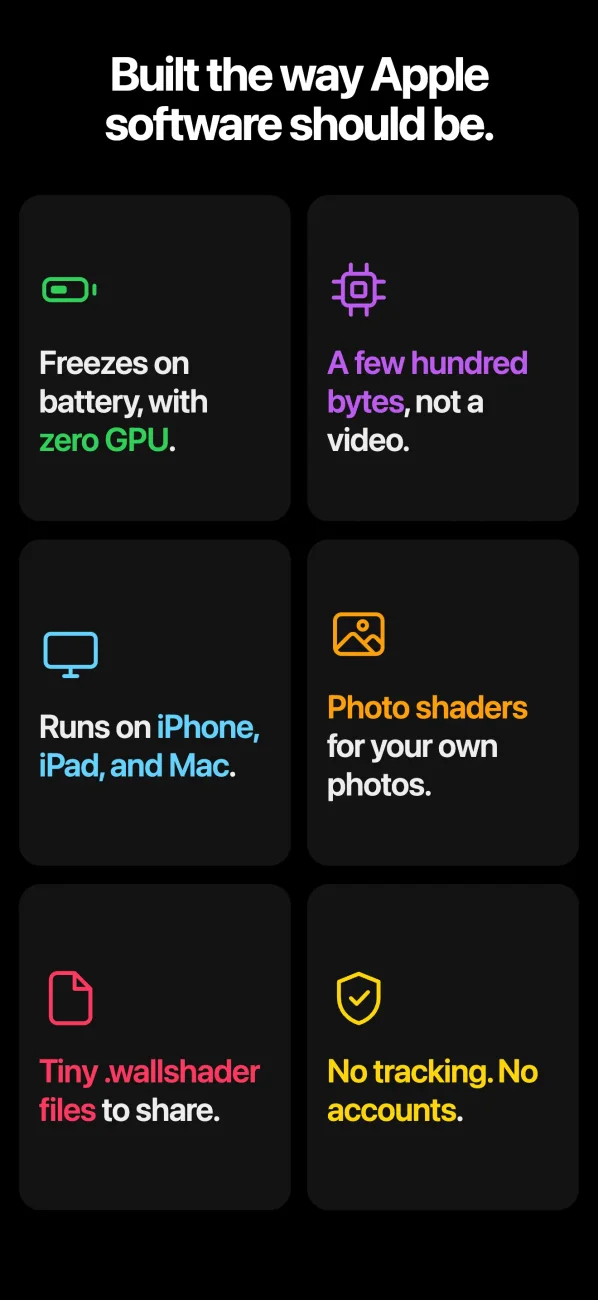
And it's easy on your battery: a Live Photo plays only for a moment when you wake the phone. Nothing runs in the background, and nothing renders while the phone is in your pocket.
A REAL DESIGN STUDIO, NOT A FILTER APP
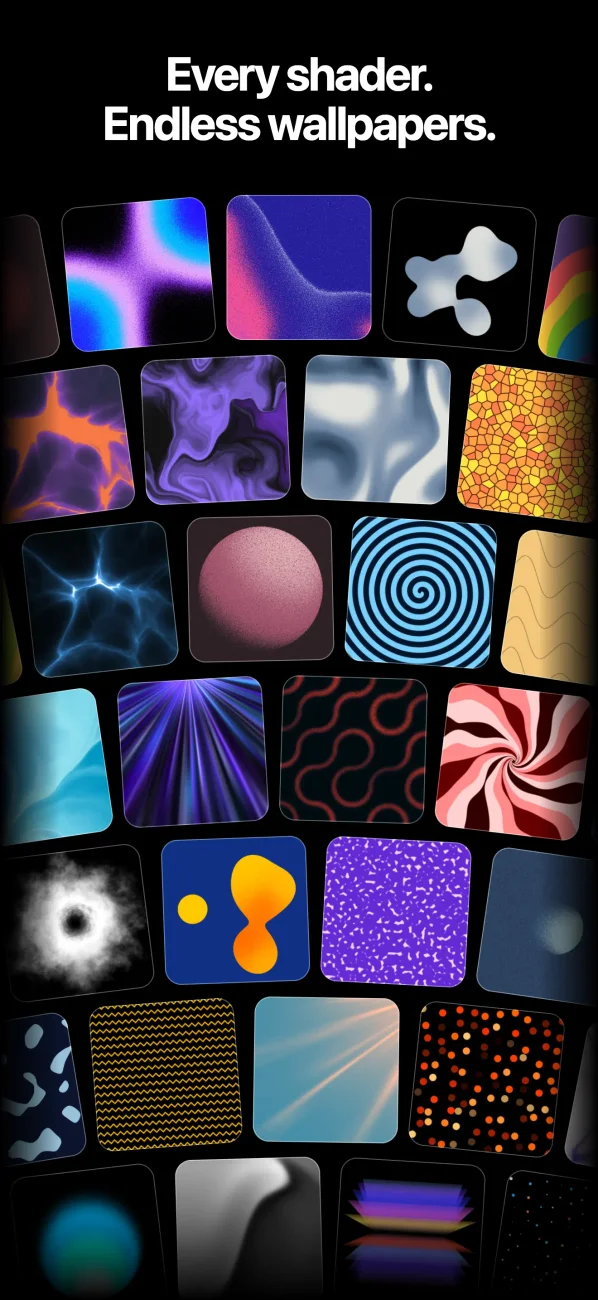
- A growing collection of GPU shaders rendered in real time on your device: mesh gradients, grain gradients, metaballs, voronoi, warp, spirals, god rays, noise fields and more
- Photo filters that turn your own images into wallpapers: dithering, halftone dots, halftone CMYK, water, fluted glass, paper texture
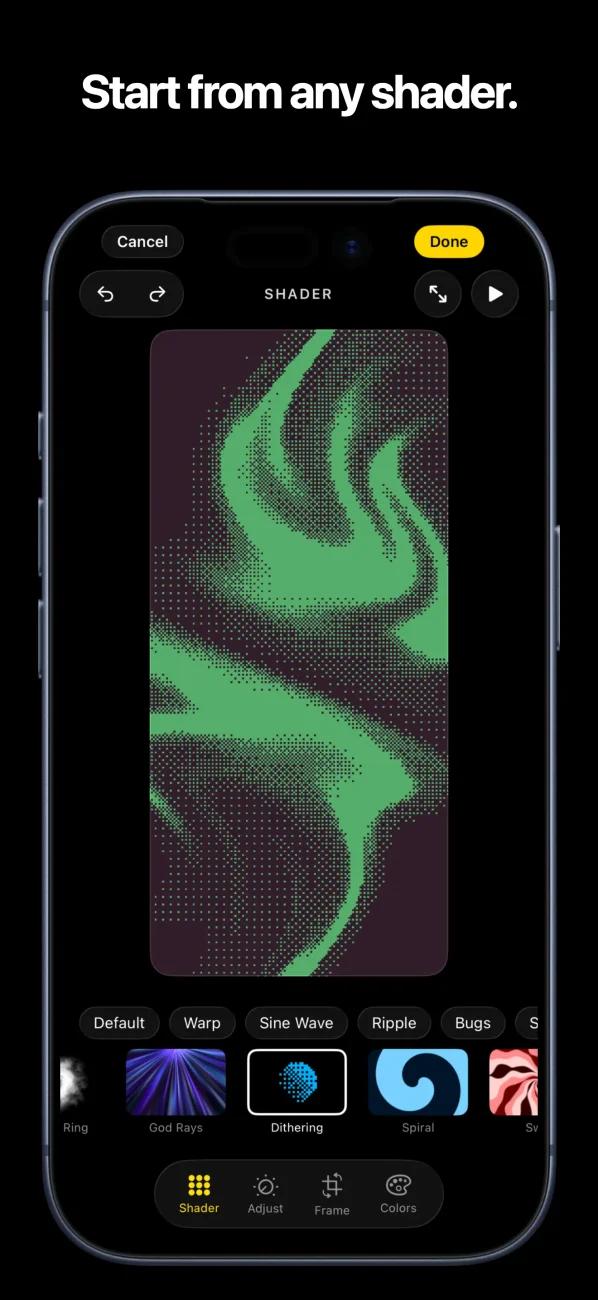
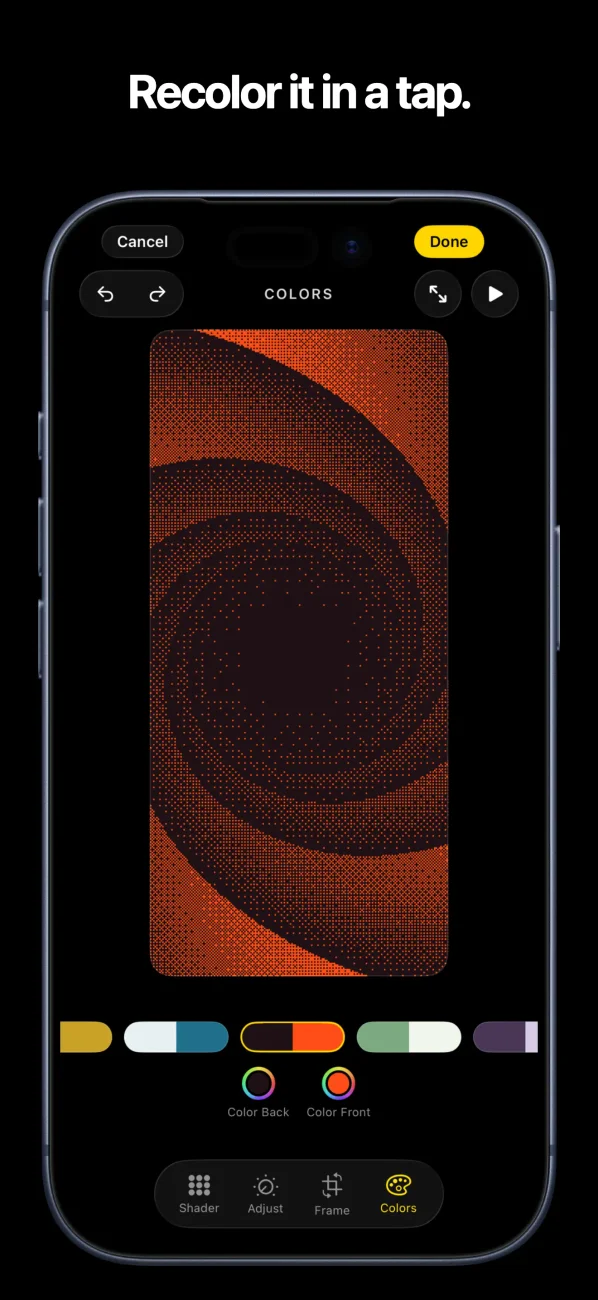
- Photos-style editing: Shader, Adjust, Frame, and Colors tabs over a live Metal preview
- Precision ruler sliders with tick-snapping and haptics
- Curated color palettes applied by color role: one tap recolors the whole wallpaper coherently
- Presets, Randomize, and full undo and redo
- Photo wallpapers: bring images from Photos or Files, frame them with pan, zoom, and rotation, choose Original, B&W, or custom colors
- Pinch into a full-screen preview at any time
YOUR LIBRARY, EVERYWHERE
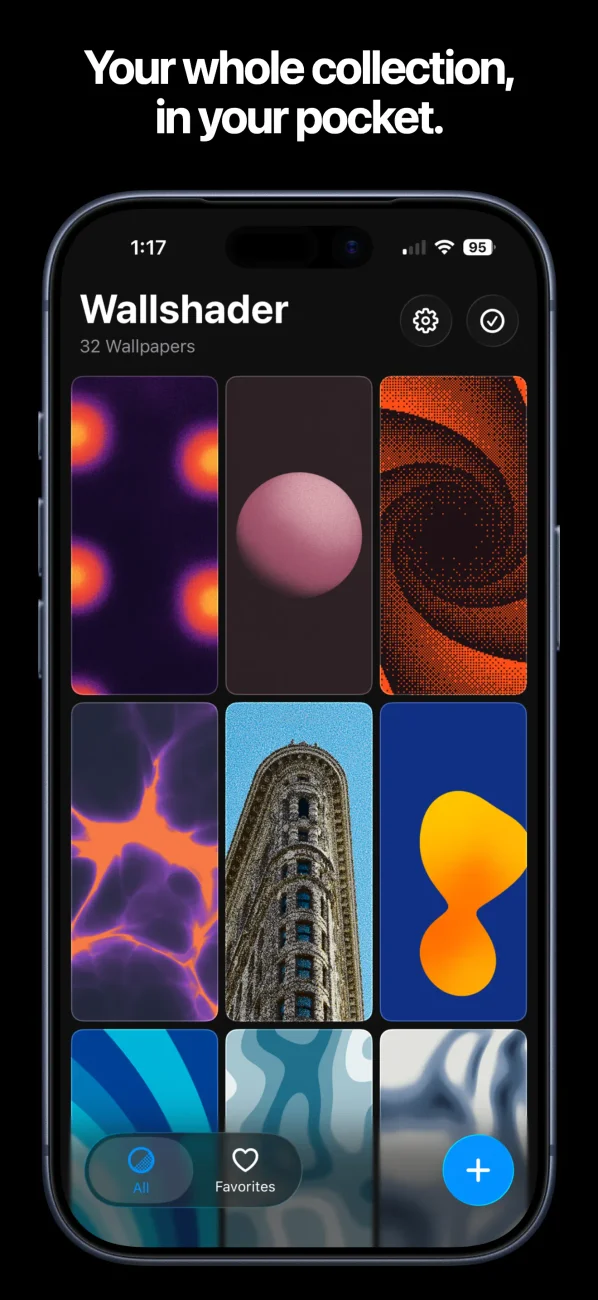
- A Photos-style grid library with Favorites, full-screen browsing, and multi-select
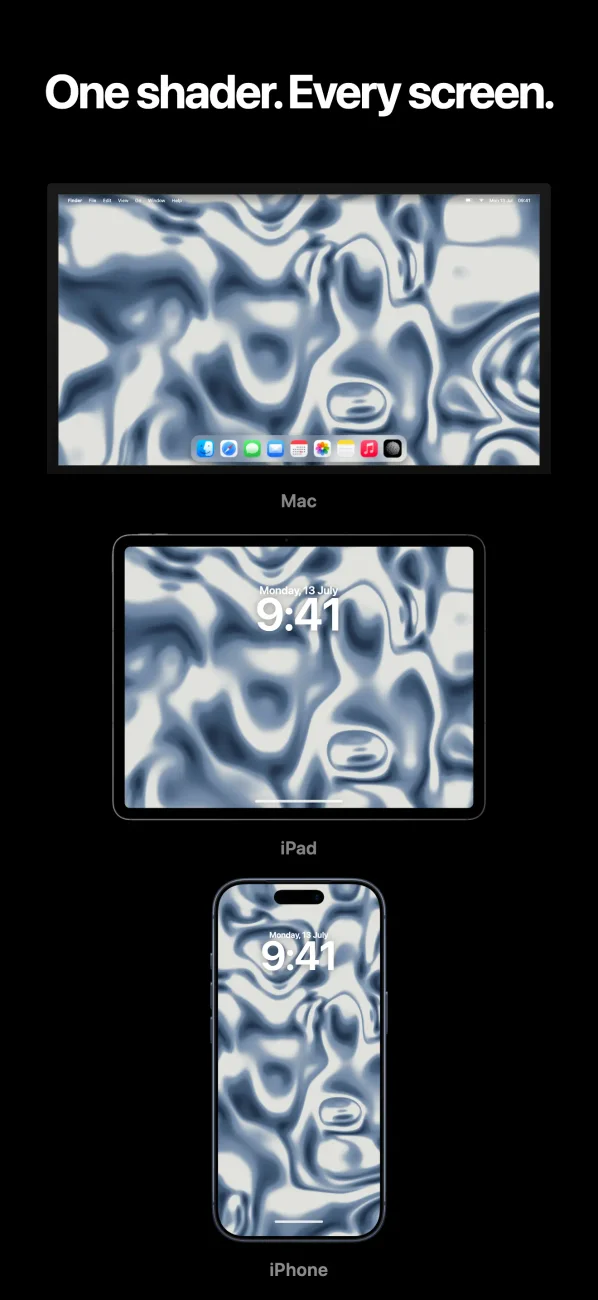
- iCloud sync (optional, no account, no sign-in): your entire library stays automatically in sync with Wallshader for Mac and between your iPhone and iPad. Design at your desk, finish on the couch.
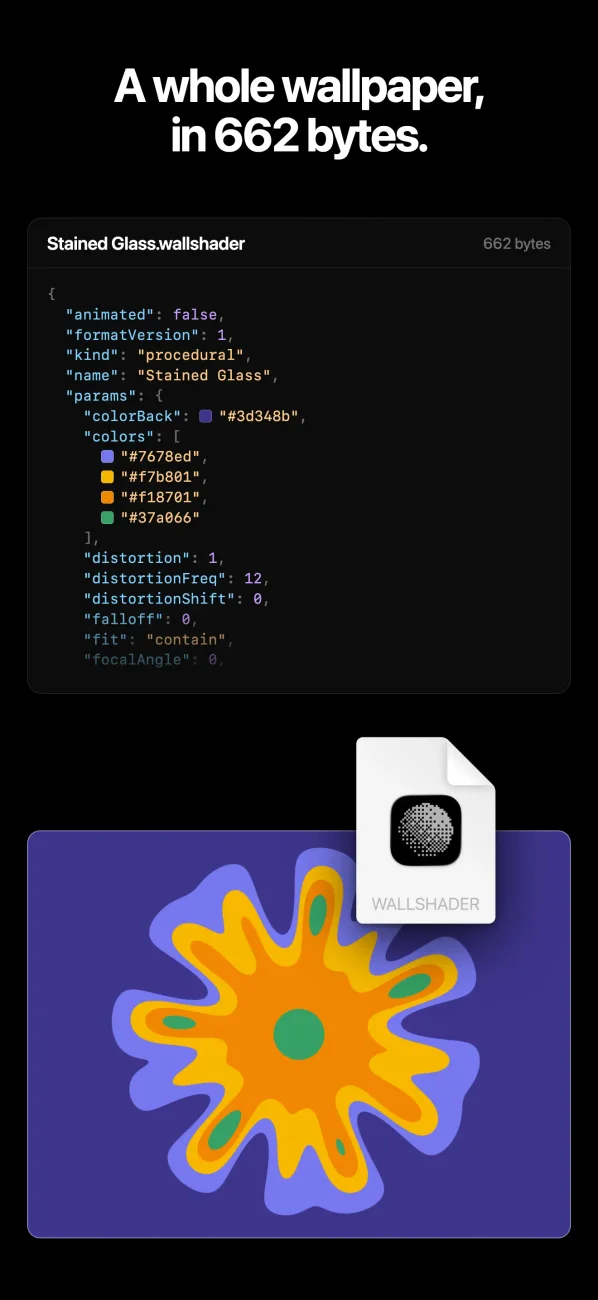
- Share any wallpaper as a tiny .wallshader file over AirDrop or Messages. The recipient taps to import and remix it, and Quick Look shows a real render right in Messages, Mail, and Files.
- Export at iPhone, iPad, or Desktop sizes
DESIGNED FOR iPAD, TOO
On iPad, Wallshader becomes a landscape design surface: a wide canvas with the preview front and center, tool rails on either side, and a detail strip below. Closer to a desktop studio than a phone app.
PRIVATE AND NATIVE
100% Swift and Metal. No account, no ads, no tracking, no data collection. A wallpaper is a few kilobytes of parameters, not a downloaded video. The only network use is syncing your own library to your own iCloud.
FAIR PRICING
Free to try: keep up to 7 wallpapers with every editing feature unlocked. Wallshader Pro is a single one-time purchase, and it unlocks unlimited wallpapers on iPhone, iPad, and Mac together. No subscription, ever.
Shader effects powered by Paper Shaders (paper.design).
App privacy
What Osman Koycu declares on the App Store about how this app handles data.
-
Data not collected
The developer does not collect any data from this app.
Privacy practices may vary, for example with the features you use or your age.
Information
- Seller
- Osman Koycu
- Category
- Graphics & Design
- Version
- 1.0
- Updated
- Sep 24, 2026
- Released
- Sep 23, 2026
- Size
- 6.9 MB
- Requires
- iOS 17.0 or later
- Age rating
- 4+
- Price
- Free
- In-app purchases
- Yes
- Languages
- English
- Copyright
- © 2026 Image Inc.
You might also like
-
 SpiroGraph ToolGeometric Pattern Creator
-
 3DPixelMaster - 3D Pixel Art !3D Pixel Art Masterpieces !
-
 GlyphizVector type & glyph editor
-
 Blendy Layers: Gradient MakerGradients & mosaic backgrounds
-
 MoshUp FactoryReal-Time Glitch Playground
-
 Wolzen: Wallpaper GeneratorCreate Stunning Wallpapers
-
 Enrich PromptGraphics & Design
-
 Oil Painting Canvas - OleosaTexture Brush Draw Art Studio
-
 ImaginePad - AI Coloring BookPhoto to Drawing, Paint & Art
-
 Strings ArtGeometric String Art Creator