Split PDF - Extract PDF Pages,
Merge, Compress & Convert Pdfs
Designed for iPhone, iPad, iPod touch
Free · In-app purchases
- Age rating4+
- CategoryProductivity
- DeveloperAziz rehman
- LanguagesEnglish
- Size36.5 MB
Links to the official App Store page
Download.org hosts no file of Split PDF - Extract PDF Pages,. The button opens its official App Store page, published by Aziz rehman. Listing last checked on Nov 23, 2026.
Screenshots
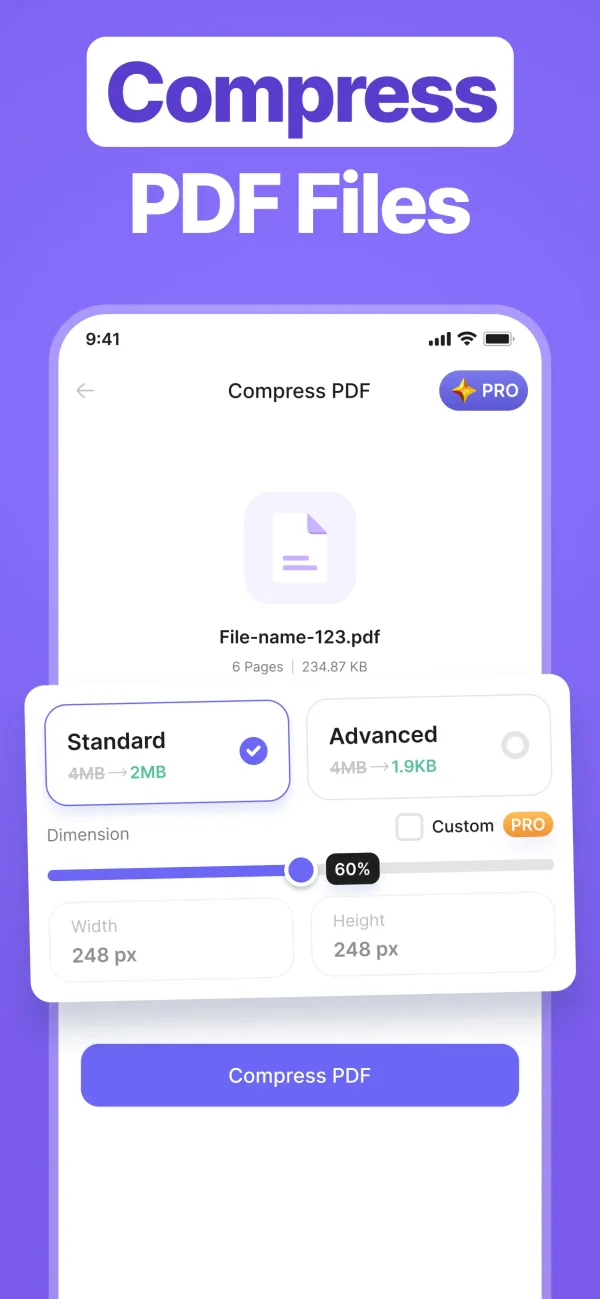
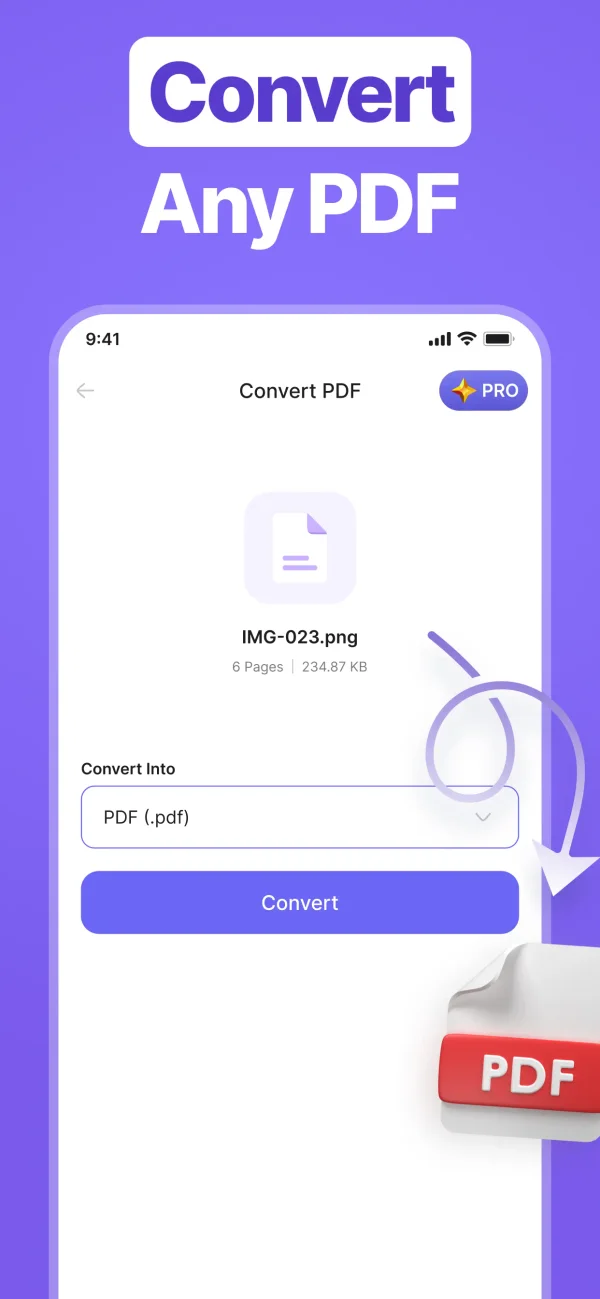
About
Split PDF – Split, Merge, Compress & Convert PDF Files
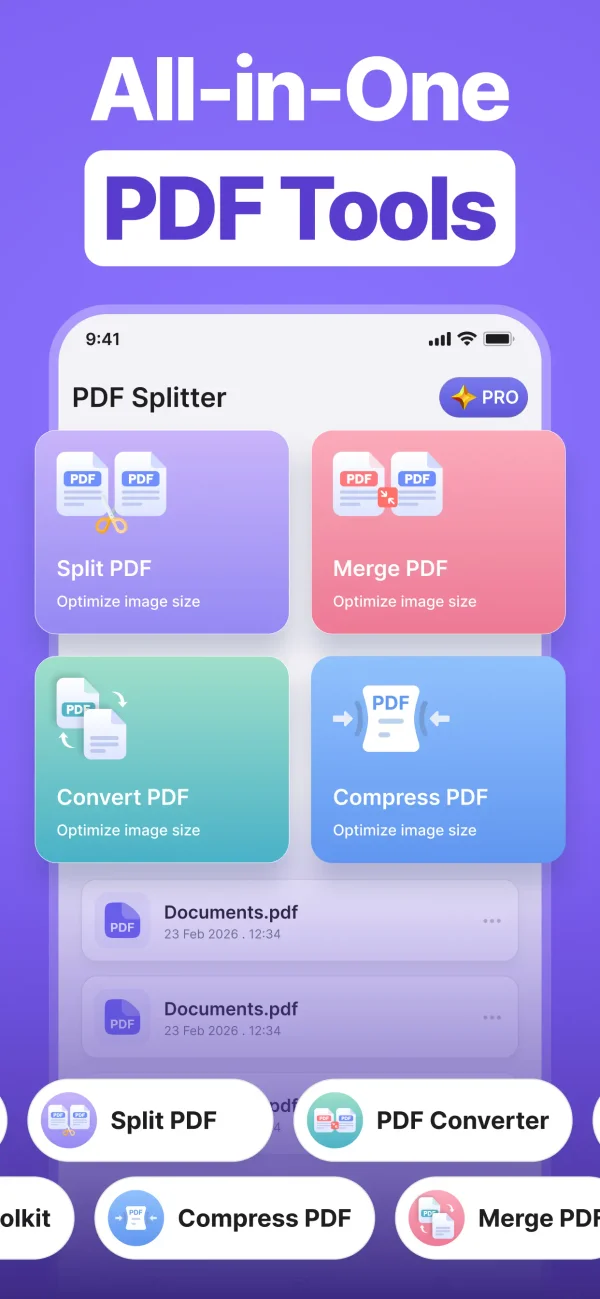
Manage your PDF documents with ease using **Split PDF**, an all-in-one PDF toolkit designed to make working with files faster and simpler. Whether you need to split large PDF files into smaller parts, merge multiple PDFs into one document, compress files to save storage, or convert PDFs into different formats, everything you need is available in one easy-to-use app.
The clean and simple interface makes it easy for anyone to organize and edit PDF documents in just a few taps. Whether you're a student, office worker, teacher, freelancer, or business professional, Split PDF helps you complete everyday PDF tasks quickly and efficiently.
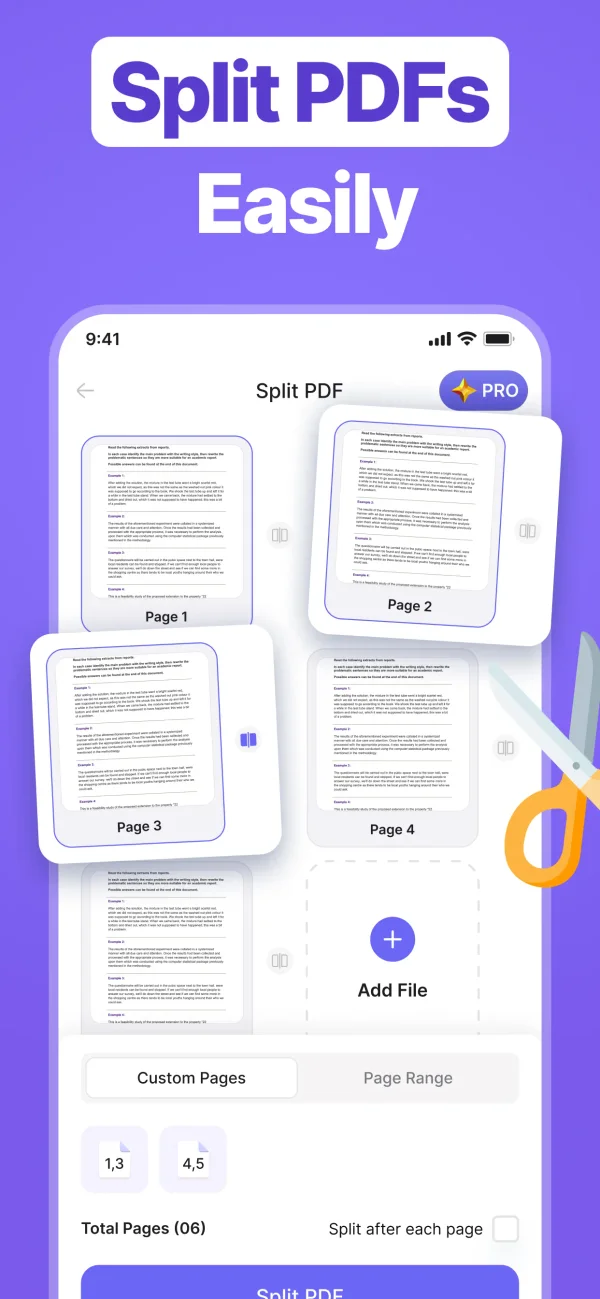
Split PDF
Need to separate pages from a large PDF? The Split PDF tool lets you divide documents into smaller files by selecting the pages you want. Create individual PDFs or split large documents into multiple parts for easier sharing and organization.
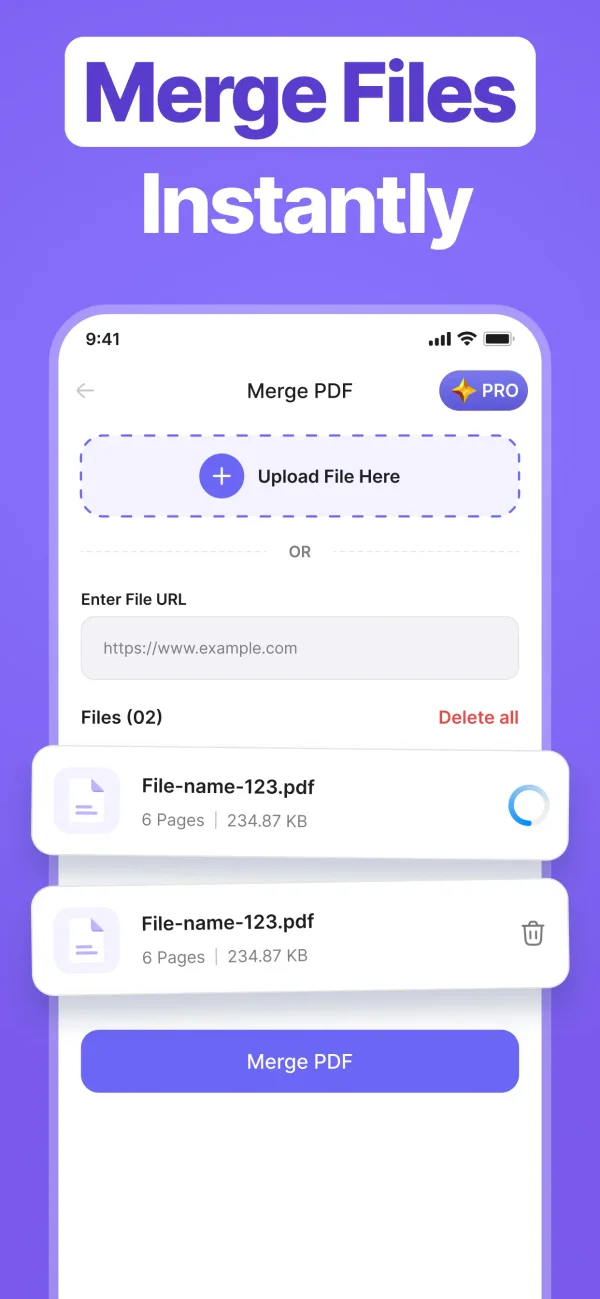
Merge PDF
Combine multiple PDF files into a single document without hassle. Rearrange files in your preferred order before merging to create one organized PDF for work, school, or personal use.
Compress PDF
Reduce PDF file size while maintaining good document quality. Compressed PDFs are easier to store, upload, email, and share without taking up unnecessary space on your device.
Convert PDF
Convert PDF files into supported formats and easily create PDFs from compatible documents and images. The converter helps make your files more flexible for different tasks and workflows.
Key Features
• Split PDF files into multiple documents.
• Merge multiple PDFs into one file.
• Compress PDF files to reduce storage space.
• Convert PDFs quickly and easily.
• Simple, clean, and beginner-friendly interface.
• Fast file processing.
• Organize documents in just a few taps.
• Suitable for work, study, and personal use.
• Designed for smooth and reliable performance.
Easy to Use
No complicated steps or technical knowledge are required. Simply choose your file, select the tool you need, and let the app handle the rest. The straightforward design helps you finish PDF tasks quickly and efficiently.
Privacy First
Your privacy is important. Your files are processed only to provide the requested PDF features. We do not claim to collect, store, or share your personal documents beyond what is necessary for the app to function. Please review the app's Privacy Policy for complete details.
Download **Split PDF** today and enjoy an easy way to split, merge, compress, and convert PDF files whenever you need them.
Privacy Policy:
https://quanticverge.com/privacy
Terms of uses:
https://quanticverge.com/terms
What’s new
Version 1.0.3 · Nov 22, 2026
We Regularly Update our App to make user Experience Excellent!
App privacy
What Aziz rehman declares on the App Store about how this app handles data.
-
Data not collected
The developer does not collect any data from this app.
Privacy practices may vary, for example with the features you use or your age.
Information
- Seller
- Aziz rehman
- Category
- Productivity
- Version
- 1.0.3
- Updated
- Nov 22, 2026
- Released
- Jul 14, 2026
- Size
- 36.5 MB
- Requires
- iOS 15.6 or later
- Age rating
- 4+
- Price
- Free
- In-app purchases
- Yes
- Languages
- English
- Copyright
- © 2026 Quantic Verge . All rights reserved.
You might also like
-
 Split PDF: Extract PagesDivide & Organise PDFs Easily.
-
 SplitPDF -iReadPDFDivide PDFs into files
-
 PDFAmora: Merge & Split PDFCompress, convert, protect PDF
-
 Splitly: Split PDFExtract Pages · On Device
-
 Keeply: Receipts ScannerScan receipts,bills,record,pdf
-
 Delete & Rotate PDF PagesDelete or rotate PDF pages
-
 Collate: PDF & Image MergerMerge photos & scans to PDF
-
 AI Essay Writer : EssayCraftEssay Helper, Essay AI
-
 PDF Genie - Unlock & Edit PDFPDF Tools | Unlock | Offline
-
 Image To Text, Scan & ConvertPicture to Text, Text Scanner