- Age rating4+
- CategoryProductivity
- DeveloperJhomar Maravillas
- LanguagesEnglish+ 5 more
- Size625.0 KB
Links to the official App Store page
Download.org hosts no file of Splitly: Split PDF. The button opens its official App Store page, published by Jhomar Maravillas. Listing last checked on Nov 8, 2026.
Screenshots
About
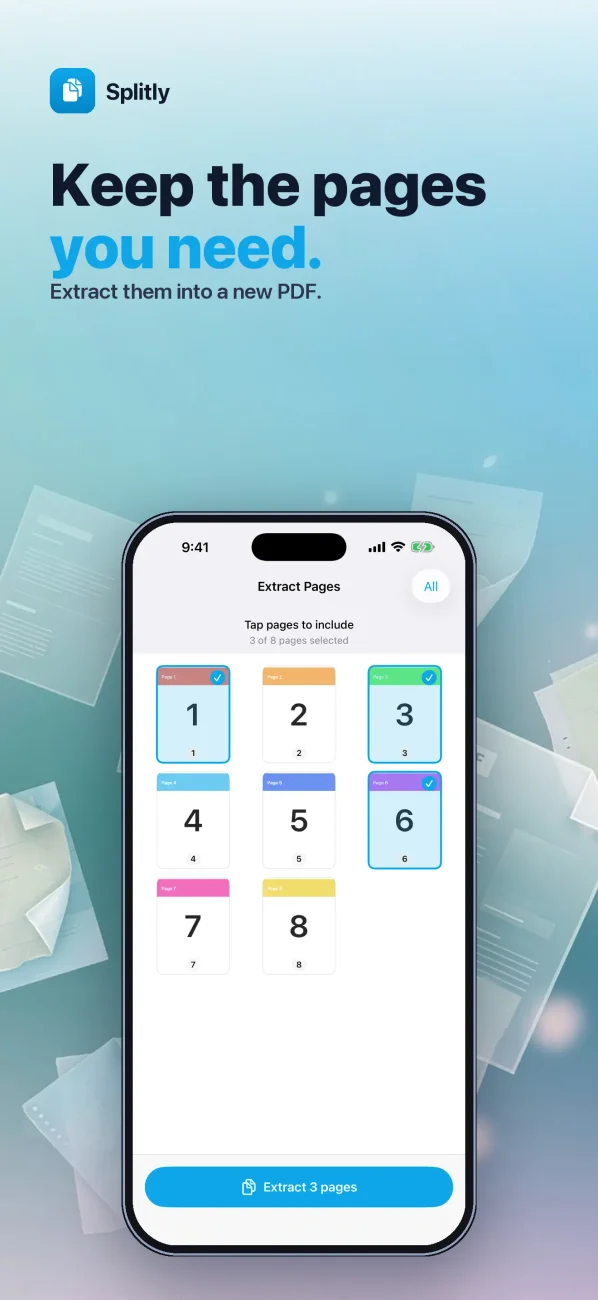
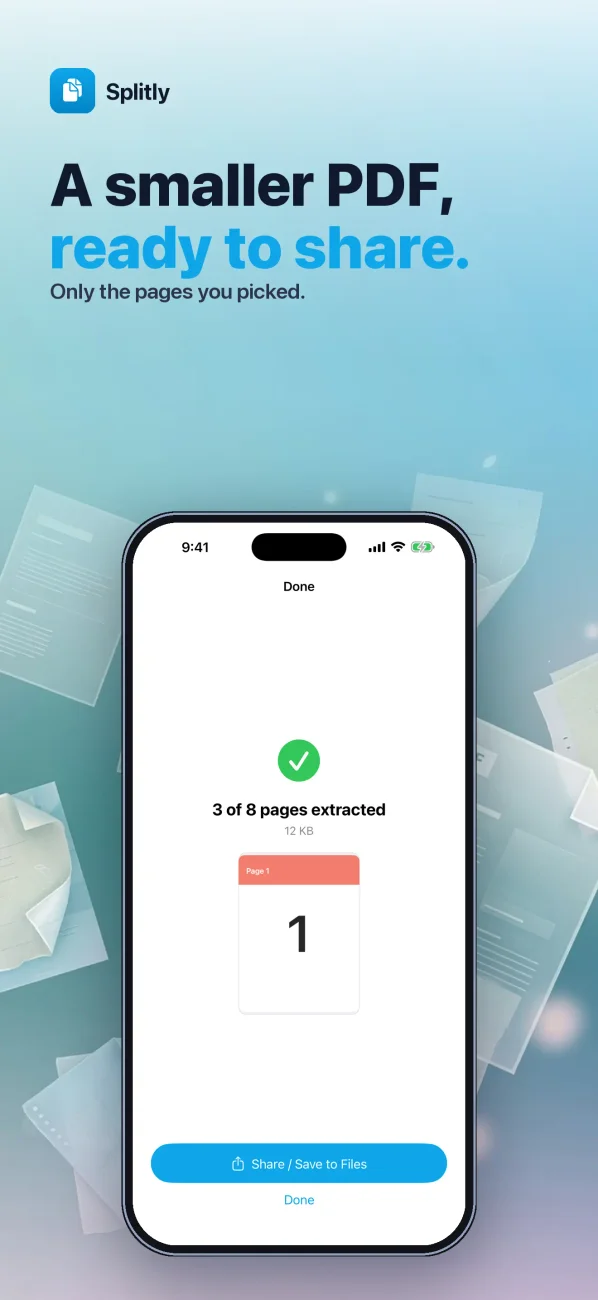
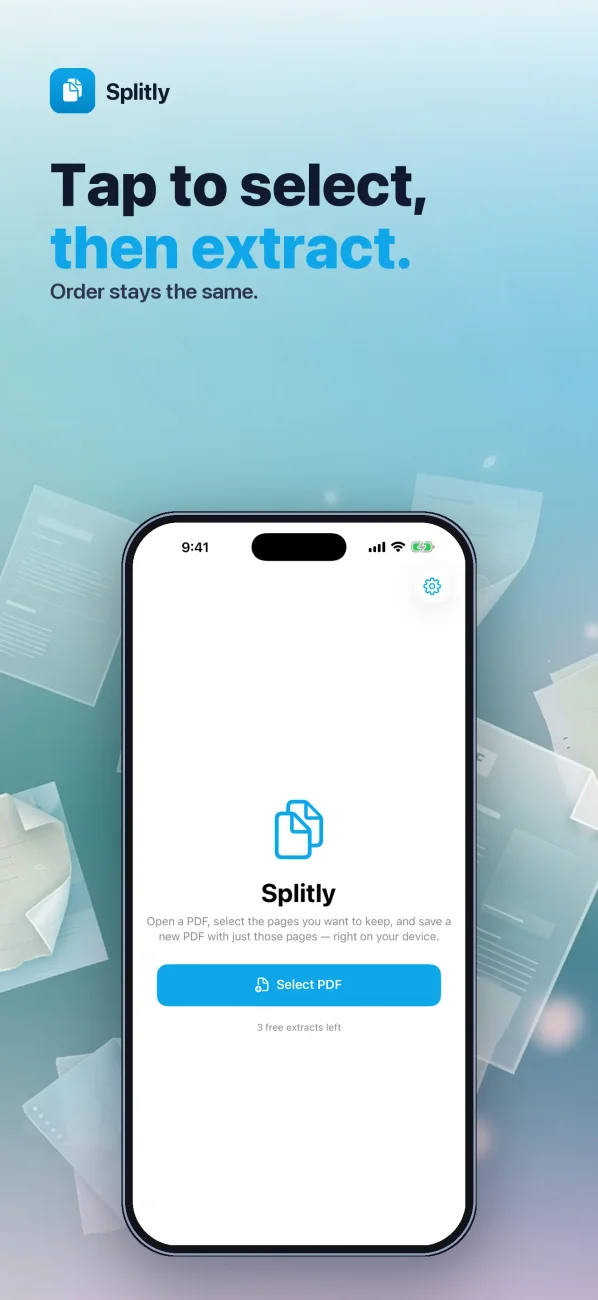
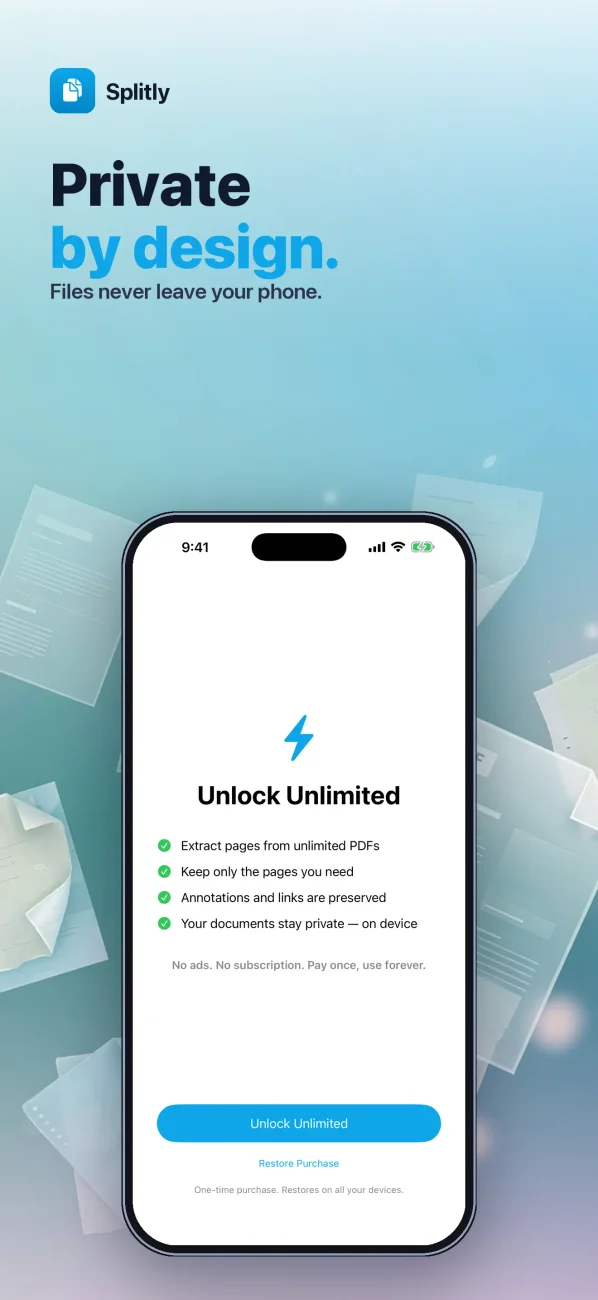
Need only some pages from a long PDF? Splitly extracts the pages you pick into a brand-new PDF — right on your iPhone.
No ads. No subscription. Pay once. Your files never leave the device.
• EXTRACT PAGES — tap the pages you want to keep, save a new PDF.
• ORIGINAL ORDER — selected pages stay in document order.
• PRIVATE — 100% on-device with PDFKit. No upload.
• SHARE ANYWHERE — Files, Mail, Drive… no watermark.
Open a PDF, select pages, extract. Done.
What’s new
Version 1.0.3 · Sep 22, 2026
Localized App Store screenshots for every language.
App privacy
What Jhomar Maravillas declares on the App Store about how this app handles data.
-
Data not collected
The developer does not collect any data from this app.
Privacy practices may vary, for example with the features you use or your age.
Information
- Seller
- Jhomar Maravillas
- Category
- Productivity
- Version
- 1.0.3
- Updated
- Sep 22, 2026
- Released
- Jul 21, 2026
- Size
- 625.0 KB
- Requires
- iOS 16.0 or later
- Age rating
- 4+
- In-app purchases
- Yes
- Languages
- English, French, German, Japanese, Portuguese, Spanish
- Copyright
- © 2026 Splitly
You might also like
-
 Split PDF - Extract PDF Pages,Merge, Compress & Convert Pdfs
-
 PDFページ整理 - 分割・抽出Productivity
-
 Scan Cam PDF: Document ScannerOffline OCR, sign, no ads
-
 Merge all PDFsMerge PDF Documents
-
 Merge PDF & Combine PDF FilesConvert, Scan & Manage Files
-
 PDF Splitter - Split PDFpdf splitter + pdf merge
-
 PDF Max - Edit, Sign PDFsScan, OCR, Research & Study
-
 MagicSlides AI: PPT MakerAI Presentation & Slide Maker
-
 PDF to Word Convert: PapivoEditor, Merge & Compress File
-
 Easy Timetable for SchoolClean & Easy School Timetable