
Splitext: Carousel Story Maker
Add text to photo and video
Designed for iPhone
Free · In-app purchases
- Age rating12+
- CategoryPhoto & Video
- DeveloperIvan Zinovev
- LanguagesEnglish+ 8 more
- Size20.7 MB
Links to the official App Store page
Download.org hosts no file of Splitext: Carousel Story Maker. The button opens its official App Store page, published by Ivan Zinovev. Listing last checked on Nov 27, 2026.
Screenshots

About
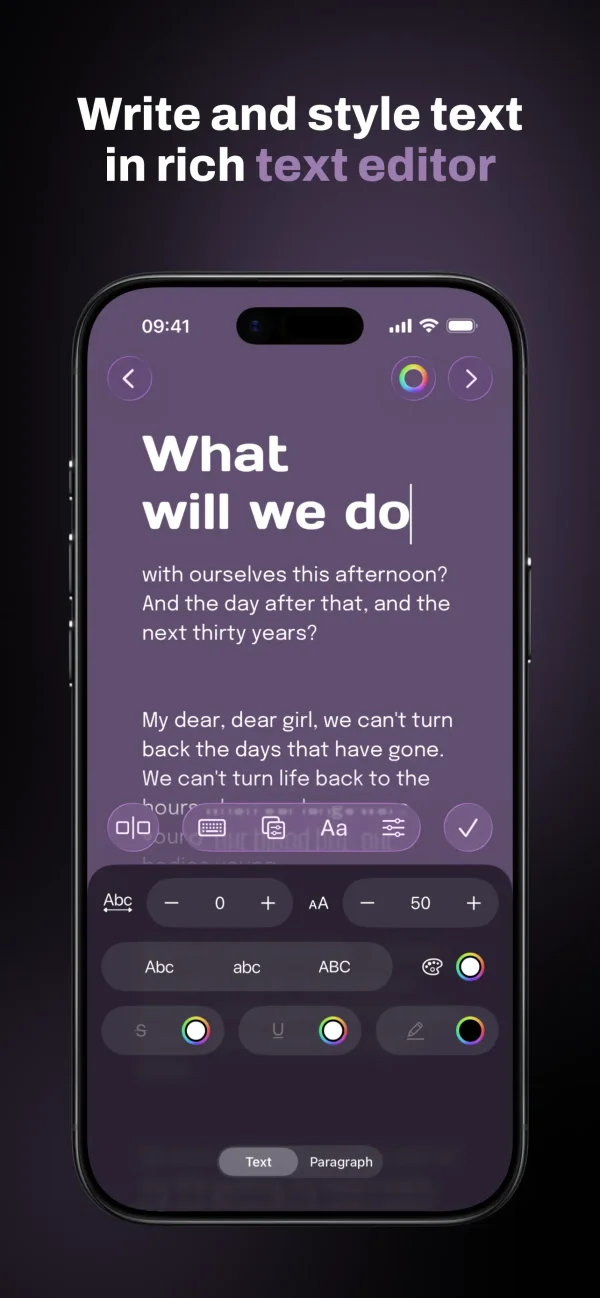
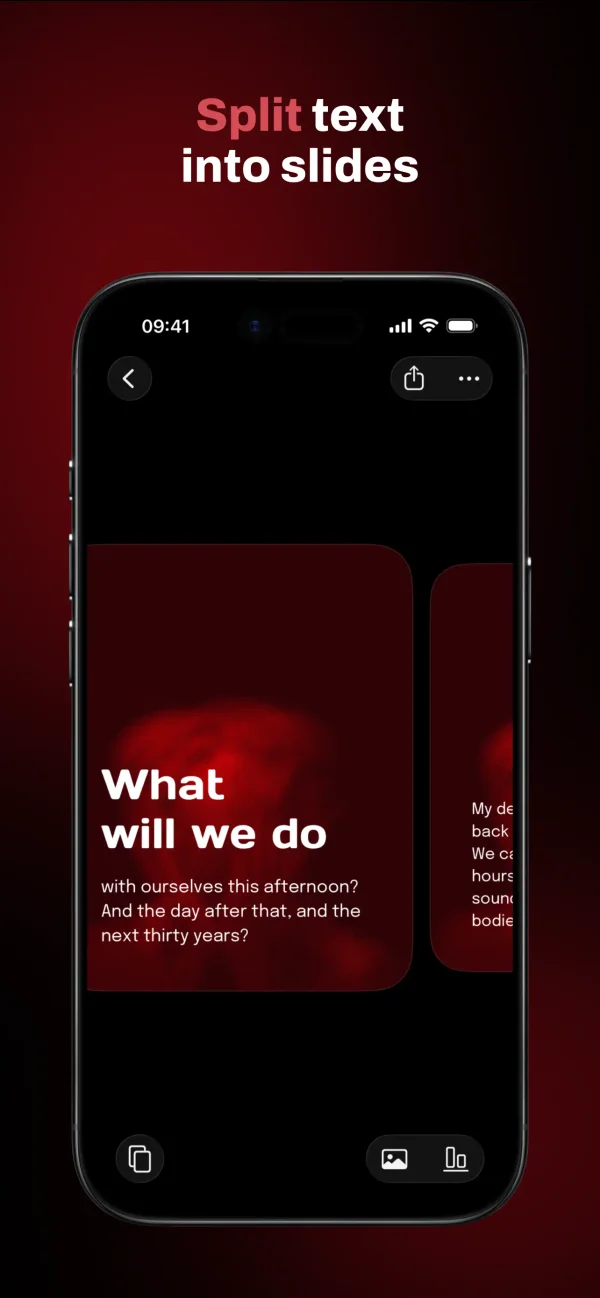
Create text carousel posts and stories for social media. Write and format your text in the text editor, and the app will automatically split it into slides.
TEXT EDITOR
Customize text and paragraph settings: size, indents, capitalization, and alignment. Highlight, underline, and strikethrough text. Insert a page break to move text to the next slide. Or let the app split long text into slides — if the text doesn't fit on a slide, it will automatically wrap to the next one.
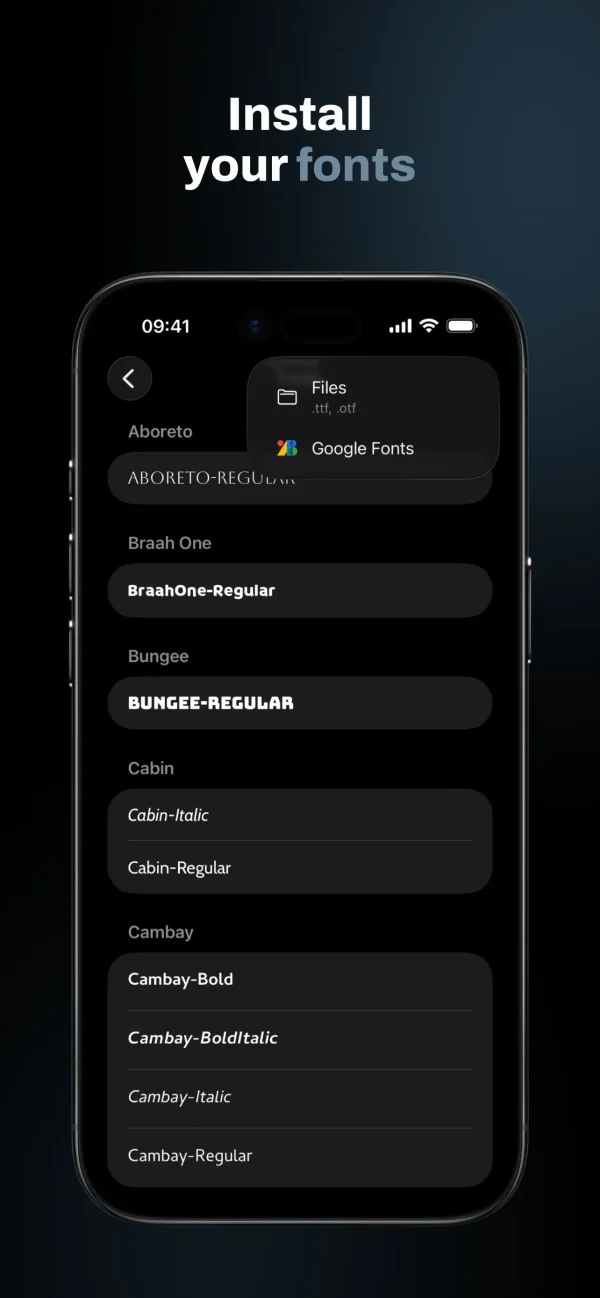
FONTS
Use built-in fonts or install your own from Files or the built-in Google Fonts catalog.
TEXT STYLES
Create styles based on selected text, set one as the default style, and it will be automatically applied to new posts.
TEXT OVER PHOTO/VIDEO
Choose a slide background: color, photo, or video. You can choose a photo or video from your gallery or search through stock photos. Adjust the overlay color and opacity to ensure the text doesn't blend in with the background.
EDIT MODE
Choose between Slide and Carousel modes. If you want to choose a unique background and alignment for each slide, choose Slide mode. If you want uniform settings for all slides, choose Carousel mode.
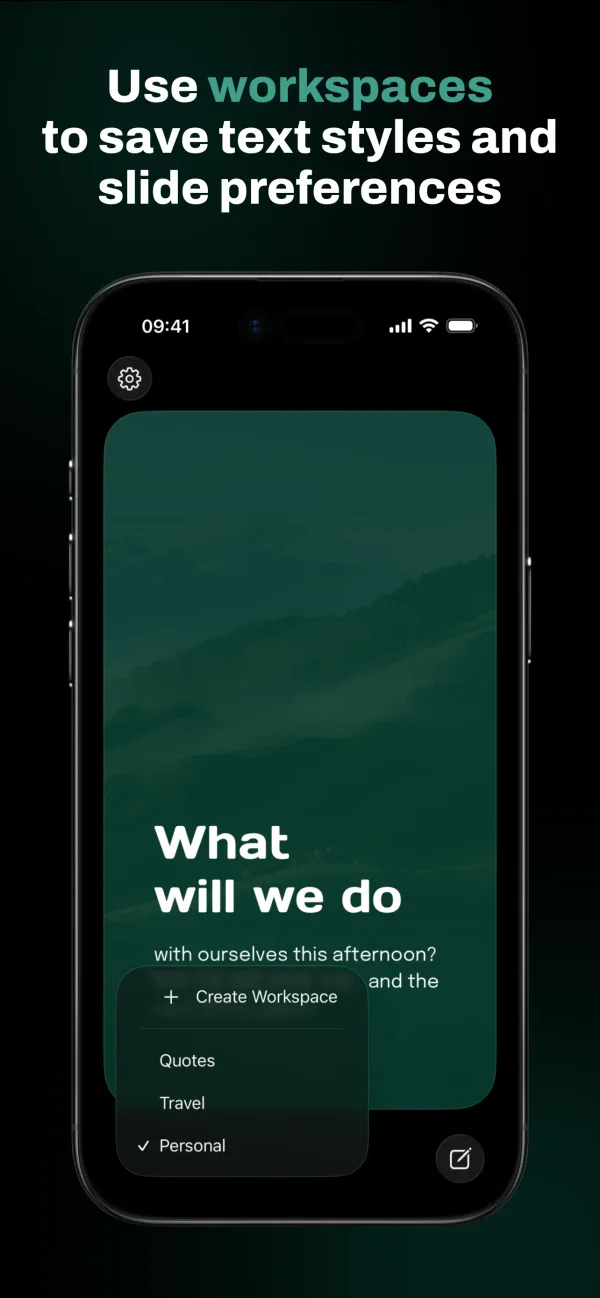
WORKSPACES
Managing multiple social media pages with different post designs? Create a workspace for each design, and the app will save the settings you apply to all slides: size, margins, alignment, and background. The settings will be automatically applied to new posts.
Terms of Use: https://www.apple.com/legal/internet-services/itunes/dev/stdeula/
What’s new
Version 2.0.3 · Nov 26, 2026
Bug fixes.
App privacy
What Ivan Zinovev declares on the App Store about how this app handles data.
-
Data not collected
The developer does not collect any data from this app.
Privacy practices may vary, for example with the features you use or your age.
Information
- Seller
- Ivan Zinovev
- Category
- Photo & Video
- Version
- 2.0.3
- Updated
- Nov 26, 2026
- Released
- Sep 26, 2019
- Size
- 20.7 MB
- Requires
- iOS 26.0 or later
- Age rating
- 12+
- Price
- Free
- In-app purchases
- Yes
- Languages
- English, French, German, Italian, Portuguese, Russian, Spanish, Swedish, Ukrainian
- Copyright
- © Ivan Zinovev
You might also like
-
 AppForType: Story TemplatesText photo collage editor
-
 Stylish Text・Stories FiltersStory templates & fonts style
-
 Ninetales: Reels TemplatesEditor Maker Video trend
-
 Carousel Story Maker: CarousaiAI Viral Post Maker Feed Trend
-
 Carousel & Story Maker: SlidyContent Hooks & AI Post Maker
-
 Draft AI: Carousel Post MakerContent Hooks & Ideas Creator
-
 Lavila - Post & Story EditorCreate Unique Posts & Stories
-
 Carousel Post Maker: CarooselAI Story Slides for Instagram
-
 Posti AI: Draft Carousel PostLinkedIn Hooks & Slideshows
-
 Text2Pic: Poster & Quote MakerText, typography design photo