
Carousel Post Maker: Caroosel
AI Story Slides for Instagram
Designed for iPhone
Free · In-app purchases
- Age rating4+
- CategoryPhoto & Video
- DeveloperVladimir Khuraskin
- LanguagesEnglish+ 19 more
- Size42.5 MB
Links to the official App Store page
Download.org hosts no file of Carousel Post Maker: Caroosel. The button opens its official App Store page, published by Vladimir Khuraskin. Listing last checked on Nov 24, 2026.
Screenshots
About
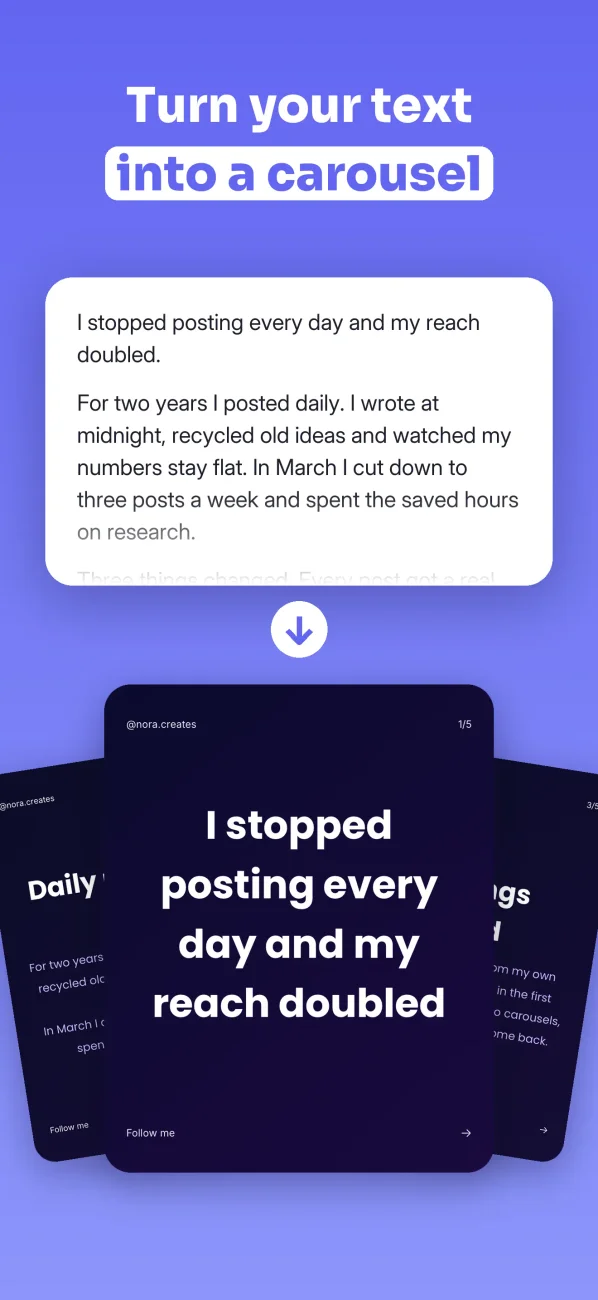
Paste your text and get a ready-to-post carousel in seconds.
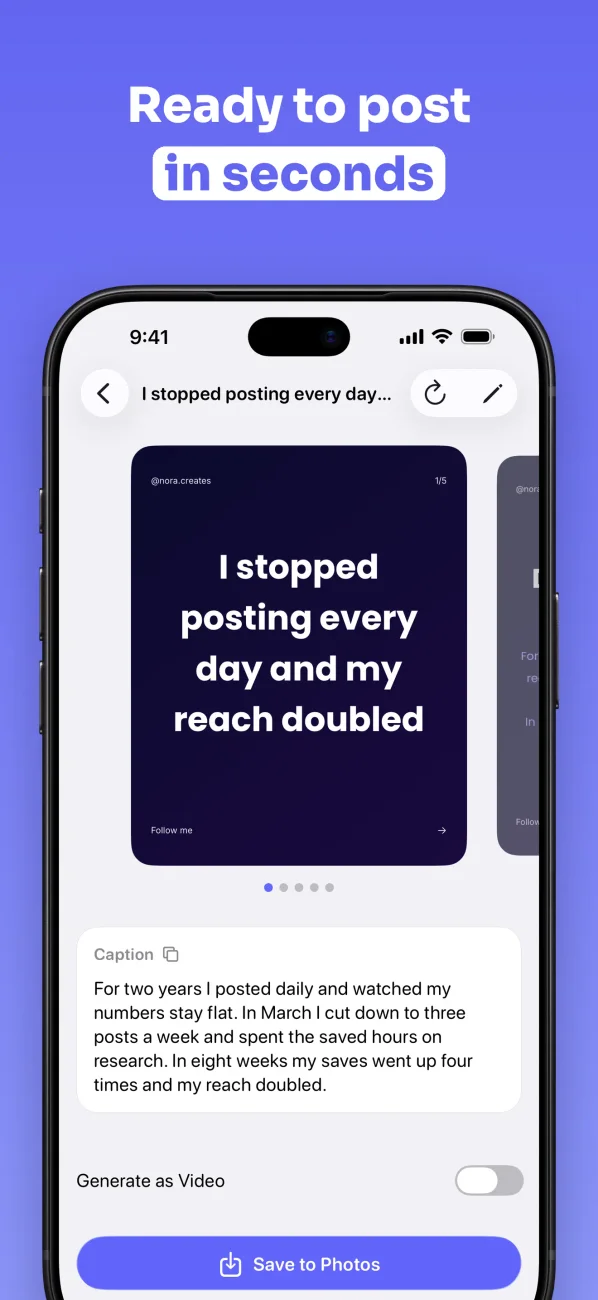
You already wrote the post, the note or the article. Caroosel lays it out on slides and keeps your words. You get a cover with a hook, slides with short titles, a caption and hashtags.
HOW IT WORKS
1. Paste your text
2. Get slides, a caption and hashtags
3. Change the design if you want
4. Save to Photos and post
YOUR WORDS STAY YOURS
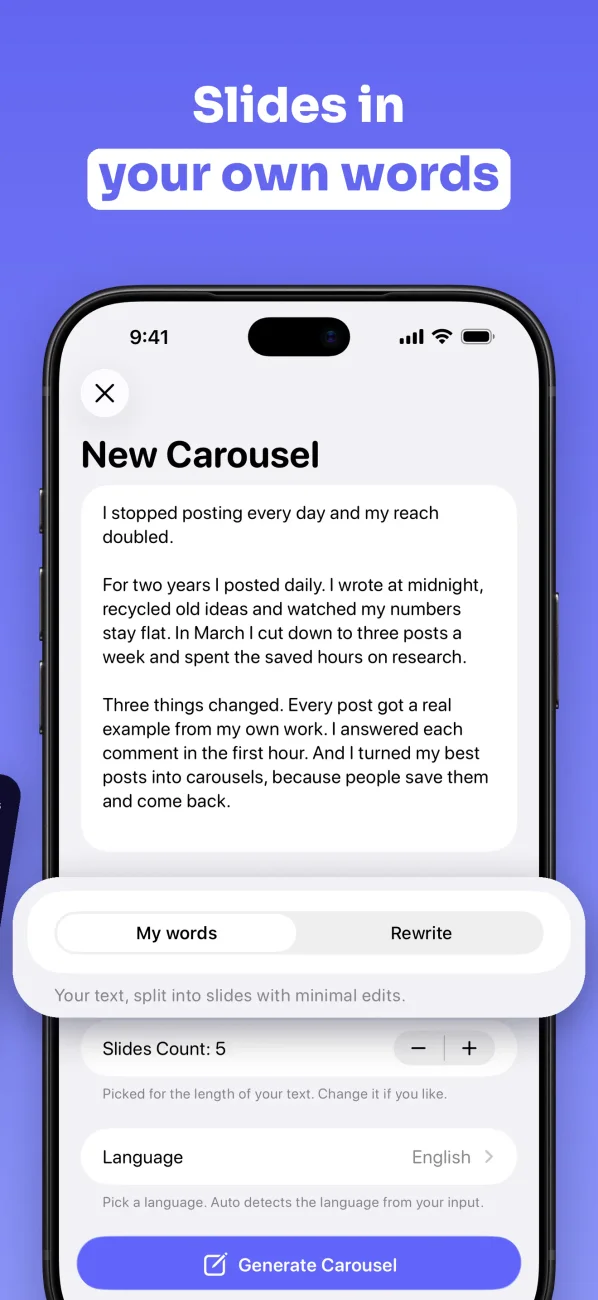
- "My words" mode splits your text into slides and keeps your wording
- The number of slides follows the length of your text
- Caroosel picks up the language from your text
- Texts of up to 10,000 characters
NO TEXT YET?
Describe an idea in one sentence and the AI writes the carousel for you. Or switch to "Rewrite" and it reshapes your text for the tone and goal you choose.
- Tone: Educational, Professional, Business, Casual, Storytelling or Provocative
- Goal: Build Authority, Attract DMs, Educate Audience, Lead Generation, Get Engagement or Build Community
- 3 to 20 slides per carousel
- 50+ languages
ONE LOOK FOR ALL YOUR POSTS
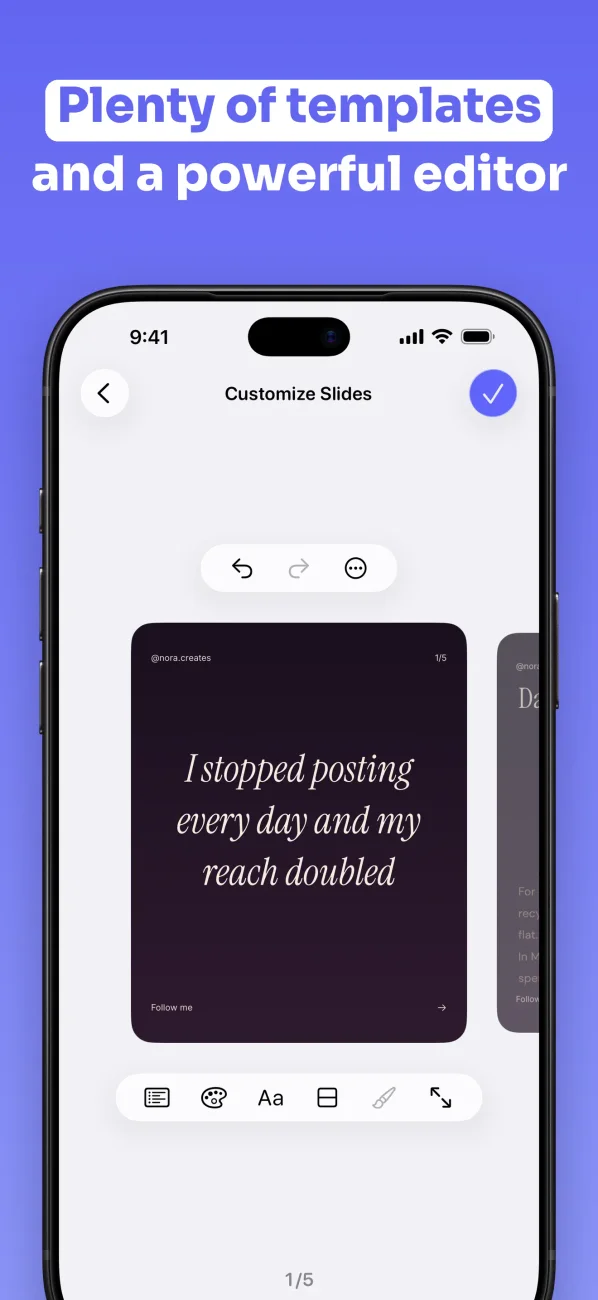
- 20 templates
- Brand Kit: your colors, fonts, username and background on every new carousel
- A new carousel starts with the look of your last one
- Fonts, colors, sizes and text highlight
- Backgrounds: solid, gradient, pattern or your own photo
- Slide Catalog: save a slide once, such as your call to action, and add it to any carousel
- Square, 4:5 and 9:16 formats
EXPORT
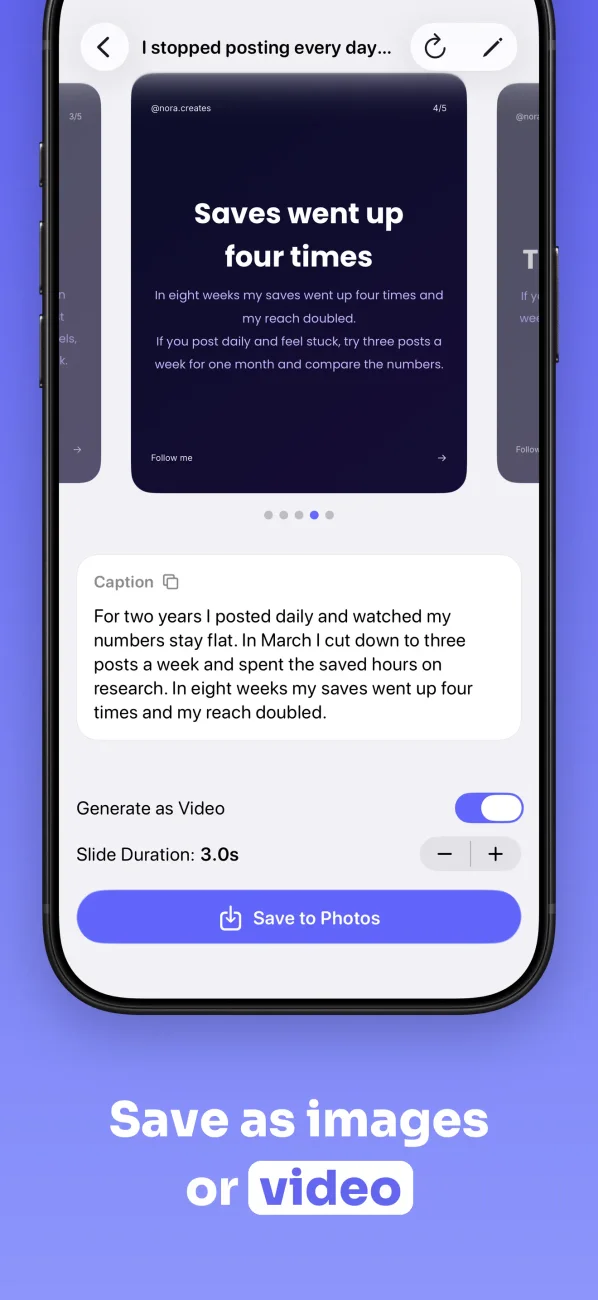
- Save slides as images to Photos
- Export a video with your own slide duration
- Copy the caption in one tap
Creators, coaches, marketers and founders use Caroosel for Instagram, LinkedIn, TikTok and Threads.
Privacy Policy: https://sites.google.com/view/caroosel-privacy-policy
Terms & Conditions: https://sites.google.com/view/caroosel-terms-and-conditions
What’s new
Version 2.0 · Oct 4, 2026
Thank you for using Caroosel!
Version 2.0 turns your own text into a carousel.
• Paste a post, note or article. The new "My words" mode lays it out on slides and keeps your wording.
• The slide count sets itself from the length of your text.
• New carousel screen: finished slides and the caption come first, and the editor opens when you need it.
• A new carousel starts with the look of your last one, and regenerating keeps your design.
• Long text shrinks to fit the slide.
App privacy
What Vladimir Khuraskin declares on the App Store about how this app handles data.
-
Data not linked to you
May be collected but is not linked to your identity.
- Purchases
- Identifiers
- Usage data
- Diagnostics
Privacy practices may vary, for example with the features you use or your age.
Information
- Seller
- Vladimir Khuraskin
- Category
- Photo & Video
- Version
- 2.0
- Updated
- Oct 4, 2026
- Released
- Jan 12, 2026
- Size
- 42.5 MB
- Requires
- iOS 18.0 or later
- Age rating
- 4+
- Price
- Free
- In-app purchases
- Yes
- Languages
- English, Arabic, Dutch, French, German, Hindi, Indonesian, Italian, Japanese, Korean, Malay, Portuguese + 8 more
- Copyright
- © 2026 Vladimir Khuraskin
You might also like
-
 Carousel & Story Maker: SlidyContent Hooks & AI Post Maker
-
 Posti AI: Draft Carousel PostLinkedIn Hooks & Slideshows
-
 Carousel Story Maker: CarousaiAI Viral Post Maker Feed Trend
-
 Caroxa: Carousel Photo CollageVideo Editor, Story Template
-
 Draft AI: Carousel Post MakerContent Hooks & Ideas Creator
-
 Splitext: Carousel Story MakerAdd text to photo and video
-
 PSTR: Carousel & Collage MakerPhoto Dump, Scrapbook & Layout
-
 Dupe PhotosSocial first aesthetic images
-
 klora - scrapbook collagesPhoto & Video
-
 Teleprompter AutomaticSmooth Speech with Auto Scroll