Spritesheet Maker
Pixel Animation & Spritesheets
Designed for iPhone, iPad, iPod touch
$1.99
- Age rating4+
- CategoryGraphics & Design
- Developerdevin sewell
- LanguagesEnglish
- Size719.0 KB
Links to the official App Store page
Download.org hosts no file of Spritesheet Maker. The button opens its official App Store page, published by devin sewell. Listing last checked on Nov 12, 2026.
Screenshots

About
GIF64 — Pixel Art & Spritesheet Maker
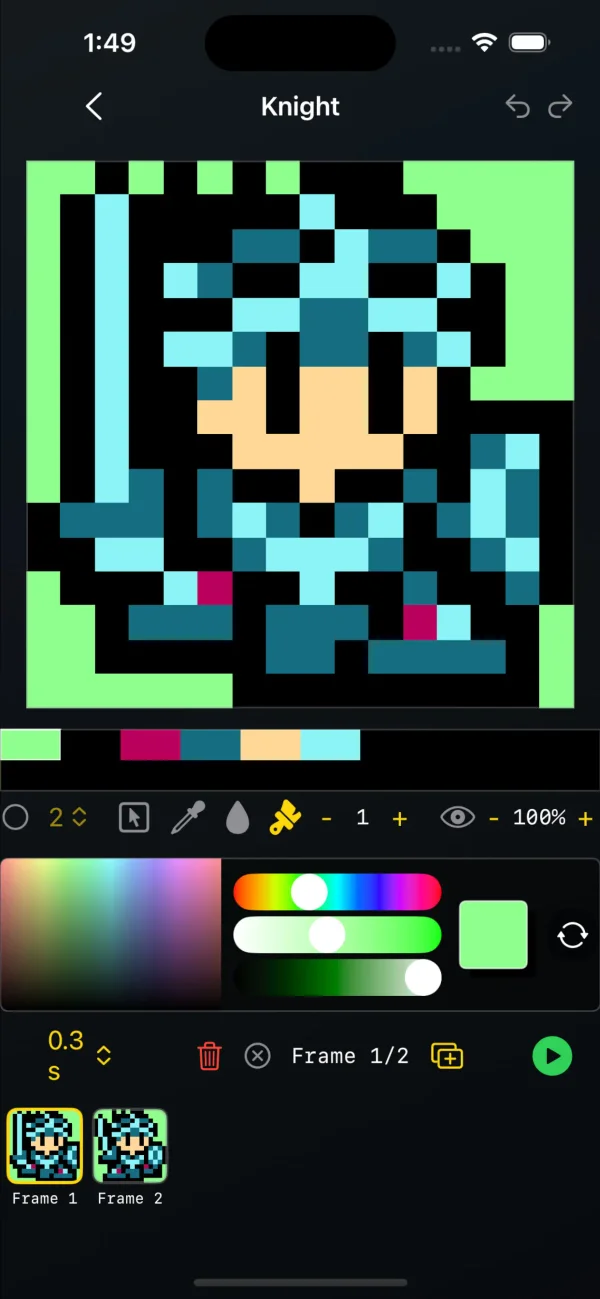
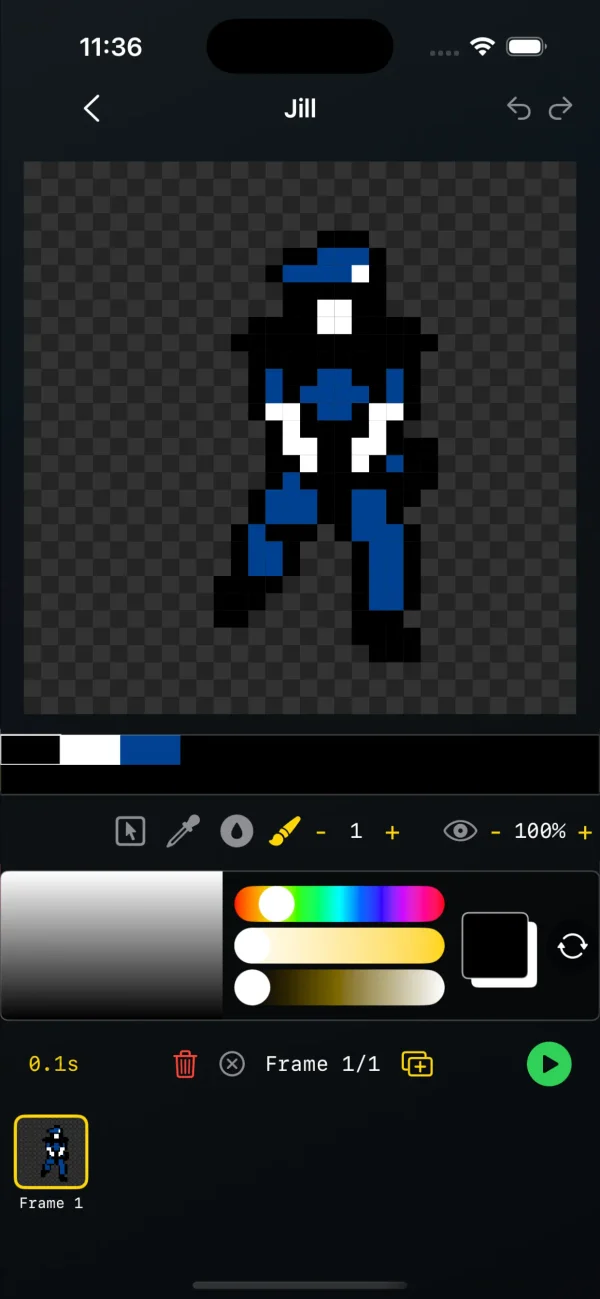
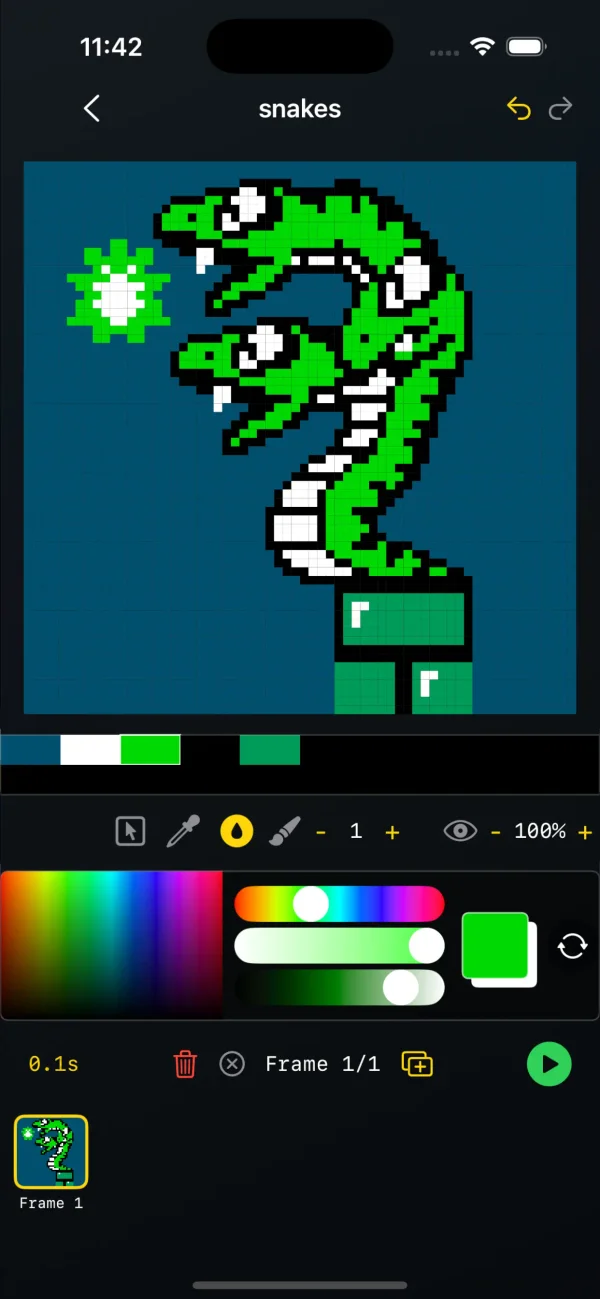
GIF64 is a lightning-fast, simple, and powerful tool for creating pixel art, 2D spritesheets, and animated GIFs. Design frame-by-frame animations on fixed-size canvases (8×8 to 64×64), perfect for retro games, game jams, indie dev, and classic pixel workflows — right on your phone or tablet.
Choose a canvas size, draw with pixel-perfect tools, animate using onion skinning, rearrange frames with drag-and-drop, and export clean GIFs or PNG spritesheets. Works fully offline — no sign-in, no tracking, no analytics.
Built for Pixel Artists & Game Developers
GIF64 is designed around the core mechanics of pixel animation, not bloated features. It stays fast, precise, and predictable — ideal for low-resolution art, retro aesthetics, and production-ready assets.
Whether you’re sketching an idea, animating a character, or exporting sprites for a game engine, GIF64 keeps the workflow tight and efficient.
Features
- Fixed canvas sizes: 8×8, 16×16, 32×32, 64×64
- Animation timeline with playback controls and per-frame duration
- Drag & drop frame reordering
- Onion skinning for smooth frame-to-frame animation
- Import gif animations and edit
Pixel tools:
- Brush (size & opacity)
- Bucket fill (opacity)
- Select
- Move
- Eyedropper
- Eraser (tap Brush to toggle)
- Auto-generated color palette from your pixels
- True pixel-perfect rendering (no smoothing, no interpolation)
- GIF export with transparency
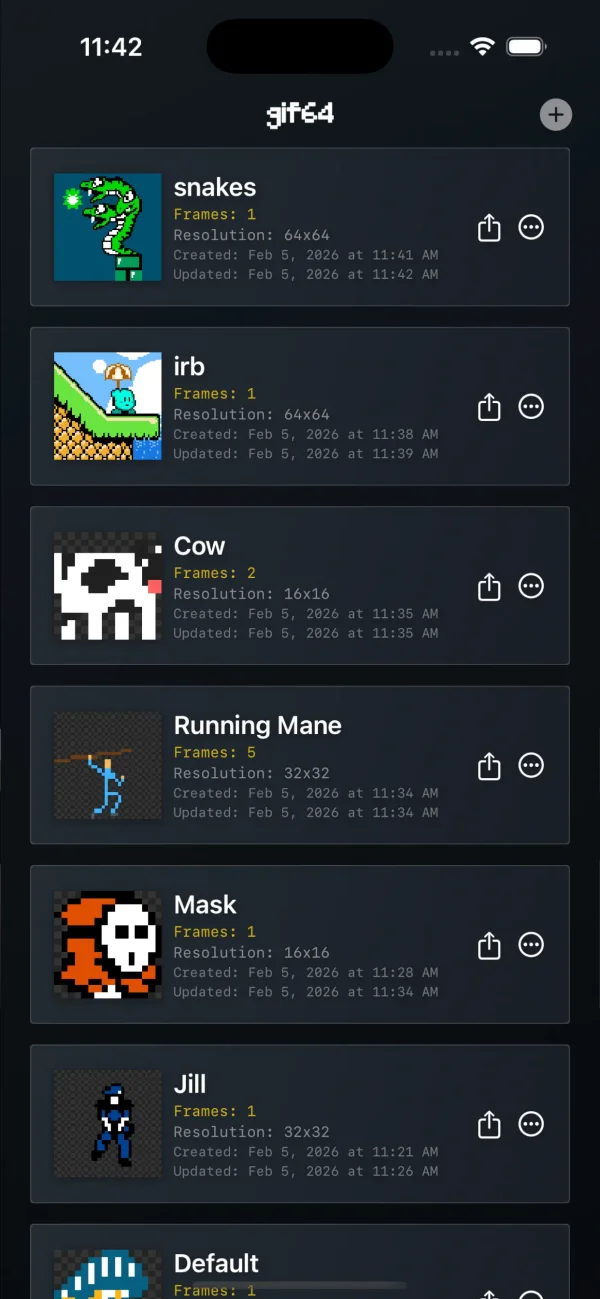
- PNG spritesheet export for game engines and tools
- Offline-first — no account, no cloud, no data collectionImport/Export- Import .gifs (up to 64x64 canvas size)- Export animated .gif- Export .png spritesheet
Perfect For
- Pixel art animation
- Retro & low-res game assets
- Indie game development
- Game jams & rapid prototyping
- Sprite sheets for Godot, Unity, GameMaker, Love2D, Pico-8-style workflows
- Learning pixel art fundamentals
“Constraints breed creativity.”
GIF64 embraces that philosophy — small canvases, fast tools, zero distractions.
What’s new
Version 1.7 · Jun 24, 2026
- various optimizations
App privacy
What devin sewell declares on the App Store about how this app handles data.
-
Data not collected
The developer does not collect any data from this app.
Privacy practices may vary, for example with the features you use or your age.
Information
- Seller
- devin sewell
- Category
- Graphics & Design
- Version
- 1.7
- Updated
- Jun 24, 2026
- Released
- Nov 4, 2025
- Size
- 719.0 KB
- Requires
- iOS 15.6 or later
- Age rating
- 4+
- Price
- $1.99
- Languages
- English
- Copyright
- © Devin Sewell
You might also like
-
 Pixel Editor for WatchMake Pixel Art on your Watch
-
 drawnaltiny drawing journal
-
 Art AnimatorFrame by frame 2D animation
-
 PixelEven - Pixel Art MakerSprite editor & GIF animation
-
 9VAeProLet's make a web animation
-
 LineForge: Vector SVGDraw, Export SVG & PDF
-
 SpriteFrame - Pixel EditorAnimate Sprites for Games
-
 Sprite CreatorThe Pixel Art Maker
-
 SpritelifeEasily animate 2D sprites
-
 Spritelove - Pixel Art StudioSprite animator with bone rig