- Age rating+4
- CategoryProductivity
- Developerross cowen
- LanguagesEnglish
- Size3.4 MB
Links to the official App Store page
Download.org hosts no file of StageFlow. The button opens its official App Store page, published by ross cowen. Listing last checked on Nov 29, 2026.
Screenshots


About
Keep every live event on time.
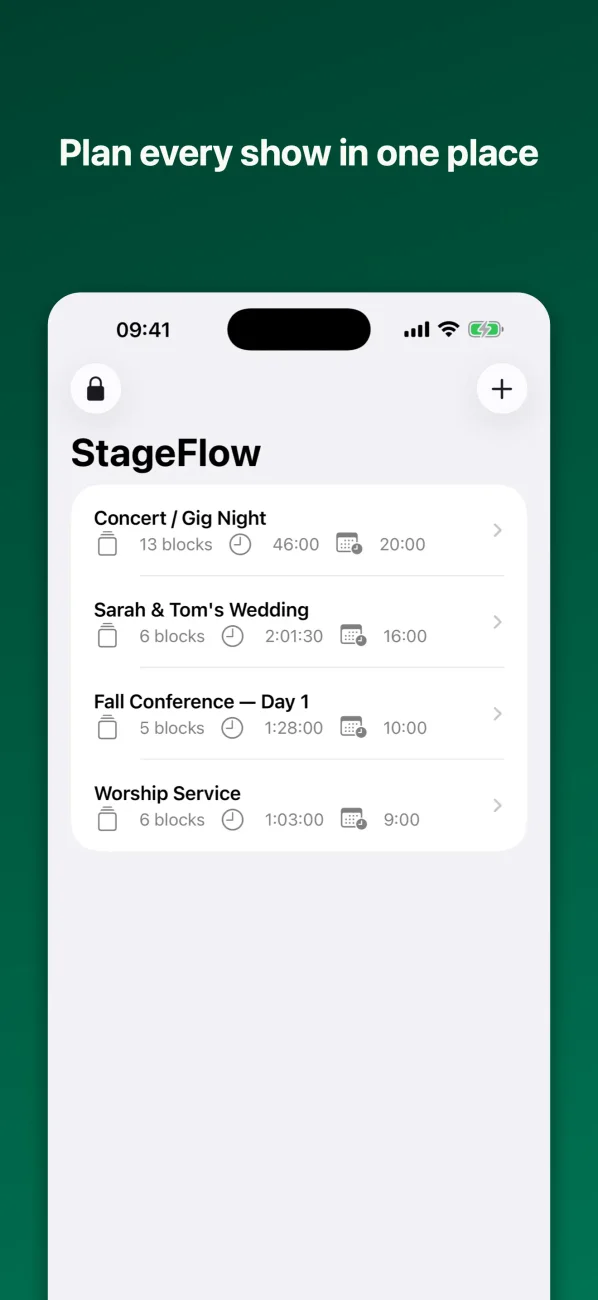
StageFlow is a show-control timer for show producers, worship leaders, stage managers and event coordinators. Build the running order before the doors open, then run it live and see at a glance whether you are early, on time or running over.
PLAN THE SHOW
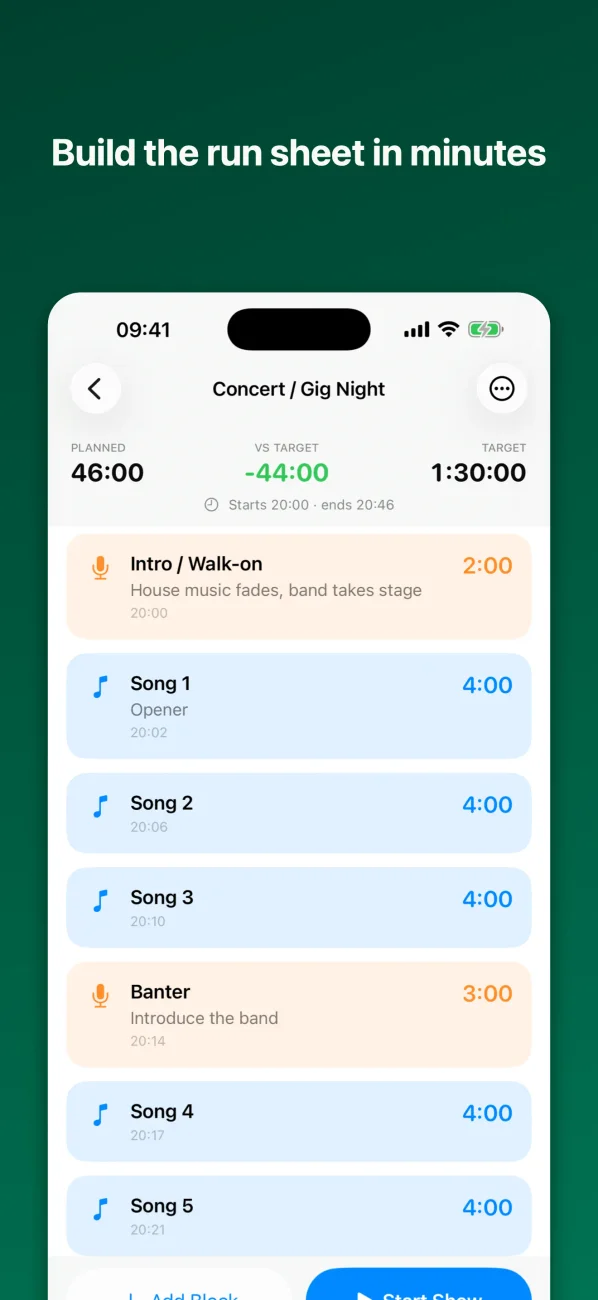
• Create a show with a target length and add timeline blocks, each with a title, a duration and notes
• Mark each block as a song or a speech / cue, so the two are easy to tell apart on a busy list
• Set a start time of day, or work in offsets only
• Start from a ready-made template: Worship Service, Conference Session, Wedding Reception or Concert / Gig
RUN IT LIVE
• See planned and actual time side by side, in real time
• The app tells you when it is time to move to the next block
• Go back, pause or skip ahead when the plan changes
• A haptic tap the moment a block runs into overtime
THREE WAYS TO COUNT DOWN
• Item duration: count down each block's full planned length
• On-time finish: shrink or stretch the current block so the show gets back on schedule
• Finish time: count down to the planned end of the whole show
ON YOUR LOCK SCREEN
A Live Activity puts your countdown on the Lock Screen and in the Dynamic Island, so you can check the time without opening the app.
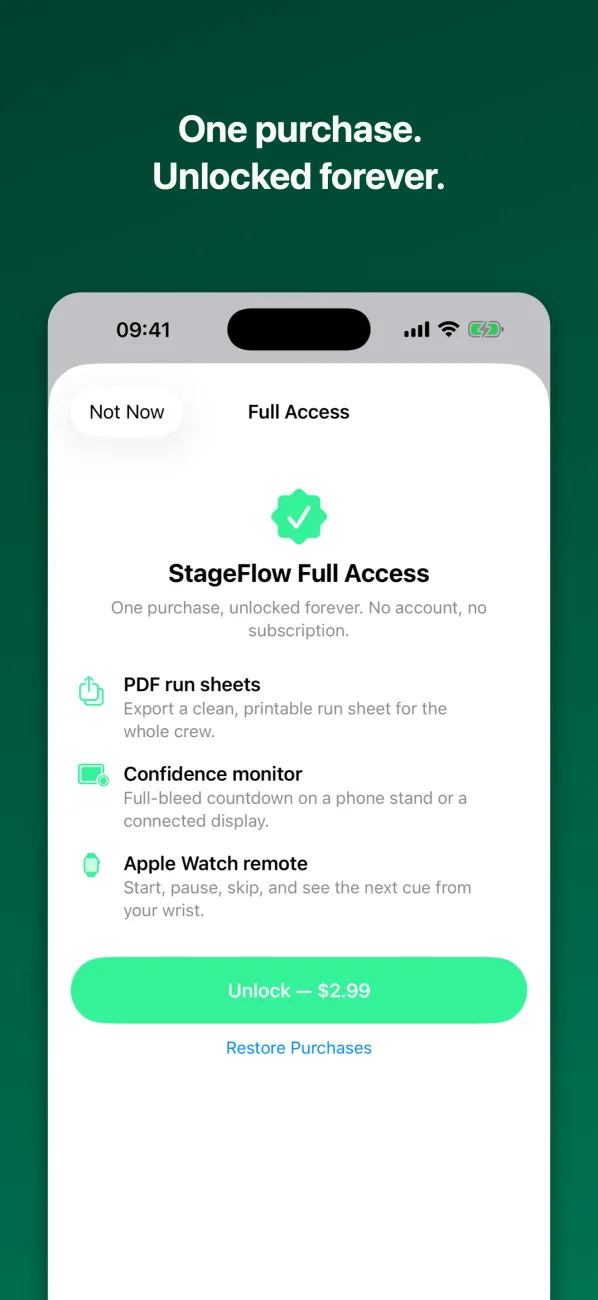
WITH FULL ACCESS
• PDF run sheets: a playbook with times and block summaries
• Confidence monitor: a full-screen clock for the stage, on the device or on an external display
• Apple Watch remote: start, pause and skip from your wrist and see the next cue
PRIVATE BY DEFAULT
No accounts and no ads. Your shows stay on your device unless you choose to sync them with iCloud.
Creating and running shows is free. A single one-time purchase unlocks PDF run sheets, the confidence monitor and the Apple Watch remote. No subscription.
What’s new
Version 1.0.1 · Nov 28, 2026
Small housekeeping update: StageFlow no longer declares background and notification permissions it never used. Your shows, timings and iCloud sync work exactly as before.
App privacy
What ross cowen declares on the App Store about how this app handles data.
-
Data not collected
The developer does not collect any data from this app.
Privacy practices may vary, for example with the features you use or your age.
Information
- Seller
- ross cowen
- Category
- Productivity
- Version
- 1.0.1
- Updated
- Nov 28, 2026
- Released
- Aug 11, 2026
- Size
- 3.4 MB
- Requires
- iOS 18.0 or later
- Age rating
- +4
- In-app purchases
- Yes
- Languages
- English
- Copyright
- © 2026 Ross Cowen