
Camera for OBS Studio
Turn your device into a webcam
Designed for iPhone, iPad
Free · In-app purchases
- Age rating4+
- CategoryProductivity
- DeveloperLoft Labs Interactive Inc
- LanguagesEnglish
- Size24.5 MB
Links to the official App Store page
Download.org hosts no file of Camera for OBS Studio. The button opens its official App Store page, published by Loft Labs Interactive Inc. Listing last checked on Nov 22, 2026.
Screenshots


About
If you've ever wanted to use your iPhone camera as a video & audio input to stream using OBS Studio, we've got you covered. We've tried all the apps that let you do it over WiFi, but they're not fast enough, so we also allow you to use a wired USB connection.
The original one.
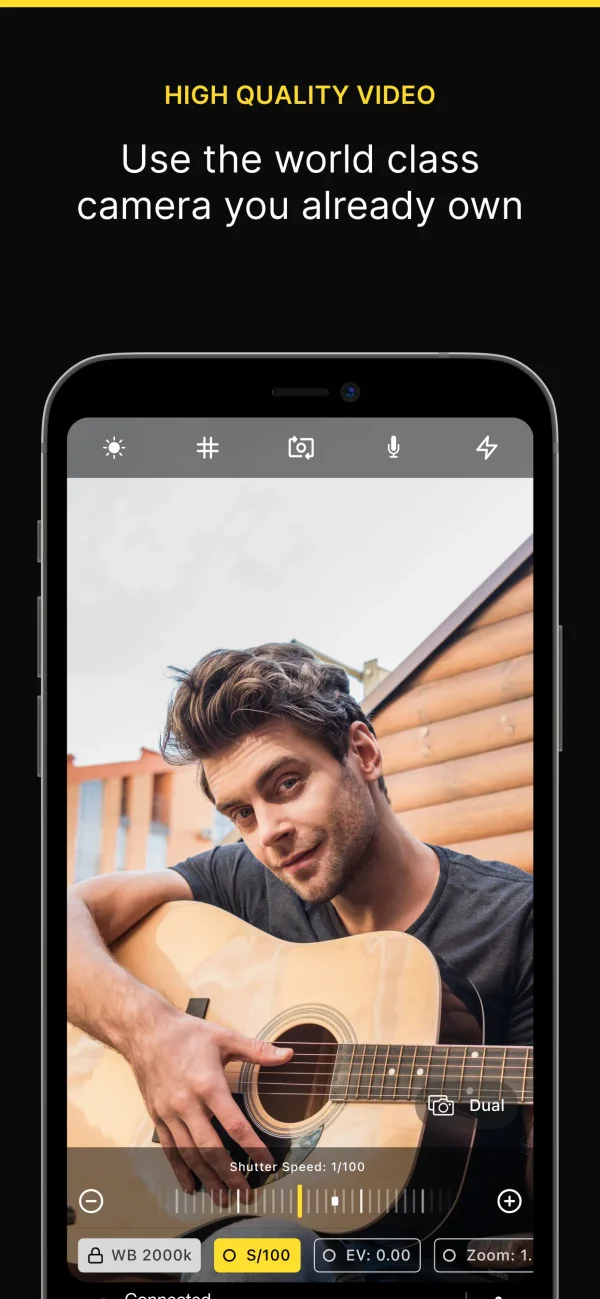
QUALITY VIDEO
Your iPhone/iPad camera's are good, really good. In fact, there’s no comparison between the highly recommended streaming webcam, the Logitech C922 HD Pro and the iPhone 6 Camera. Stream Landscape or Portrait video.
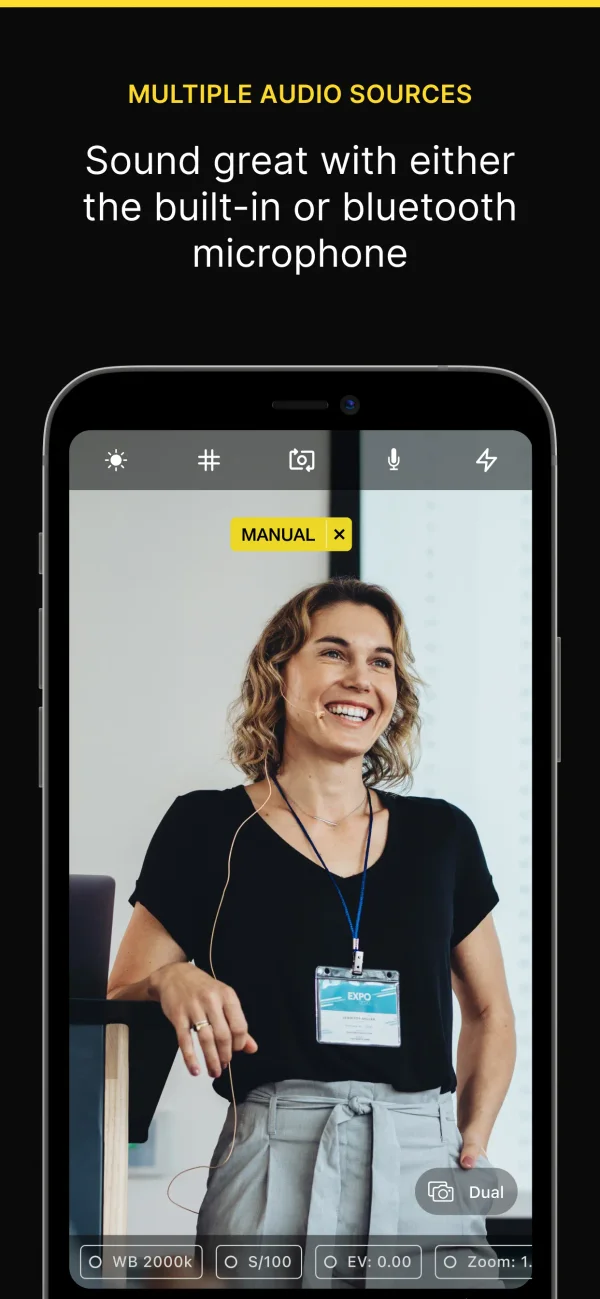
AUDIO
If you don't have a separate mic for your streaming setup, you can now use the microphone on your iOS device to stream audio & video.
FRONT CAMERA
Stream a selfie with the front camera support. Switch anytime during the stream with the familiar camera switch button.
TAP TO FOCUS, PINCH TO ZOOM
Controls just like you're used to from the Camera app.
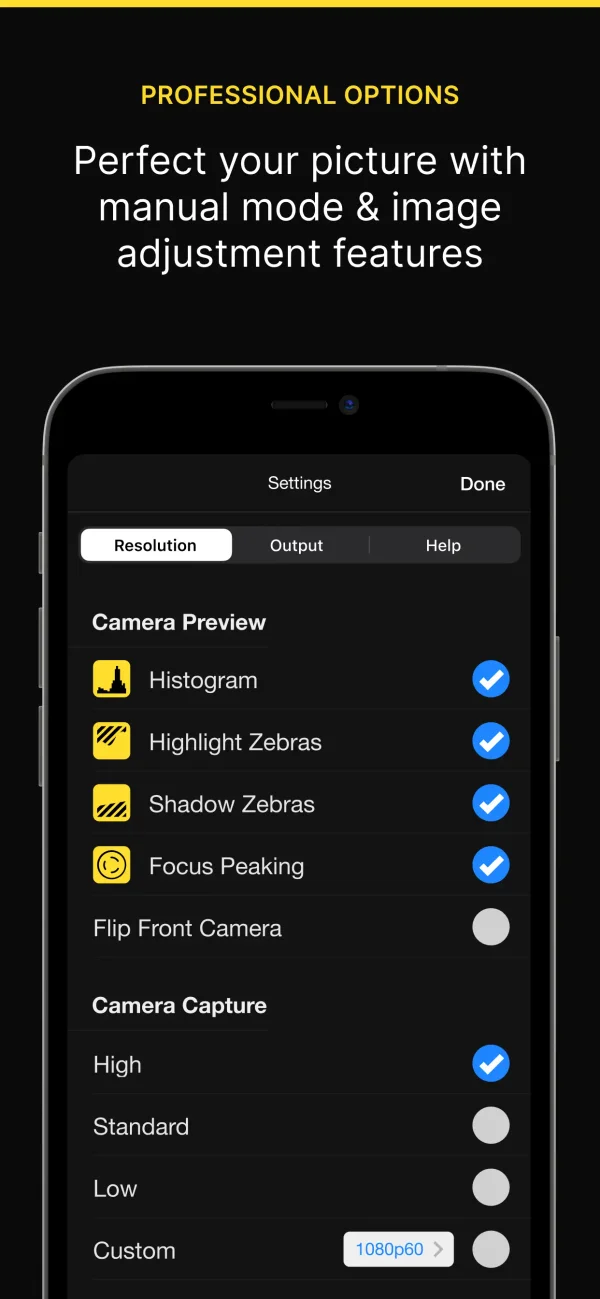
MANUAL CONTROLS
Take control of the focus, exposure, white balance as you would on a manual DSLR camera.
LOW LATENCY
Stream video over a wired USB connection. This avoids the issue of delay over wifi, as many other solutions suffer from. This is just as fast as a USB webcam!
USB & WIFI
Choose the connection type. If you want low latency, use USB, if you'd like portability then use WiFi. WiFi is done using the NewTek™ NDI® protocol, so you can use Camera for OBS Studio with any NewTek™ NDI® compatible receiver.
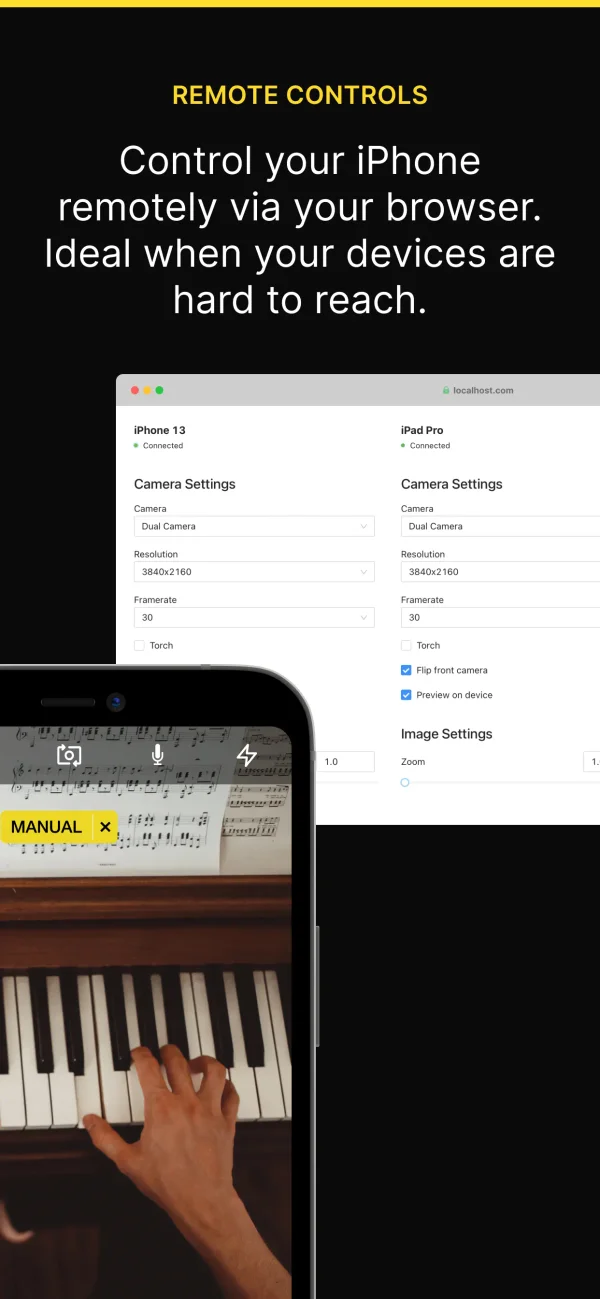
REMOTE CONTROL
Control the app from your web browser on your computer. No need to have access to the device anymore to line up that shot perfectly.
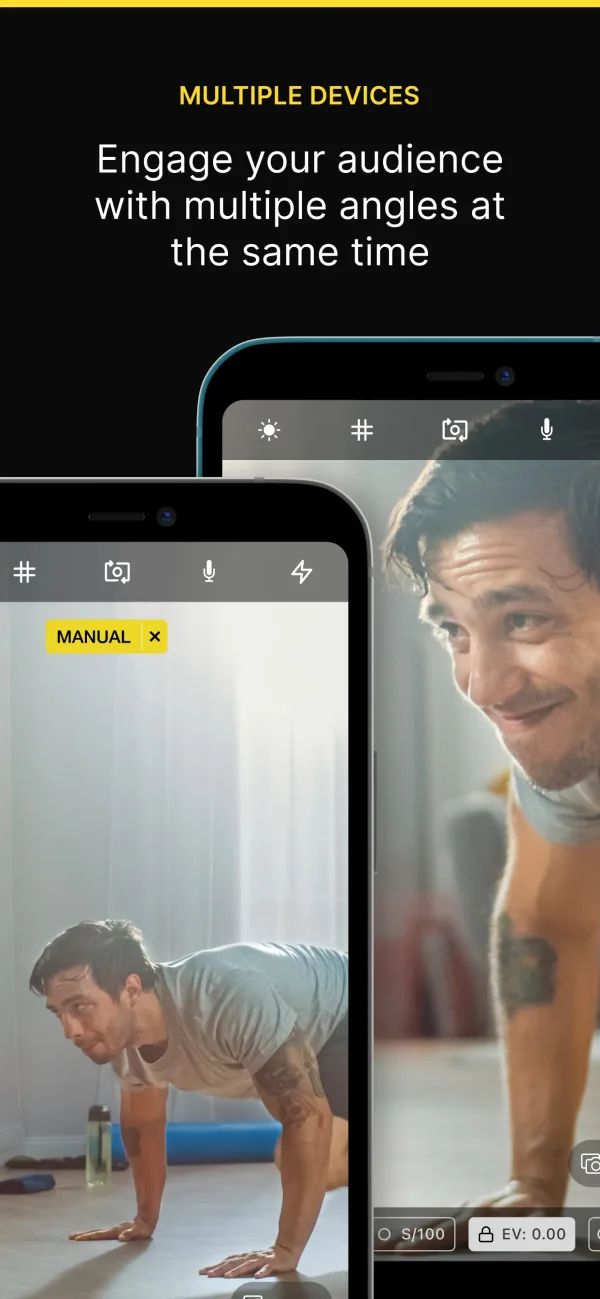
MULTIPLE DEVICES
If you're lucky enough to own multiple iOS devices, use them together and produce a multi-camera stream.
MAC AND PC
Supports OBS Studio running on macOS and Windows.
You will need to install the OBS Studio iOS Camera Plugin from our website, or use an NDI compatible receiver to use this app.
For the best possible experience make sure your device is listed on our website https://obs.camera/docs/faqs/#what-ios-hardware-do-i-need
MORE
Subscriptions will be charged to your iTunes account at confirmation of purchase. Your subscription will automatically renew unless automatic renewal is turned off at least 24 hours before the end of the current period. Your account will be charged for renewal within 24 hours prior to the end of the current period. You can manage your subscriptions and automatic renewal status in Account Settings after purchase. Any unused portion of the free trial period will be forfeited when you purchase a subscription. Price may vary by location.
Terms & Conditions/EULA: https://obs.camera/docs/terms-and-conditions/
Privacy Policy: https://obs.camera/docs/privacy-policy/
What’s new
Version 3.6.4 · Sep 15, 2026
...continuing the trope - this update contains more bug fixes and performance improvements.
App privacy
What Loft Labs Interactive Inc declares on the App Store about how this app handles data.
-
Data not linked to you
May be collected but is not linked to your identity.
- Purchases
- Identifiers
- Usage data
Privacy practices may vary, for example with the features you use or your age.
Information
- Seller
- Loft Labs Interactive Inc
- Category
- Productivity
- Version
- 3.6.4
- Updated
- Sep 15, 2026
- Released
- Mar 15, 2018
- Size
- 24.5 MB
- Requires
- iOS 16.0 or later
- Age rating
- 4+
- Price
- Free
- In-app purchases
- Yes
- Languages
- English
- Copyright
- © Loft Labs Interactive Inc.
You might also like
-
 Teleprompter.comSmart Video Prompter Prompt
-
 TeamViewer Remote ControlProductivity
-
 ASUS GlideXMirror and Extend
-
 WordPress – Website BuilderDesign a site, build a blog
-
 Mouse · Keyboardfor Mac or PC
-
 TeamViewer QuickSupportScreen sharing
-
 Teleprompter - VILOTeleprompter for Video
-
 Teleprompter ProPremium Prompter for Video
-
 Jetpack for WordPressSupercharge your WordPress
-
 AirDroid - File Transfer&ShareYour cross - OS file transfer