StandBy Widget & Always On
Clock Themes & Backgrounds
Designed for iPhone, iPad
Free · In-app purchases
- Age rating4+
- CategoryLifestyle
- DeveloperBulent Hanci
- LanguagesEnglish+ 6 more
- Size12.8 MB
Links to the official App Store page
Download.org hosts no file of StandBy Widget & Always On. The button opens its official App Store page, published by Bulent Hanci. Listing last checked on Nov 25, 2026.
Screenshots
About
StandBy - Clock & Display
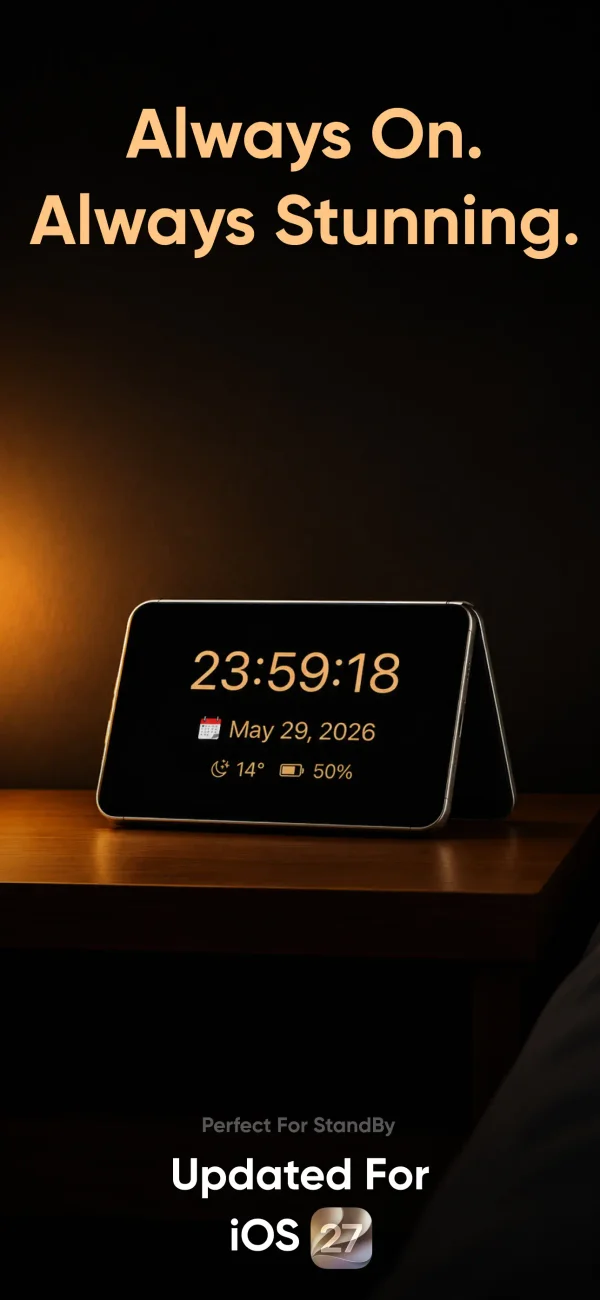
StandBy transforms your iPhone or iPad into a refined clock display, purpose-built for charging docks and always-on setups. Whether on your desk,
nightstand, or countertop, it keeps time looking sharp from across the room.
Choose between a clean digital clock or a classic analog face. Large, high-contrast numerals stay legible at a distance, and the display adapts
gracefully to both portrait and landscape orientations.
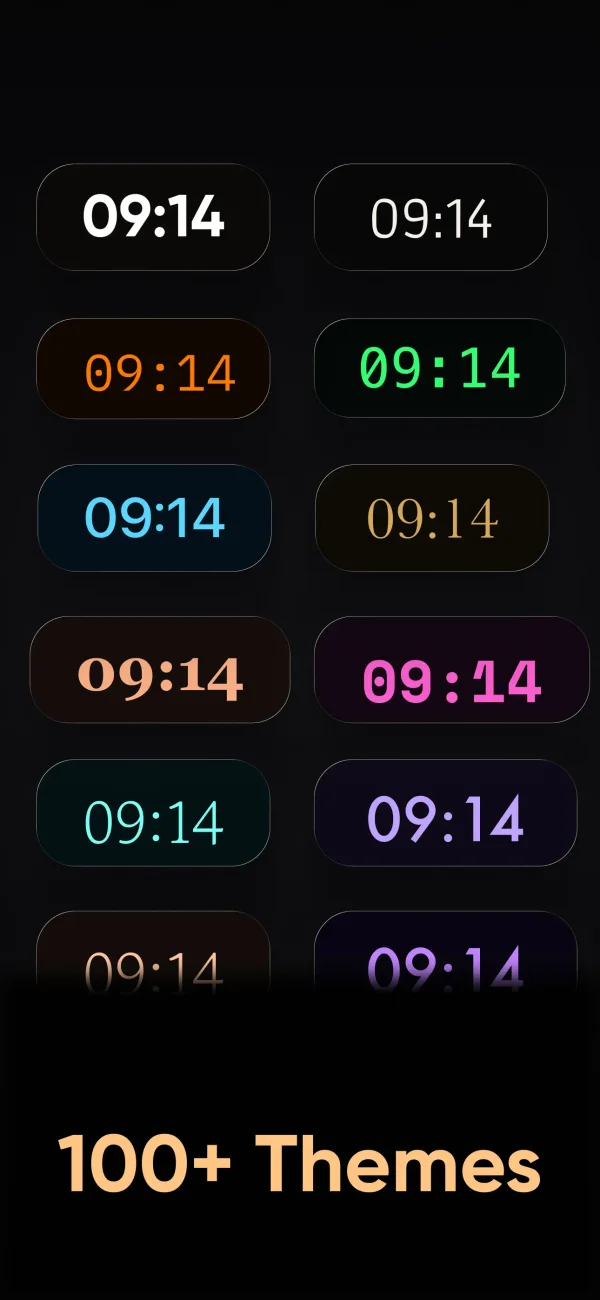
Personalize every detail to match your environment. Pick from dozens of themes — flat or gradient — each carefully crafted with its own color palette and
typeface. Free themes get you started immediately; premium unlocks the full collection. You can also build your own look with a custom font, font size,
and any colors you choose, then save it as a preset to switch back to anytime.
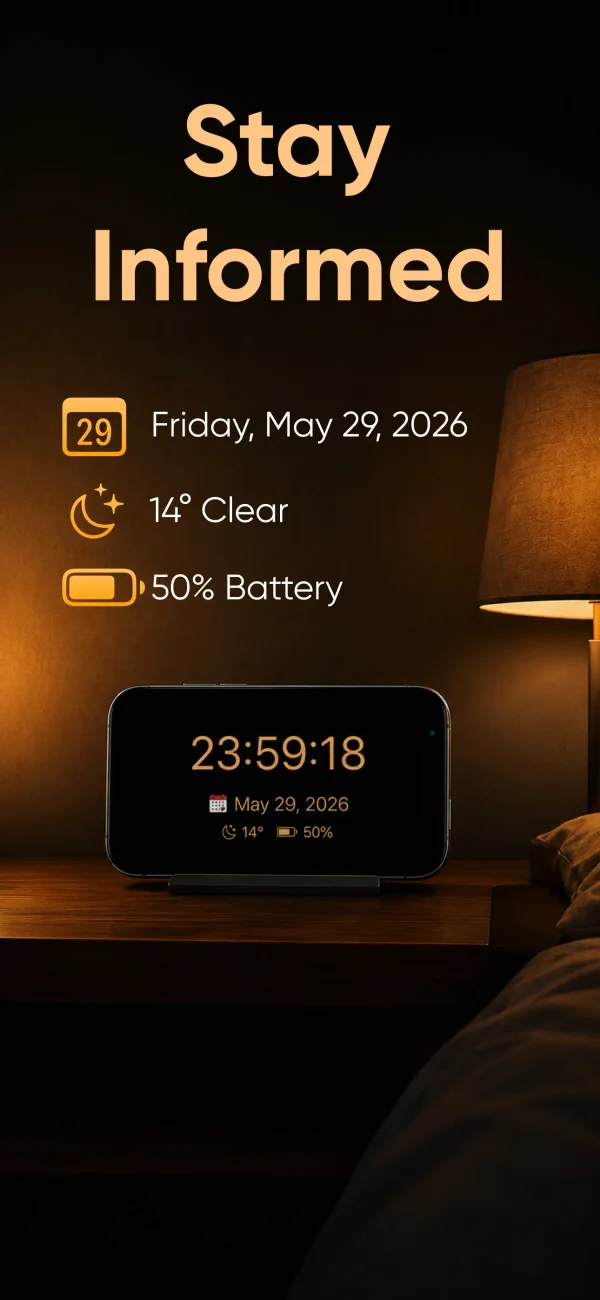
The secondary row puts useful information right beneath the time: live weather conditions, battery level, both at once, or nothing at all. Animated
backgrounds add depth for those who want more visual interest.
StandBy also includes a home screen widget and a StandBy mode widget, so the experience extends beyond the app itself.
Features
- Digital and analog clock styles
- 12-hour and 24-hour format
- Seconds display toggle
- Date display toggle
- Weather, battery, or combined secondary row
- Animated backgrounds
- 8 free themes, 70+ premium themes (flat and gradient)
- Custom color, font, and font size
- Saveable and loadable presets
- StandBy widget support
- Home screen widget support
- Portrait and landscape orientation
- Screen stays on while in use
Privacy Policy: https://docs.google.com/document/d/1yDrZMeR5Cidf-RH8I3UB716GLMVS89r8RjYqQJAoXVc/edit?usp=sharing
Terms and Conditions: https://docs.google.com/document/d/1URFYc55rRZAn1cDHaEeU4w9uYzU_vBL4G9SxuRpRORQ/edit?usp=sharing
What’s new
Version 3.0 · Nov 24, 2026
What's New?
- Stability improvements for iOS 27
- New Themes
- Focus Clock
App privacy
What Bulent Hanci declares on the App Store about how this app handles data.
-
Data not collected
The developer does not collect any data from this app.
Privacy practices may vary, for example with the features you use or your age.
Information
- Seller
- Bulent Hanci
- Category
- Lifestyle
- Version
- 3.0
- Updated
- Nov 24, 2026
- Released
- Oct 10, 2023
- Size
- 12.8 MB
- Requires
- iOS 17.0 or later
- Age rating
- 4+
- Price
- Free
- In-app purchases
- Yes
- Languages
- English, French, German, Italian, Japanese, Korean, Spanish
- Copyright
- © 2023 Bulent Hanci
You might also like
-
 StandBy Clocks - Date and TimeWorld Clock: Alarm & Timer App
-
 Nightstand Desk Clock & WidgetFullscreen clock , wallpaper
-
 StandBy 17: Themes, Widgets #1Digital Time Charging Displays
-
 Standby MeStandby Clock Pomodoro Widget
-
 ClockPhone big digital clocksAlarm clock, timer, widget
-
 Clock+ :Digital Clock & AlarmLarge Digit Display
-
 Digital Clock - Bedside WidgetDisplay for nightstand or desk
-
 McClockface – Flip ClockStopwatch & Time Widgets
-
 Calendar Widget - Date Widgets17 Standby Home & Lock Screen
-
 bnClockbig numbers Clock with alarm