
- Age rating4+
- CategoryProductivity
- DeveloperAugustin Deper
- Size15.3 MB
Links to the official App Store page
Download.org hosts no file of STEP scan. The button opens its official App Store page, published by Augustin Deper. Listing last checked on Nov 17, 2026.
Screenshots

About
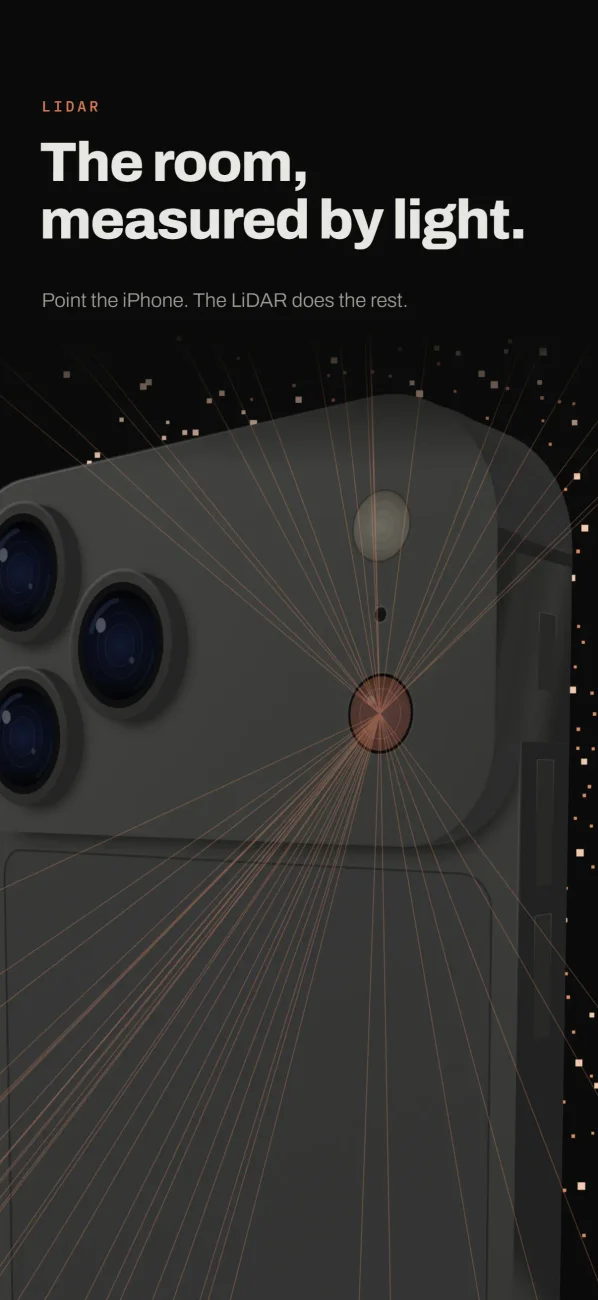
STEP scan is a surveying and drawing tool for architects, designers and builders: survey a room with the LiDAR of your iPhone Pro or iPad Pro, then draw over the scan on iPad.
SCAN + DRAW (iPad)
Finish a survey and tap “Draw over”. The scan becomes the background of a new drawing, on its own locked layer: a point cloud is sliced like a floor plan, a room survey puts its walls and openings in place. Then trace with Apple Pencil:
• lines, arcs, polylines, curves, rectangles, circles
• walls, doors and windows, hatches, a library of blocks, text
• simple, diagonal and angle dimensions
• move, rotate, mirror, scale, offset, trim, extend, join
• sheets with a title block and a scale, printed or exported to PDF
Drawings open and save as DXF.
EXPERT SCAN
Walk through a space and capture it as a dense point cloud, live. Each scan keeps its point count and duration, and exports as PLY + JSON.
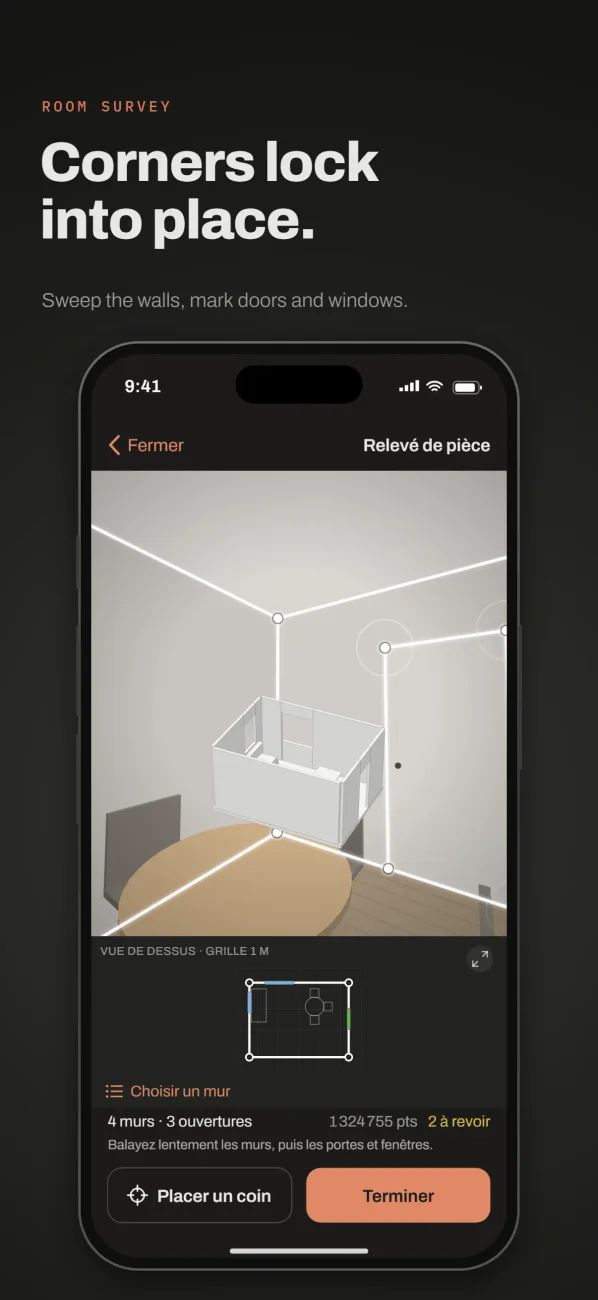
ROOM SURVEY
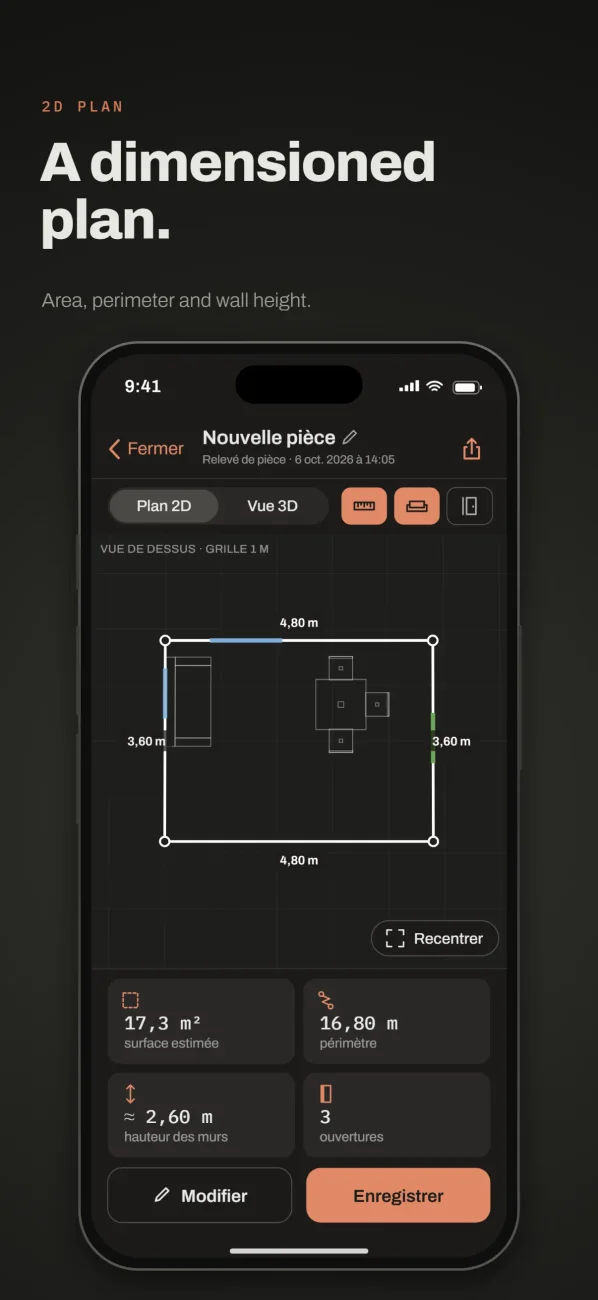
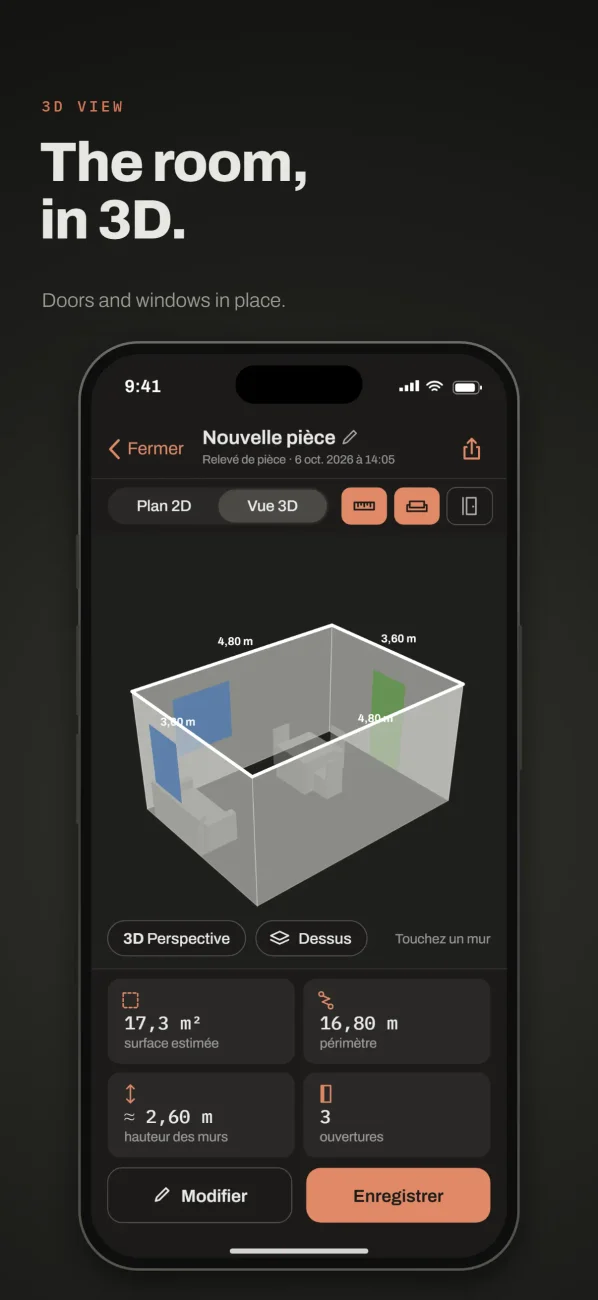
Sweep the walls, then the doors and windows. STEP scan recognises the room, places its walls, corners and openings, and gives you:
• an editable 2D plan with dimensions
• the estimated area, perimeter and wall height
• a 3D view with doors and windows in place
• measurements taken directly on the plan
Plans export as DXF, together with the editable plan and the survey data in JSON.
MY SCANS
All your surveys in one library: thumbnails, folders, a map of where each survey was taken, a 3D point-cloud viewer and section views.
COMPOSITIONS
Assemble surveyed rooms into a floor.
PRIVATE BY DESIGN
No account required, no ads, no tracking. Your surveys stay on your device and only leave it when you share them. The location of a survey is only used for your map and is never added to exported files.
REQUIREMENTS
• To scan: an iPhone or iPad with a LiDAR scanner (iPhone 12 Pro and later Pro models, iPad Pro 2020 and later)
• iOS or iPadOS 17 or later
• To draw: an iPad with iPadOS 26 and an Apple Pencil
• The app interface is in French.
FREE
STEP scan is free: unlimited captures and file exports, no ads, no subscription.
Privacy Policy: https://step.archi/confidentialite
App privacy
What Augustin Deper declares on the App Store about how this app handles data.
-
Data linked to you
May be collected and linked to your identity.
- Contact info
- Identifiers
- Other data
-
Data not linked to you
May be collected but is not linked to your identity.
- Contact info
- Identifiers
- Other data
Privacy practices may vary, for example with the features you use or your age.
Information
- Seller
- Augustin Deper
- Category
- Productivity
- Version
- 1.12
- Updated
- Nov 3, 2026
- Released
- Nov 2, 2026
- Size
- 15.3 MB
- Requires
- iOS 17.0 or later
- Age rating
- 4+
- Price
- Free
- Copyright
- © 2026 Manuel Fischer et Augustin Deper
You might also like
-
 Toccobird: PDF Drawing MarkupMeasure Plans & Create Reports
-
 KilometrickProductivity
-
 DraftPlanar: PDF Plan ViewerConstruction takeoff & markup
-
 AUGmentectureProductivity
-
 ContactOffice MailBranded Email & Cloud Tools
-
 Eclipta: Meditation, App BlockFocus & Screen Time Control
-
 WHISEProductivity
-
 Orbit: LiDAR 3D ScannerScan as much as you like
-
 transfertBANQUEProductivity
-
 SOLA MeasuresMeasure & document