
- Age rating4+
- CategoryEducation
- DeveloperJason Bryant
- LanguagesEnglish
- Size7.1 MB
Links to the official App Store page
Download.org hosts no file of Stick Picker: Names & Groups. The button opens its official App Store page, published by Jason Bryant. Listing last checked on Nov 17, 2026.
Screenshots
About
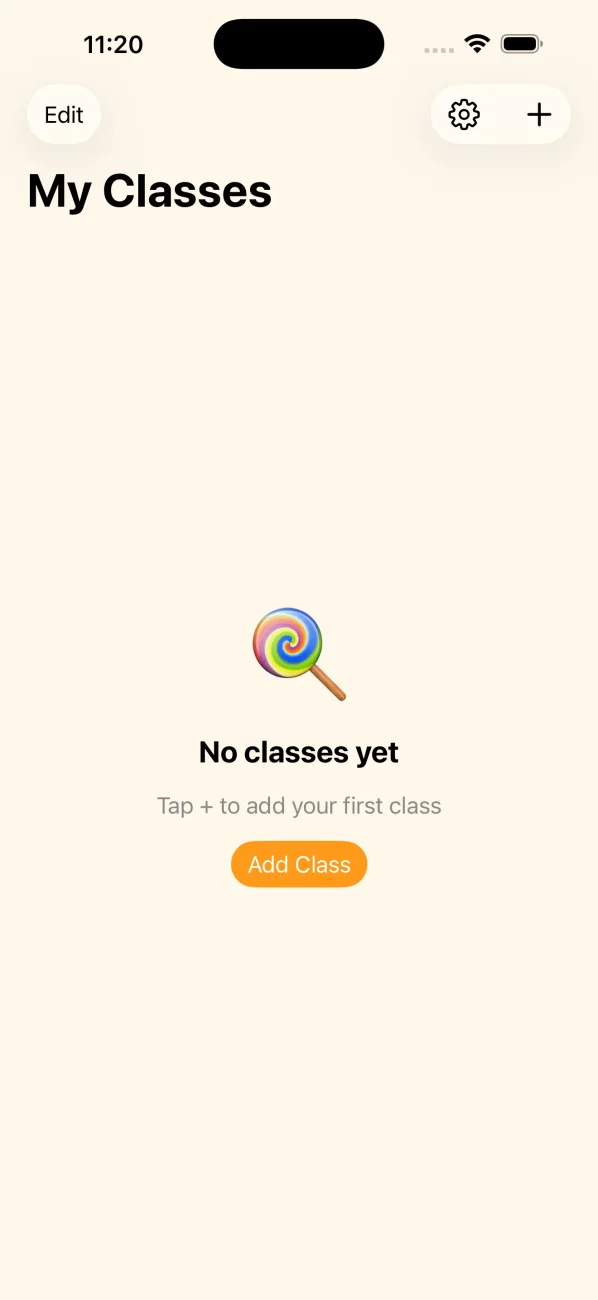
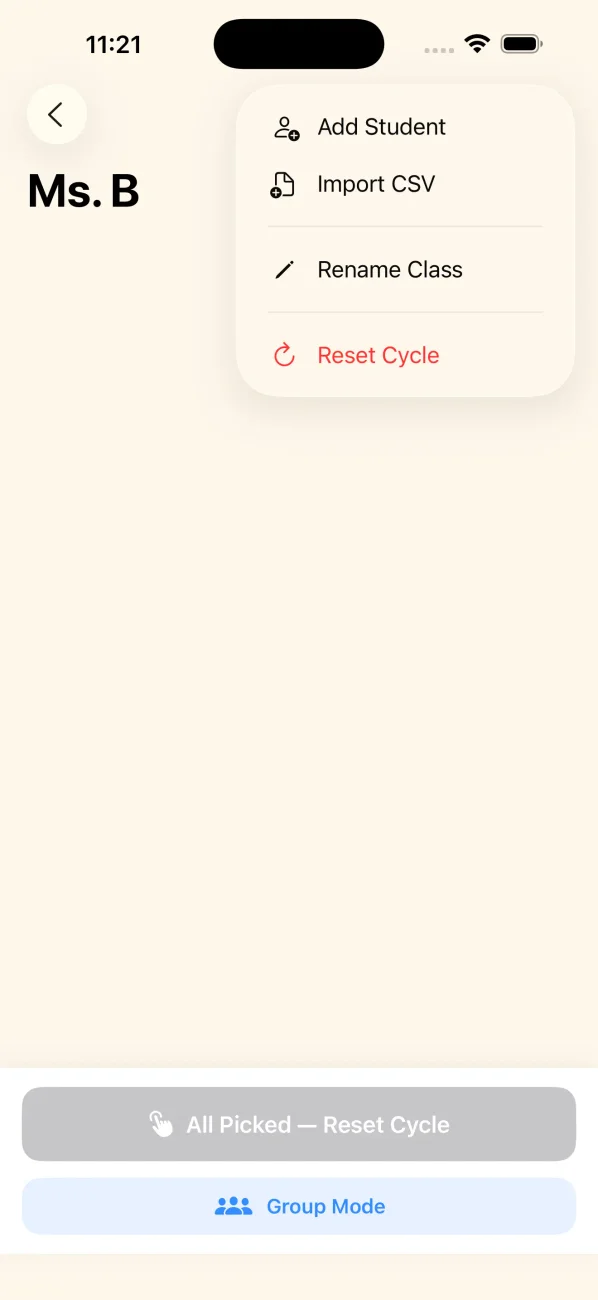
Stick Picker is the digital version of the cup of sticks on a teacher's desk. Build your class lists once, then tap to draw a student — or split the whole class into random groups in a single tap.
Everything runs on your device. No account, no sign-in, no internet connection, and no student data ever leaves your iPhone or iPad.
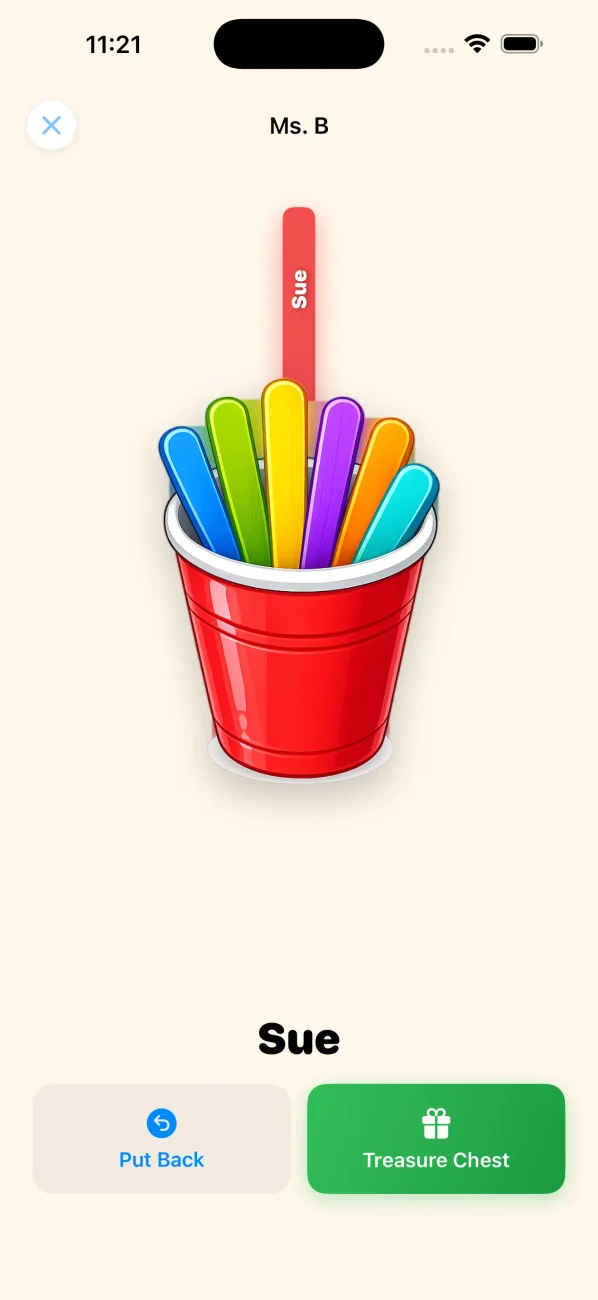
PICK A STICK
• Tap once to draw a random student
• Every student gets picked before anyone repeats — no more calling on the same three kids
• Put a student back silently if it isn't their day; nothing is announced to the class
• The cycle resets on its own once everyone has had a turn
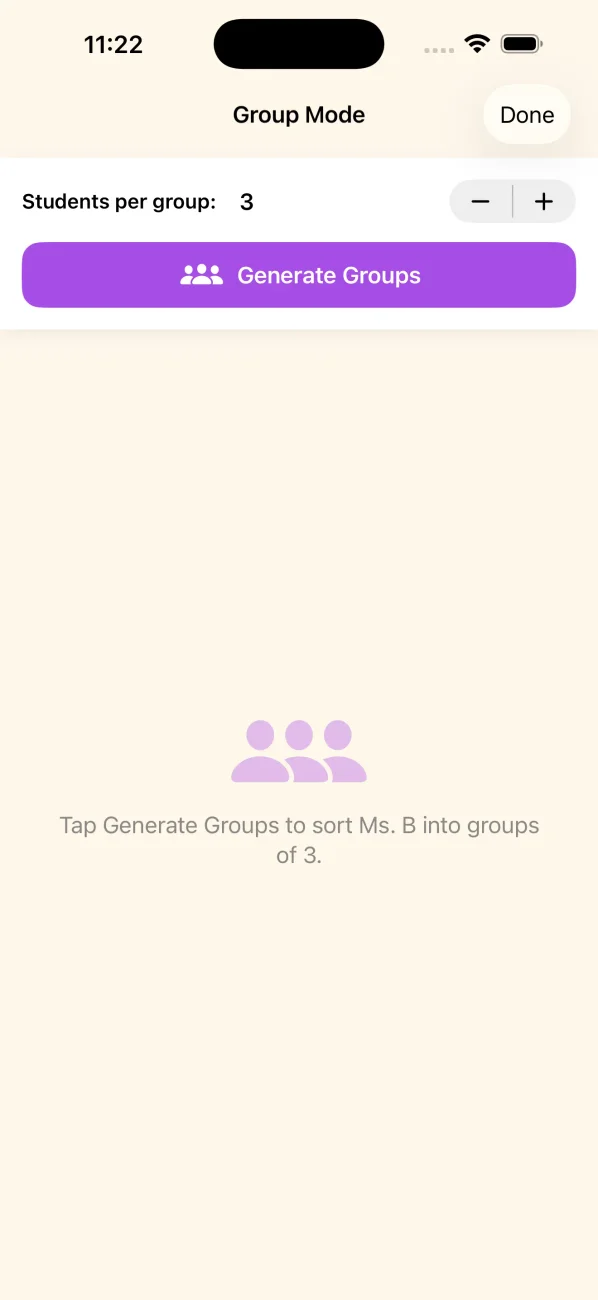
GROUP MODE
• Choose a group size and sort the whole class instantly
• Reshuffle when a grouping won't work
• Groups display clearly enough to show the room
CLASS MANAGEMENT
• Build as many classes as you teach, each named your way
• Import rosters from CSV, Excel, or Google Sheets exports
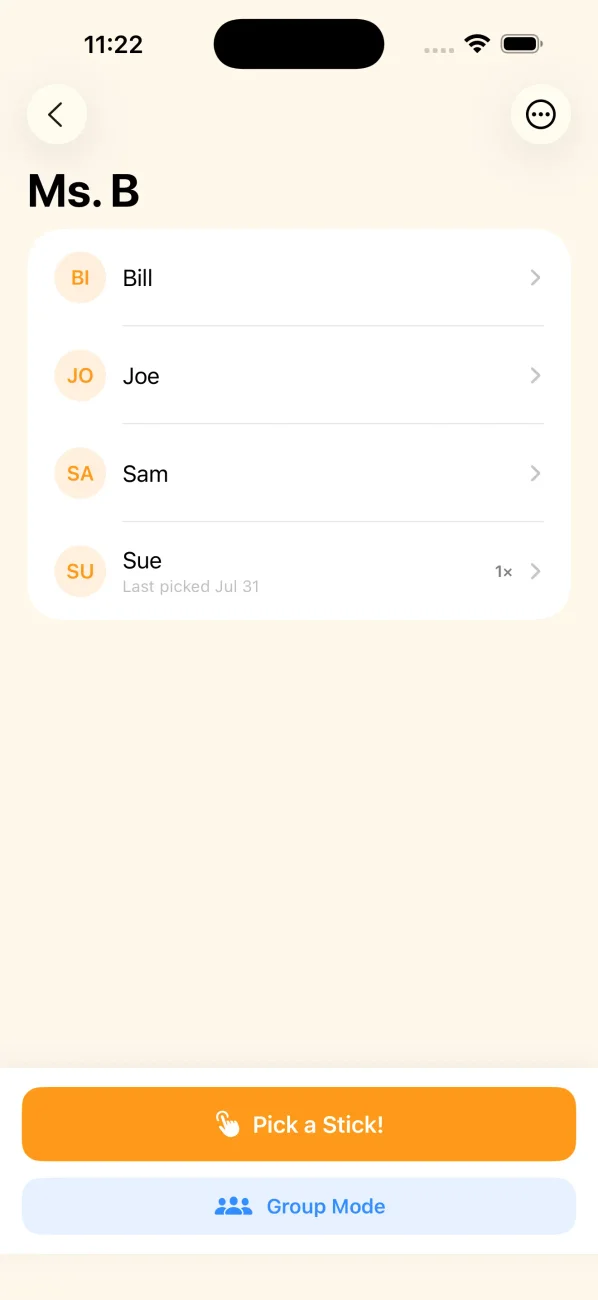
• Add, edit, or remove students anytime
• Duplicate a class to reuse a roster with a clean slate
STUDENT TRACKING
• See how many times each student has been picked, all-time
• Check the last date a student was drawn
• Open any student for their full pick history
BUILT FOR THE CLASSROOM
• Passcode lock, and the app relocks every time it goes to the background — rosters stay private
• Unlock with Face ID or Touch ID
• Forgot your passcode? Verify with Face ID or your device passcode and set a new one — your classes are kept
• iPhone and iPad, optimized for iPad
• Dark mode
• Works fully offline
Built by a PE teacher running 24 classes a week.
What’s new
Version 1.1 · Oct 14, 2026
New Features: select a student to send to the treasure chest and have more than 10 students in a group.
App privacy
What Jason Bryant declares on the App Store about how this app handles data.
-
Data not collected
The developer does not collect any data from this app.
Privacy practices may vary, for example with the features you use or your age.
Information
- Seller
- Jason Bryant
- Category
- Education
- Version
- 1.1
- Updated
- Oct 14, 2026
- Released
- Aug 17, 2026
- Size
- 7.1 MB
- Requires
- iOS 17.0 or later
- Age rating
- 4+
- Price
- Free
- Languages
- English
- Copyright
- © 2026 Vigor Strength & Conditioning
You might also like
-
 Good FruitA simple Bible app
-
 Groupino: Group GeneratorSeating Charts for Teachers
-
 King's AcademyEducation
-
 Classroom BuddyYour classroom management app
-
 Knowi: AI Tutor for KidsKid's first AI learning guide
-
 Albert Teacher AI: Kids TutorAsk aloud: math, ABC & stories
-
 iGrade: Teacher Test GraderGrade tests & essays by photo
-
 Popsicle Sticks UnlimitedRandom Name Picker
-
 Pickadoo: Random GeneratorFor Teachers: Groups & Seating
-
 Ozobot EditorAdvanced Ozobot programming