Sticky.Notes
Lock Screen Notes Widget
Designed for iPhone, iPad
Free · In-app purchases
- Age rating4+
- CategoryProductivity
- DeveloperTu Anh Do
- LanguagesEnglish
- Size42.6 MB
Links to the official App Store page
Download.org hosts no file of Sticky.Notes. The button opens its official App Store page, published by Tu Anh Do. Listing last checked on Nov 12, 2026.
Screenshots
About
Sticky Notes is a simple and powerful note-taking app designed to help you capture ideas, tasks, reminders, and daily thoughts in seconds. Create colorful sticky notes, organize them your way, and keep everything important right at your fingertips.
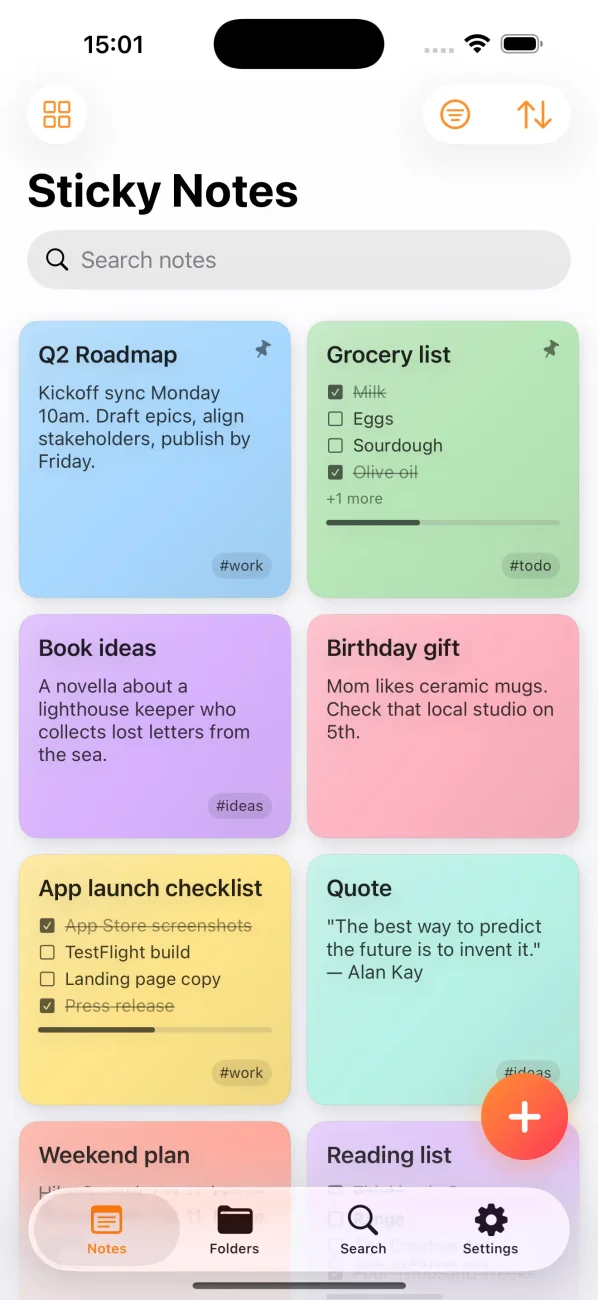
Whether you need a quick memo, a shopping list, a to-do checklist, or a daily reminder, Sticky Notes makes it easy to stay organized. Customize notes with colors, pin important items, sort by date, and search instantly. The clean interface helps you focus without distractions.
Key Features:
• Create notes instantly with one tap
• Colorful sticky note themes and customization
• Pin important notes to the top
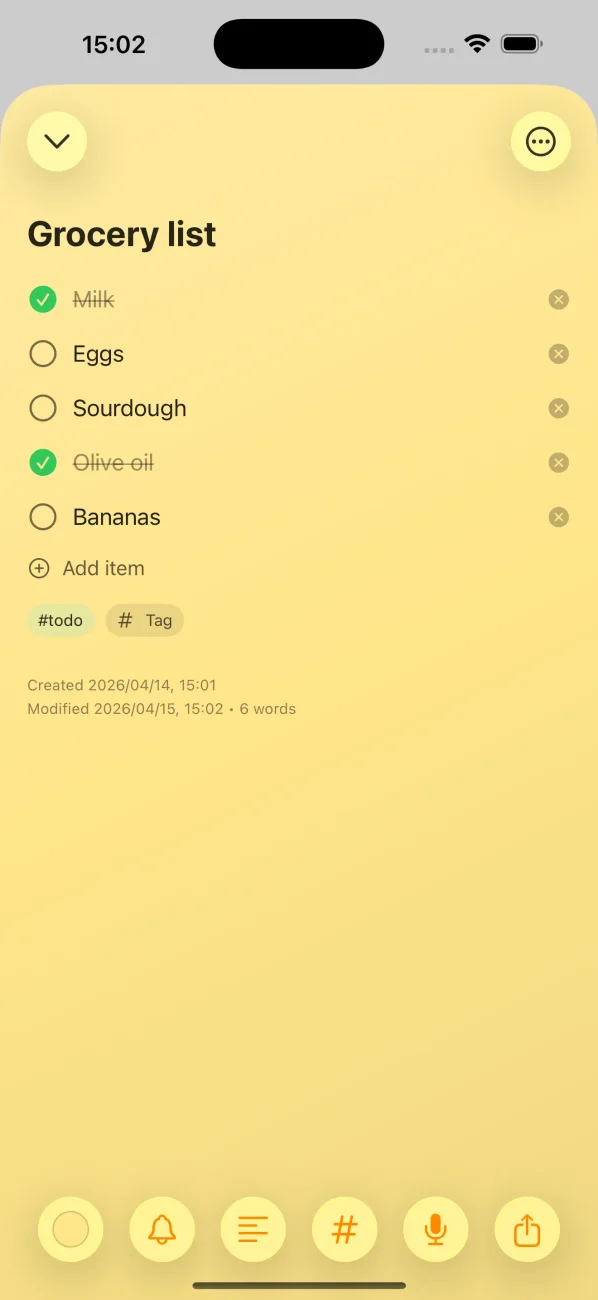
• To-do lists and checklists
• Reminder alerts and notifications
• Organize with folders and tags
• Fast search and smart sorting
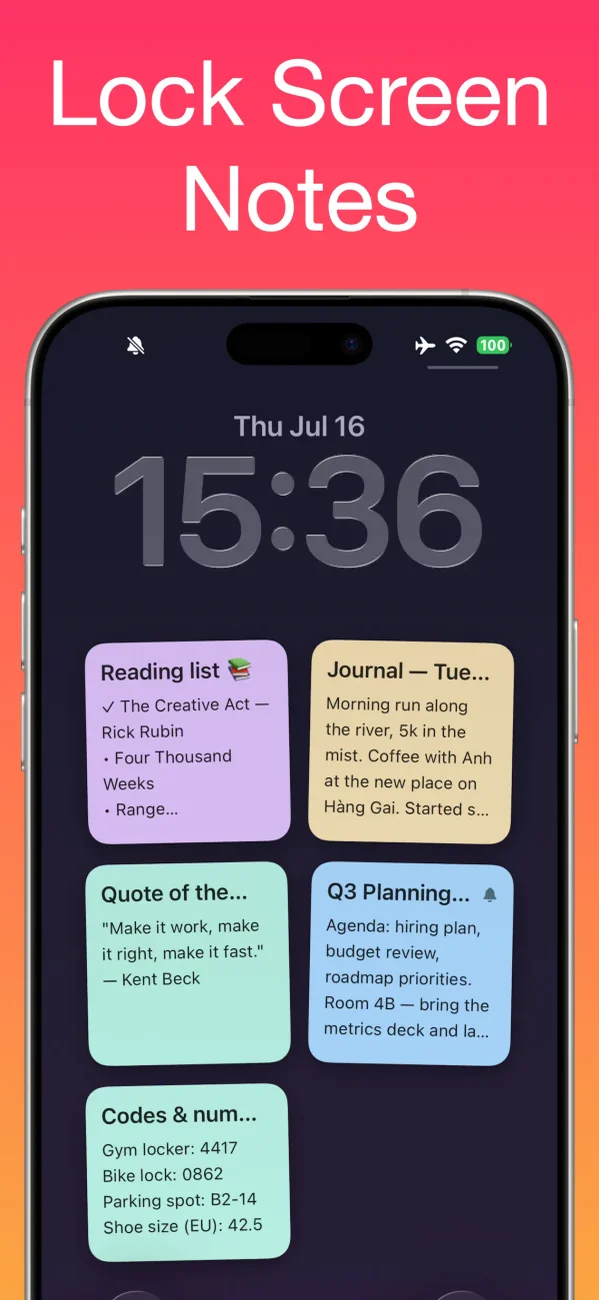
• Home Screen and Lock Screen widgets
• Dark Mode support
Sticky Notes is perfect for students, professionals, and anyone who wants a fast, modern way to remember more and stay productive every day.
The App offers two subscription options:
-$7.99 Monthly
-$34.99 Monthly
Prices may vary by location.
Privacy Policy: https://privacy.vanlangapps.com
Terms of Use: https://tos.vanlangapps.com
Should you choose to upgrade to a Pro subscription, payment will be charged to your iTunes account at confirmation of purchase. Subscription automatically renews unless auto-renew is turned off at least 24-hours before the end of the current period. Account will be charged for renewal within 24-hours prior to the end of the current period.
You may cancel automatic renewal and manage your subscription by selecting Manage App Subscriptions in your iTunes Account settings and selecting the subscription you want to modify. Any unused portion of a free trial period, if offered, will be forfeited when you purchase a Pro subscription, where applicable.
What’s new
Version 1.3 · Aug 26, 2026
-Bug fixes and improvements
App privacy
What Tu Anh Do declares on the App Store about how this app handles data.
-
Data not collected
The developer does not collect any data from this app.
Privacy practices may vary, for example with the features you use or your age.
Information
- Seller
- Tu Anh Do
- Category
- Productivity
- Version
- 1.3
- Updated
- Aug 26, 2026
- Released
- Apr 15, 2026
- Size
- 42.6 MB
- Requires
- iOS 17.0 or later
- Age rating
- 4+
- Price
- Free
- In-app purchases
- Yes
- Languages
- English
- Copyright
- © Van Lang Apps
You might also like
-
 Sticky Notes: Notes & TodosMemo Widget & To Do Checklist
-
 Lock Screen Notes: StickySortRemember To-Dos with Widgets
-
 Sticky Notes - PostyTo-Do Lists, Notes & Widgets
-
 Easy Sticky Note Widget & PinNotepad, Post It & Checklist
-
 Color Notes - Journals, To DosPastel Color Coded Notepad
-
 LockNote: Note on Lock ScreenSticky Notes & Reminder
-
 Notesy — Quick & Private NotesNo Sign-Up. No Cloud. No Ads.
-
 Sync Sticky NotesDesktop Notes with Cloud Sync
-
 Sticky Notes: To Do ListNotepad-Checklist & Widget App
-
 Sticky Notes + WidgetsSimple stickies with reminders