Sticky Notes Widget: FloatMemo
Notes with folders & widgets
Designed for iPhone, iPad
Free · In-app purchases
- Age rating4+
- CategoryProductivity
- DeveloperTyabaApp
- LanguagesEnglish+ 7 more
- Size51.2 MB
Links to the official App Store page
Download.org hosts no file of Sticky Notes Widget: FloatMemo. The button opens its official App Store page, published by TyabaApp. Listing last checked on Nov 23, 2026.
Screenshots


About
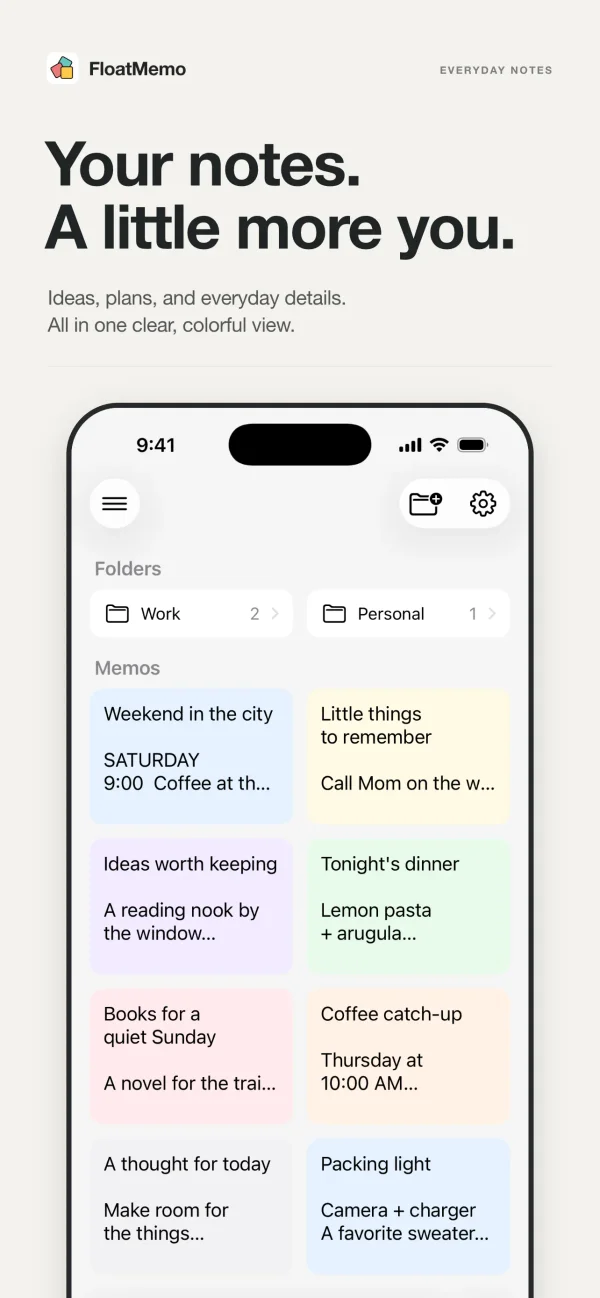
FloatMemo is a simple, quick note app for capturing ideas and staying productive.
— ORGANIZE YOUR WAY —
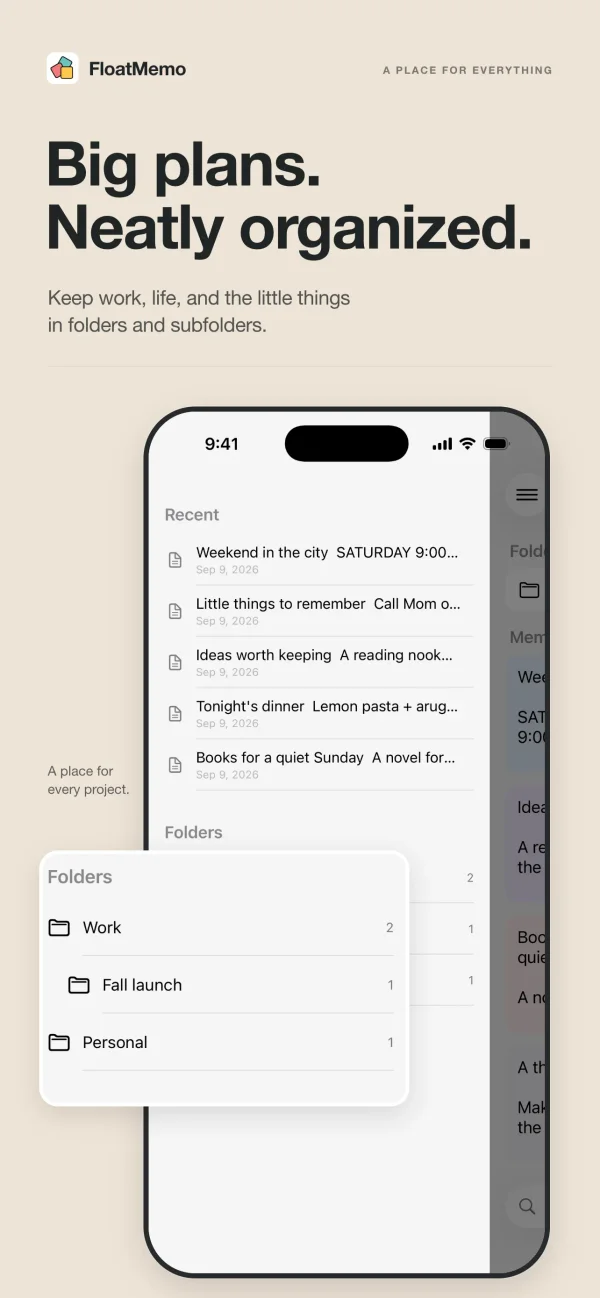
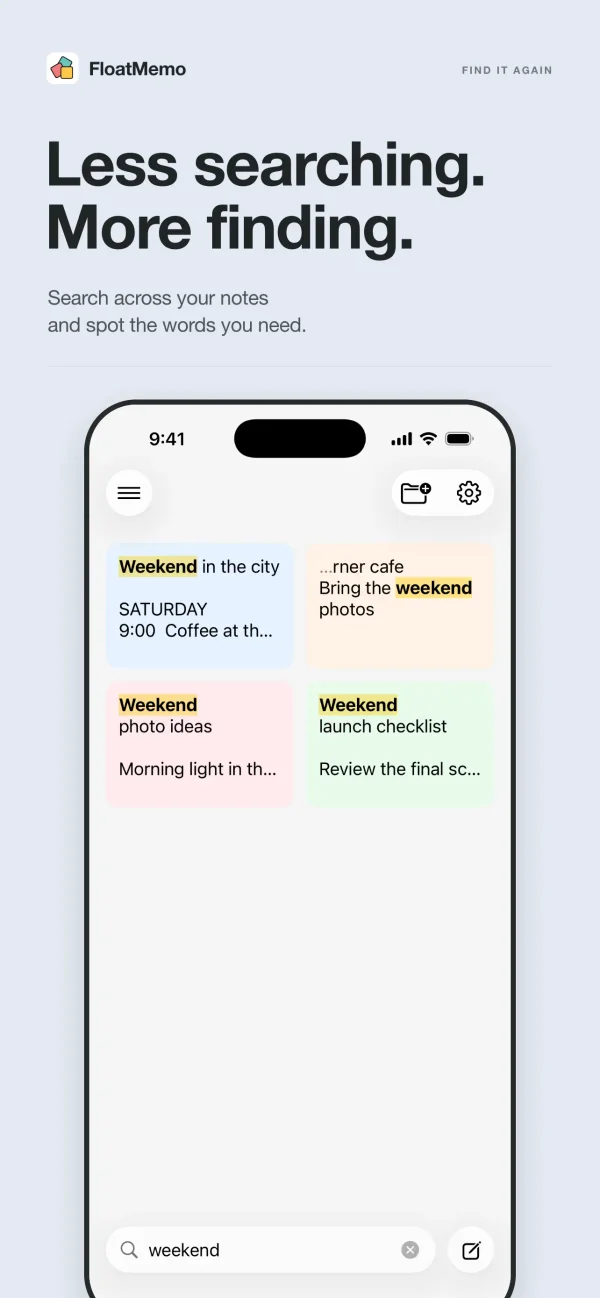
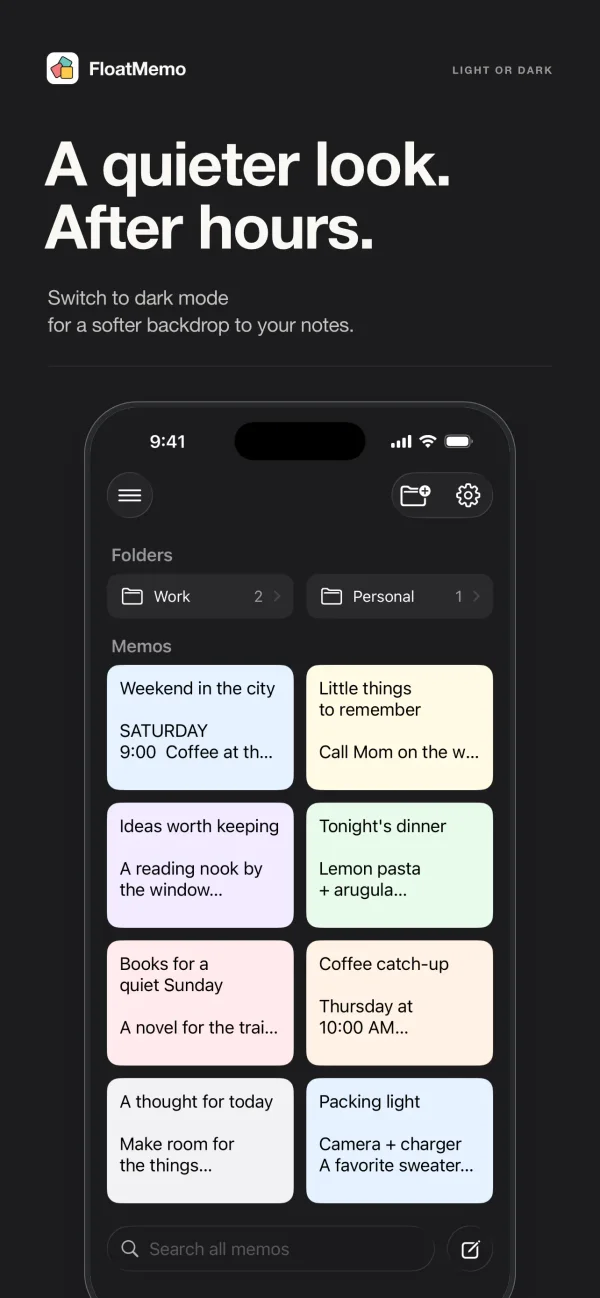
Create nested folders to sort notes by project or topic. Switch between list and grid views. Search to find any memo instantly. Pin important notes to the top. (Premium)
— CUSTOMIZE EVERY NOTE —
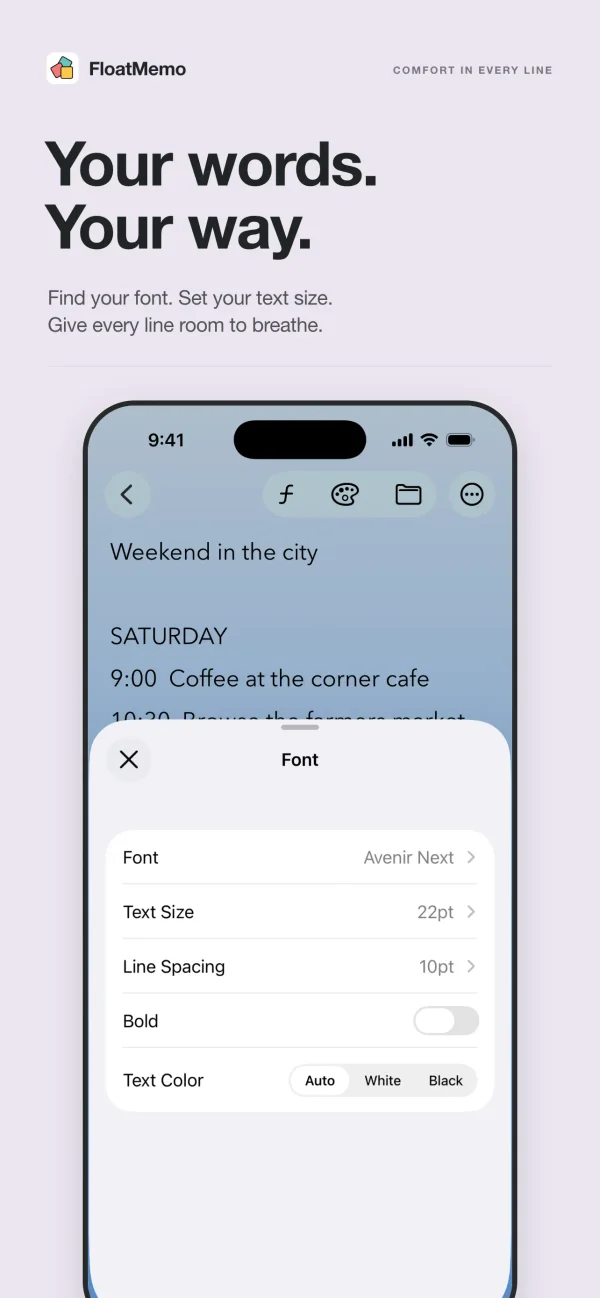
Personalize backgrounds with 28 colors, 14 gradients, or your own photos. Adjust fonts, sizes, and line spacing. Text color adapts automatically for readability.
— WIDGETS FOR QUICK ACCESS —
Add home screen widgets for one-tap access. Lock screen widgets supported too.
— SYNC EVERYWHERE —
iCloud keeps your notes in sync across all Apple devices. Auto-save means you never lose a word.
— PROTECT YOUR NOTES —
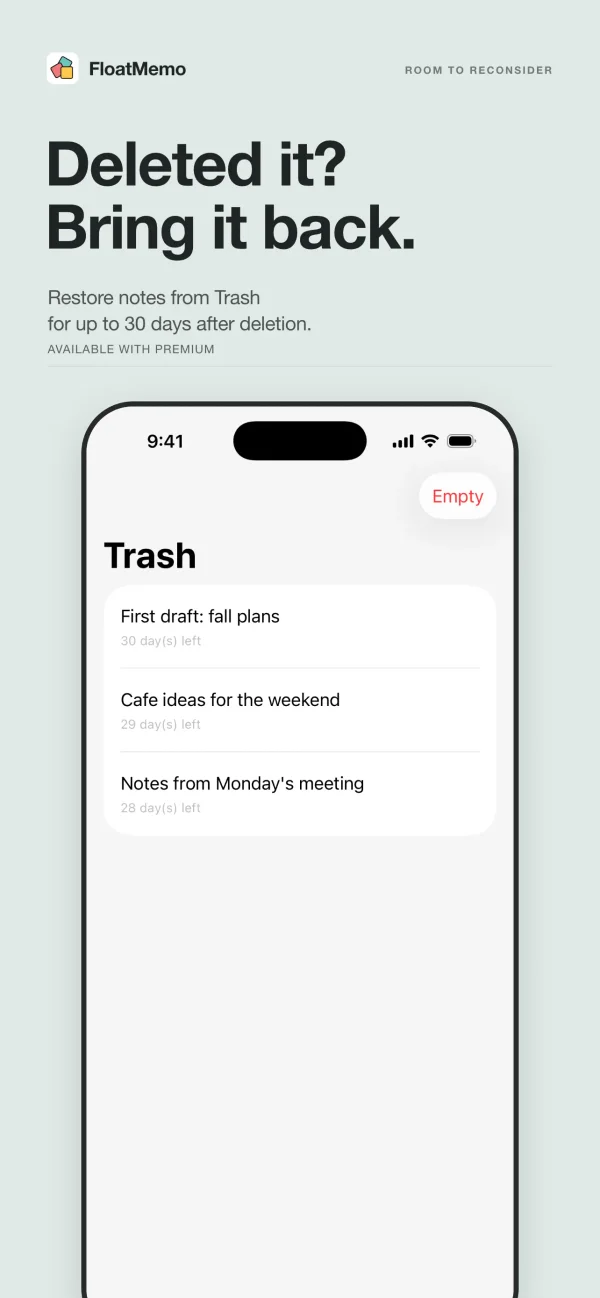
Restore deleted notes from trash within 30 days. (Premium) Lock folders with Face ID or Touch ID for extra privacy. (Premium)
— FEATURES —
• Folders with nesting
• Background (color/gradient/image)
• Font customization
• Auto text color
• Widgets (all sizes + lock screen)
• Search
• List & grid views
• Share
• Dark mode
• Auto-save
• URL detection
— PREMIUM —
• Unlimited folders
• Pin notes
• Trash & restore
• Folder lock (Face ID / Touch ID)
— SUBSCRIPTION INFO —
• Subscriptions auto-renew monthly unless canceled at least 24 hours before the renewal date.
• Restore purchases after switching devices by signing in with the same Apple ID and tapping "Restore Purchase."
• Payment is charged to your Apple ID. No refunds for the current billing period.
— TERMS & PRIVACY —
• Privacy Policy: https://tyaba-privacy-policy.web.app/
• Terms of Use: https://tyaba-privacy-policy.web.app/terms
What’s new
Version 1.6.1 · Nov 21, 2026
- Improved how memos and settings are displayed on iPad.
App privacy
What TyabaApp declares on the App Store about how this app handles data.
-
Data not linked to you
May be collected but is not linked to your identity.
- Usage data
- Diagnostics
Privacy practices may vary, for example with the features you use or your age.
Information
- Seller
- TyabaApp
- Category
- Productivity
- Version
- 1.6.1
- Updated
- Nov 21, 2026
- Released
- Jan 7, 2026
- Size
- 51.2 MB
- Requires
- iOS 26.0 or later
- Age rating
- 4+
- Price
- Free
- In-app purchases
- Yes
- Languages
- English, Indonesian, Japanese, Korean, Simplified Chinese, Thai, Traditional Chinese, Vietnamese
- Copyright
- © @2025 TyabaApp
You might also like
-
 Memo PaperProductivity
-
 MemoJetProductivity
-
 付箋ウィジェットメモ -ホーム画面にメモを表示Productivity
-
 LOG TODO - To Do List, PlannerDaily checklist & routines
-
 NoteCard - Simplest Memo AppWant a Simple and Easy Memo?
-
 MemoCopy - Fast Copy, SyncFast copy and paste !
-
 Caliu - Markdown NotesPlain text editor with MCP
-
 NoteScrap: Note, Memo, OCRHandwriting scan & organize
-
 Daylog - All-in-One CalendarHabits·ToDo·Countdowns·Widgets
-
 MemoNow - Instant Quick Memo.Quick memo from your widget.