- Age rating4+
- CategoryMusic
- DeveloperRobin Dupuy
- LanguagesEnglish
- Size4.8 MB
Links to the official App Store page
Download.org hosts no file of StringView. The button opens its official App Store page, published by Robin Dupuy. Listing last checked on Nov 18, 2026.
Screenshots

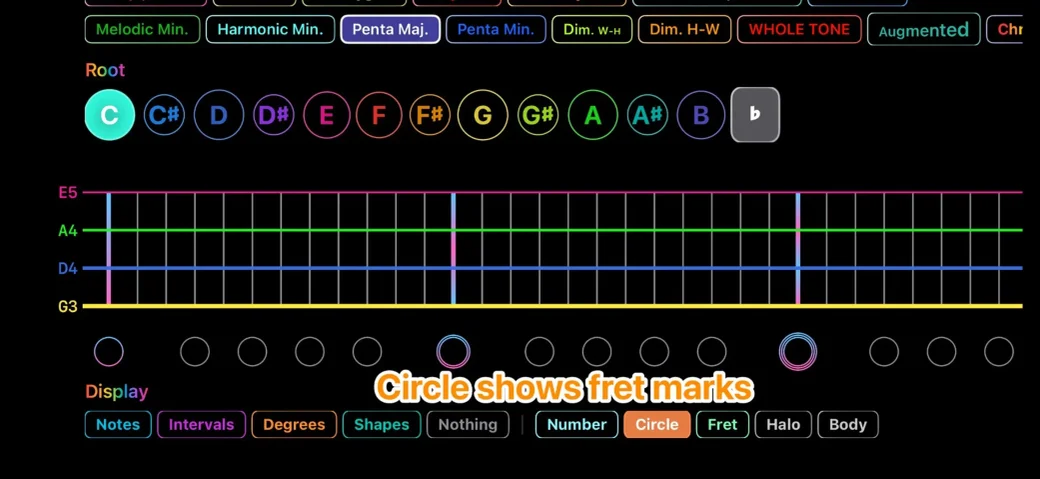
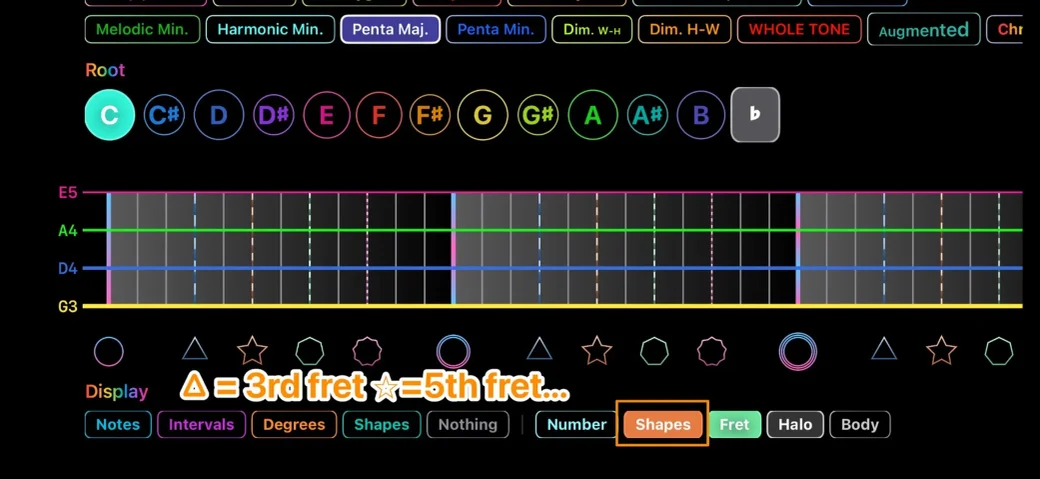
About
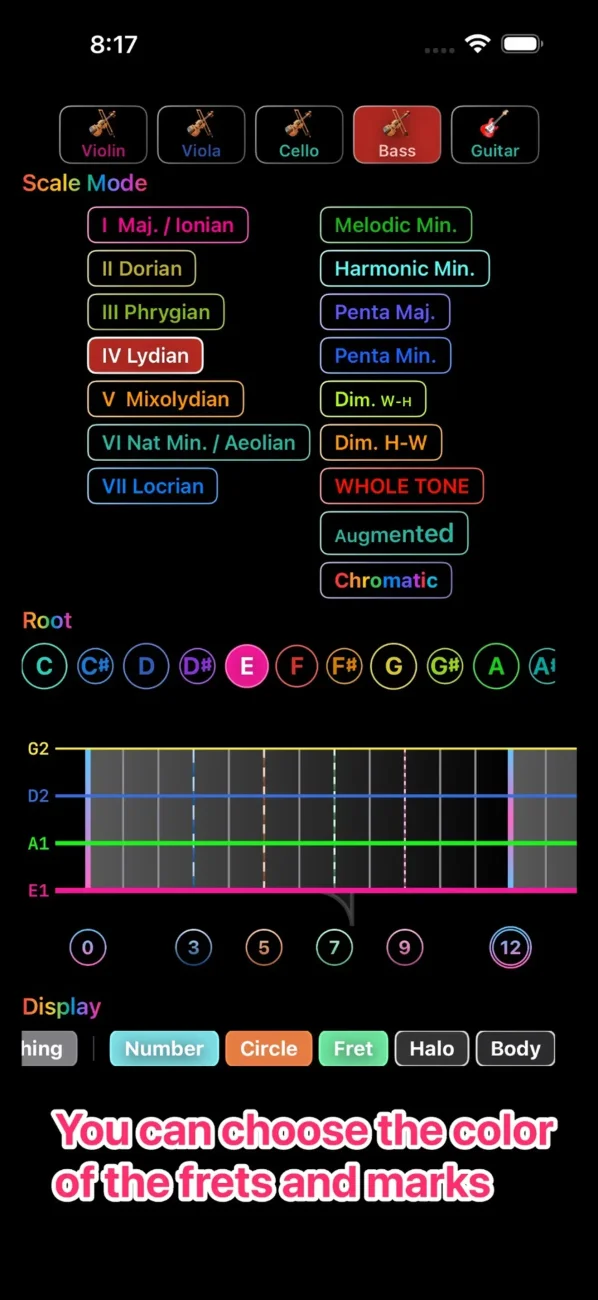
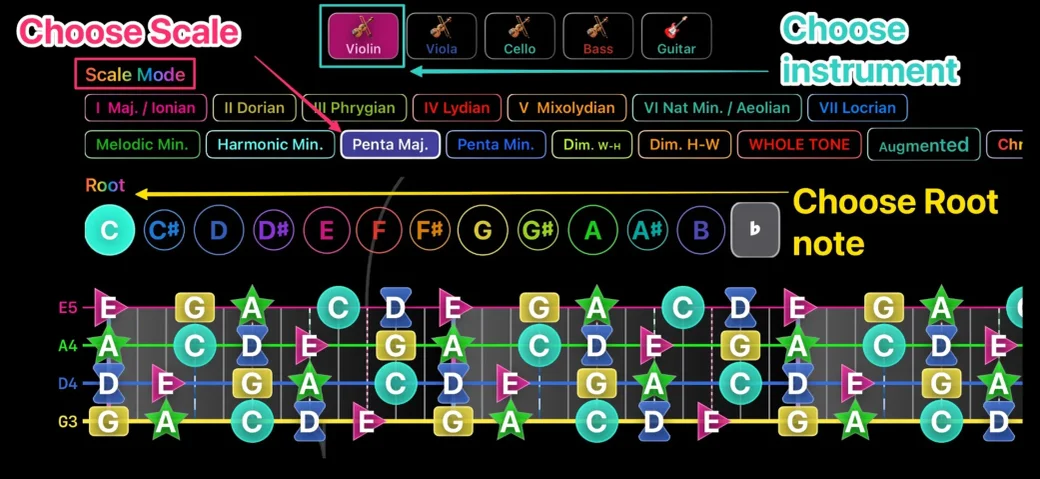
StringView is a visual fingerboard trainer for bowed and fretted string players. Choose your instrument, pick a scale, and explore the fingerboard as a clear, colorful map of notes, intervals, and scale degrees.
Explore 16 scales and modes (more to come)
StringView includes a complete set of essential scales and modes:
• Major / Ionian
• Dorian
• Phrygian
• Lydian
• Mixolydian
• Natural Minor / Aeolian
• Locrian
• Chromatic
• Melodic Minor
• Harmonic Minor
• Pentatonic Major
• Pentatonic Minor
• Diminished (Whole-Half)
• Diminished (Half-Whole)
• Whole Tone
• Augmented
You can choose any root note and decide whether to display alterations as sharps or flats, so the view matches your musical background and preference.
Notes, intervals, degrees, and shapes
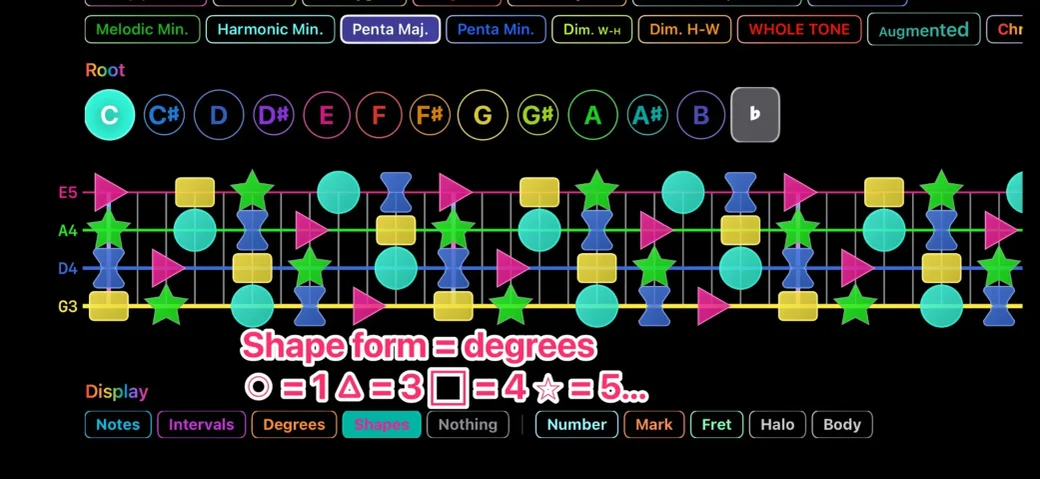
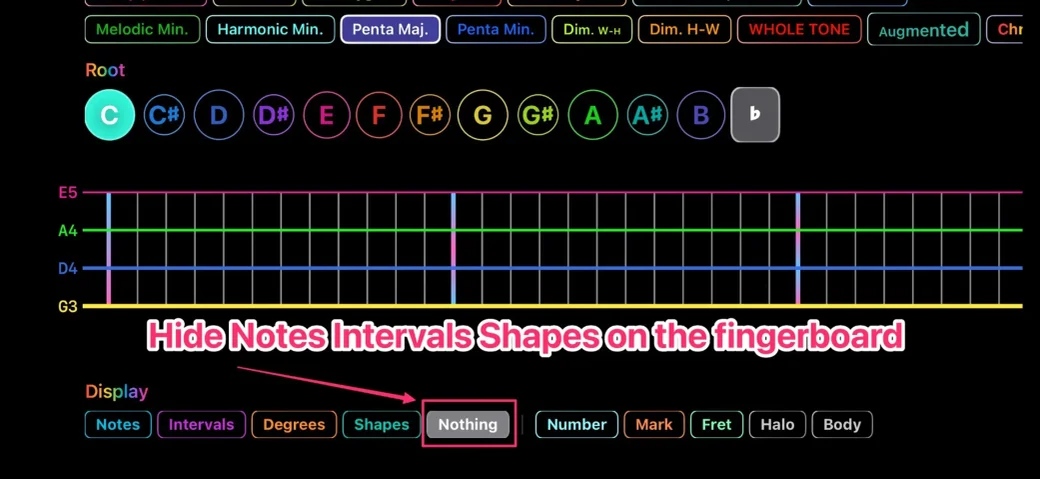
Display note names, intervals, or scale degrees on the fingerboard. Each scale degree has its own distinctive shape, and each note has its own consistent color to make patterns easier to recognize. Shapes and labels can be toggled independently, so you see exactly what you need.
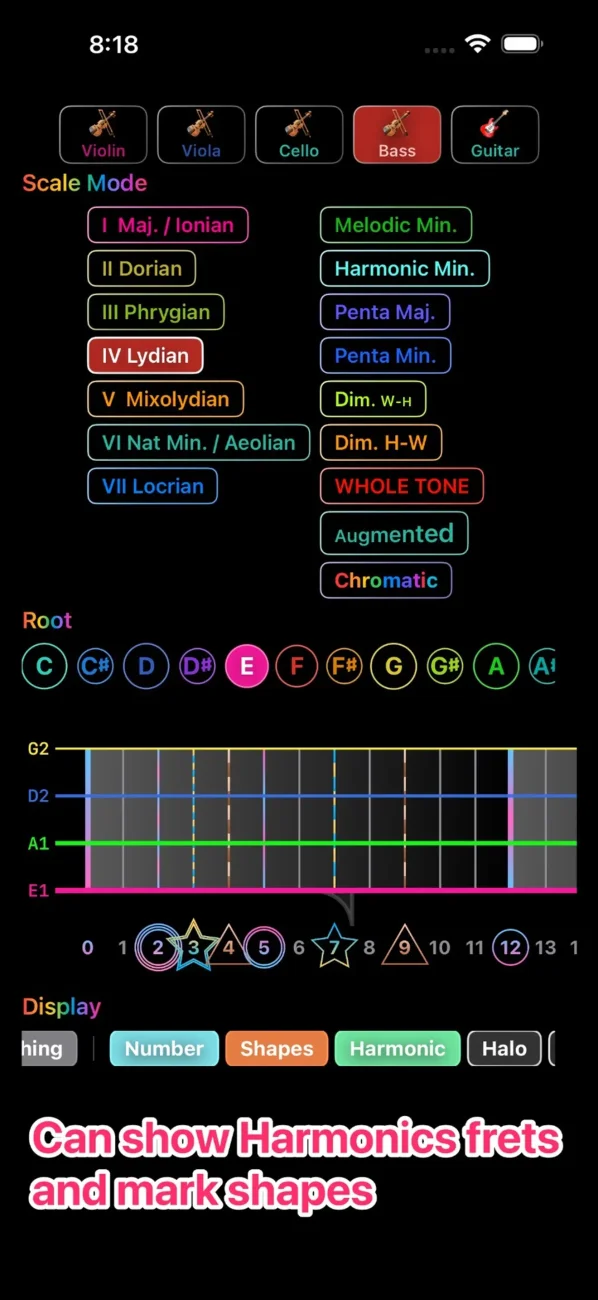
Harmonics and fret markers
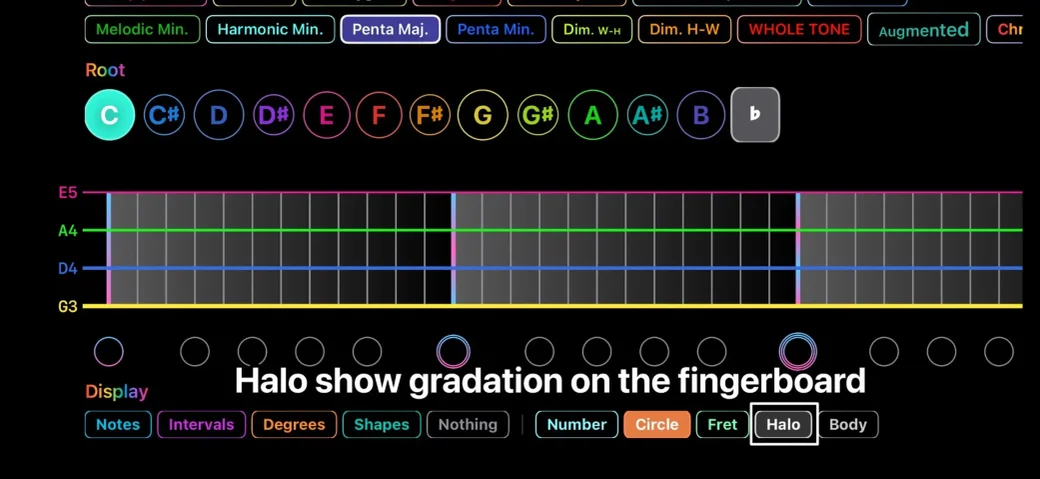
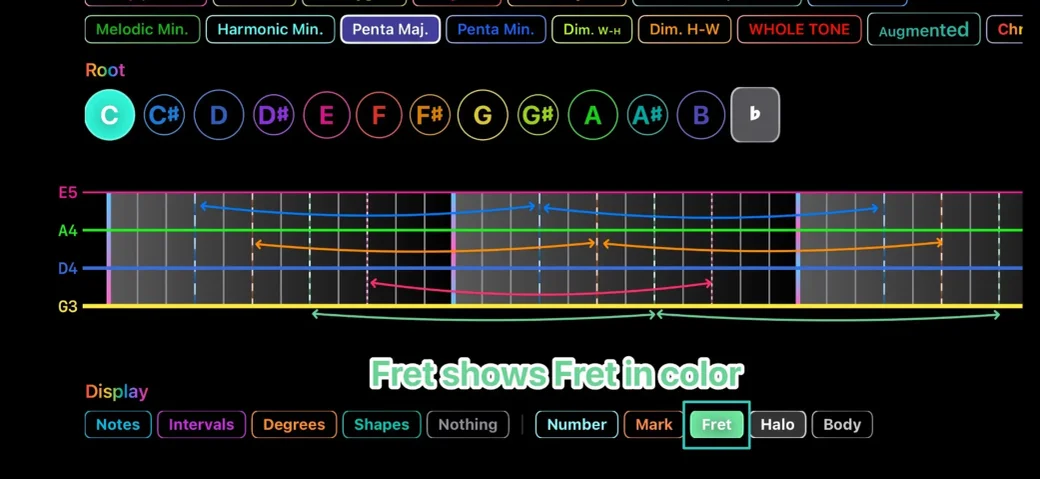
A dedicated harmonics mode highlights natural harmonic positions on the fingerboard. Fret markers, numbers, and octave zones offer multiple display modes so you can customize the view to your level and focus.
Pinch to zoom
Zoom in to focus on a few frets, or zoom out to see the full range — up to 36 frets across the entire fingerboard.
Designed for practice
Dark glass-themed interface with haptic feedback. Works on iPhone and iPad in portrait and landscape. Your instrument, scale, and display settings are saved automatically between sessions.
This visual approach helps you internalize scales, understand the layout of your instrument, and discover new fingerings and melodic ideas — whether you already read music or prefer to learn by sight and pattern.
What’s new
Version 1.2 · Mar 20, 2026
What's New in Version 1.2
• 2 new scales: Pentatonic Minor and Diminished Half- Whole
• Extended fretboard to 36 frets
• Pinch-to-zoom on the fretboard
• Harmonics mode showing natural harmonic positions
• Instrument body outline overlay
• Redesigned note shapes for scale degrees
• New dark glass Ul theme
• Haptic feedback on controls
• Fret markers, numbers, and zones with multiple display modes
• Improved landscape and iPad layout
• Settings now saved between sessions
App privacy
What Robin Dupuy declares on the App Store about how this app handles data.
-
Data not collected
The developer does not collect any data from this app.
Privacy practices may vary, for example with the features you use or your age.
Information
- Seller
- Robin Dupuy
- Category
- Music
- Version
- 1.2
- Updated
- Mar 20, 2026
- Released
- Feb 14, 2026
- Size
- 4.8 MB
- Requires
- iOS 15.6 or later
- Age rating
- 4+
- Price
- $2.99
- Languages
- English
- Copyright
- © 2026 Robin Dupuy
You might also like
-
 Scale Runner: Piano PracticeScales, Chords & Music Theory
-
 Violin Fingerboard TrainerMusic
-
 Tonica - Harmonic trainingHarmonic training
-
 Guitar Fretboard Addict LiteMusic
-
 Bass Fretboard Addict LiteMusic
-
 Guitar Chords: Chord LibraryTuner, Tabs & Fretboard
-
 SoundHi +EQ30 HD Amp & PlayerEach instrument volume balance
-
 TEFviewMusic
-
 Pitch Shift (Key Change)31 bands EQ / Export audio
-
 Poly MetronomePolyrhythms · Setlists · Coach