StringView
Visual Fingerboard Trainer
Được thiết kế cho iPhone, iPad, iPod touch
99.000đ
- Độ tuổi4+
- Danh mụcNhạc
- Nhà phát triểnRobin Dupuy
- Ngôn ngữTiếng Anh
- Kích thước4,8 MB
Liên kết đến trang App Store chính thức
Download.org không lưu trữ tệp nào của StringView. Nút này mở trang ứng dụng trên App Store, nơi Robin Dupuy phát hành ứng dụng. Trang được kiểm tra lần cuối: 18/11/2026.
Ảnh chụp màn hình

Giới thiệu
Nhà phát triển chưa cung cấp nội dung này bằng ngôn ngữ của bạn.
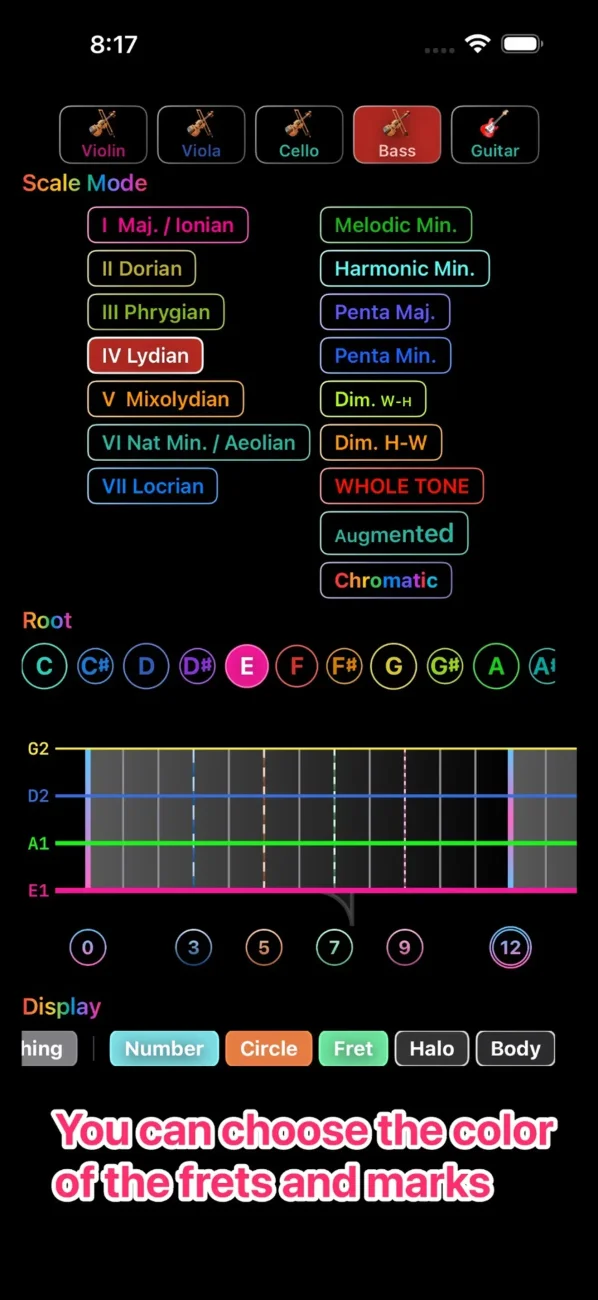
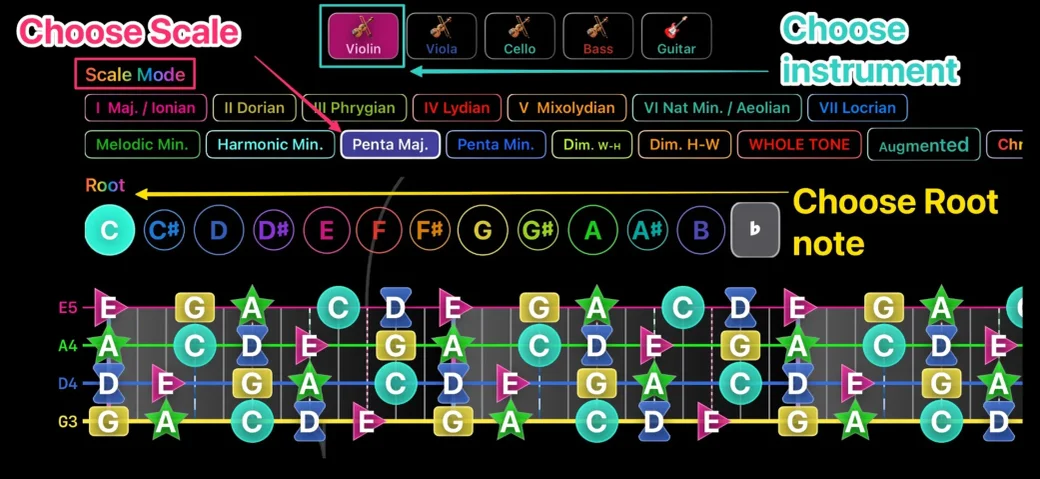
StringView is a visual fingerboard trainer for bowed and fretted string players. Choose your instrument, pick a scale, and explore the fingerboard as a clear, colorful map of notes, intervals, and scale degrees.
Explore 16 scales and modes (more to come)
StringView includes a complete set of essential scales and modes:
• Major / Ionian
• Dorian
• Phrygian
• Lydian
• Mixolydian
• Natural Minor / Aeolian
• Locrian
• Chromatic
• Melodic Minor
• Harmonic Minor
• Pentatonic Major
• Pentatonic Minor
• Diminished (Whole-Half)
• Diminished (Half-Whole)
• Whole Tone
• Augmented
You can choose any root note and decide whether to display alterations as sharps or flats, so the view matches your musical background and preference.
Notes, intervals, degrees, and shapes
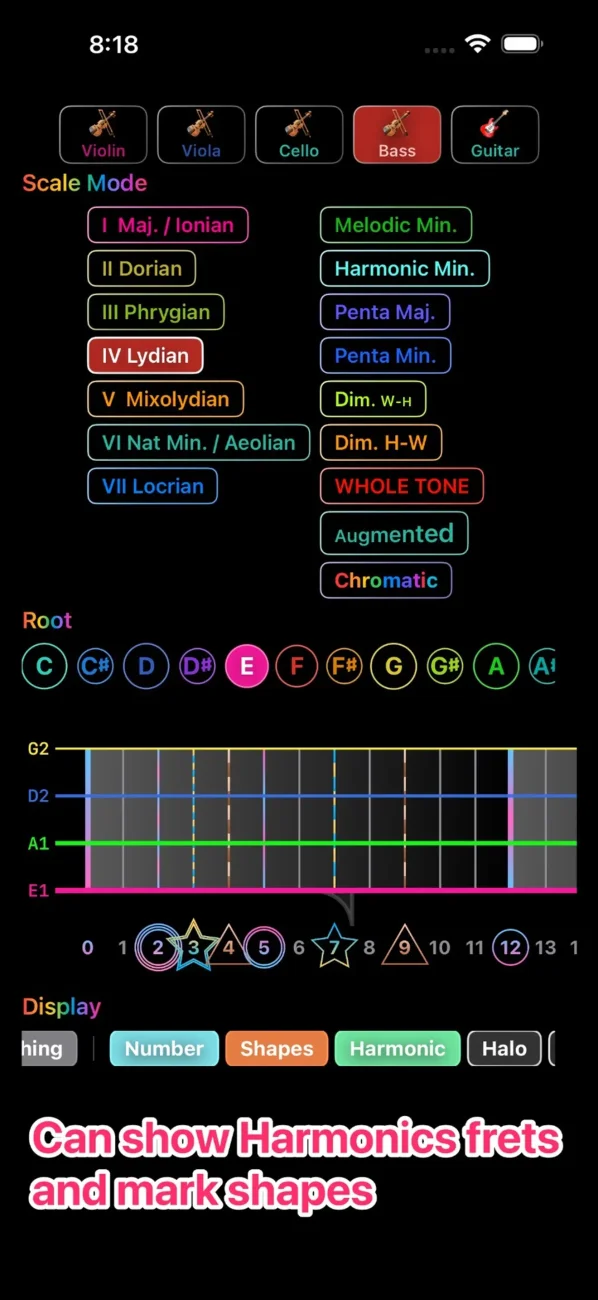
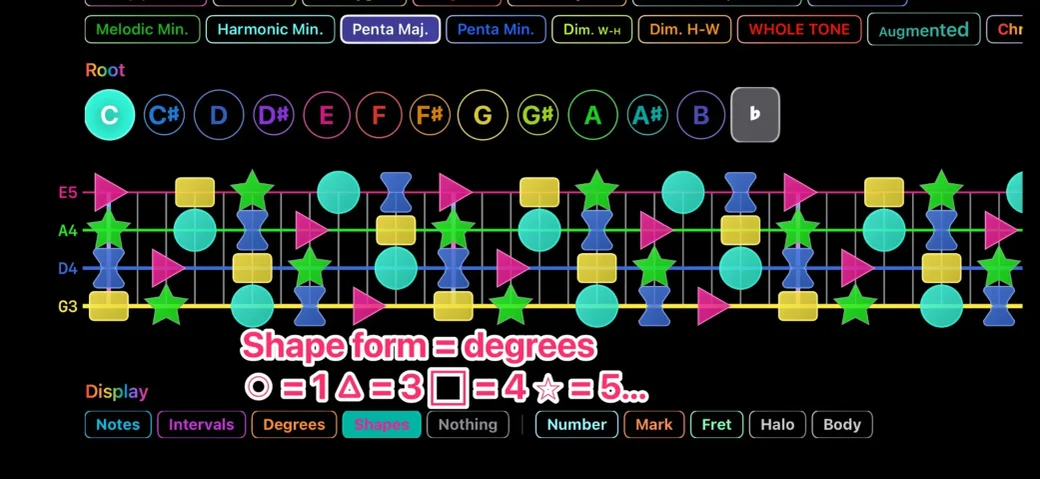
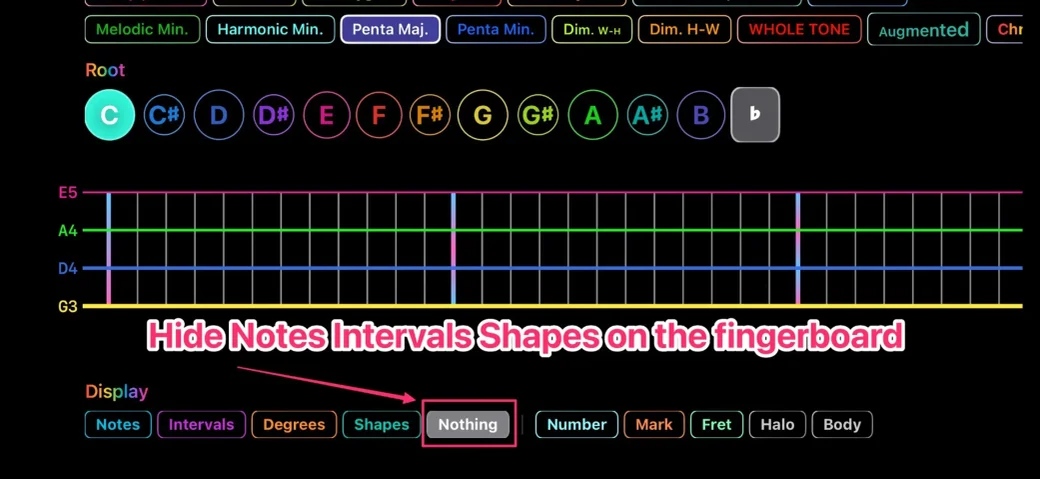
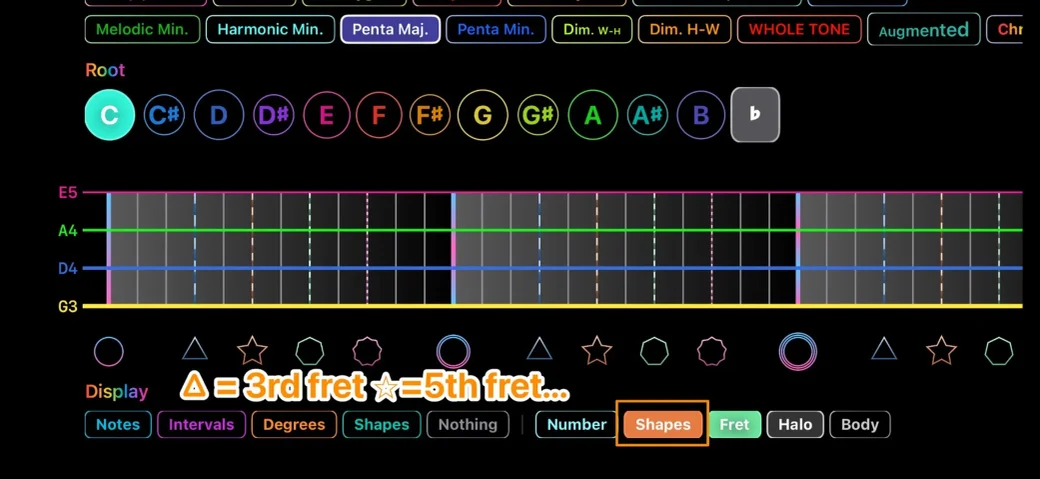
Display note names, intervals, or scale degrees on the fingerboard. Each scale degree has its own distinctive shape, and each note has its own consistent color to make patterns easier to recognize. Shapes and labels can be toggled independently, so you see exactly what you need.
Harmonics and fret markers
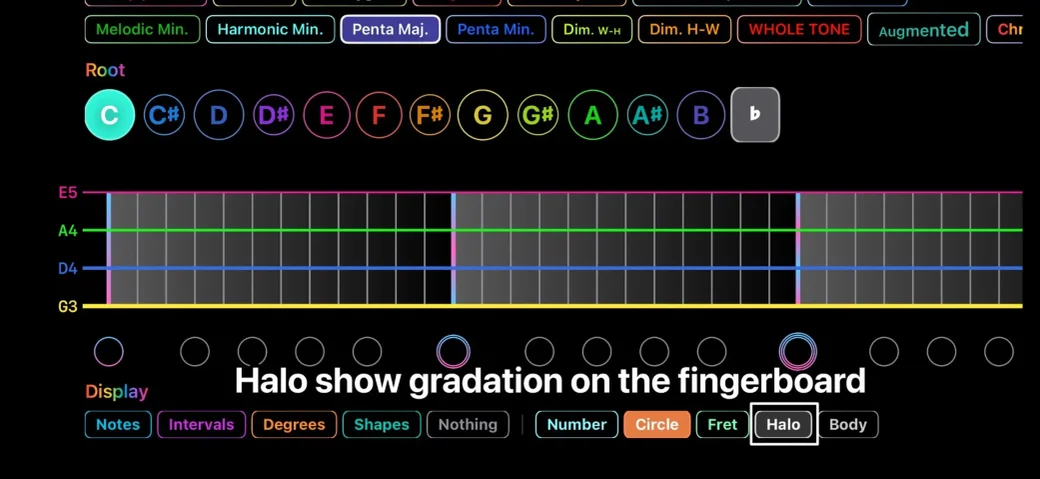
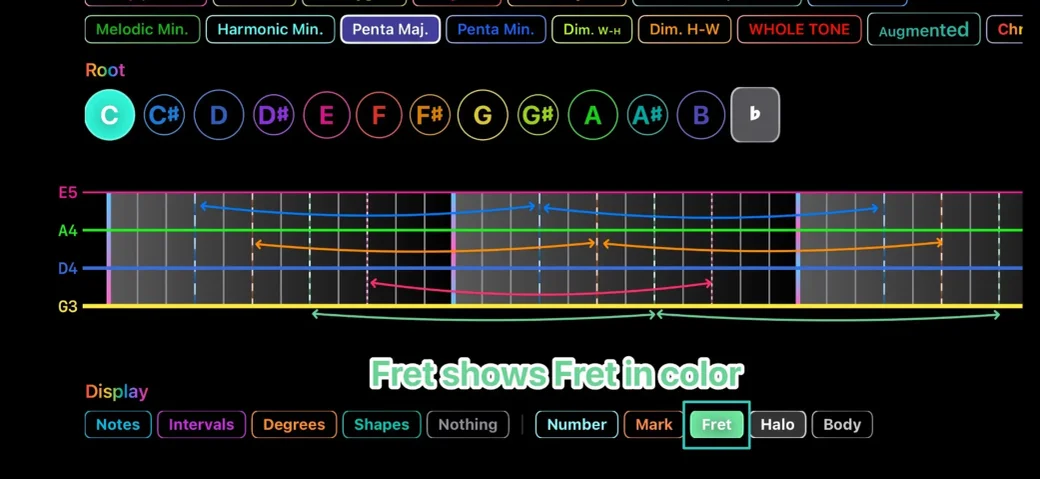
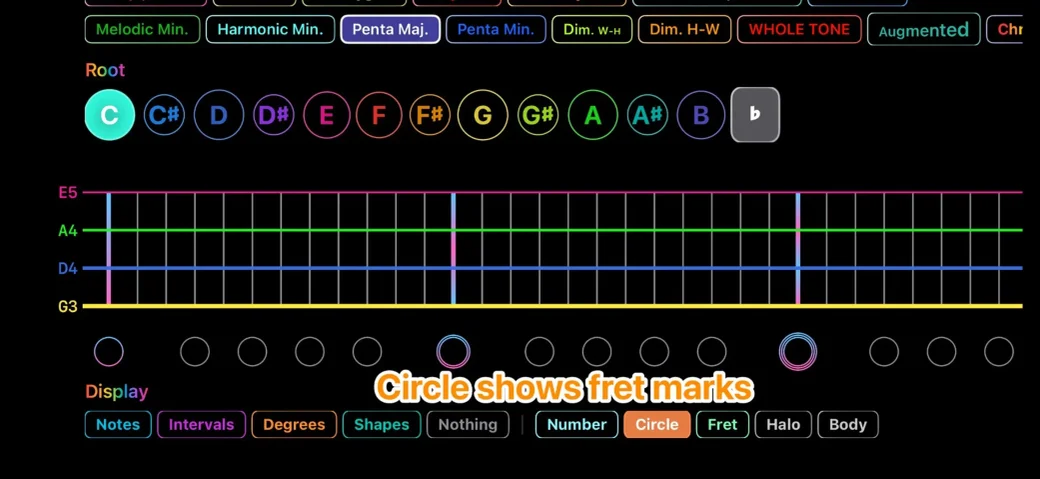
A dedicated harmonics mode highlights natural harmonic positions on the fingerboard. Fret markers, numbers, and octave zones offer multiple display modes so you can customize the view to your level and focus.
Pinch to zoom
Zoom in to focus on a few frets, or zoom out to see the full range — up to 36 frets across the entire fingerboard.
Designed for practice
Dark glass-themed interface with haptic feedback. Works on iPhone and iPad in portrait and landscape. Your instrument, scale, and display settings are saved automatically between sessions.
This visual approach helps you internalize scales, understand the layout of your instrument, and discover new fingerings and melodic ideas — whether you already read music or prefer to learn by sight and pattern.
Có gì mới
Phiên bản 1.2 · 20/03/2026
What's New in Version 1.2
• 2 new scales: Pentatonic Minor and Diminished Half- Whole
• Extended fretboard to 36 frets
• Pinch-to-zoom on the fretboard
• Harmonics mode showing natural harmonic positions
• Instrument body outline overlay
• Redesigned note shapes for scale degrees
• New dark glass Ul theme
• Haptic feedback on controls
• Fret markers, numbers, and zones with multiple display modes
• Improved landscape and iPad layout
• Settings now saved between sessions
Quyền riêng tư của ứng dụng
Những gì Robin Dupuy khai báo trên App Store về cách ứng dụng này xử lý dữ liệu.
-
Dữ liệu không được thu thập
Nhà phát triển không thu thập bất kỳ dữ liệu nào từ ứng dụng này.
Phương thức đảm bảo quyền riêng tư có thể khác nhau, chẳng hạn như tuỳ theo các tính năng bạn sử dụng hoặc độ tuổi của bạn.
Thông tin
- Người bán
- Robin Dupuy
- Danh mục
- Nhạc
- Phiên bản
- 1.2
- Cập nhật
- 20/03/2026
- Phát hành
- 14/02/2026
- Kích thước
- 4,8 MB
- Yêu cầu
- iOS 15.6 trở lên
- Độ tuổi
- 4+
- Giá
- 99.000đ
- Ngôn ngữ
- Tiếng Anh
- Bản quyền
- © 2026 Robin Dupuy