
Strumetra Studio
Guitar Tabs, Drums & Metronome
Designed for iPhone, iPad, Mac, iPod touch
Free
- Age rating4+
- CategoryMusic
- DeveloperDmitrii Valinovskii
- LanguagesEnglish
- Size22.2 MB
Links to the official App Store page
Download.org hosts no file of Strumetra Studio. The button opens its official App Store page, published by Dmitrii Valinovskii. Listing last checked on Nov 15, 2026.
Screenshots
About
Practice guitar with your own sheet music and TAB, build chord changes, keep time with a metronome, and create drum backing patterns. Strumetra Studio brings four practice tools together without an account, ads, or score uploads.
SCORE: READ, PLAY AND LOOP
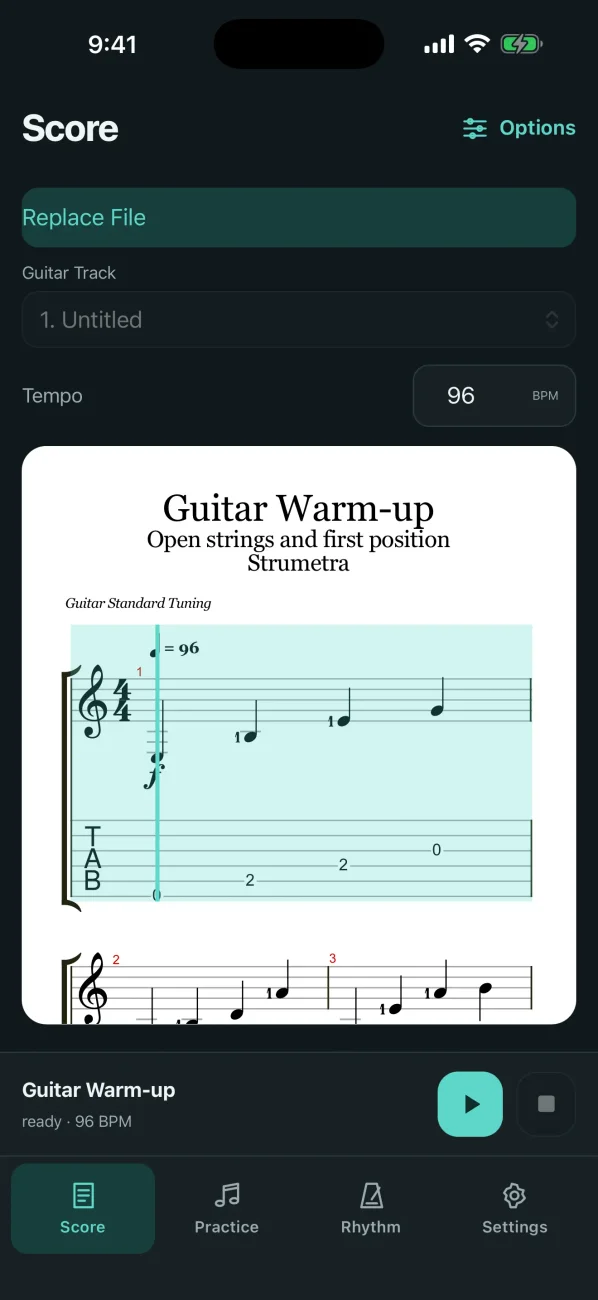
Open Guitar Pro, MuseScore, MusicXML, MIDI, CAPX and AlphaTex files. Choose a part, adjust tempo, and repeat difficult passages with bar loops and count-in. Follow notation, tablature and fingering as you play along. Recent files stay within easy reach without covering your score.
CHORD TRAINER: BUILD FLUENCY
Create and reorder chord progressions. Manual mode offers Previous and Next; Timed mode advances at your chosen tempo; Audio Trigger advances when local microphone input crosses the configured threshold. See the current chord and the next change together.
METRONOME: FIND YOUR PULSE
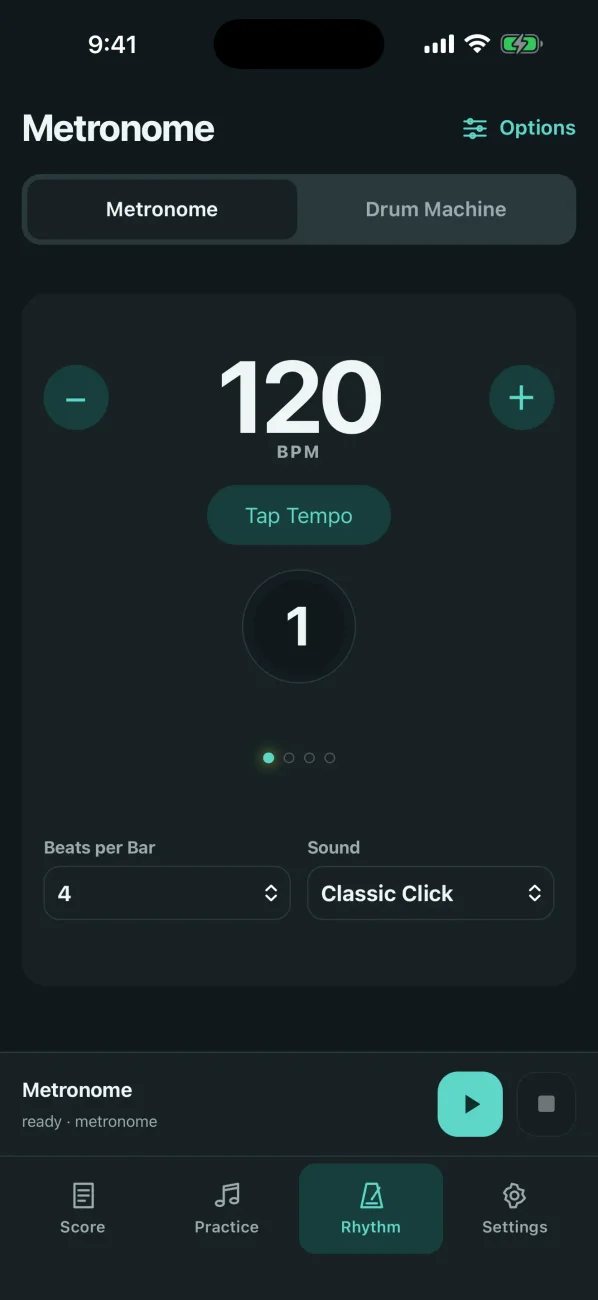
Set BPM, use Tap Tempo, choose a time signature and sound, and configure accents and count-in. Volume and Mute respond during playback.
DRUM MACHINE: MAKE A BACKING PATTERN
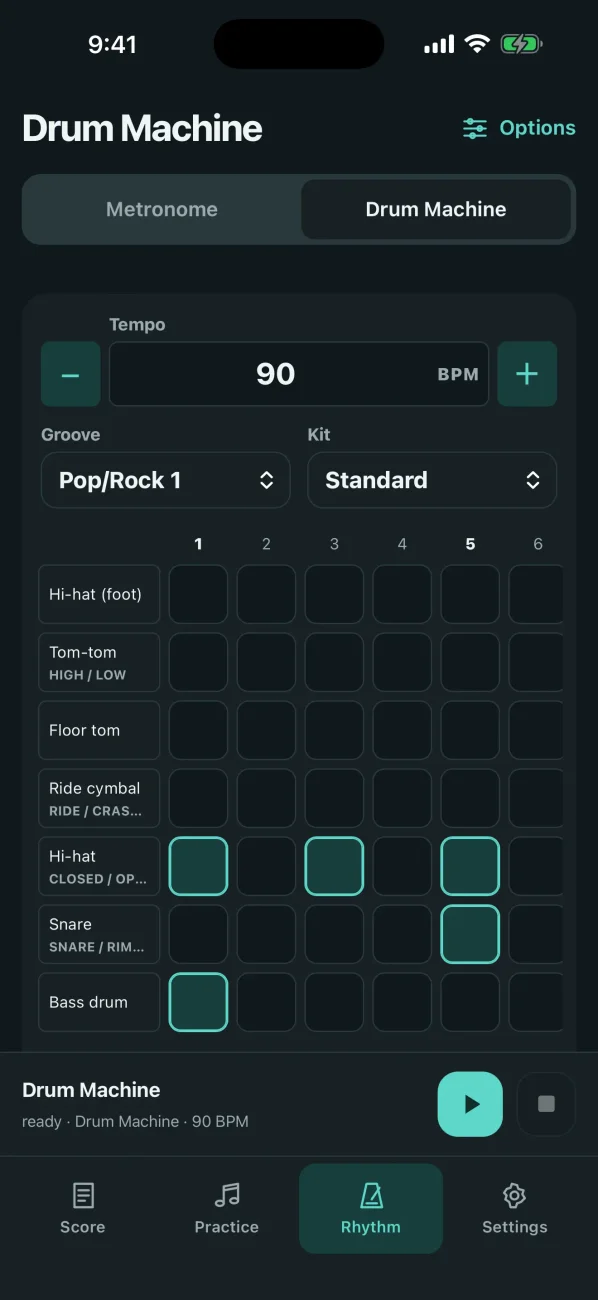
Start with a groove or edit the seven-track step sequencer. Choose a kit, adjust tempo and swing, and mute individual tracks. Add drum or metronome accompaniment to score and chord practice.
A WORKSPACE THAT FITS
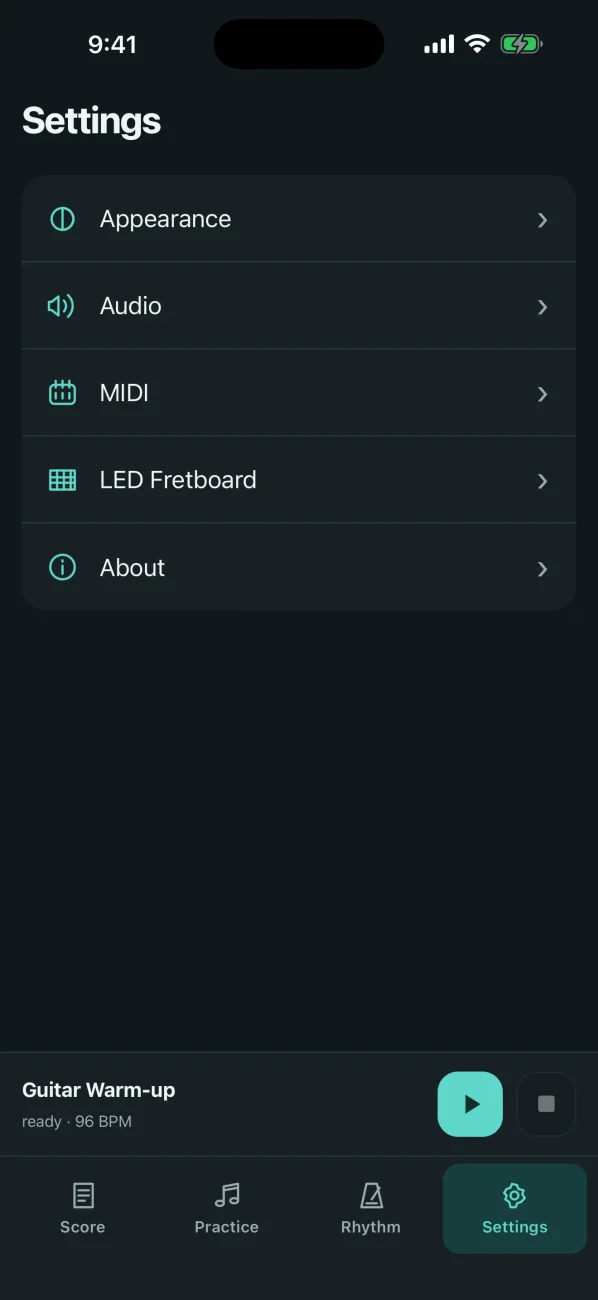
Score, Practice, Rhythm and Settings use a consistent layout. Playback controls remain available while you open Options or Settings. Choose Light, Dark or System appearance. iPad uses a landscape workspace with room for notation and controls.
YOUR FILES STAY LOCAL
MuseScore MSCZ and MSCX files use the built-in importer; no external converter or MuseScore installation is required. Audio Trigger analyzes microphone input locally while running. Microphone audio is not recorded or transmitted. Scores stay on your device. No analytics, advertising or runtime cloud account.
OPTIONAL LED FRETBOARD
Add visual guidance with supported Bluetooth LED fretboards compatible with Fret Zealot and Fret Zealot 2. Practice tools also work without fretboard hardware. These are third-party compatibility marks. Strumetra Studio is independent and is not affiliated with, endorsed by or sponsored by their owner.
Drum Trainer and MIDI drum-hit scoring have moved to the separate StickSignal app. Drum Machine remains in Strumetra Studio. Bring your own supported score files. The interface is in English. Not all imported formats contain fingering information. Audio Trigger detects sound attacks, not chord correctness.
What’s new
Version 1.25.2 · Oct 18, 2026
1.25.2 brings a new Score workspace and a refreshed Practice, Rhythm and Settings.
- Click anywhere in the Score to place the cursor, Shift-click to select bars, and loop the selection. Stop returns to the first selected bar, and Play after the end starts again from the top.
- Practice, Metronome, Drum Machine and Settings share one cleaner layout on iPhone, iPad and Mac.
- A damaged or unsupported file now explains what went wrong and keeps the score you already had open.
- MuseScore and MusicXML scores with partial tablature positions now render instead of failing.
- Full track names, a working Space key after using other controls, and output devices that refresh when you open Settings.
- Faster start: audio starts with your first score instead of at launch.
App privacy
What Dmitrii Valinovskii declares on the App Store about how this app handles data.
-
Data not collected
The developer does not collect any data from this app.
Privacy practices may vary, for example with the features you use or your age.
Information
- Seller
- Dmitrii Valinovskii
- Category
- Music
- Version
- 1.25.2
- Updated
- Oct 18, 2026
- Released
- Aug 28, 2026
- Size
- 22.2 MB
- Requires
- iOS 15.4 or later
- Age rating
- 4+
- Price
- Free
- Languages
- English
- Copyright
- © 2026 Dmitrii V.
You might also like
-
 Template Studio MusicalityMusic
-
 ContraposePractice at new angles
-
 Metal DrummerDrum Arranger & Backing Tracks
-
 ComponereLoop-based song arranger
-
 TowerDubReggae and Dub Groovebox
-
 DaCapo StudioStems • Transcribe • Practice
-
 The Visual MetronomeMake keeping time fun!
-
 Roam StudioFor the music along the way
-
 ScopeNodeMulti-track alignment scope
-
 Scouter SynthMobile Retro Tracker