
- Age rating4+
- CategoryUtilities
- DeveloperBen Hill
- Size92.2 MB
Links to the official App Store page
Download.org hosts no file of Subsurface Maps Offline. The button opens its official App Store page, published by Ben Hill. Listing last checked on Nov 23, 2026.
Screenshots

About
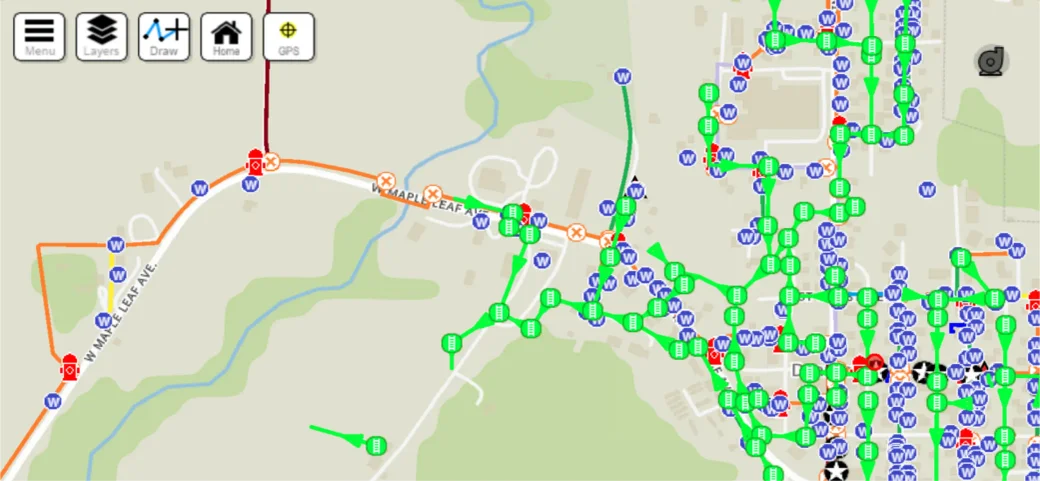
Subsurface Maps Offline is an app that allows existing Subsurface Maps users to download their maps from the cloud to their iOS device for use offline. Using this app you can view your map, turn layers on and off, make changes to any feature, and mark new points. Then when you are back at the office you can use the "Sync" button to upload your changes to the Subsurface Maps cloud where they will be accessible to the rest of your team.
The regular browser-based Subsurface Maps application is still the flagship product where you must go to create layers, change colors, modify your field layout, draw lines, etc. The offline app is a less functional version that allows you to do basic data collection and viewing offline.
How it works
1. These instructions assume you already have a Subsurface Maps account.
2. Install this app on your tablet or phone.
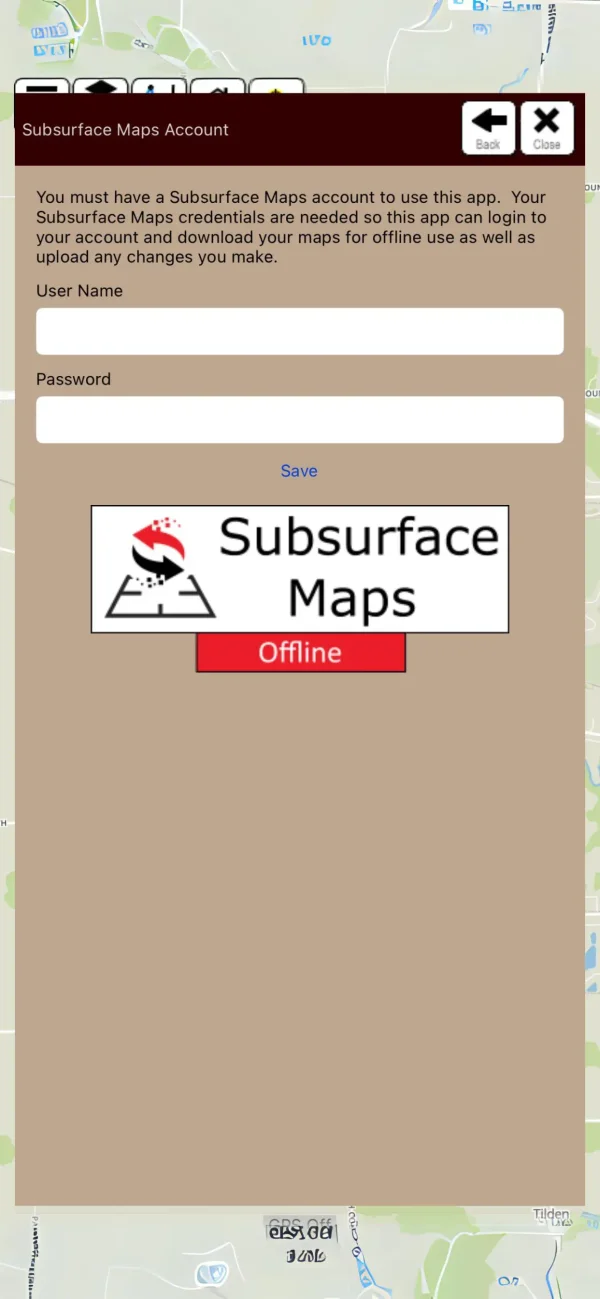
3. Run the app and enter your Subsurface Maps user name and password.
4. Select which map(s) you want to download to your phone/tablet.
5. Open your map, view it, make changes, add new points, etc.
6. When you are ready to upload your changes click Menu, then click Offline Maps, then click the 'Sync' button next to your map name. This will upload your edits and download any changes that others have made.
What’s new
Version 26.10.272 · Nov 17, 2026
Draw Lines & Bug Fixes
App privacy
What Ben Hill declares on the App Store about how this app handles data.
-
Data not collected
The developer does not collect any data from this app.
Privacy practices may vary, for example with the features you use or your age.
Information
- Seller
- Ben Hill
- Category
- Utilities
- Version
- 26.10.272
- Updated
- Nov 17, 2026
- Released
- Oct 2, 2024
- Size
- 92.2 MB
- Requires
- iOS 15.0 or later
- Age rating
- 4+
- Price
- Free
- Copyright
- © 2024 Benjamin A. Hill, Inc.
You might also like
-
 LocateIQLocate and Map with Exactitude
-
 UTTO MyRD LPMPowered by Locate Assurance®
-
 LaunchPoint SiteRightLaunchPoint SiteRight
-
 Geode ConnectFor Geode
-
 Juniper ConnectUtilities
-
 Nebraska 811Utilities
-
 Iowa One CallUtilities
-
 WaterScope Field AppWater meter maintenance
-
 SewerlinkUtilities
-
 UtiliViewMapping Utility