- 対象年齢4+
- カテゴリユーティリティ
- 開発元Ben Hill
- サイズ92.2 MB
App Storeの公式ページにリンクしています
Download.orgはSubsurface Maps Offlineのファイルを一切ホストしていません。ボタンを押すと、Ben Hillが公開しているApp Storeのアプリページが開きます。ページの最終確認:2026/11/23。
スクリーンショット
概要
開発元はこのテキストをお使いの言語で提供していません。
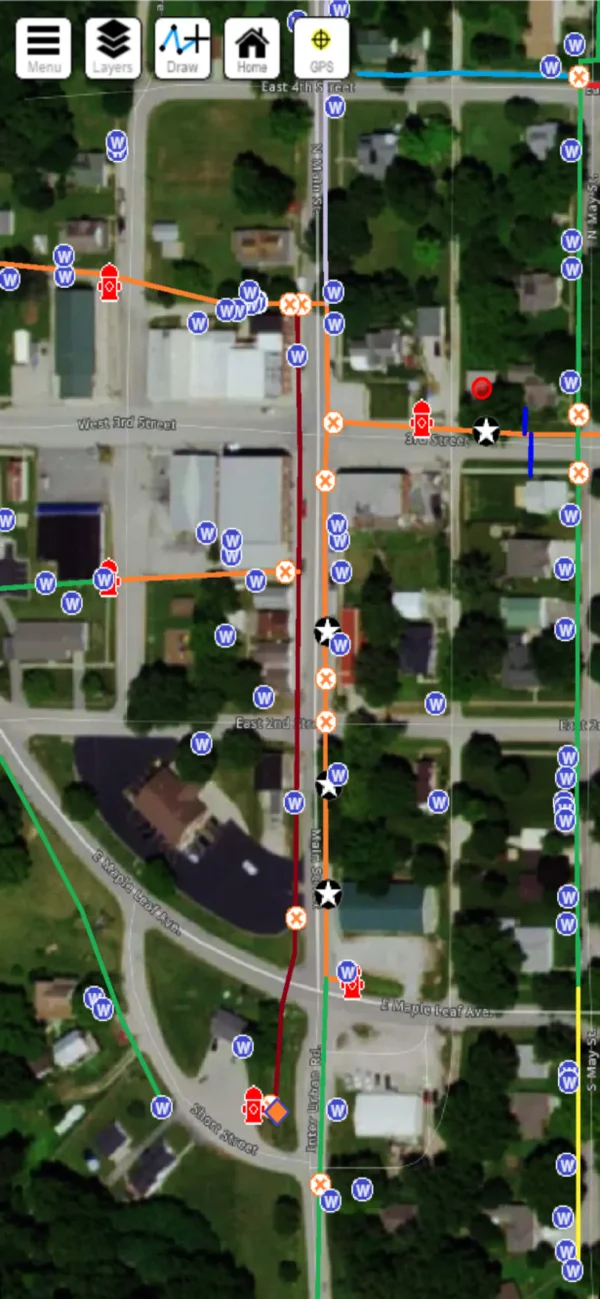
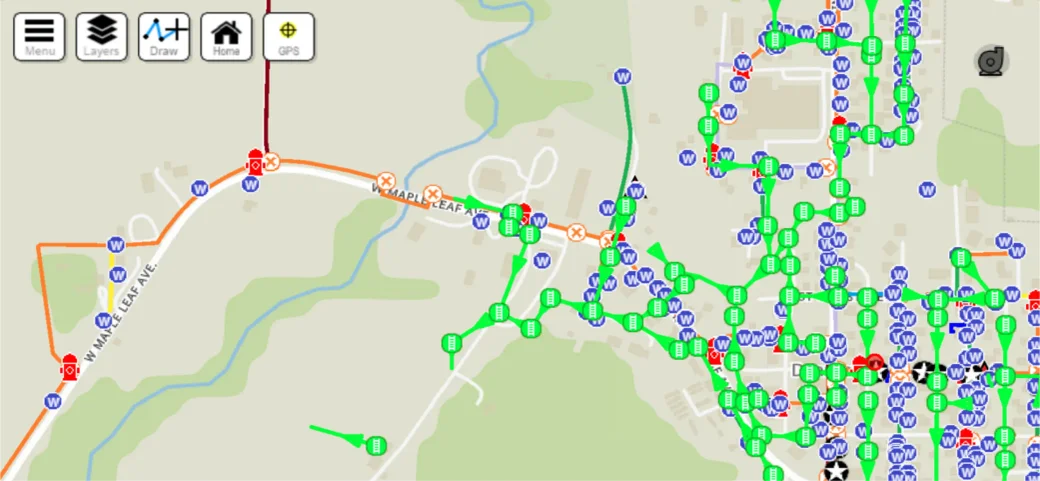
Subsurface Maps Offline is an app that allows existing Subsurface Maps users to download their maps from the cloud to their iOS device for use offline. Using this app you can view your map, turn layers on and off, make changes to any feature, and mark new points. Then when you are back at the office you can use the "Sync" button to upload your changes to the Subsurface Maps cloud where they will be accessible to the rest of your team.
The regular browser-based Subsurface Maps application is still the flagship product where you must go to create layers, change colors, modify your field layout, draw lines, etc. The offline app is a less functional version that allows you to do basic data collection and viewing offline.
How it works
1. These instructions assume you already have a Subsurface Maps account.
2. Install this app on your tablet or phone.
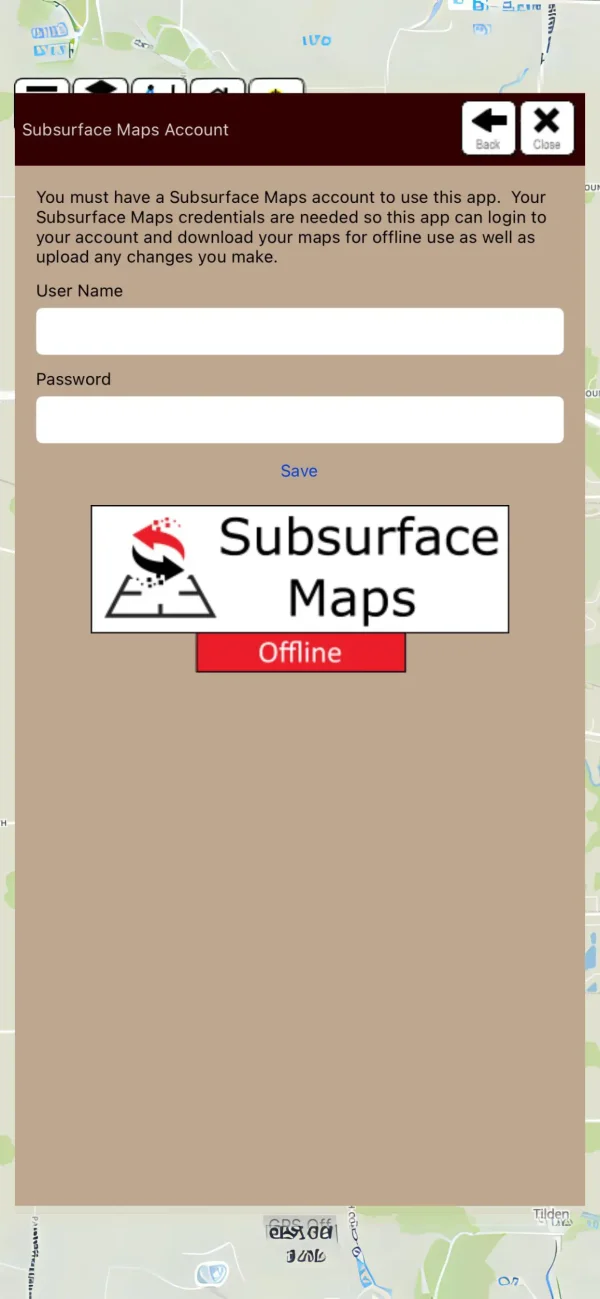
3. Run the app and enter your Subsurface Maps user name and password.
4. Select which map(s) you want to download to your phone/tablet.
5. Open your map, view it, make changes, add new points, etc.
6. When you are ready to upload your changes click Menu, then click Offline Maps, then click the 'Sync' button next to your map name. This will upload your edits and download any changes that others have made.
新機能
バージョン 26.10.272 · 2026/11/17
Draw Lines & Bug Fixes
アプリのプライバシー
このアプリのデータの取り扱いについて、Ben HillがApp Storeで申告している内容です。
-
データの収集なし
開発元はこのアプリからデータを収集しません。
プライバシーの取り扱いは、ご利用の機能やお客様の年齢などに応じて異なる場合があります。
情報
- 販売元
- Ben Hill
- カテゴリ
- ユーティリティ
- バージョン
- 26.10.272
- 更新日
- 2026/11/17
- リリース
- 2024/10/2
- サイズ
- 92.2 MB
- 必要条件
- iOS 15.0以降
- 対象年齢
- 4+
- 価格
- 無料
- 著作権
- © 2024 Benjamin A. Hill, Inc.