SupaFocus: Screen Time Control
Block Distractions & Focus
Designed for iPhone
Free · In-app purchases
- Age rating4+
- CategoryProductivity
- DeveloperAndre Grillo
- LanguagesEnglish+ 10 more
- Size25.8 MB
Links to the official App Store page
Download.org hosts no file of SupaFocus: Screen Time Control. The button opens its official App Store page, published by Andre Grillo. Listing last checked on Nov 12, 2026.
Screenshots




About
Unlock deep focus and reclaim your time with SupaFocus—the powerful app & website blocker and focus timer designed to help you stay productive, build better habits, and achieve your goals.
Whether you're studying for exams, working on important projects, or simply trying to reduce phone distractions, SupaFocus gives you the tools to block apps & websites, track your progress, and stay accountable.
KEY FEATURES
Smart App & Website Blocking
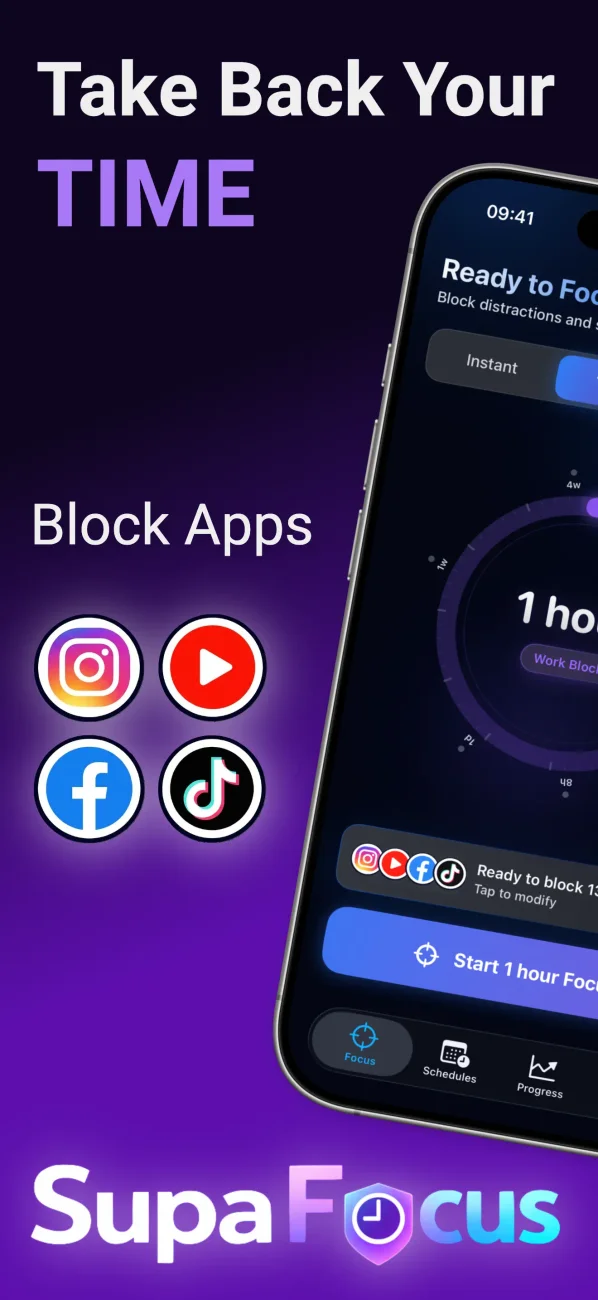
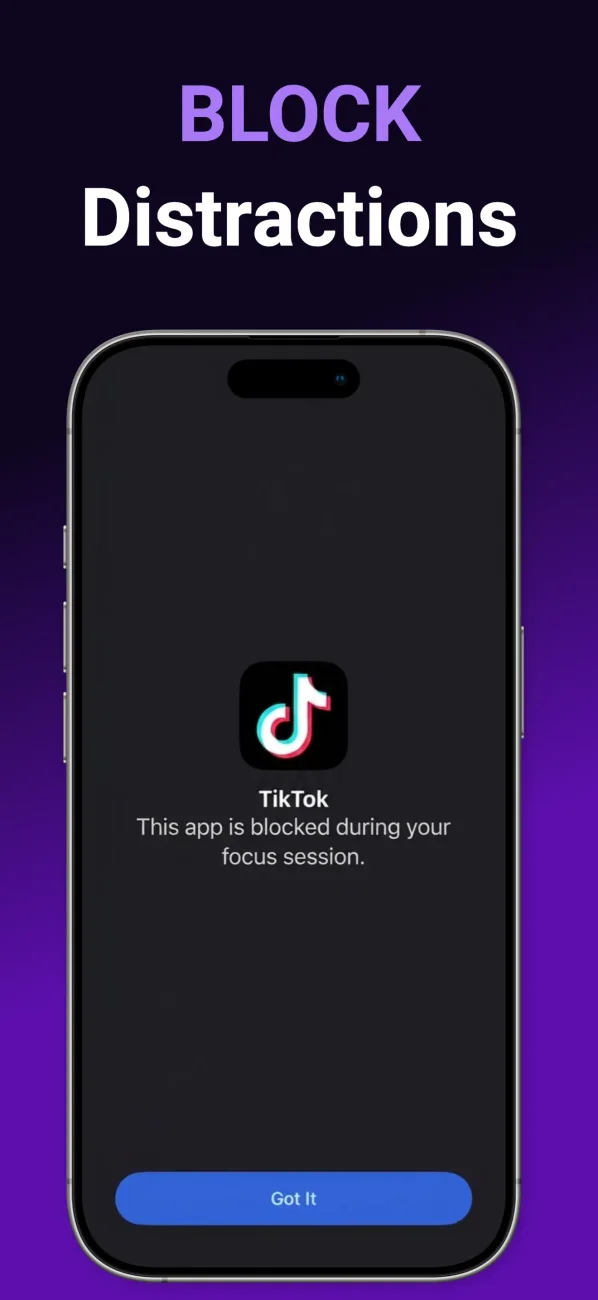
Select which apps and websites distract you most—social media, games, news, time-wasting sites—and block them during focus sessions.
Powered by Apple's Screen Time API for reliable blocking that actually works.
Usage Limits
Set daily time limits for specific apps. When you exceed your limit, the app automatically gets blocked and you'll receive a notification—helping you build healthier digital habits.
Flexible Focus Modes
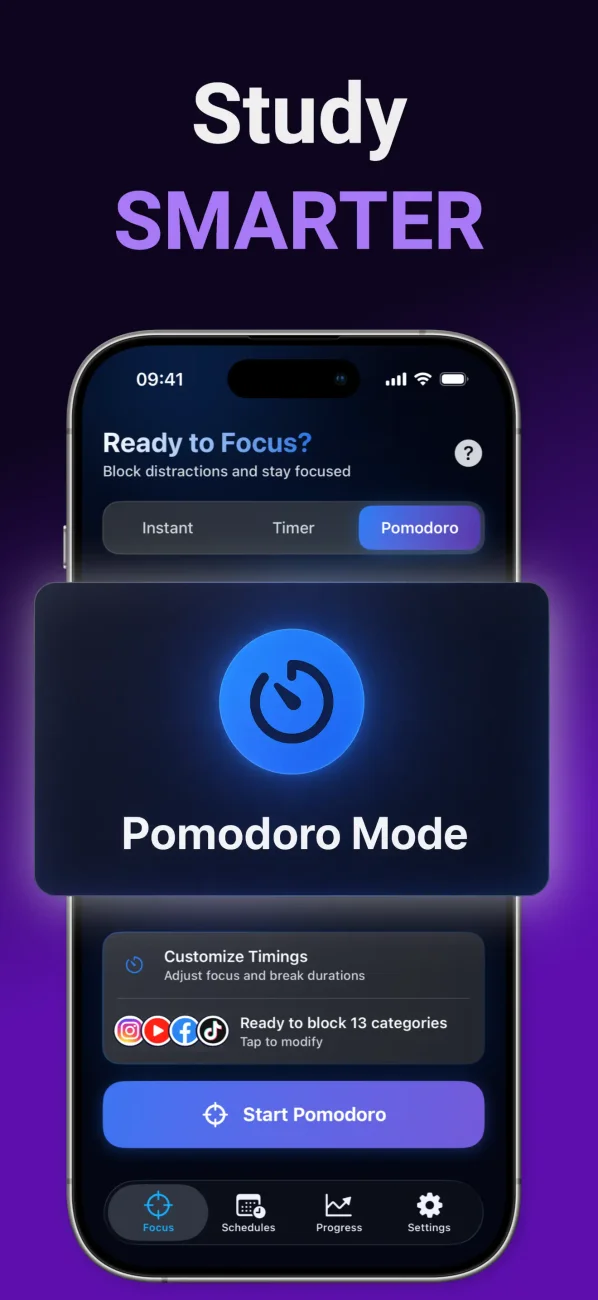
• Custom Timer: Set any duration you need
• Pomodoro Mode: 25-minute focus blocks with automatic breaks
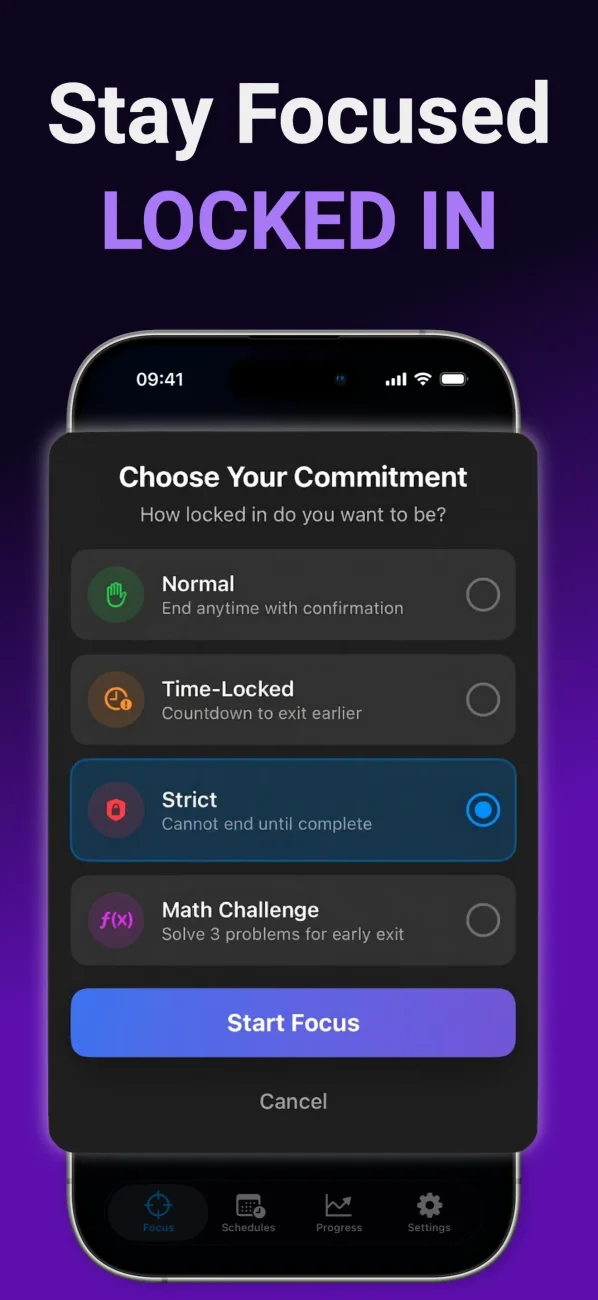
Lock-In Commitment Levels
• Normal: End anytime with confirmation
• Time-Locked: 1-minute wait (free) or up to 10 minutes (Pro)
• Math Challenge: Solve 3 math problems to exit early (Pro)
• Strict: Cannot end until complete—unbreakable focus (Pro)
Focus Schedules
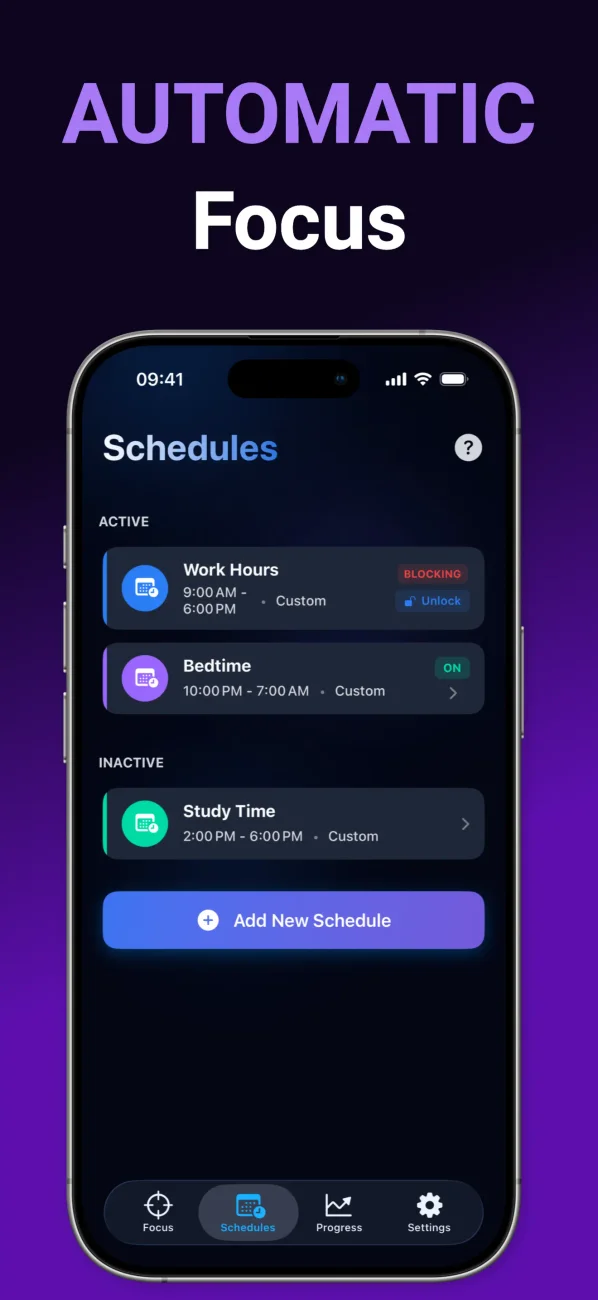
Create recurring schedules to automatically block apps at specific times. Perfect for "no social media during work hours" or "block games before bedtime."
Progress Tracking & Insights (FREE)
• View your daily, weekly, and monthly focus time
• Track completion rates and productivity trends
• Export your session history as CSV
• All statistics now available to everyone—no Pro needed
Achievements & Streaks (FREE)
Unlock all 50+ badges for consistency and stay motivated with daily streaks. Full achievement system now free for everyone.
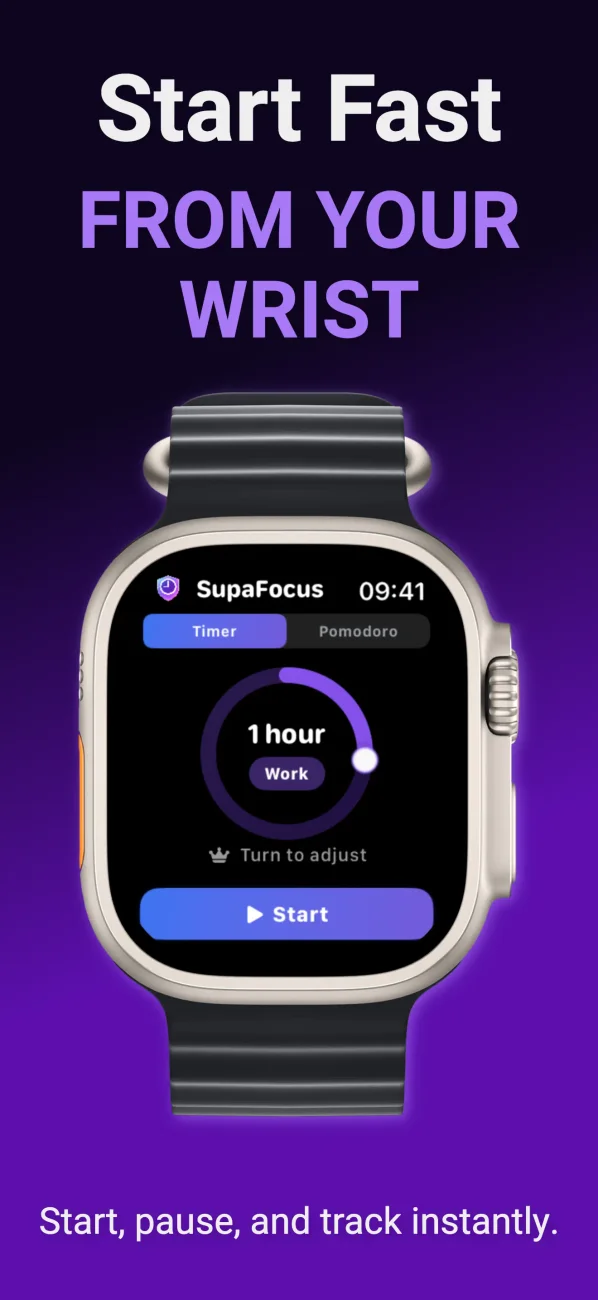
Apple Watch Companion (FREE)
Start, pause, and monitor your focus sessions from your wrist—now available to everyone at no cost. Stay in flow without reaching for your phone.
Referral Program
Share SupaFocus with friends and everyone wins:
• Your friends get 1 month of Pro free when they join
• Invite 5 friends and earn a full year of Pro—on us
WHY SUPAFOCUS?
Unlike simple timers that rely on willpower alone, SupaFocus actively blocks distracting apps and websites at the system level—making it impossible to "just check Instagram for a minute."
Perfect for:
• Students preparing for exams or completing assignments
• Professionals tackling deep work and important projects
• Anyone looking to reduce screen time and build healthier phone habits
• Remote workers who need structure and accountability
HOW IT WORKS
Focus Timer (Custom & Pomodoro):
1. Grant Screen Time permission (one-time setup)
2. Select the apps and websites you want to block
3. Choose your focus mode: Custom Timer (5 min to 4 weeks) or Pomodoro (25 min + 5 min breaks)
4. Start your session—selected apps & websites are now blocked
5. Apps and websites unlock automatically when the timer ends
Usage Limits:
1. Create a usage limit for specific apps
2. Set your daily time budget (e.g., 30 min of social media per day)
3. Once you exceed your limit, the apps automatically get blocked
4. Limits reset at midnight each day
PREMIUM FEATURES
Upgrade to SupaFocus Pro to unlock:
• Unlimited schedules (free: 1 schedule)
• Unlimited usage limits (free: 1 limit)
• Strict lock-in mode (unbreakable focus)
• Math Challenge exit lock
• Extended time-lock durations (up to 10 minutes)
• Custom Pomodoro timings
Start with a 7-day free trial on the yearly plan, or choose monthly or lifetime plans.
Download SupaFocus today and transform your relationship with your phone. Your focused, productive self is just one session away.
---
Questions or feedback? Contact us at support@bysupa.app
Privacy Policy: https://supafocus.bysupa.app/en/privacy
Terms of Service: https://supafocus.bysupa.app/en/terms
What’s new
Version 2.0.6 · Sep 19, 2026
Pro just got easier to try: a 7-day free trial on the yearly plan, a new monthly option, and lower prices everywhere. New users get a quick, personalized setup. The app also has a new look: native titles, a calmer palette, a Pomodoro cycle ring, and redesigned progress badges. Plus the usual fixes and polish.
App privacy
What Andre Grillo declares on the App Store about how this app handles data.
-
Data not linked to you
May be collected but is not linked to your identity.
- Identifiers
- Usage data
- Diagnostics
Privacy practices may vary, for example with the features you use or your age.
Information
- Seller
- Andre Grillo
- Category
- Productivity
- Version
- 2.0.6
- Updated
- Sep 19, 2026
- Released
- Mar 9, 2026
- Size
- 25.8 MB
- Requires
- iOS 17.6 or later
- Age rating
- 4+
- Price
- Free
- In-app purchases
- Yes
- Languages
- English, Dutch, French, German, Italian, Japanese, Korean, Portuguese, Russian, Simplified Chinese, Spanish
- Copyright
- © 2026 André Grillo. All rights reserved.
You might also like
-
 Frost Lock: App BlockerScreen Time Limits & Focus
-
 NoMo: App Blocker, Focus TimerPomodoro, Screen Time & Pets
-
 OpenAppLockA simple app for blocking apps
-
 SelfBlock: Screen Time BuddyApp Blocker Friends Unlock
-
 Forge - AI Mentor with MemoryAI mentor that remembers you
-
 Deadbolt: Dumb Phone & DetoxApp blocker & less screen time
-
 FocuTime - Block Apps & Focusless screen time, more focus
-
 FocusCat: Focus TimerA focus timer your cat watches
-
 LiquidingFocus Timer & App Blocker
-
 AL-60: Visual & Focus TimerMinimal menu-bar countdown