
SuperDown - File Transfers
Fast, parallel, resumable
Designed for iPhone, iPad, Mac
Free
- Age rating4+
- CategoryUtilities
- DeveloperParia Rastegar Jooybari
- LanguagesEnglish
- Size2.4 MB
Links to the official App Store page
Download.org hosts no file of SuperDown - File Transfers. The button opens its official App Store page, published by Paria Rastegar Jooybari. Listing last checked on Nov 12, 2026.
Screenshots


About
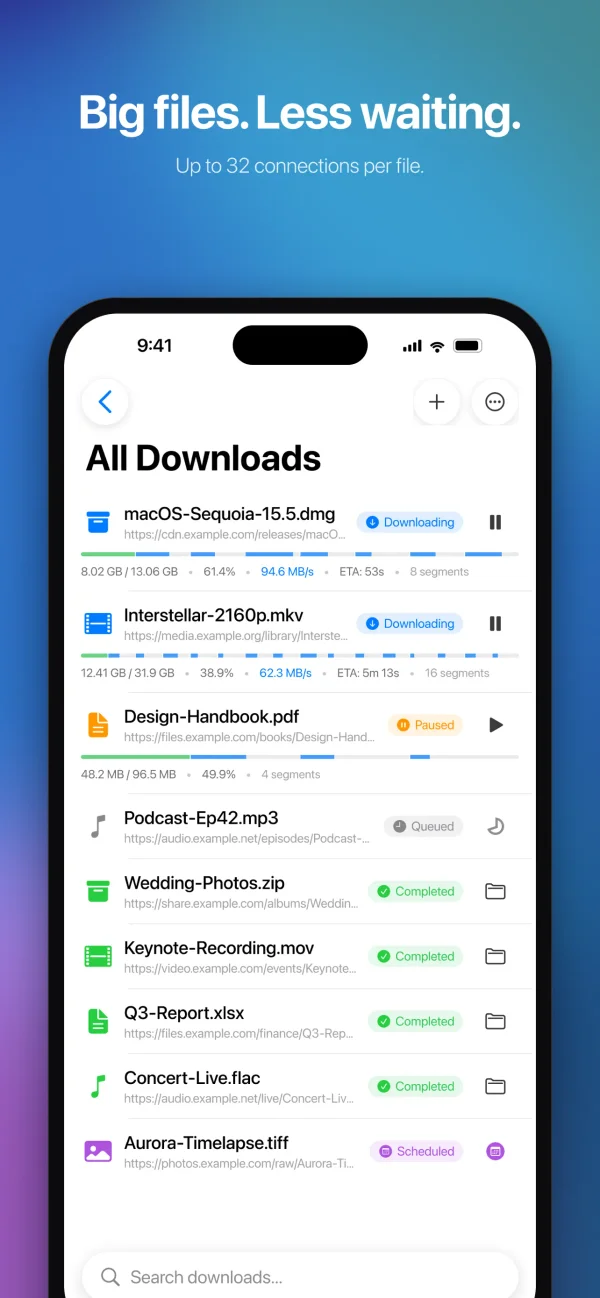
SuperDown moves big files fast. Instead of pulling a file through one connection, it splits the download into parts and fetches them all at the same time, so disk images, video projects, datasets and installers arrive in a fraction of the time.
WHAT IT DOES
• Parallel transfers. Every file is fetched over up to 32 connections at once, and you choose how many.
• Pause and resume. Stop a transfer and pick it up later, even after a restart, without starting over.
• Reliable results. Every part is checked against what the server promised, so a dropped connection never leaves you with a corrupt file.
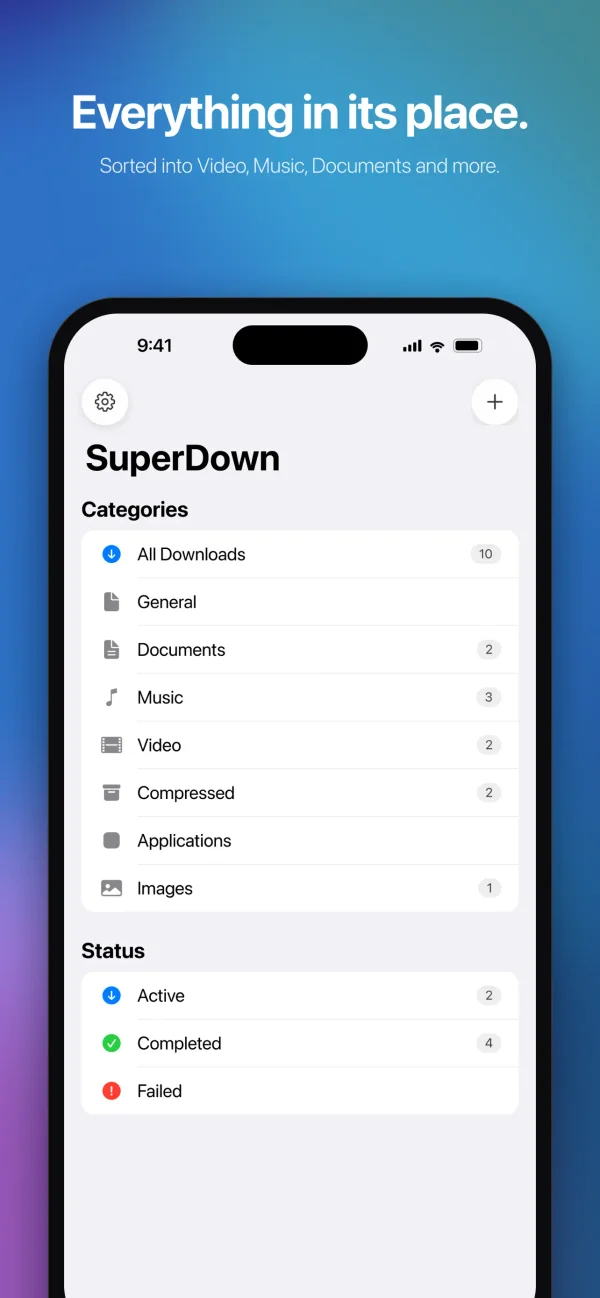
• Automatic organization. Files land in Video, Music, Documents, Images, Applications or Compressed folders on their own.
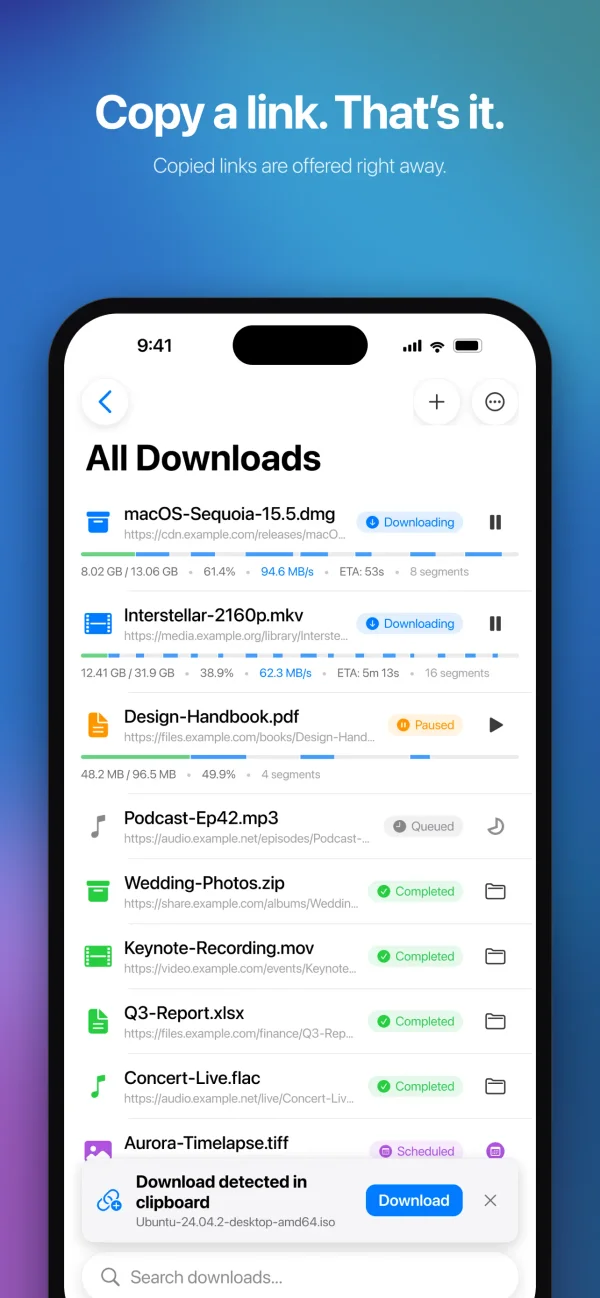
• Clipboard detection. Copy a link and SuperDown offers to fetch it. It never reads your clipboard unless you ask.
• Speed limit. Cap bandwidth so calls and streaming stay smooth while transfers run.
• Schedule. Queue a link now and have it start tonight.
• Tricky links. Redirects and landing pages that hide the real file are followed automatically.
ON MAC
A native macOS app with a sidebar, search, sorting and keyboard shortcuts. Files are saved to Downloads/SuperDown.
ON IPHONE AND IPAD
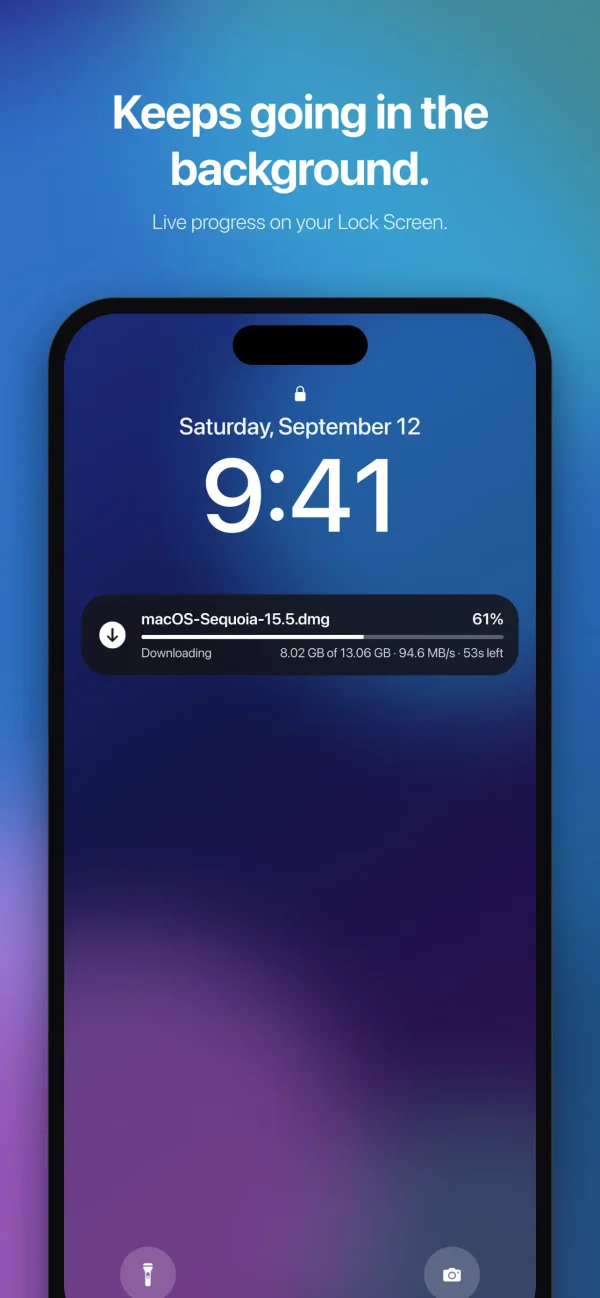
Transfers keep running in the background, and a Live Activity shows progress in the Dynamic Island and on the Lock Screen. Finished files appear in the Files app under On My iPhone > SuperDown, ready to open or share.
One app for Mac, iPhone and iPad.
PRIVATE BY DESIGN
No account, no analytics, no tracking. SuperDown connects only to the servers you download from.
App privacy
What Paria Rastegar Jooybari declares on the App Store about how this app handles data.
-
Data not collected
The developer does not collect any data from this app.
Privacy practices may vary, for example with the features you use or your age.
Information
- Seller
- Paria Rastegar Jooybari
- Category
- Utilities
- Version
- 1.0
- Updated
- Sep 17, 2026
- Released
- Aug 3, 2026
- Size
- 2.4 MB
- Requires
- iOS 17.0 or later
- Age rating
- 4+
- Price
- Free
- Languages
- English
- Copyright
- © 2026 TechNello. All rights reserved.
You might also like
-
 Downburst: File ManagerSave files from links & unzip
-
 Linkalyst: Network ToolkitPing, DNS, Port Scan & HTTPS
-
 Verto — File ConverterUtilities
-
 Pocket Board: Keyboard & MouseBluetooth Trackpad & Numpad
-
 Leading Zeros - File RenamerZero-pad file names in bulk
-
 AstroPup ViewAstronomical Image Viewer
-
 Download Manager: IDM AIZip File Opener, Zip Extractor
-
 XFiles: SFTP, FTP & NAS FilesDual-Pane File Manager & SSH
-
 Remotype: Remote for Mac & PCKeyboard, trackpad & remote
-
 AriaXManage your Aria2 remotely