
SView – Swipe Carousel Maker
Photo Collage, Frames & Grid
Designed for iPhone, iPad
Free · In-app purchases
- Age rating4+
- CategoryPhoto & Video
- Developer壮 王
- LanguagesEnglish+ 5 more
- Size50.8 MB
Links to the official App Store page
Download.org hosts no file of SView – Swipe Carousel Maker. The button opens its official App Store page, published by 壮 王. Listing last checked on Nov 20, 2026.
Screenshots


About
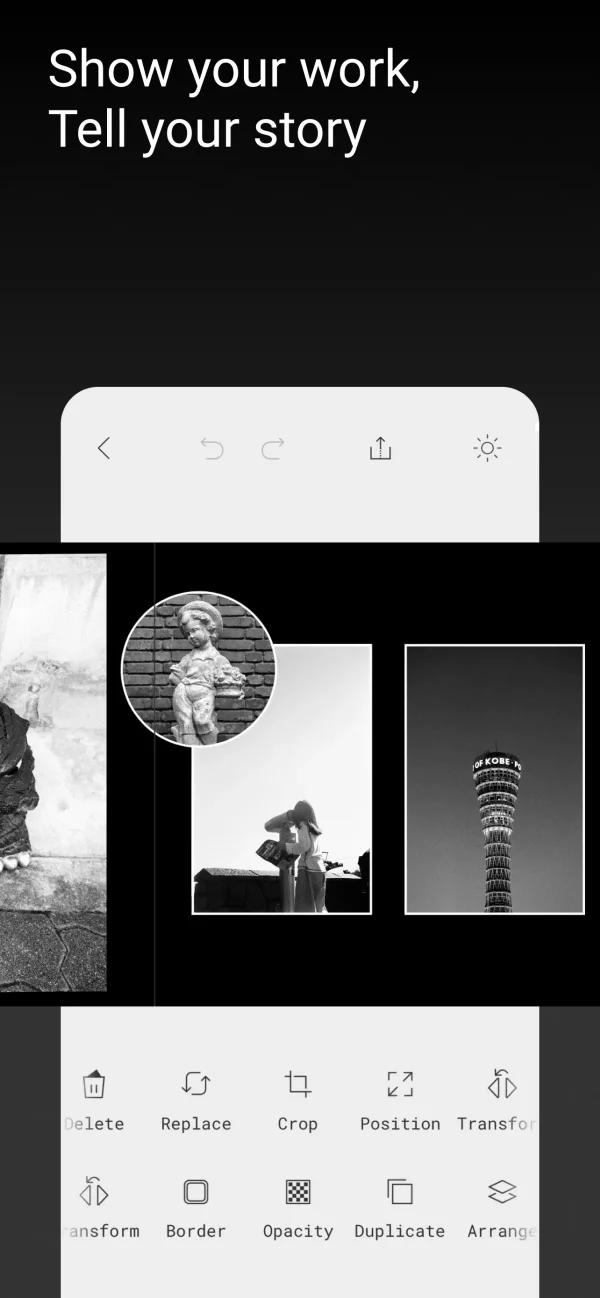
Create seamless swipe carousels, photo collages, grids, and framed layouts on one freeform canvas. SView gives photographers and creators precise control without forcing their work into templates.
■ VIDEO & GIF
Freely combine photos, videos and animated images on the same canvas and export them as video.
■ SEAMLESS CAROUSELS
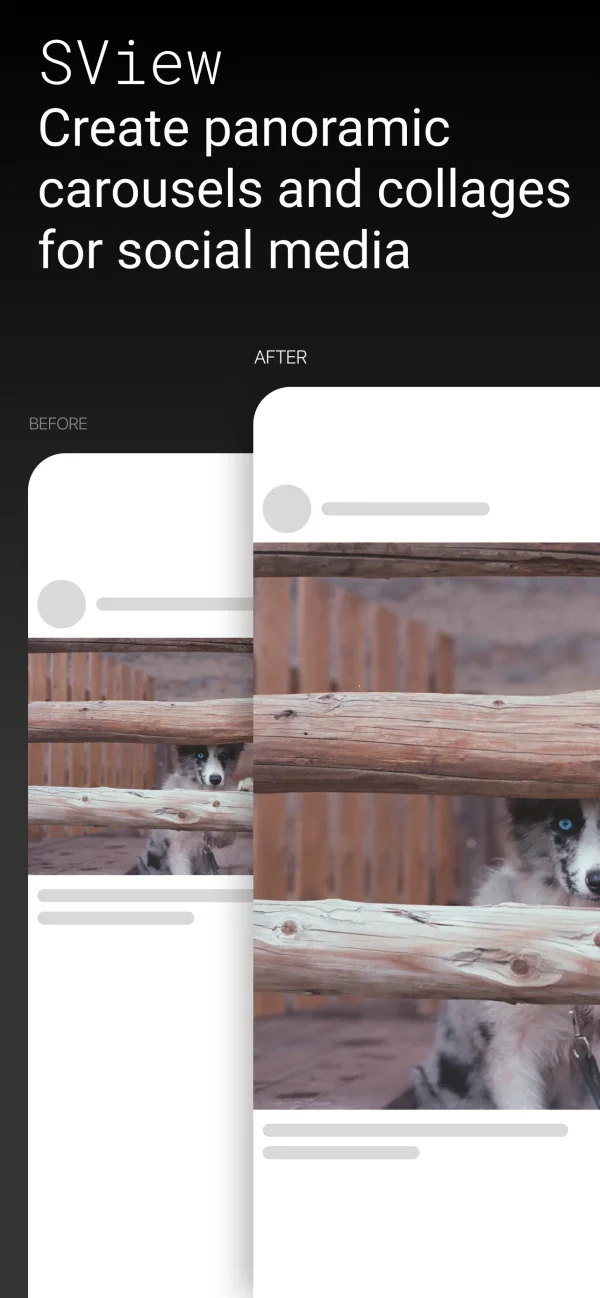
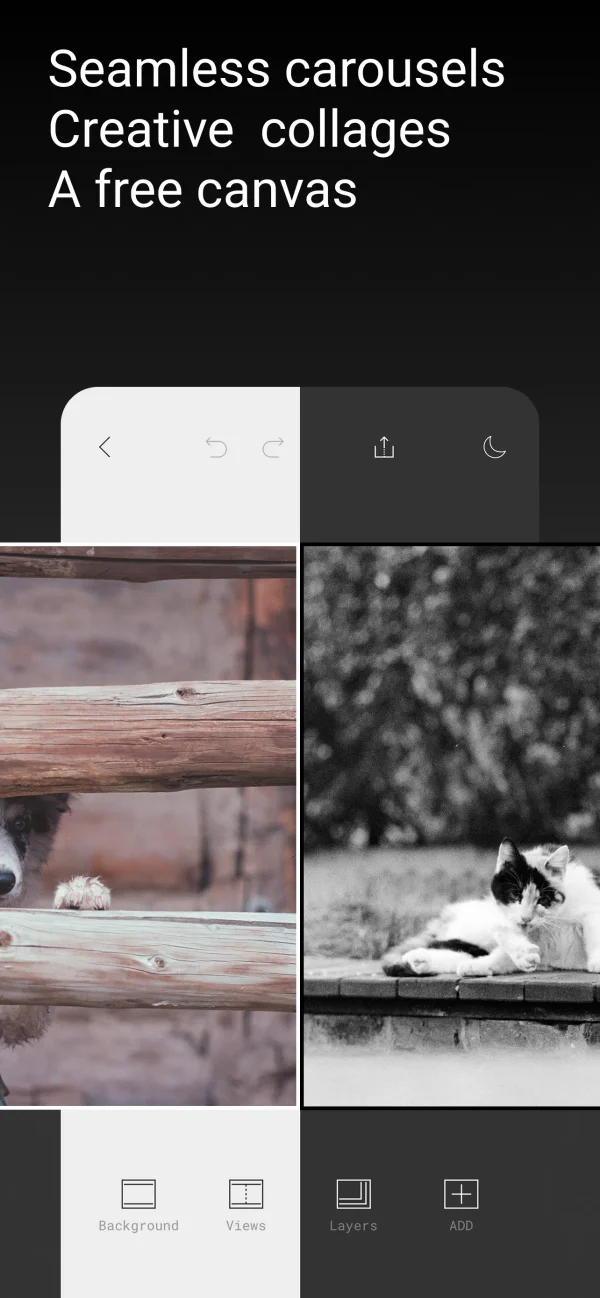
Import any photo, choose your canvas ratio, and design across multiple slides. When you export, SView automatically splits the canvas into perfectly aligned carousel images.
■ FRAME & GRID
Build clean photo grids or add minimalist and film-inspired frames. Create structured layouts while keeping full control over every image.
■ PHOTO TRAY
Import multiple photos without covering the canvas. Your images stay organized in the Photo Tray until you tap or drag them onto the canvas, a Frame, or a Grid. Move them back whenever you want to keep your workspace clear.
■ FREESTYLE COLLAGES
Arrange photos freely on the canvas. Adjust position, size, rotation, crop, borders, corner radius, opacity, and background to create a layout that is entirely your own.
■ TEXT & FONTS
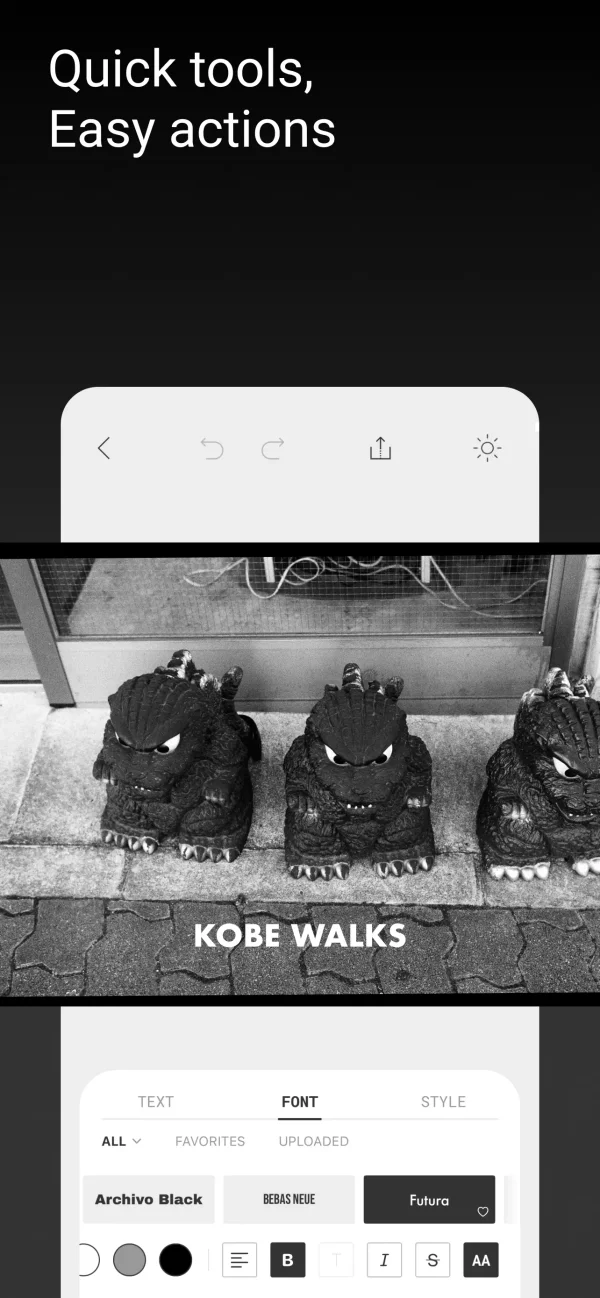
Add text anywhere on the canvas and choose from a curated font collection. S-Pro also lets you import your own fonts for a more personal visual style.
■ SMART ASSISTANCE
Guides and snapping help you align every element precisely, so you can spend less time adjusting and more time creating.
■ HIGH-QUALITY EXPORT
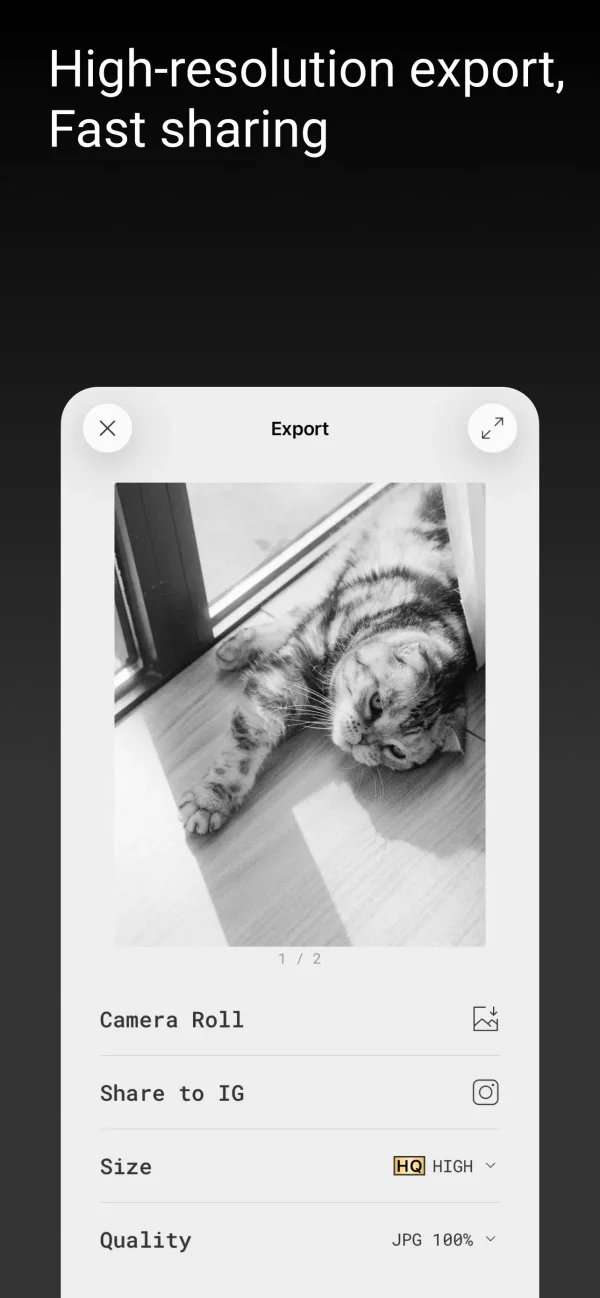
Export carousel images, scrolling videos with Scroll, or slideshow videos with Slide. The S/M/L size presets use short edges of 1080/2160/3240px and are available at no extra charge. Carousel export is free; Scroll and Slide exports require S-Pro.
SView does not define how you create. It gives you the space and tools to make the work your own.
Terms of Use:
https://sviewapp.com/terms.html
Privacy Policy:
https://sviewapp.com/privacy.html
What’s new
Version 1.3.4 · Nov 15, 2026
Now supports videos and GIFs
• Freely combine photos, videos and animated images on one canvas.
• Export as carousel images, scrolling videos or slideshow videos.
• Improved frame effects and added new frames
App privacy
What 壮 王 declares on the App Store about how this app handles data.
-
Data linked to you
May be collected and linked to your identity.
- Identifiers
-
Data not linked to you
May be collected but is not linked to your identity.
- Purchases
- Location
- Identifiers
- Usage data
- Diagnostics
Privacy practices may vary, for example with the features you use or your age.
Information
- Seller
- 壮 王
- Category
- Photo & Video
- Version
- 1.3.4
- Updated
- Nov 15, 2026
- Released
- Apr 1, 2026
- Size
- 50.8 MB
- Requires
- iOS 18.0 or later
- Age rating
- 4+
- Price
- Free
- In-app purchases
- Yes
- Languages
- English, Japanese, Korean, Simplified Chinese, Spanish, Traditional Chinese
- Copyright
- © 2026 Wang Zhuang
You might also like
-
 REGRADE - AI Film CameraFilm Stock AI Camera
-
 FlowGrid: Seamless CarouselPanorama Split for Instagram
-
 Ply — Carousel CreatorSeamless swipe-post designer
-
 Seam: Carousel & Collage MakerSeamless Photo Layouts & Grids
-
 Glassy: Carousel MakerSeamless Photo Dump & Panorama
-
 GridMakr: Carousel & CollageSeamless panorama & grid posts
-
 Echo: Share Your StoryConnecting Through Stories
-
 PanogridPanoramas to Carousel posts
-
 Fewer: Similar Photo CleanerDuplicates & bursts · pay once
-
 GENWALL - AI WallpaperTurn photos into wallpapers