
- Age rating4+
- CategoryProductivity
- DeveloperAndy Zhang
- LanguagesEnglish
- Size3.7 MB
Links to the official App Store page
Download.org hosts no file of SwatPlan. The button opens its official App Store page, published by Andy Zhang. Listing last checked on Nov 14, 2026.
Screenshots

About
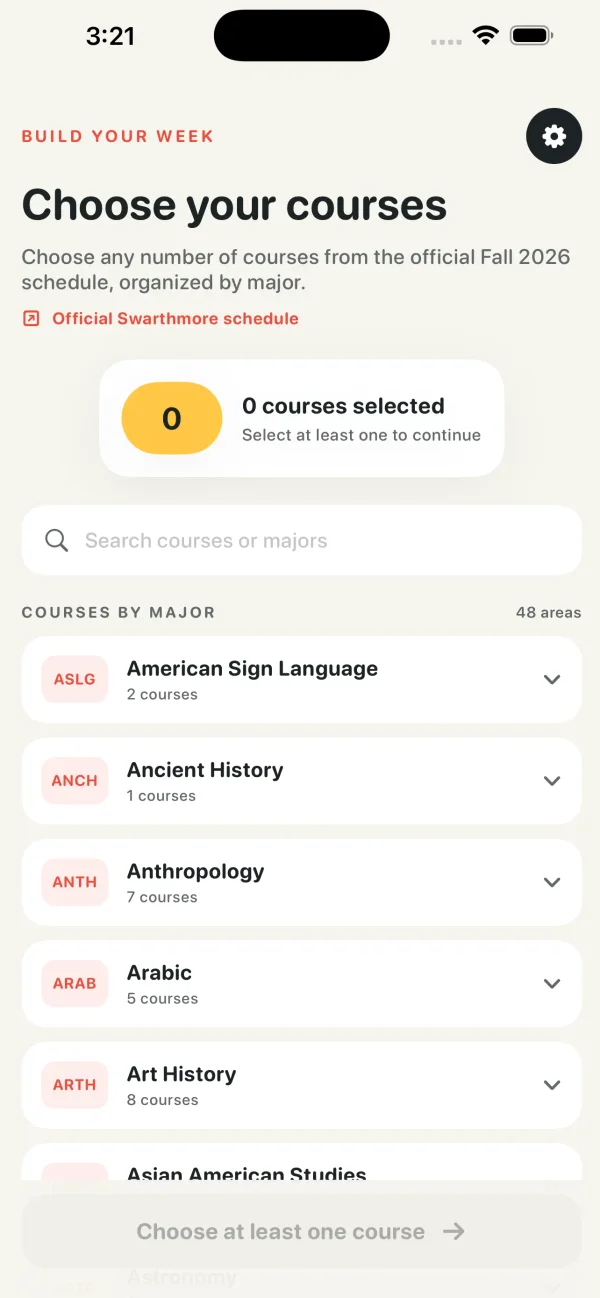
SwatPlan helps Swarthmore students build a course schedule that fits their lives.
Select the courses you’re considering, compare compatible schedules, and choose the combination that works best for you. SwatPlan can rank options using your preferred weekly balance, available professor ratings, and preferred class times.
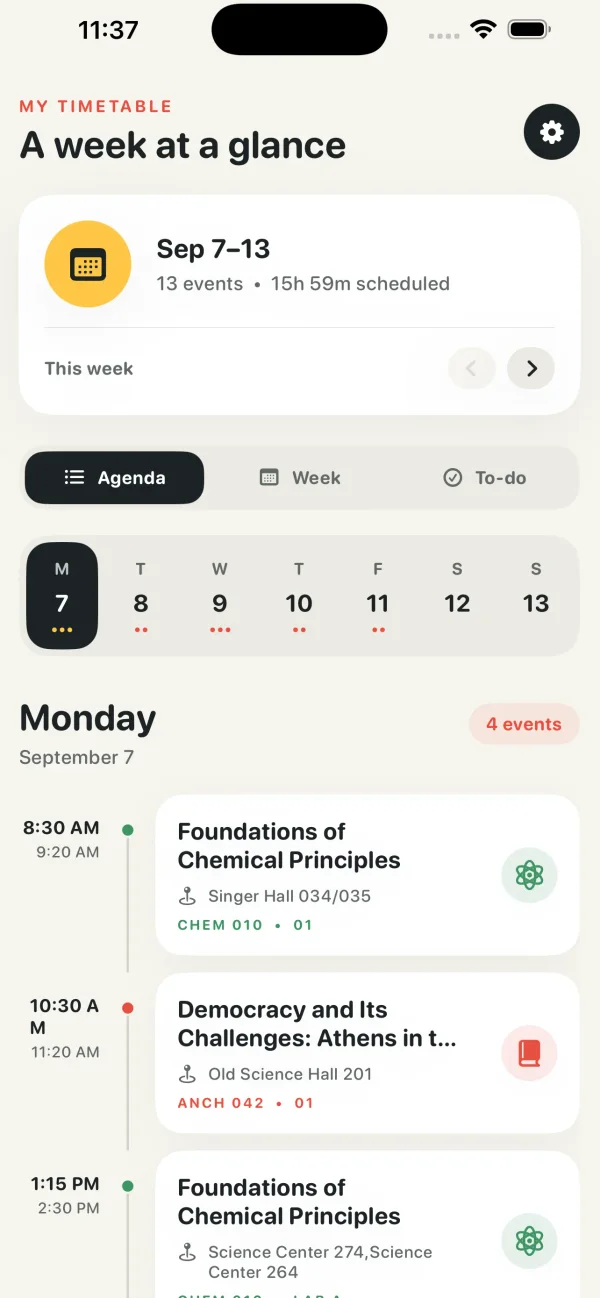
Once you’ve selected a schedule, view it as a daily agenda or a complete weekly calendar. Move between this week and next week, open course details, find classroom locations in Google Maps, and see which half-semester courses are currently active.
Stay organized beyond your class schedule with course-specific tasks. Add due dates and scheduled work sessions, view tasks directly on your calendar, review completed work, and enable reminders before upcoming classes.
Features include:
Automatic conflict-free schedule generation
Adjustable schedule-ranking preferences
Daily Agenda and full Week views
This-week and next-week navigation
Course details and classroom directions
Course-specific to-do lists
Scheduled tasks displayed on your calendar
Configurable class reminders
Custom blocked-time periods
Optional professor-rating warnings
Support for Fall I and Fall II courses
On-device schedule and task storage
Plan your courses, organize your time, and keep your semester moving with SwatPlan.
What’s new
Version 1.0.1 · Sep 13, 2026
SwatPlan 1.0.1 introduces new ways to organize your semester:
• Create, edit, categorize, import, and export to-do items
• Add timed tasks directly to your calendar
• Track task completion and view completed-task history
• Export and share your schedule as a PDF
• Receive configurable class and task reminders
• Choose from multiple themes, now with dark mode
• Search courses and settings more intelligently
• Import an existing timetable manually or from a screenshot
• View next week’s schedule
• Quickly access course details, locations, and related tasks
• Preview the planned campus map experience
• Enjoy smoother navigation, improved responsiveness, and numerous visual and performance fixes
App privacy
What Andy Zhang declares on the App Store about how this app handles data.
-
Data not collected
The developer does not collect any data from this app.
Privacy practices may vary, for example with the features you use or your age.
Information
- Seller
- Andy Zhang
- Category
- Productivity
- Version
- 1.0.1
- Updated
- Sep 13, 2026
- Released
- Sep 8, 2026
- Size
- 3.7 MB
- Requires
- iOS 18.0 or later
- Age rating
- 4+
- Price
- Free
- Languages
- English
- Copyright
- © 2026 Andy Zhang
You might also like
-
 NotesQAProductivity
-
 Linkvite Safari ExtensionProductivity
-
 Clippit: AI Text To SpeechPDFs & Notes to Podcast Audio
-
 Fortelling - Story WritingNovel writer & book plotting
-
 PDF Reader – PDFelementPDF Editor & Viewer, PDF Maker
-
 Story Plotter - idea to plot -[ write novel, comic, script!]
-
 AdLock: Ad Blocker for SafariBlock Ads & Pop-ups
-
 HyNote: AI Note Taker, SummaryAI Notebook, AI Meeting Notes
-
 Voice Aloud ReaderText to speech Read PDF book
-
 AnjiCardEnhancing memory effectiveness