Swift Pixels
One finger pixel art
Designed for iPhone, iPad, Mac, iPod touch
$1.99
- Age rating4+
- CategoryGraphics & Design
- DeveloperDavid Gavilan
- LanguagesEnglish
- Size2.6 MB
Links to the official App Store page
Download.org hosts no file of Swift Pixels. The button opens its official App Store page, published by David Gavilan. Listing last checked on Nov 9, 2026.
Screenshots
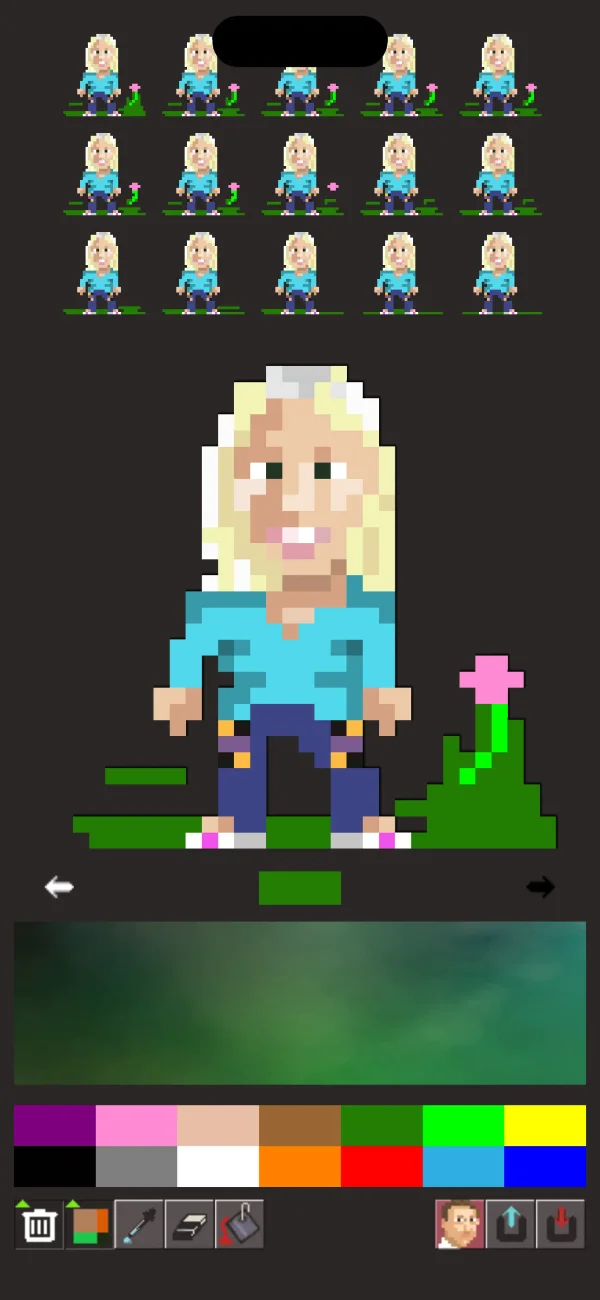
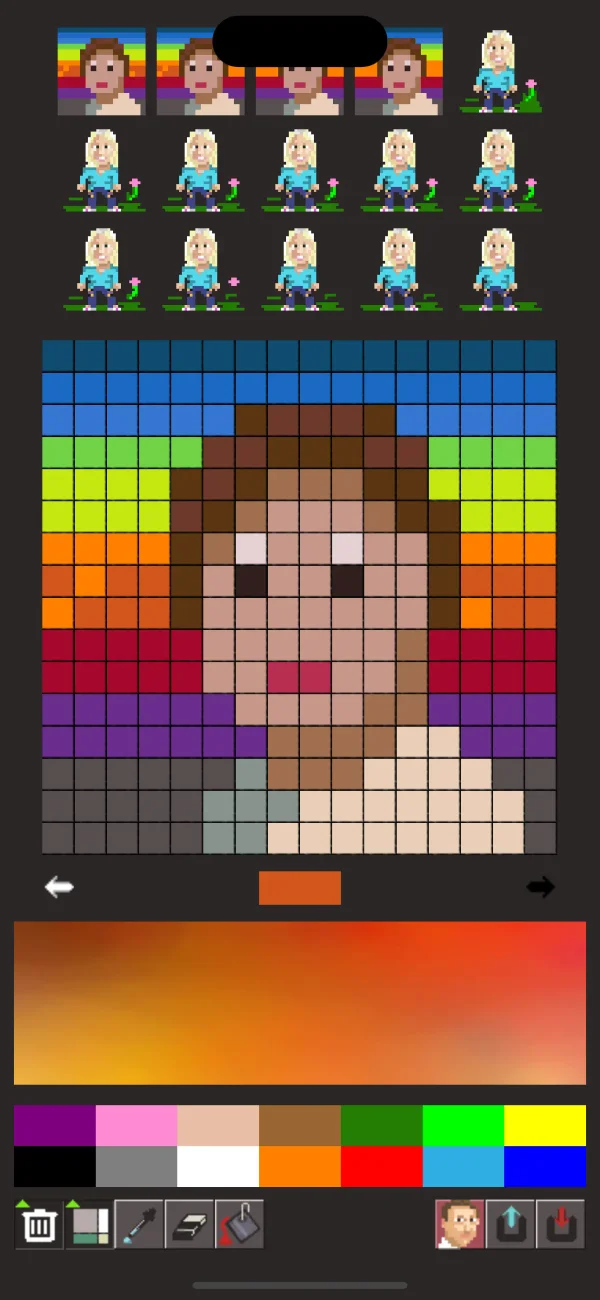
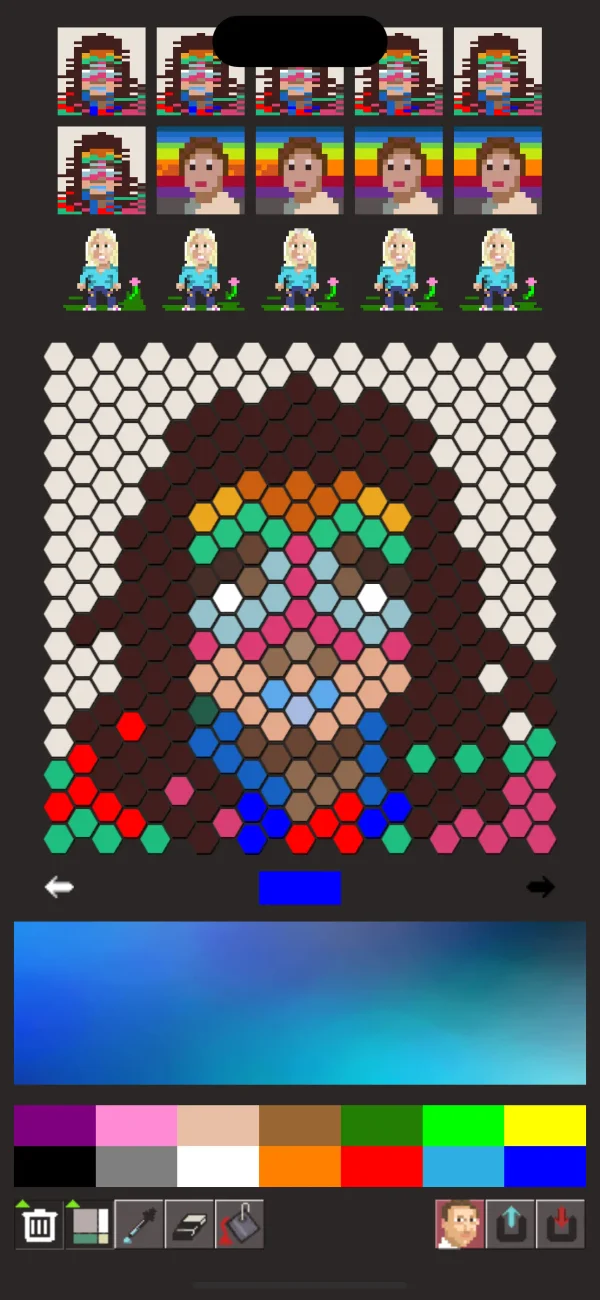
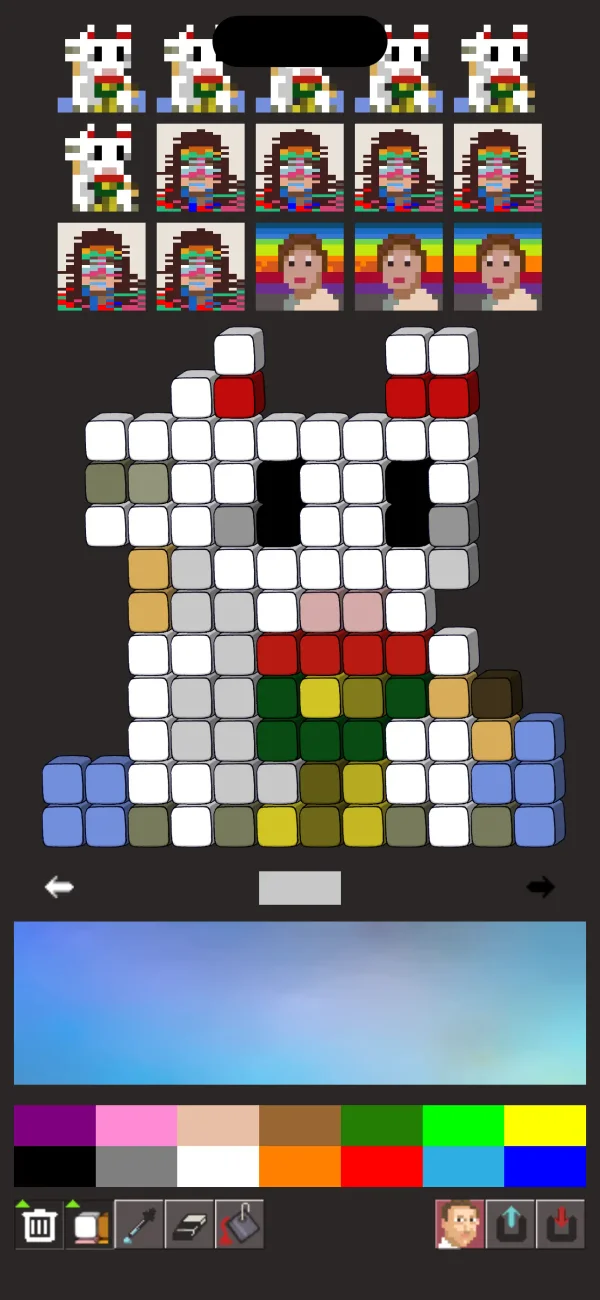
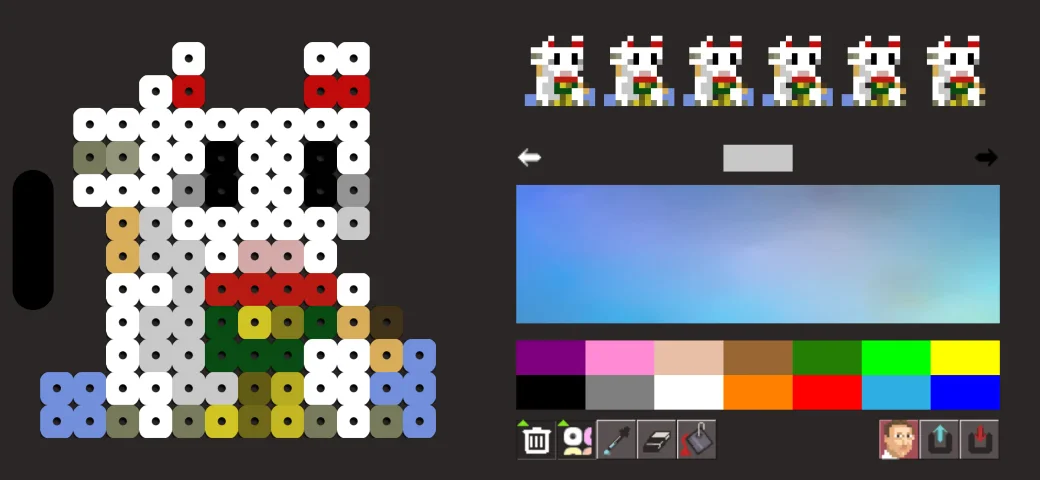

About
Simple and easy to use drawing application to create pixel art.
Features:
* Unique color palette based on universal color categories. Each color category expands a continuous gamut for that color.
* Render pixels as simple squares, 3D boxes, beads, a towel, or as hexagons (hexels).
* Save small images as PNG images with transparency (alpha/mask), or save them in hi-res and share them with the world :)
* Load and import pictures from your Photo Library, or directly take a picture from your camera.
What’s new
Version 1.6.6 · Feb 18, 2024
This update fixes a bug that rendered the save and load buttons unusable after having opened the About screen.
App privacy
What David Gavilan declares on the App Store about how this app handles data.
-
Data not collected
The developer does not collect any data from this app.
Privacy practices may vary, for example with the features you use or your age.
Information
- Seller
- David Gavilan
- Category
- Graphics & Design
- Version
- 1.6.6
- Updated
- Feb 18, 2024
- Released
- Apr 1, 2016
- Size
- 2.6 MB
- Requires
- iOS 14.7 or later
- Age rating
- 4+
- Price
- $1.99
- Languages
- English
- Copyright
- © 2016 David Gavilan
You might also like
-
 Pixel Art Editor: Sprite MakerAnimation & 8 Bit Art Drawing
-
 Chroma8: Pixel Art StudioAI Pixel Painter
-
 ColorHints MosaicGraphics & Design
-
 Pixel Art KitRetro low-res Sprite Drawing
-
 Diorite Pixel Art EditorSimple pixelart editor
-
 Dot Canvas - Pixel Art MakerTrace, draw, and export pixels
-
 Pixel Paint ProSprite & bitmap image editor
-
 HDify: AI Photo EnhancerRemove Objects & Backgrounds
-
 VISEFF - Magic Eraser & AI FXAI Photo Effects, Remove BG
-
 Picell - Pixel Art EditorSprites, GIFs & Game Assets