Swift Pixels
One finger pixel art
Entwickelt für iPhone, iPad, Mac, iPod touch
1,99 €
- Altersfreigabe4+
- KategorieGrafik und Design
- EntwicklerDavid Gavilan
- SprachenEnglisch
- Größe2,6 MB
Verlinkt auf die offizielle App Store-Seite
Download.org hostet keine Datei von Swift Pixels. Die Schaltfläche öffnet die App-Seite bei App Store, wo David Gavilan die App veröffentlicht. Eintrag zuletzt geprüft am 09.11.2026.
Screenshots

Info
Der Entwickler hat diesen Text nicht in Ihrer Sprache bereitgestellt.
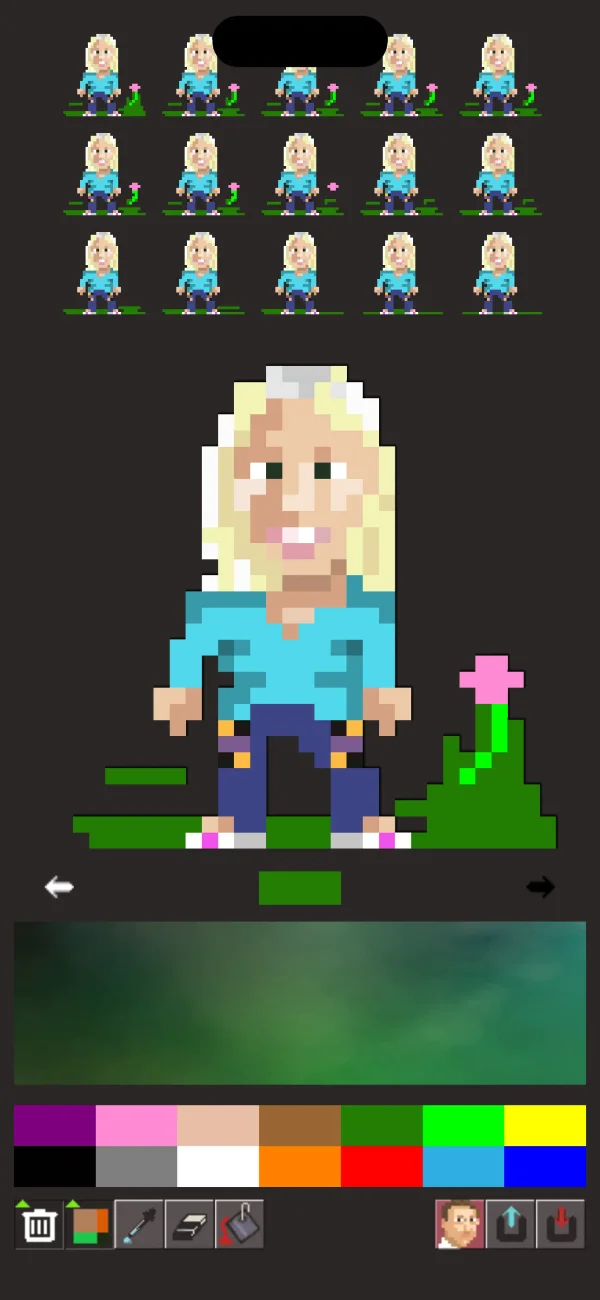
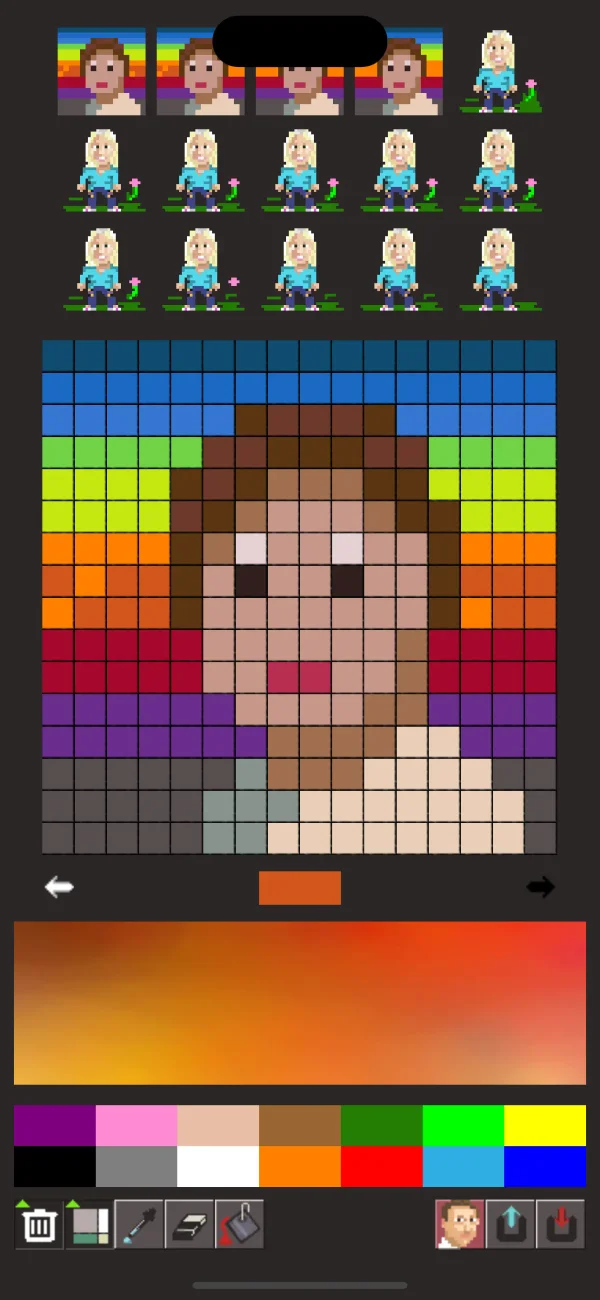
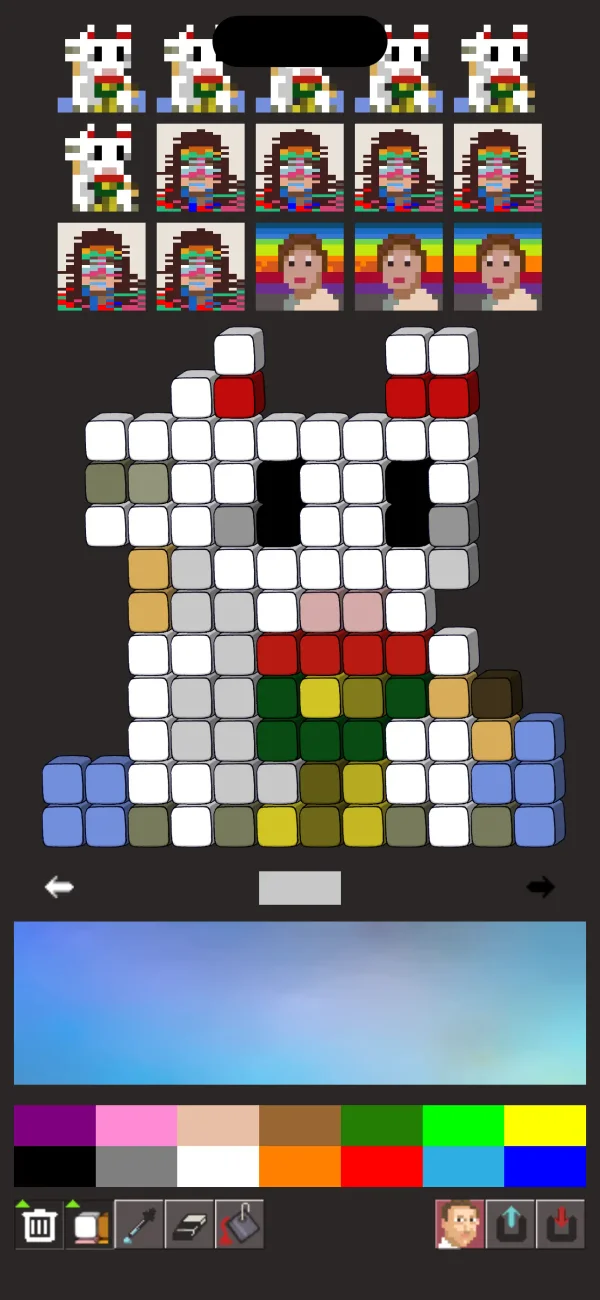
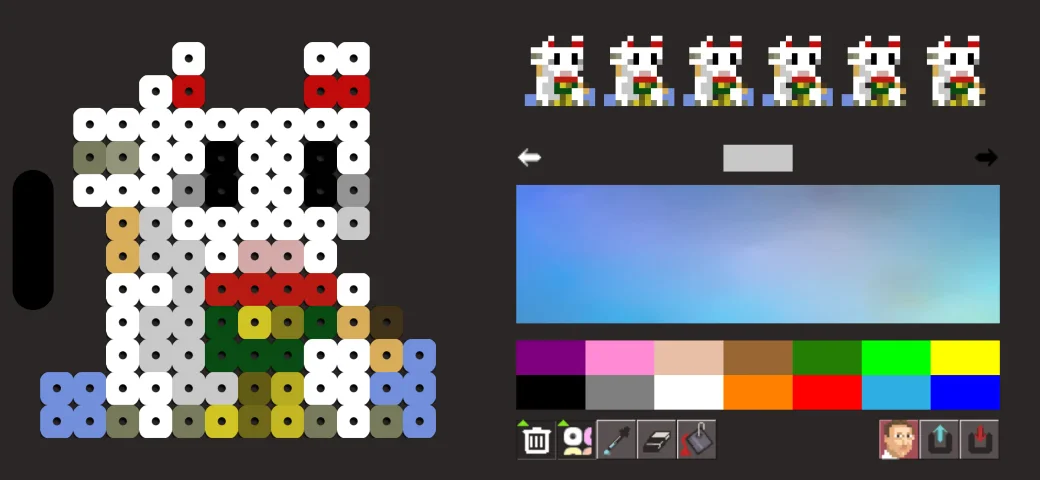
Simple and easy to use drawing application to create pixel art.
Features:
* Unique color palette based on universal color categories. Each color category expands a continuous gamut for that color.
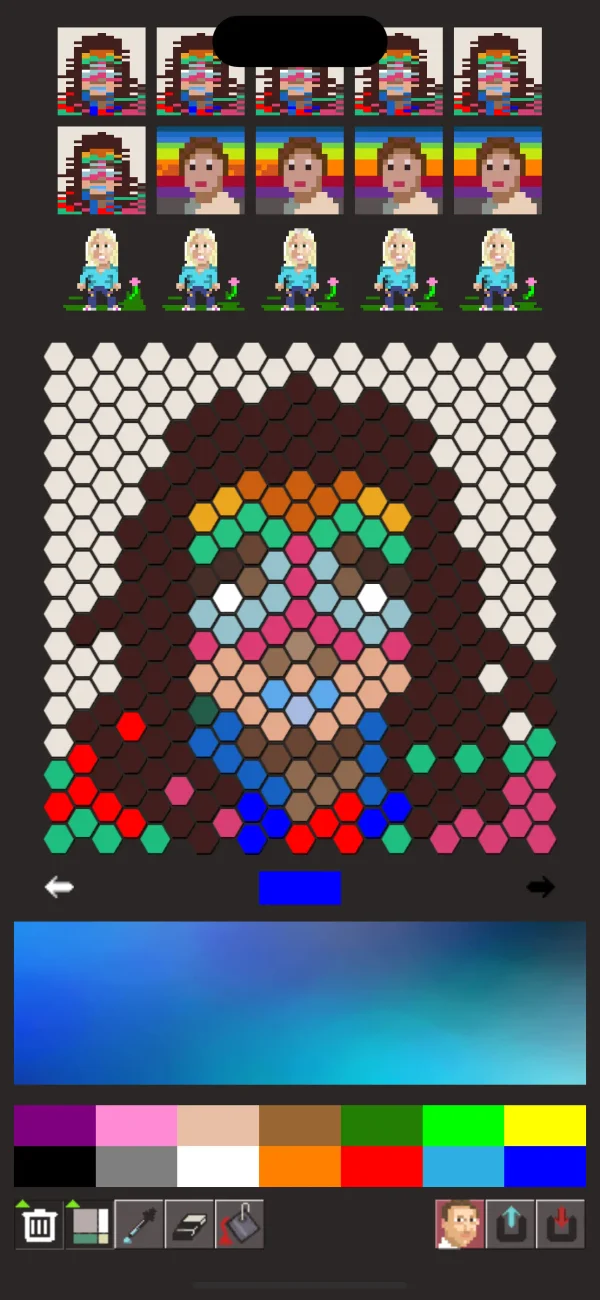
* Render pixels as simple squares, 3D boxes, beads, a towel, or as hexagons (hexels).
* Save small images as PNG images with transparency (alpha/mask), or save them in hi-res and share them with the world :)
* Load and import pictures from your Photo Library, or directly take a picture from your camera.
Neue Funktionen
Version 1.6.6 · 18.02.2024
This update fixes a bug that rendered the save and load buttons unusable after having opened the About screen.
App-Datenschutz
Was David Gavilan im App Store zum Umgang dieser App mit Daten angibt.
-
Keine Daten erfasst
Der Entwickler erfasst keine Daten von dieser App.
Die Datenschutzpraktiken können variieren, zum Beispiel je nach den von Ihnen verwendeten Funktionen oder Ihrem Alter.
Informationen
- Anbieter
- David Gavilan
- Kategorie
- Grafik und Design
- Version
- 1.6.6
- Aktualisiert
- 18.02.2024
- Veröffentlicht
- 01.04.2016
- Größe
- 2,6 MB
- Erfordert
- iOS 14.7 oder neuer
- Altersfreigabe
- 4+
- Preis
- 1,99 €
- Sprachen
- Englisch
- Copyright
- © 2016 David Gavilan
Das könnte Ihnen auch gefallen
-
 Pixel Art: Sprite EditorAnimation & 8-Bit zeichnen
-
 Chroma8: Pixel Art StudioGrafik und Design
-
 ColorHints MosaicGrafik und Design
-
 Pixel Art KitGrafik und Design
-
 Diorite Pixel Art EditorGrafik und Design
-
 Dot Canvas - Pixel Art MakerGrafik und Design
-
 Pixel Paint ProGrafik und Design
-
 HDify: AI Photo EnhancerGrafik und Design
-
 VISEFF - KI-Radierer & EffekteKI-Fotoeffekte & Freistellen
-
 Picell - Pixel Art EditorPixel Art Editor & Animator