SwitchEffect - Video Switcher
Live Production Studio
Designed for iPhone, iPad
Free · In-app purchases
- Age rating4+
- CategoryPhoto & Video
- DeveloperAdam Tow
- LanguagesEnglish
- Size78.5 MB
Links to the official App Store page
Download.org hosts no file of SwitchEffect - Video Switcher. The button opens its official App Store page, published by Adam Tow. Listing last checked on Nov 24, 2026.
Screenshots
About
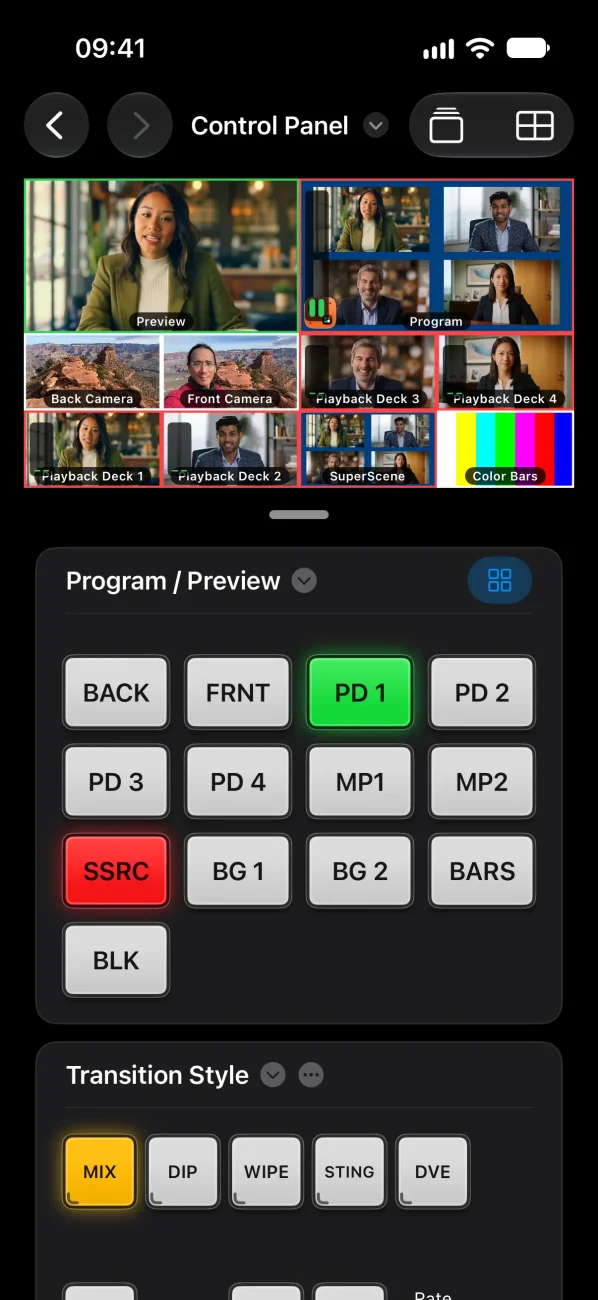
Turn your iPhone or iPad into a live video production studio with SwitchEffect. Switch cameras, build multi-source scenes, mix audio, and stream or record your show from one workspace.
Create interviews, podcasts, classes, presentations, and live events with a familiar Program and Preview workflow. Start with the included Sample Switcher, then build and save profiles for your own productions.
• Switch live with cuts, transitions, keyers, and graphic overlays.
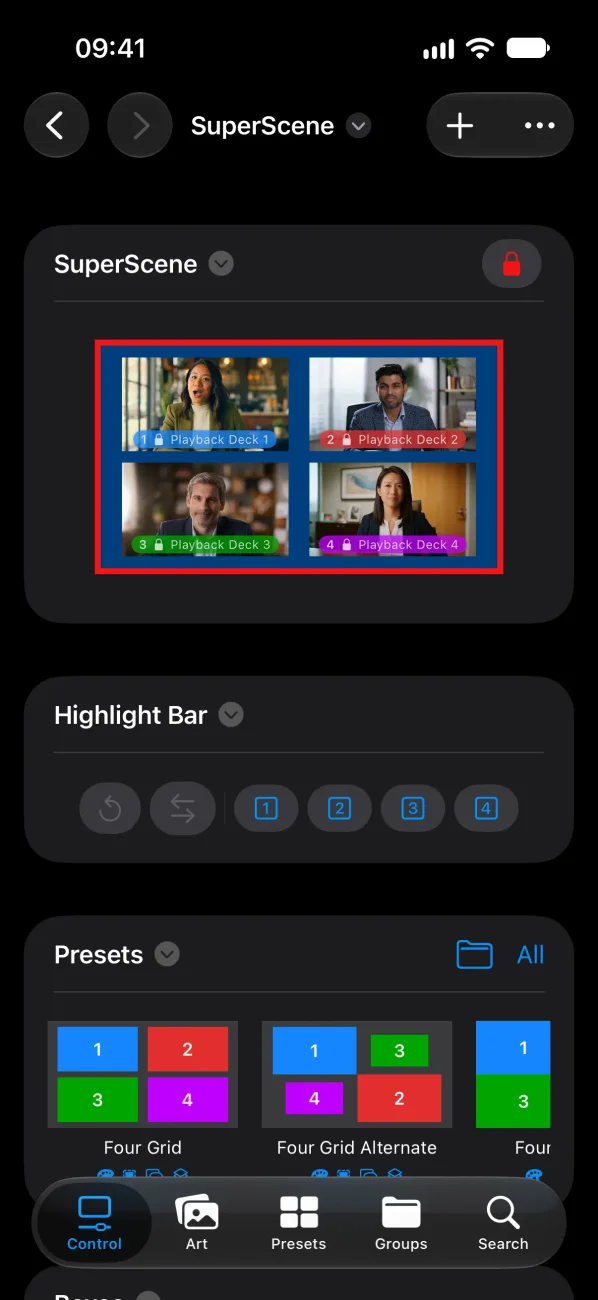
• Build SuperScenes that combine multiple sources into custom layouts, with presets ready for recall.
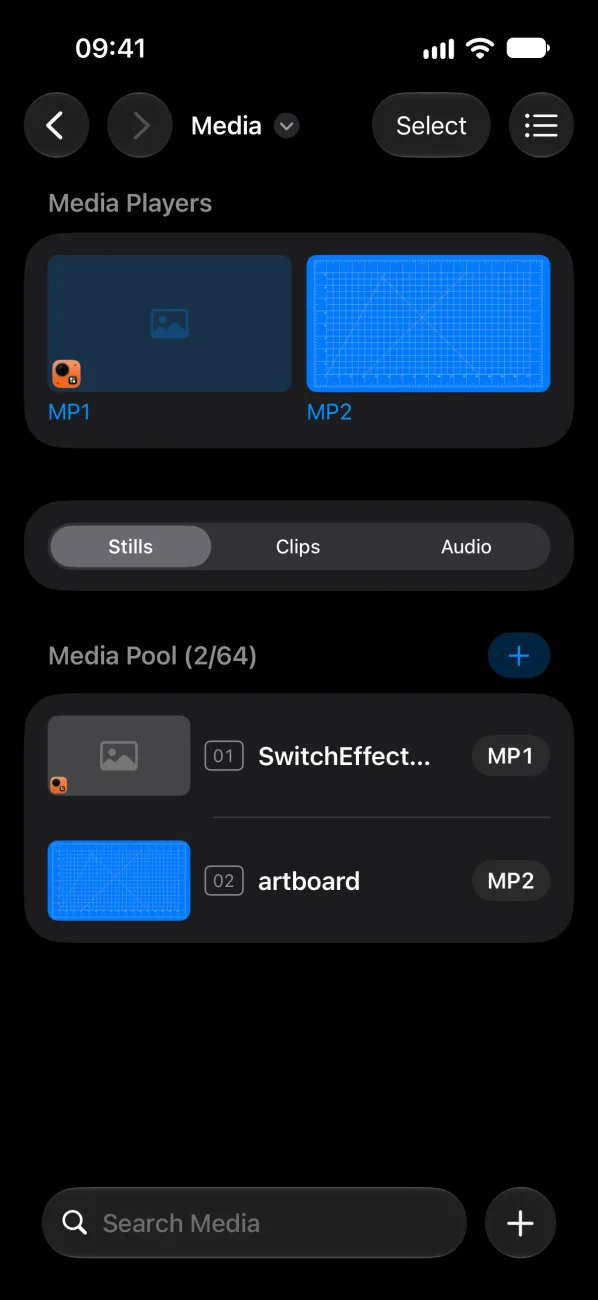
• Bring together built-in cameras, compatible USB cameras on iPad, network video, web pages, PDFs, image slideshows, and video clips.
• Add remote camera feeds from other devices using the SwitchEffect Camera companion app.
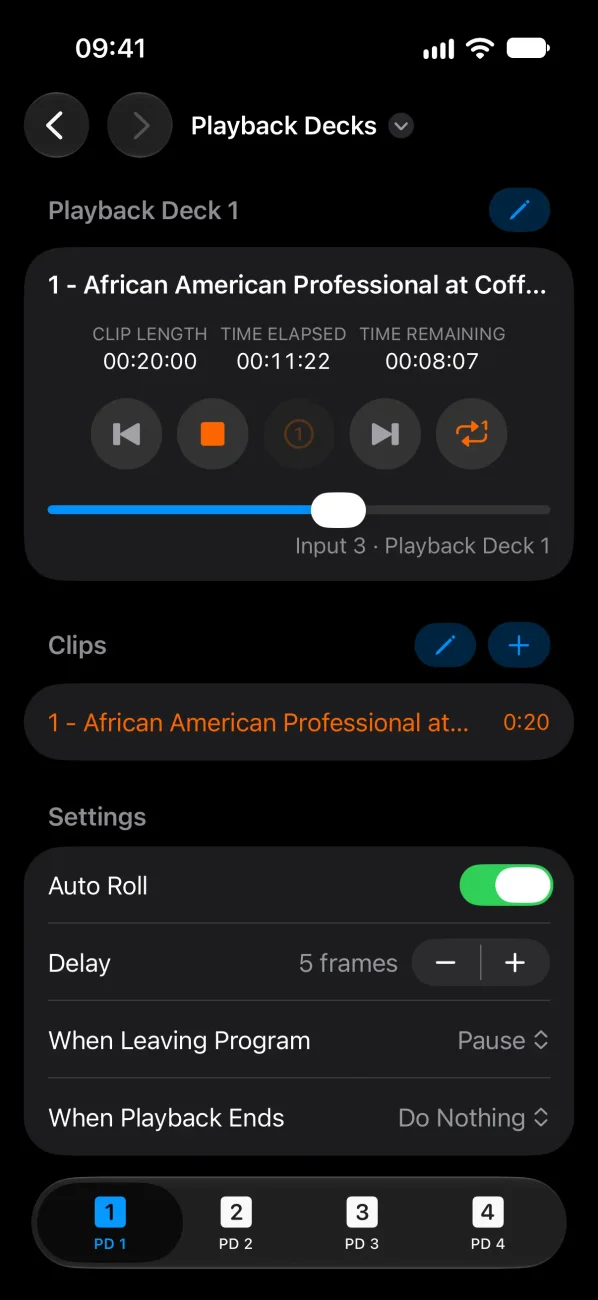
• Cue clips in Playback Decks and use Auto Roll to start playback when a source goes on air.
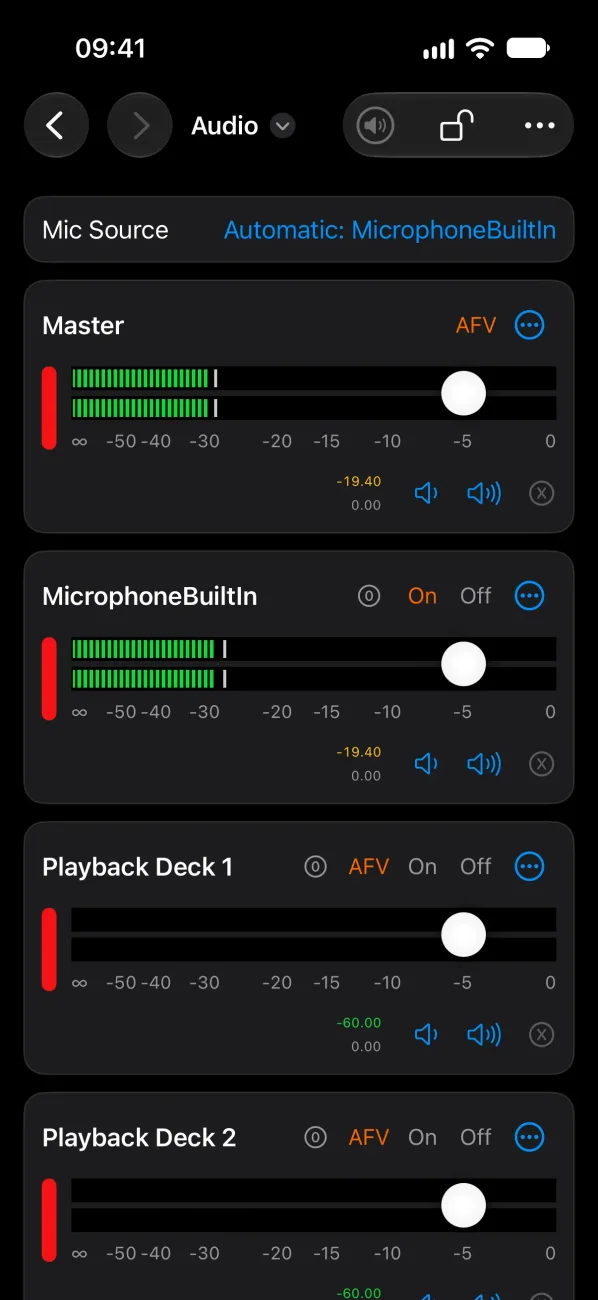
• Mix microphones and source audio with live meters and Audio Follow Video.
• Use Video Follows Audio to switch cameras automatically as speakers change.
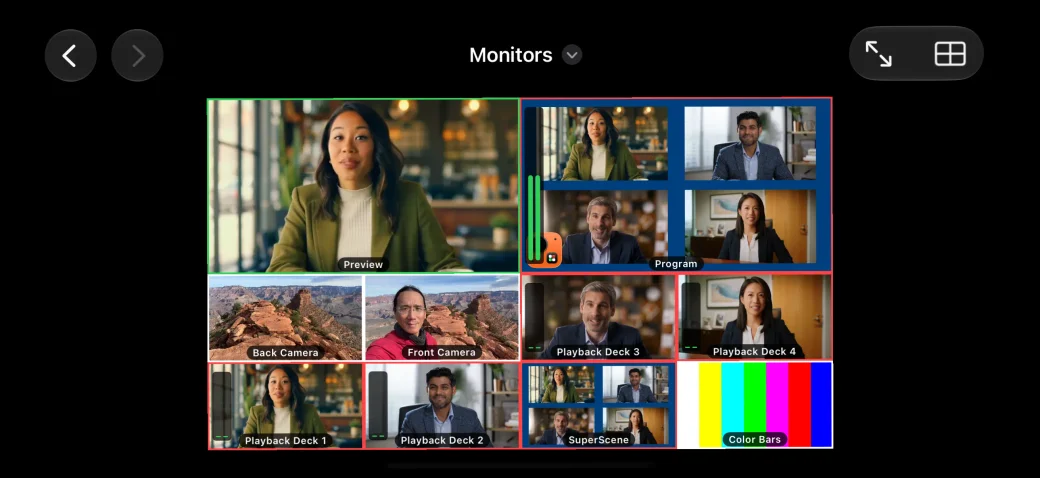
• Monitor your production with customizable Multiview layouts and separate Program and Preview monitors.
• Stream over RTMP or SRT, record Program, and send video to an external display.
• Prepare a Run of Show, recall macros, and automate production actions.
• Operate your software switcher from compatible ATEM controllers, or integrate OSC and MCP clients.
Whether you're producing from a desk or working on location, keep your cameras, media, audio, and show controls together on iPhone and iPad.
Camera availability, simultaneous capture, and performance depend on your device and production setup. USB camera input requires a compatible iPad and camera. Remote sources and external control require compatible devices or software.
SwitchEffect is free to use with a watermark on outputs. Remove the watermark with an optional monthly or annual subscription, or a one-time lifetime purchase.
Subscriptions remove the watermark while active and renew automatically unless canceled before the end of the current billing period. Payment is charged to your Apple Account upon confirmation of purchase. You can manage or cancel subscriptions in your App Store account settings. The lifetime purchase to remove the watermark is a one-time payment with no recurring charges.
Privacy Policy: https://switcheffect.app/privacy/
Terms of Use: https://switcheffect.app/terms/
What’s new
Version 1.1.0 · Nov 23, 2026
# New Features
- Live Activities show switcher status, Program source, elapsed time, and recording and streaming status on the Lock Screen and Dynamic Island.
- Send Telestrator drawings to an AUX output with a black or chroma-green background for keying.
- Start and stop screen capture using Shortcuts, OSC, and Run of Show.
- Automate switching Recording, Streaming, and External Display between Program and Presentation, including during active recordings and streams.
- Connect remote cameras by host or IP address over your local network or VPN, with configurable receiver ports.
- Add independent frame guides and safe-area overlays to Program and Preview monitors without affecting recordings or streams.
# Improvements
- Customize Presentation with selectable video sources for the Presenter and Background, a circular Presenter, adjustable rounded corners, and swapped screen positions.
- Crop USB cameras and create multiple virtual angles from one camera.
- Fine-tune screen framing with automatic edge cropping and manual rotation controls.
- Run of Show now supports explicit Fade to Black On, Off, and Toggle actions, and can wait for screen sharing before switching outputs.
- Track successful cue runs with persistent completion-count badges, and create a show directly from an empty Rundown.
- Recording settings now show available space for your selected recording destination.
- Clearer Video Follows Audio source selection, action summaries, and trigger help, plus direct editing of the current profile.
- Simplified Remote Camera receiver settings and added active receiver-port information to Networking.
- Playback Smoothness now defaults to Balanced while preserving existing selections.
- Improved status indicators and title menus on iPhone Duo.
- Improved automatic front-camera selection and recovery from interrupted screen capture or stalled cameras.
# Bug Fixes
- Fixed freezes when reordering panels, cues, presets, and other items while using Presentation.
- Fixed Video Follows Audio trigger menus closing during live updates.
- Improved remote-camera audio continuity during uneven network delivery.
- Fixed playback-deck audio for movie files that could previously play video without sound.
- Fixed incorrect screen orientation in some landscape captures.
- Fixed Photos picker presentation when adding slideshow images.
- Improved cue-library tap areas and preserved the selected SuperScene box while editing.
- Kept cue title bars visible when reordering is disabled.
- Fixed unnecessary Live Activity Stop confirmations caused by the in-app press-and-hold preference.
Presentation screen capture and the new screen-capture and output-source automation require a supported device running iOS 27 or later.
App privacy
What Adam Tow declares on the App Store about how this app handles data.
-
Data not collected
The developer does not collect any data from this app.
Privacy practices may vary, for example with the features you use or your age.
Information
- Seller
- Adam Tow
- Category
- Photo & Video
- Version
- 1.1.0
- Updated
- Nov 23, 2026
- Released
- Oct 29, 2026
- Size
- 78.5 MB
- Requires
- iOS 26.0 or later
- Age rating
- 4+
- Price
- Free
- In-app purchases
- Yes
- Languages
- English
- Copyright
- Copyright © 2026 • Adam Tow • tow.com
You might also like
-
 YoloStudio: Multicam LiveVideo Switcher & Recorder
-
 Mavis Studio: Live ProductionCreate multicam live streams
-
 Switcher ProOBS Remote for Live Streaming
-
 Strada MediaAccess your media anywhere
-
 AVKANS LiveAVKANS Go Live Streaming App
-
 SmartPTZLive Stream & Record with AI
-
 TopDirectorCam(NDI/SRT Camera)ChromaKey Slow-Mo Teleprompter
-
 TopDirector (NDI,SRT,UVC,RTSP)Multicam Switcher, Live Stream
-
 NDI MultiviewMonitor PTZ Record VideoScope
-
 NDI Monitor ProMonitor, Record, Scopes, PTZ