
Switcher Pro
OBS Remote for Live Streaming
Designed for iPhone, iPad
Free · In-app purchases
- Age rating4+
- CategoryPhoto & Video
- DeveloperChristopher Van Hoose
- LanguagesEnglish+ 11 more
- Size8.6 MB
Links to the official App Store page
Download.org hosts no file of Switcher Pro. The button opens its official App Store page, published by Christopher Van Hoose. Listing last checked on Nov 22, 2026.
Screenshots


About
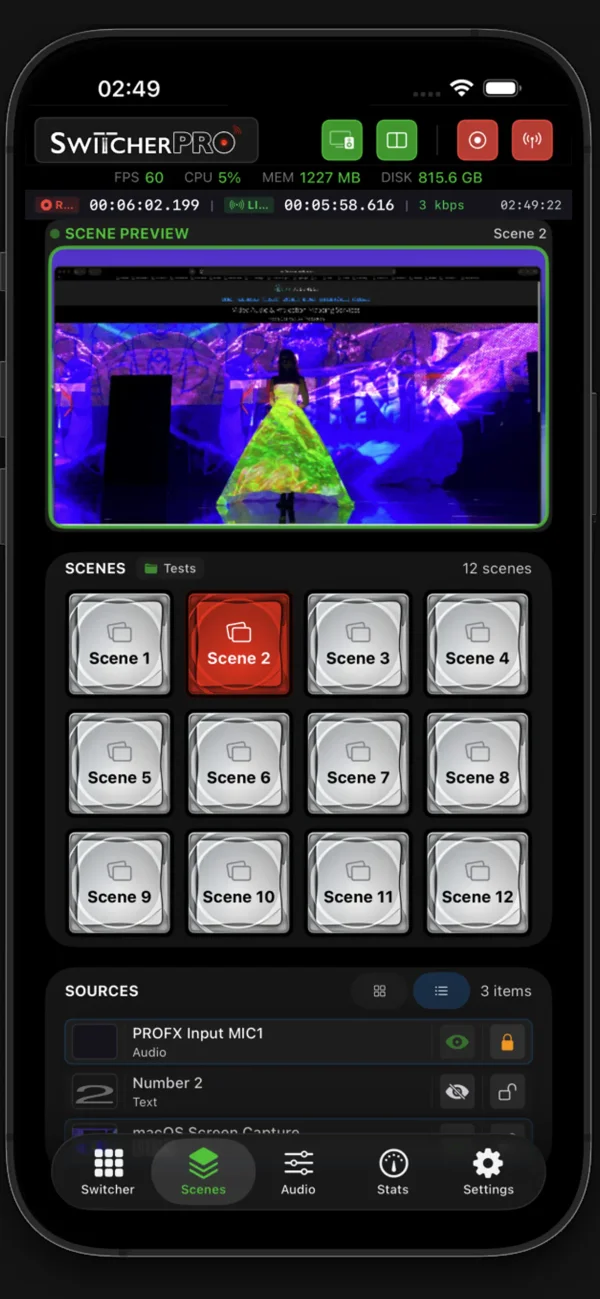
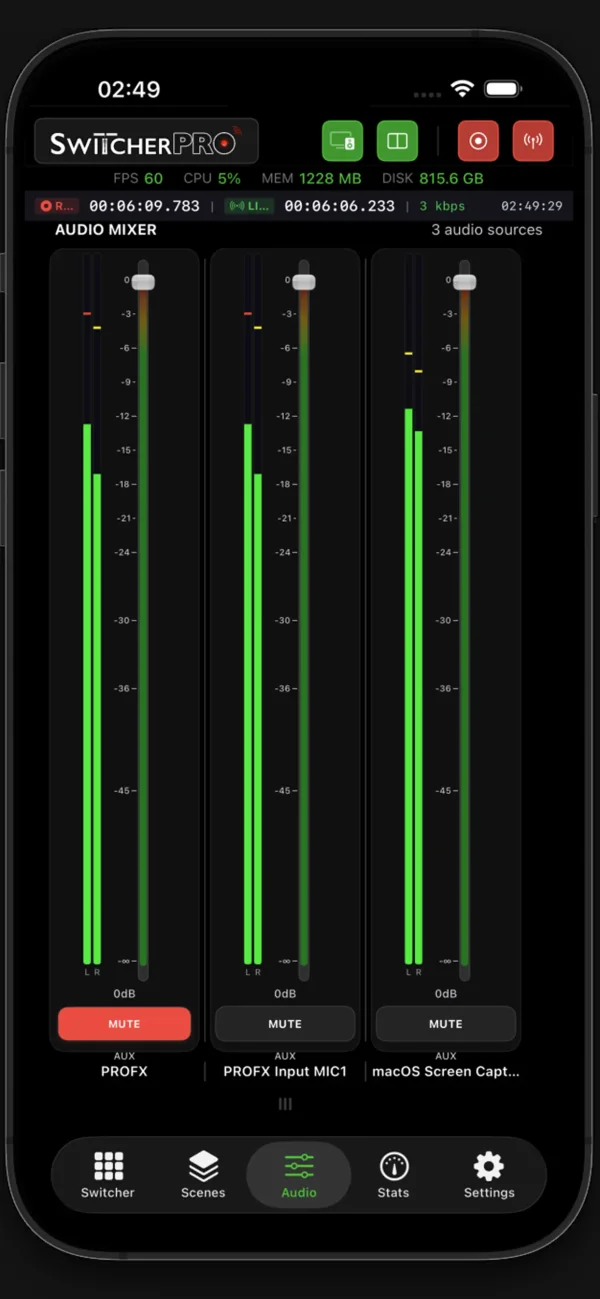
Switcher Pro turns your iPhone, iPad, and Apple Watch into a professional remote control for OBS Studio. Switch scenes, control audio, start and stop streaming or recording, and monitor your broadcast — all from the palm of your hand.
Features:
- Scene switching with live preview thumbnails
- Audio mixer with real-time level monitoring
- Start/stop streaming and recording
- T-Bar manual transition control
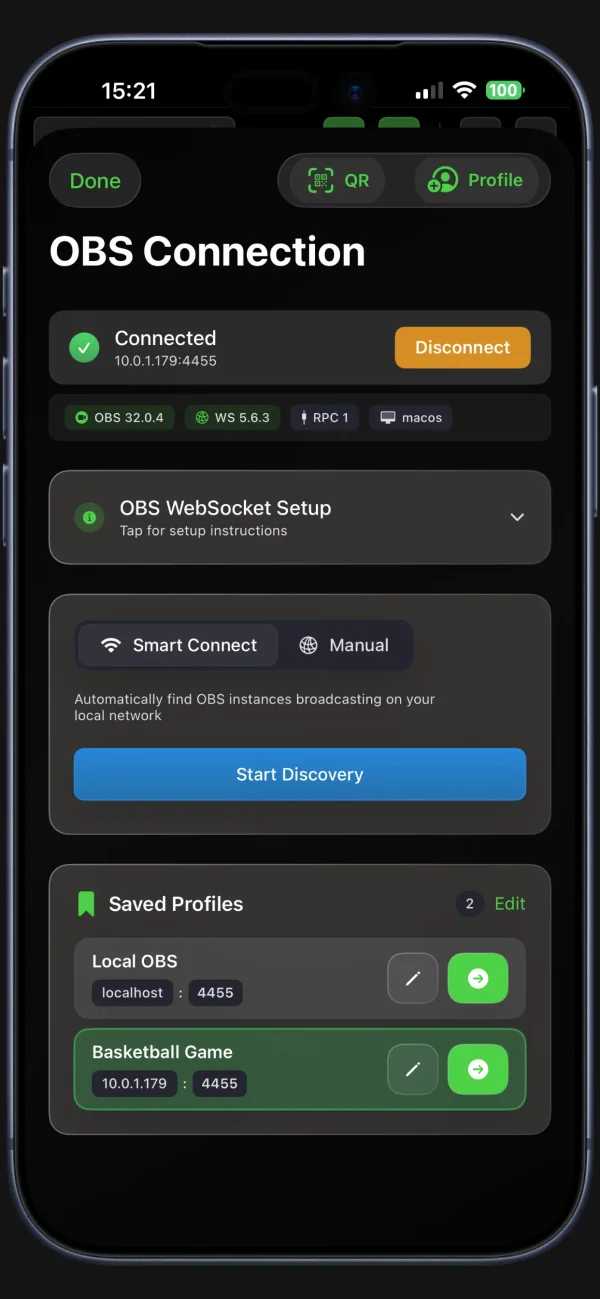
- QR code scanning for quick connection setup
- Multiple connection profiles
- Stream and recording statistics
- Session logging and history
- Apple Watch companion app
- Studio mode with preview/program switching
- Auto-discovery of OBS instances on your network
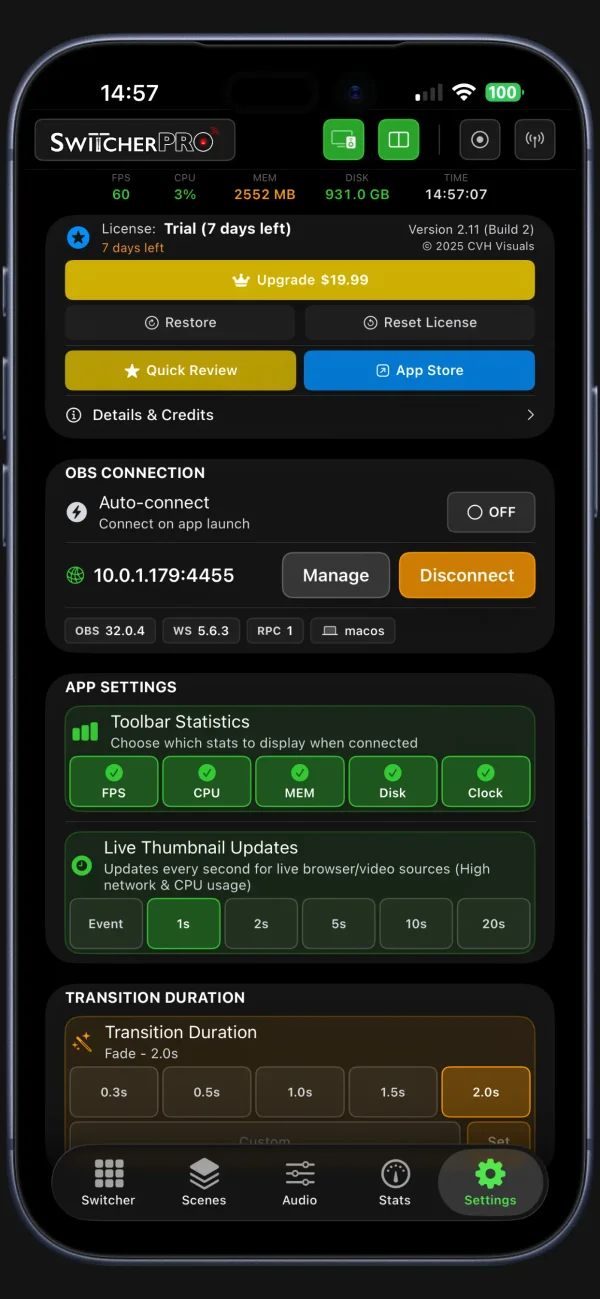
Free version includes basic scene switching. Upgrade to Pro with a one-time purchase to unlock all features — no subscriptions, yours forever.
Requires OBS Studio 28+ with WebSocket Server enabled (Tools > WebSocket Server Settings).
What’s new
Version 2.15.1 · Jun 26, 2026
- New: a monitor button under each source in the Audio Mixer — hear any source through your OBS monitor device, synced live with OBS
- New: optional TLS (wss) connections per profile for encrypted control on untrusted networks
- Switching tabs no longer changes your OBS audio monitoring
- Wrong passwords now re-prompt instead of silently failing
- Fixed the live streaming bitrate readout (it could read far lower than your actual bitrate)
- More reliable connections — dropped connections are detected and recovered, with fewer redundant reloads
- Smoother performance and lower battery use, especially on iPad
- Faster scene loading
- Fixed crashes when entering very large transition durations and during local network discovery
- QR connections now handle passwords with special characters and validate the scanned host
- General optimizations and bug fixes
App privacy
What Christopher Van Hoose declares on the App Store about how this app handles data.
-
Data not collected
The developer does not collect any data from this app.
Privacy practices may vary, for example with the features you use or your age.
Information
- Seller
- Christopher Van Hoose
- Category
- Photo & Video
- Version
- 2.15.1
- Updated
- Jun 26, 2026
- Released
- Nov 10, 2025
- Size
- 8.6 MB
- Requires
- iOS 18.6 or later
- Age rating
- 4+
- Price
- Free
- In-app purchases
- Yes
- Languages
- English, Dutch, French, German, Italian, Japanese, Korean, Portuguese, Russian, Spanish, Swedish, Traditional Chinese
- Copyright
- © CVH Visuals
You might also like
-
 ProducerPadControl OBS from your device
-
 Mavis Studio: Live ProductionCreate multicam live streams
-
 TopDirector (NDI,SRT,UVC,RTSP)Multicam Switcher, Live Stream
-
 BirdDog WingmanProfessional Live Streaming
-
 MediaLink SwitcherPhoto & Video
-
 Mavis Monitor: Pro DisplayVideo tools certified by NDI
-
 TopDirectorCam(NDI/SRT Camera)ChromaKey Slow-Mo Teleprompter
-
 NDI MultiviewMonitor PTZ Record VideoScope
-
 Stream to StudioEasy way for stream to Studio
-
 DirectorMonitorControl ATEM Mini