
ProducerPad
Control OBS from your device
Designed for iPhone, iPad
Free · In-app purchases
- Age rating4+
- CategoryPhoto & Video
- Developer1AM STUDIOS LLC
- LanguagesEnglish
- Size23.3 MB
Links to the official App Store page
Download.org hosts no file of ProducerPad. The button opens its official App Store page, published by 1AM STUDIOS LLC. Listing last checked on Nov 15, 2026.
Screenshots

About
ProducerPad turns your iPhone or iPad into a focused OBS Studio control room. Connect directly to OBS on your local network to cue shots, manage scenes and sources, mix audio, and control live output beside your production computer.
RUN THE SHOW
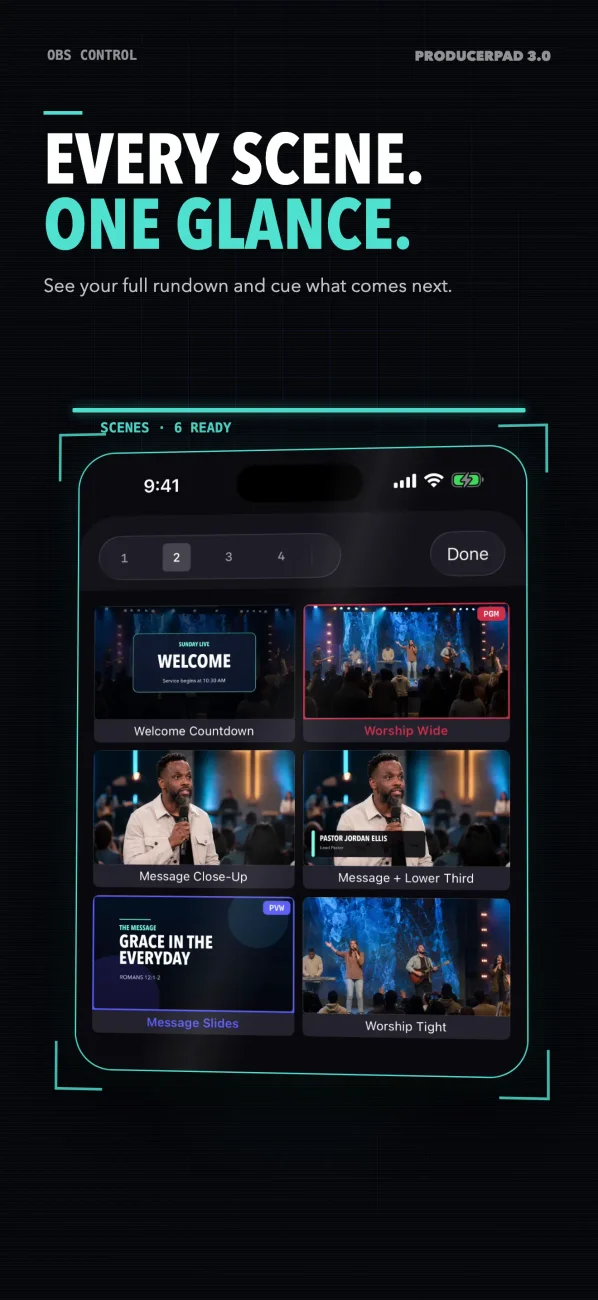
• Use OBS Studio Mode with Preview and Program
• Take Preview live with Cut, Auto, or Fade
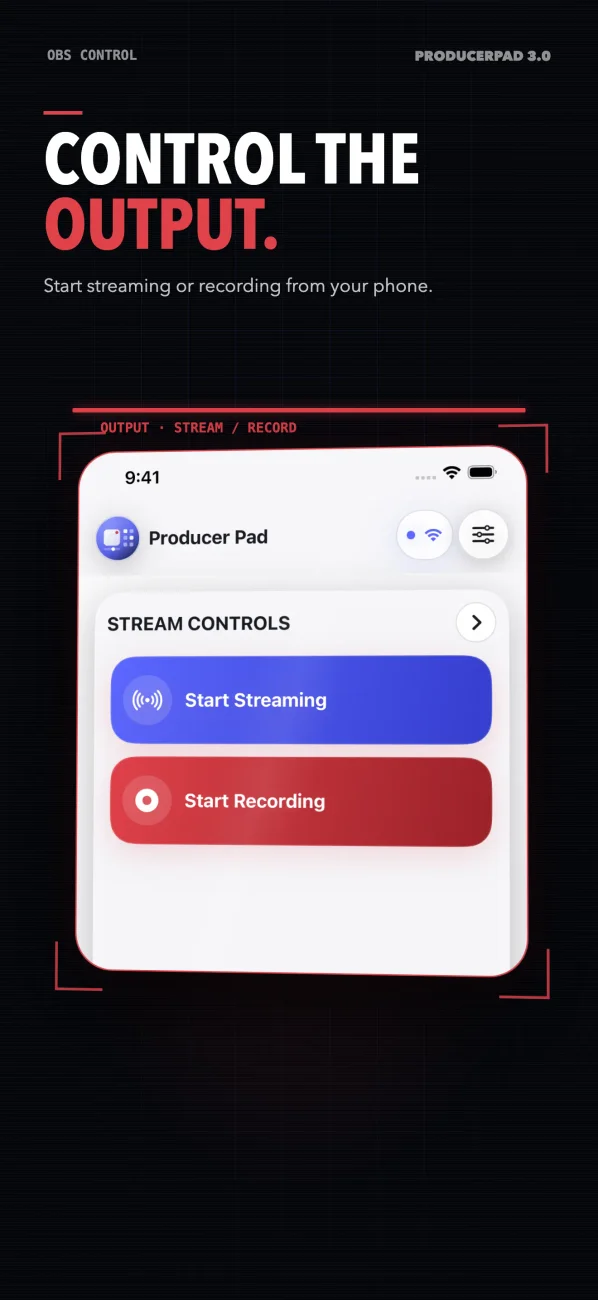
• Start and stop streaming
• Start, stop, pause, and resume recording, with live status and timecodes
• Start or stop Virtual Camera and Replay Buffer, and save replays
• Monitor Program and Preview with ProducerPad Feed or NDI on supported setups
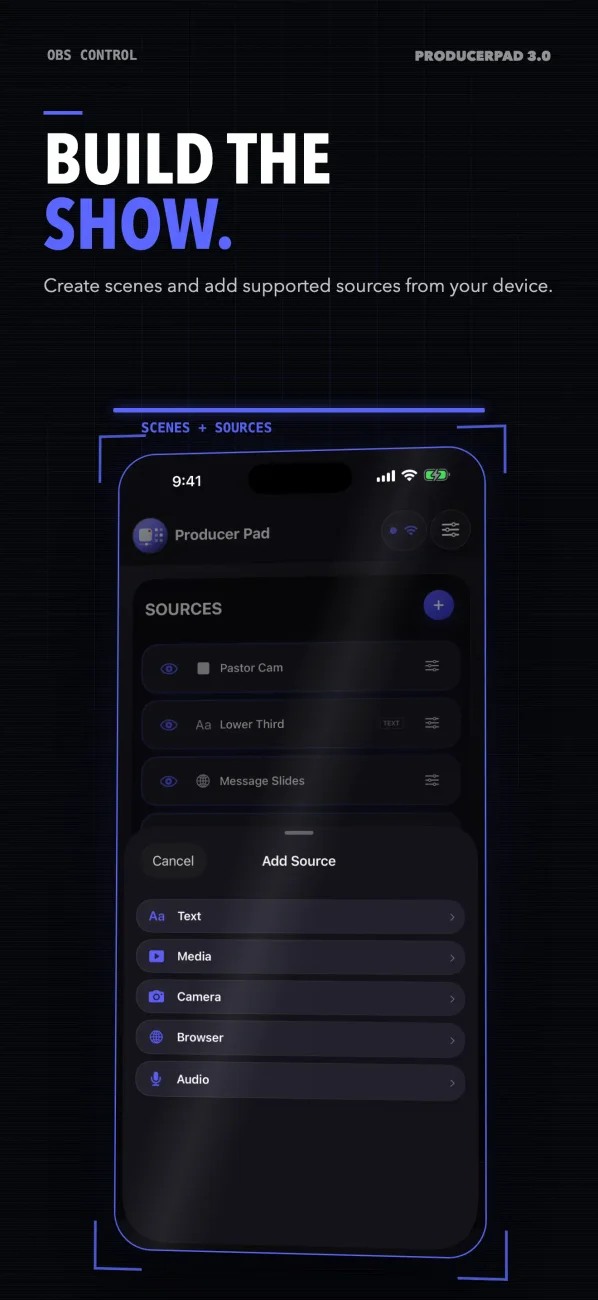
BUILD AND MANAGE YOUR PRODUCTION
• Create, rename, and delete scenes
• Add supported Text, Media, Camera, Browser, and Audio sources
• Edit supported source settings, including text, media, browser, camera, and audio options
• Rename and reorder sources within a scene
• Remove a source from one scene or delete it from OBS
• Show or hide sources in Preview
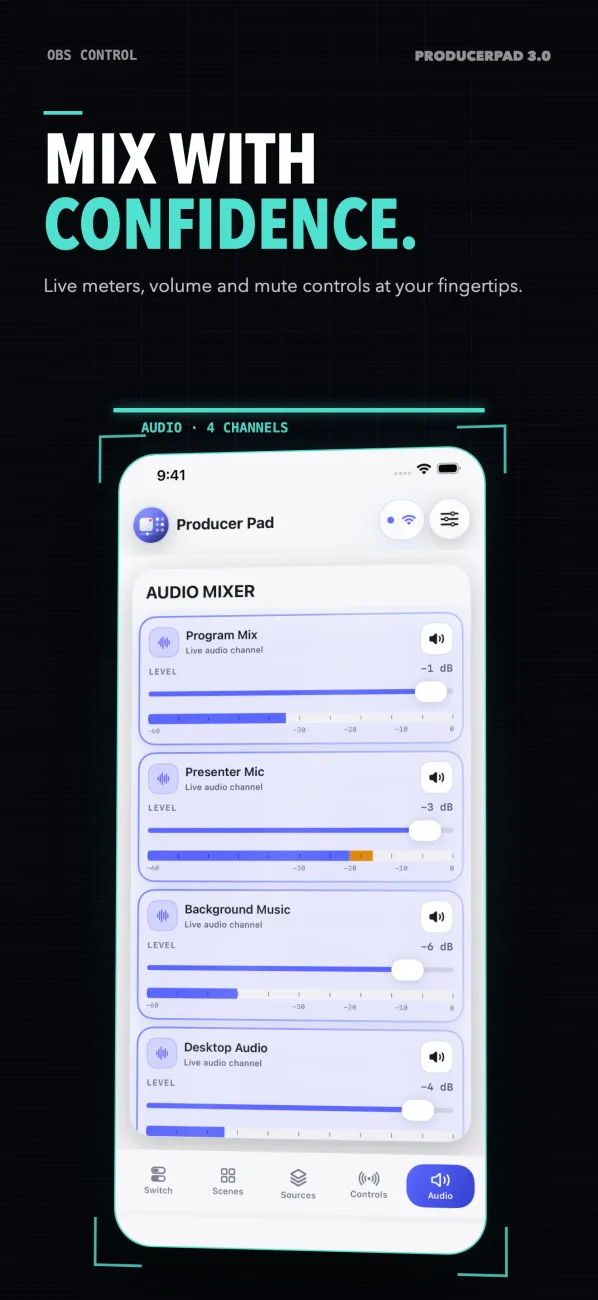
MIX AUDIO WITH CONFIDENCE
• See real-time audio meters
• Adjust source volume
• Mute and unmute channels
DESIGNED FOR IPHONE AND IPAD
• Purpose-built iPhone and iPad layouts
• Light, Dark, and Auto appearance
• QR or manual OBS connection setup with saved profiles
ProducerPad connects directly to OBS Studio 28 or later through OBS WebSocket. Your device and OBS computer must be on the same local network. No separate ProducerPad account is required.
ProducerPad Feed monitoring requires the ProducerPad Feed OBS plugin. NDI monitoring requires a compatible NDI setup. Feature availability may vary with your OBS version, platform, plugins, and configuration.
Built for creators, churches, podcasts, education, events, and small production teams.
ProducerPad Pro is required for control-room access. Available purchase options and prices appear in the app. No ads.
Support: support@producerpad.app
Terms: https://producerpad.app/terms
Privacy: https://producerpad.app/privacy
What’s new
Version 3.1 · Nov 5, 2026
Bug fixes and performance improvements.
App privacy
What 1AM STUDIOS LLC declares on the App Store about how this app handles data.
-
Data used to track you
May be used to track you across apps and websites owned by other companies.
- Purchases
- Identifiers
- Usage data
-
Data linked to you
May be collected and linked to your identity.
- Purchases
- Identifiers
- Usage data
Privacy practices may vary, for example with the features you use or your age.
Information
- Seller
- 1AM STUDIOS LLC
- Category
- Photo & Video
- Version
- 3.1
- Updated
- Nov 5, 2026
- Released
- Dec 18, 2025
- Size
- 23.3 MB
- Requires
- iOS 18.0 or later
- Age rating
- 4+
- Price
- Free
- In-app purchases
- Yes
- Languages
- English
- Copyright
- © 1AM Studios
You might also like
-
 Switcher ProOBS Remote for Live Streaming
-
 BirdDog WingmanProfessional Live Streaming
-
 Mavis Studio: Live ProductionCreate multicam live streams
-
 Mavis Monitor: Pro DisplayVideo tools certified by NDI
-
 TopDirectorCam(NDI/SRT Camera)ChromaKey Slow-Mo Teleprompter
-
 TopDirector (NDI,SRT,UVC,RTSP)Multicam Switcher, Live Stream
-
 UVC Camera to NDIStream your UVC camera to NDI
-
 OBS 4KVirtual Camera & 4K Viewer
-
 NDI PlayerWith Screen Mirroring & Markup
-
 StreamCam for OBS & StreamLabs4K livestream webcam