
Sync with Computer
Backup photos to Computer
Designed for iPhone, iPod touch
Free · In-app purchases
- Age rating4+
- CategoryProductivity
- DeveloperPixegram, LLC
- LanguagesEnglish
- Size19.8 MB
Links to the official App Store page
Download.org hosts no file of Sync with Computer. The button opens its official App Store page, published by Pixegram, LLC. Listing last checked on Nov 14, 2026.
Screenshots


About
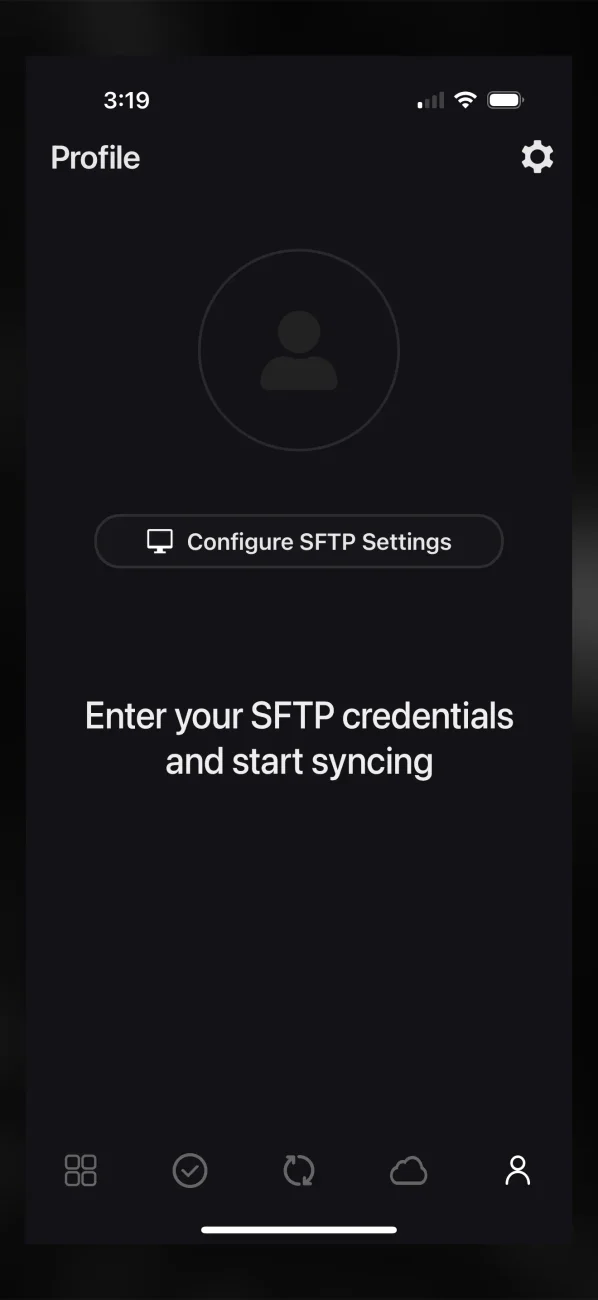
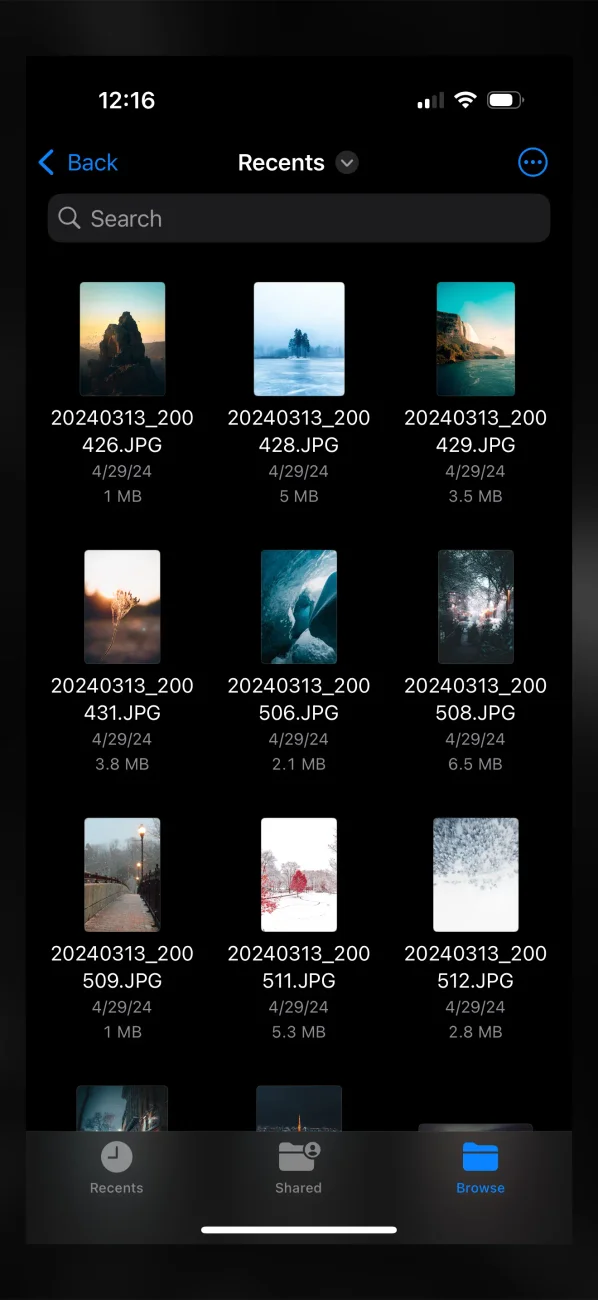
Sync for Computer synchronizes your phone’s photo library, including the album and folder hierarchy, to a designated folder on your Computer using SSH/SFTP.
For users who like to organize their photos into folders and albums, Sync will also
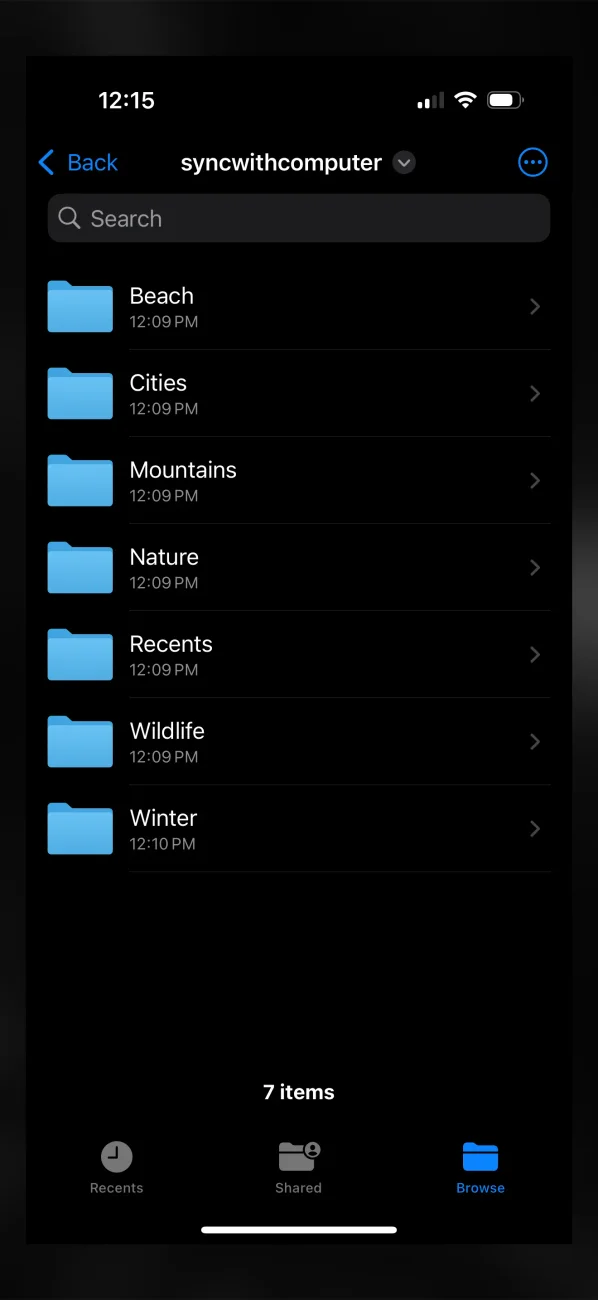
- Sync any folders and albums you may have created in your phone’s photo library on your Computer.
- Uploads the video component for Live Photos.
- Uploads the edited versions of photos and videos.
- Mirror or backup your photo library.
- Synchronize your entire photo library or only certain folders and albums.
In summary, each time you run Sync, it will make sure any changes to your phone’s photo library are updated on your Computer, overwriting, renaming, uploading, and deleting items on your Computer if needed.
Sync will also NEVER delete any photos from your phone. Sync performs a ONE-WAY sync only, making your Computer match your phone’s photo library. Any changes made on your Computer will not be synced to your phone, rather, the changes on your Computer will simply be overwritten the next time you run a Sync.
Free Plan
The free plan is limited to syncing up to 3 top level folders and albums and up to 200 photos.
Premium Plan
Our affordable premium plan removes all restrictions and unlocks access to all future features.
Subscription Pricing and Terms
- Annual or monthly subscription billing will start immediately after you subscribe and will auto-renew each year or month.
- Subscriptions will automatically renew unless canceled at least one day before the renewal date within 24 hours before the end of the current period. Payment will be charged to your Apple ID account at the confirmation of purchase. You can manage and cancel your subscription by going to your account settings in the App Store.
- Subscriptions are non-refundable, so please choose this option carefully.
- Please refer to the In-App Purchases section for pricing.
Terms of Use —
https://www.apple.com/legal/internet-services/itunes/dev/stdeula
Privacy Policy —
https://sync.photosplus.app/privacy.php
What’s new
Version 1.5 · Dec 14, 2025
We’ve made it easier to select and filter your photos and videos with new smart albums, alongside the existing Recents album.
The Recents album still includes all your photos and videos, while the new smart albums let you filter by Photos, Videos, Live Photos, RAW Images, Edited, Favorites, Screenshots, and Hidden items.
Smart albums now appear with a “_” prefix (like _Recents), so they are listed first above your own user-defined albums and folders when sorted by name.
App privacy
What Pixegram, LLC declares on the App Store about how this app handles data.
-
Data not collected
The developer does not collect any data from this app.
Privacy practices may vary, for example with the features you use or your age.
Information
- Seller
- Pixegram, LLC
- Category
- Productivity
- Version
- 1.5
- Updated
- Dec 14, 2025
- Released
- Aug 15, 2024
- Size
- 19.8 MB
- Requires
- iOS 15.6 or later
- Age rating
- 4+
- Price
- Free
- In-app purchases
- Yes
- Languages
- English
- Copyright
- © Pixegram, LLC
You might also like
-
 TotalSync - sync without cloudNo cloud, any file, any device
-
 Sync: File Backup & Cloud SyncBackup, restore & share files
-
 Passwords CloudUser-friendly Password Manager
-
 Sync2 Outlook Google & iCloudSync Calendar, Gmail, Contacts
-
 MobiDrive Cloud Storage & SyncPhoto backup & doc editing
-
 Dropbox DashFind anything for work
-
 FTP Client - Files locationFTP, FTPS & SFTP over SSH
-
 G App LauncherProductivity
-
 Phone Drive: File ManagerWi-Fi Transfer to PC & Mac
-
 Contacts MoverSync Outlook, Exchange, & More