
- Age rating4+
- CategoryProductivity
- DeveloperConnectWise
- LanguagesEnglish+ 4 more
- Size24.4 MB
Links to the official App Store page
Download.org hosts no file of Synced Tool. The button opens its official App Store page, published by ConnectWise. Listing last checked on Nov 18, 2026.
Screenshots

About
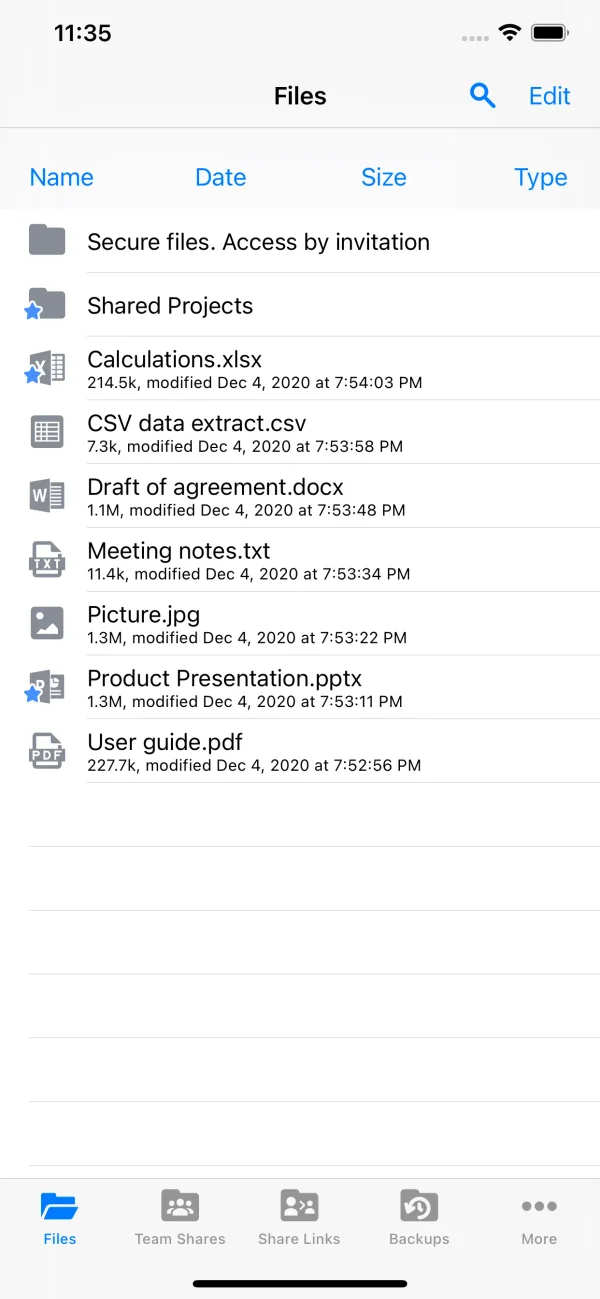
Synced Tool empowers you to stay productive with military-grade security and compliance, anywhere, anytime, on any device; it's invincible productivity. With Synced Tool, you can securely view, upload, edit, and share your files and folders, even if they exist on a file server back in the office, at home, or at a data center. Gain mobility, security, collaboration and business continuity with Synced Tool for iOS.
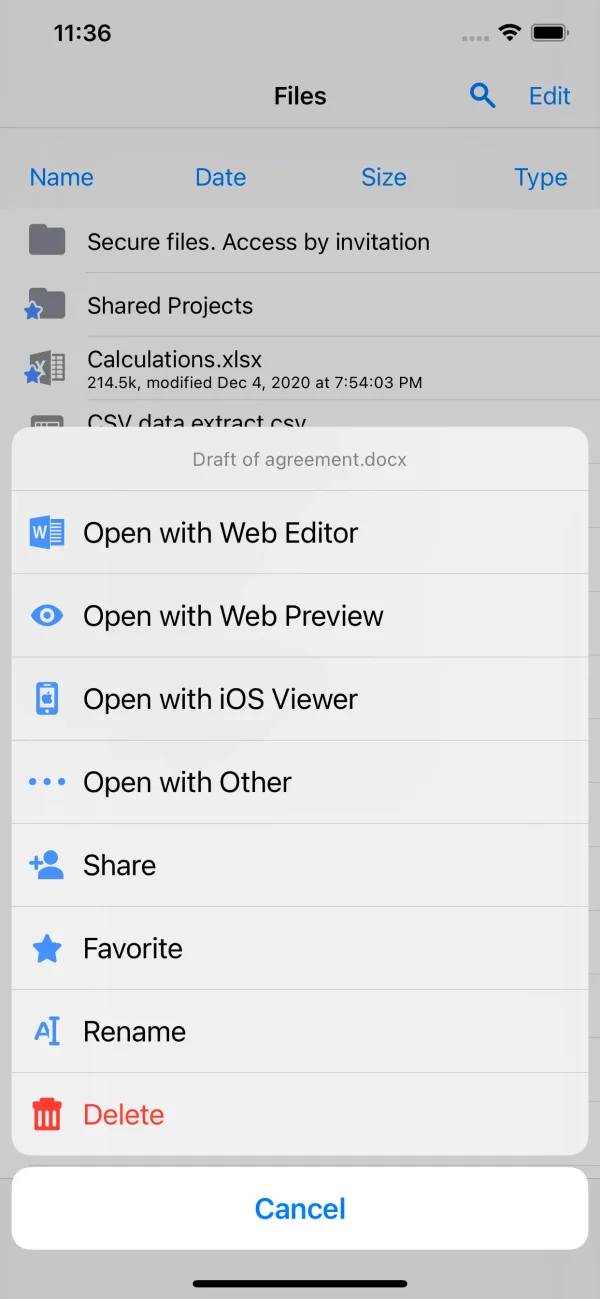
- Securely view and edit files within the Synced Tool app, or third party apps, that will sync with the server and other endpoints
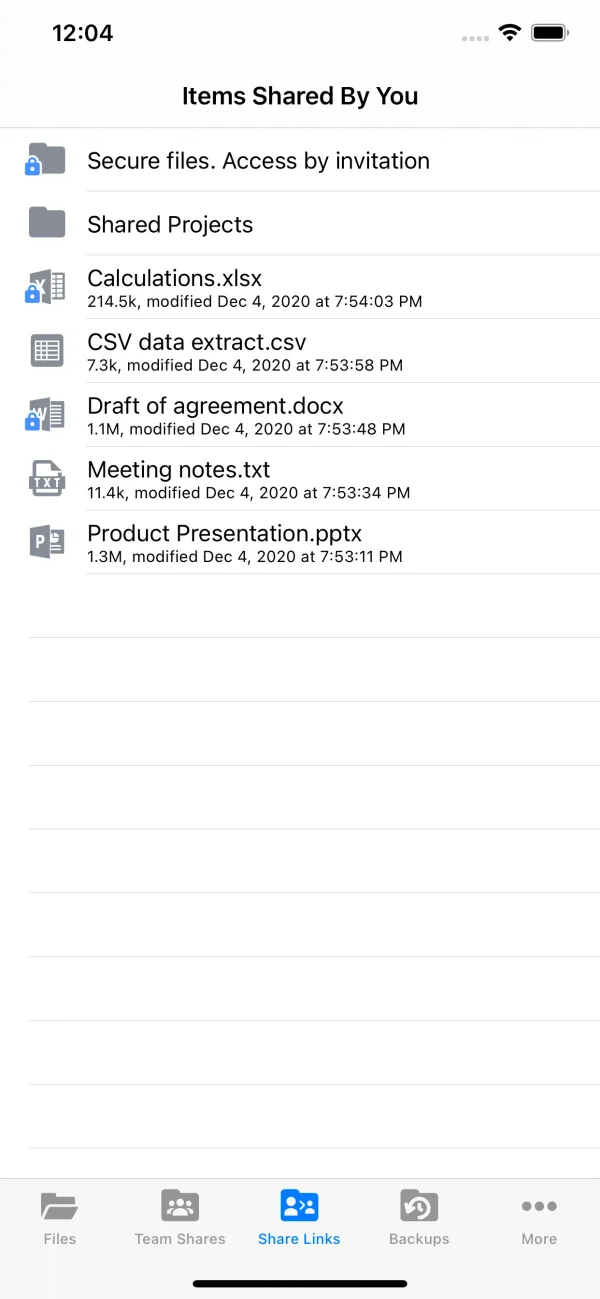
- Generate secure share links on the fly to include in emails or chat tools
- Save files for offline viewing and keep them up to date whenever online
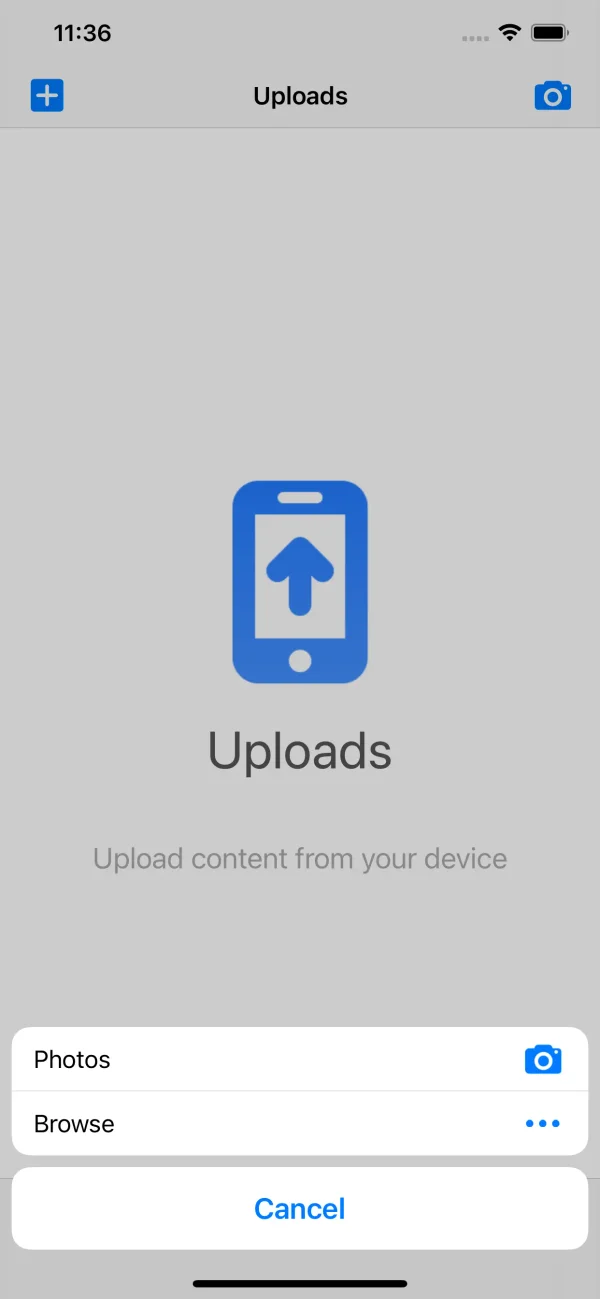
- Upload any content from your device to the server and other endpoints with a single click
- Choose to enable camera upload which automatically uploads new photos and videos from your camera roll and photo stream
- Quickly find the content you need, whenever you need it, wherever you are, with granular filtering
- Remotely access your backups of other endpoints on the road
- Rename, delete, or even lock content to prevent others from editing and force them into read-only mode when accessing that content
- Set up two-step authentication in the form of a passcode lock to further secure the data on your device
- Utilize the iOS Files App to access and manage your Synced Tool data through a tight integration
- Specify the amount of local storage allowed for storing your Synced Tool data locally
- Choose whether or not to sync over WiFi only
- Choose whether or not to auto-update your favorited content
- Interact with your data how content administrators intended by honoring complex permission roles
- Experience the intuitive user interface in a fully localized experience translated in multiple languages
Supported on most current iOS devices including iPhones and iPads!
What’s new
Version 4.32 · Jul 16, 2024
* Redesigned app icon
* Improved app loading speed
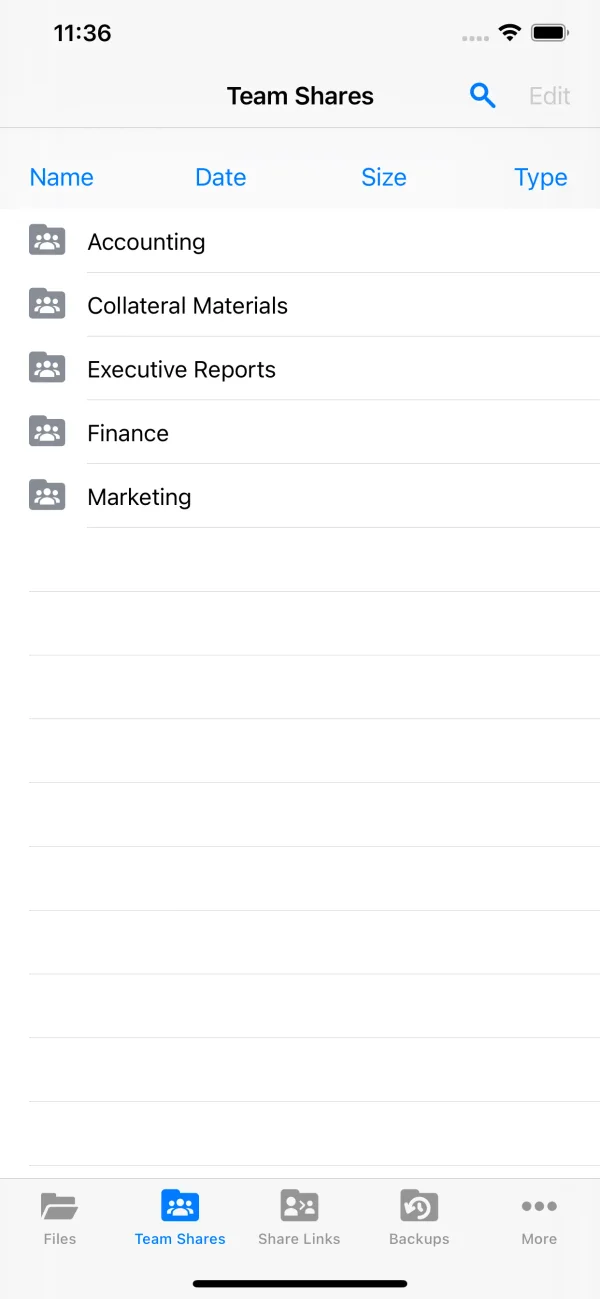
* Team shares are now sorted alphabetically by default
* Improved search mechanics. Relevant search results are shown no matter how long the query is and whether you change your query on the go, type it quickly or with long pauses
* Fixed several issues when the app could crash
* Fixed an issue when scrolling through a long list of files and folders could stop loading results
* Downloading files using Apple Files app works more reliably now. Downloaded files have the proper icon
* Attaching files to emails using Apple Mail app works more reliably now. The selection is no longer limited by the first 20 files on the list
App privacy
What ConnectWise declares on the App Store about how this app handles data.
-
Data not linked to you
May be collected but is not linked to your identity.
- Usage data
- Diagnostics
Privacy practices may vary, for example with the features you use or your age.
Information
- Seller
- ConnectWise, Inc
- Category
- Productivity
- Version
- 4.32
- Updated
- Jul 16, 2024
- Released
- Nov 16, 2012
- Size
- 24.4 MB
- Requires
- iOS 12.0 or later
- Age rating
- 4+
- Price
- Free
- Languages
- English, Dutch, French, German, Portuguese
- Copyright
- © 2024 Axcient
You might also like
-
 Sync: File Backup & Cloud SyncBackup, restore & share files
-
 CyberQP - QTechPasswordless Sign-Ins
-
 Hudu MobileProductivity
-
 IT GlueProductivity
-
 CyberFOX Password ManagerKeep passwords safe and secure
-
 Datto WorkplaceProductivity
-
 ConDoc Mobile AppRFIs, Plans, Reports
-
 Sync with Google DriveBackup photos to Google Drive
-
 LRZ Sync and ShareProductivity
-
 Ford Pro Telematics DriveFleet Management Driver App