SyncFlow Health
Tracker Sync to Apple Health
Designed for iPhone, iPad
Free · In-app purchases
- Age rating4+
- CategoryHealth & Fitness
- DeveloperYoshifumi Kanno
- LanguagesEnglish+ 32 more
- Size75.8 MB
Links to the official App Store page
Download.org hosts no file of SyncFlow Health. The button opens its official App Store page, published by Yoshifumi Kanno. Listing last checked on Nov 20, 2026.
Screenshots



About
Bring your Fitbit and Google Health history into Apple Health.
SyncFlow Health brings the health data you choose from your Google Health account, including data from Fitbit devices, into Apple Health on your iPhone. You decide what to sync, you can see what each sync did, and your existing records stay intact.
WHAT YOU CAN SYNC
- Activity: Steps, Walking + Running Distance, Flights Climbed, Active Energy, Resting Energy
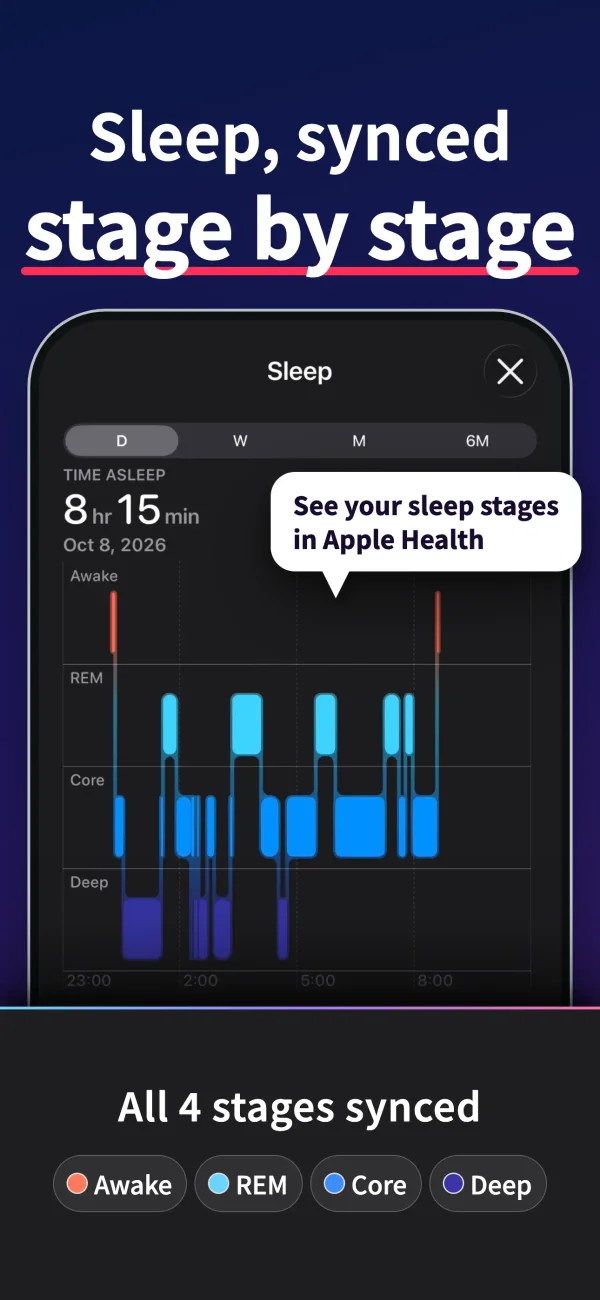
- Sleep: Sleep stages (Awake, REM, Core, Deep)
- Body: Weight, Body Fat Percentage
- Heart and breathing: Resting Heart Rate, Heart Rate Variability, Blood Oxygen, Respiratory Rate
- Nutrition: Dietary Energy, Water
Turn each category on or off, and choose Daily total or By record where available.
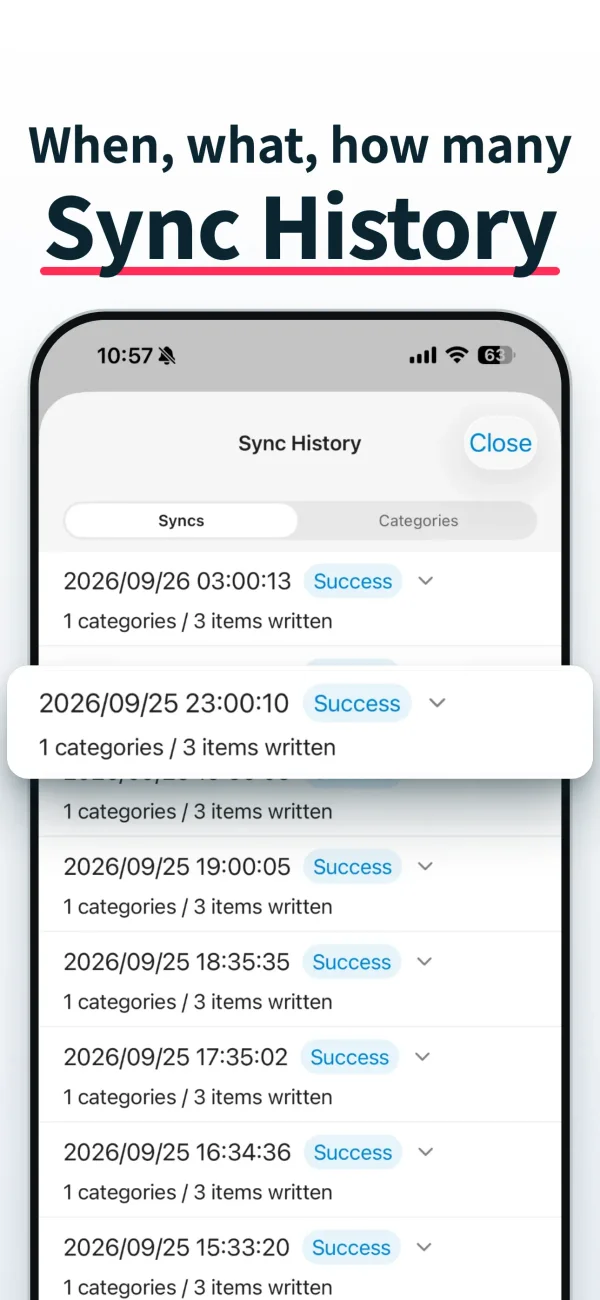
SEE WHAT EACH SYNC DID
- Sync History shows when each sync ran, which categories it covered, and how many records it wrote.
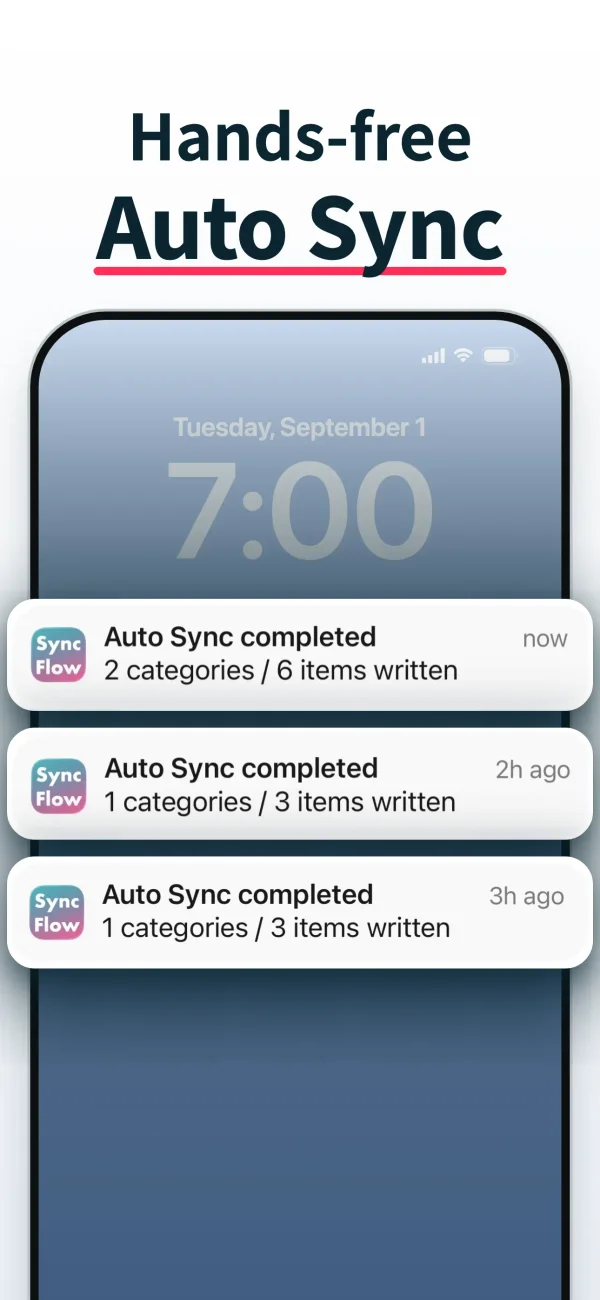
- Get a notification when Auto Sync writes new data.
- Check recent syncs at a glance with the Home Screen widget.
YOUR RECORDS STAY INTACT
- SyncFlow handles health data such as steps, sleep, and weight on your iPhone and saves it to Apple Health. It is not sent to SyncFlow’s servers.
- SyncFlow sends sync results and counts to SyncFlow’s servers. It also sends the times of events such as the first sync, and whether Auto Sync saved new records. These are used to run and improve SyncFlow.
- Re-syncing is designed to avoid duplicate entries.
- SyncFlow Health never deletes data written by other apps.
SLEEP, STAGE BY STAGE
Your sleep arrives in Apple Health as Awake, REM, Core, and Deep, so you can review your nights alongside the rest of your health data.
LESS MANUAL WORK
Auto Sync keeps syncing in the background, so you don't have to open the app every day. iOS decides when background syncs run. You can always sync manually or re-sync a period when you need to.
GETTING STARTED
1. Connect your Google Health account.
2. Allow access to Apple Health.
3. Choose your categories and sync.
FREE AND PREMIUM
- Free: Steps, Sleep, and Weight from the last 30 days, with ads.
- Premium: your full history, all 14 data types, Auto Sync, and no ads.
SyncFlow Health is an independent app. It is not affiliated with, endorsed by, or sponsored by Google or Fitbit. Fitbit and Google Health are trademarks of Google LLC. Apple Health is a trademark of Apple Inc.
Terms of Use (Apple Standard EULA):
https://www.apple.com/legal/internet-services/itunes/dev/stdeula/
What’s new
Version 3.0.1 · Nov 17, 2026
• Fixed an issue where Auto Sync didn’t work.
• The Sync tab now has two sections: Data to Sync and Sync Options.
• Minor bug fixes.
App privacy
What Yoshifumi Kanno declares on the App Store about how this app handles data.
-
Data used to track you
May be used to track you across apps and websites owned by other companies.
- Identifiers
-
Data linked to you
May be collected and linked to your identity.
- Purchases
- Location
- User content
- Identifiers
- Usage data
- Diagnostics
-
Data not linked to you
May be collected but is not linked to your identity.
- Location
- Identifiers
- Usage data
- Diagnostics
Privacy practices may vary, for example with the features you use or your age.
Information
- Seller
- Yoshifumi Kanno
- Category
- Health & Fitness
- Version
- 3.0.1
- Updated
- Nov 17, 2026
- Released
- Jan 18, 2020
- Size
- 75.8 MB
- Requires
- iOS 16.4 or later
- Age rating
- 4+
- Price
- Free
- In-app purchases
- Yes
- Languages
- English, Arabic, Bengali, Croatian, Dutch, French, German, Gujarati, Hebrew, Hindi, Indonesian, Italian + 21 more
- Copyright
- © Yoshifumi Kanno
You might also like
-
 FITIV Sync for Fitbit ActivitySync Your Data to Apple Health
-
 Fitbit to Health SyncFitbit data to Apple Health
-
 Fitbit to Health Sync SolverFitbit Sync To Apple Health
-
 Power Sync for FitbitSync to Apple Health App
-
 Power Sync: Fitness to HealthAuto Sync Step Tracker Data
-
 FitBridgeSync:Fitbit to healthSync Fitbit to Apple Health
-
 Health Sync by appyhappsSync data between fitness apps
-
 FitnessSyncerJoin health and fitness clouds
-
 Fitbit Sync From Apple HealthApple Health Data to Fitbit
-
 Fitbit Sync to Health Appfrom Versa, Inspire to Apple