
SZ Tools CNC: G-Code Builder
Lathe & mill G-code, anywhere
Designed for iPhone, iPod touch
Free
- Age rating4+
- CategoryProductivity
- DeveloperSarsedo Zyka
- LanguagesEnglish
- Size9.8 MB
Links to the official App Store page
Download.org hosts no file of SZ Tools CNC: G-Code Builder. The button opens its official App Store page, published by Sarsedo Zyka. Listing last checked on Nov 12, 2026.
Screenshots
About
SZ Tools CNC writes ready-to-run G-code on your iPhone, then plays it back so you can watch the cut before the machine makes it. Fanuc or Haas output, your own tool and jaw libraries, and a clean .nc file you can save to Files, send to the shop computer, or put on a connected drive.
LATHE
• Profile — OD, ID and face, with arcs, tapers and corner radii
• Grooving, drilling, threading and parting off
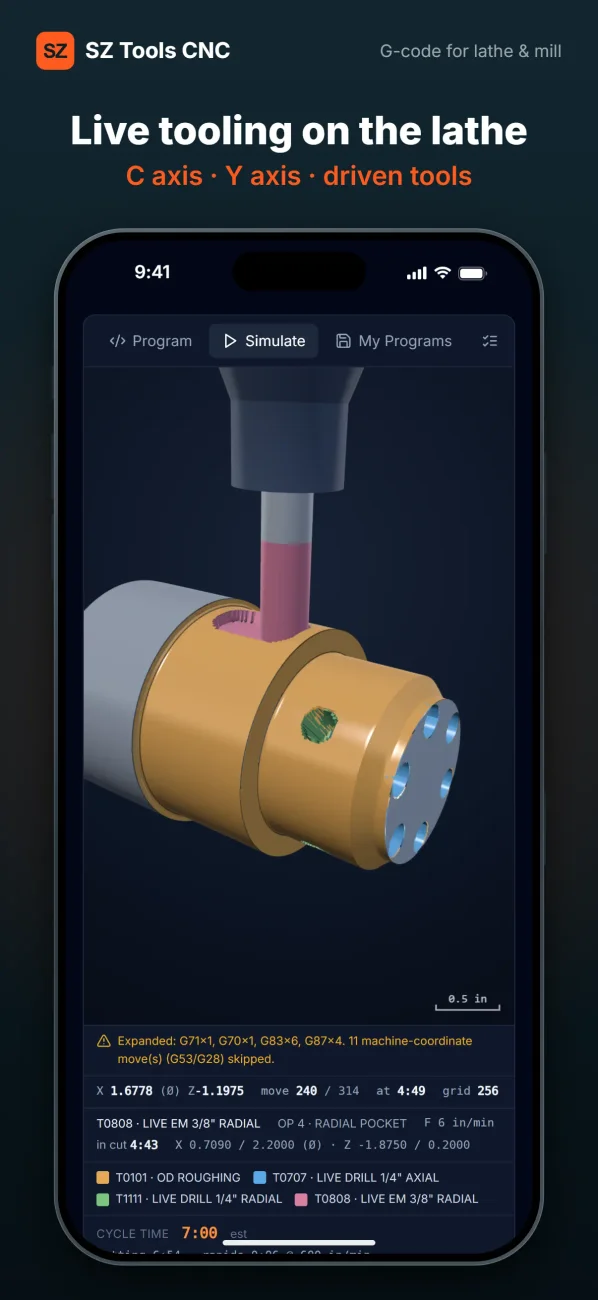
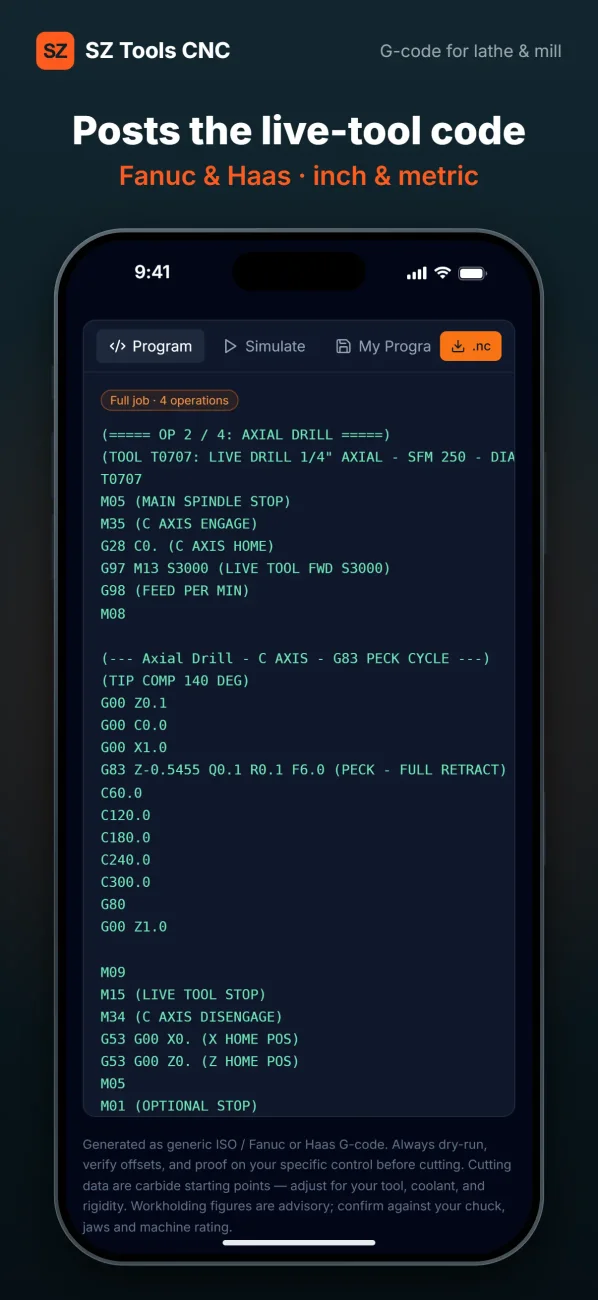
• Live tooling — axial and radial drilling, pocketing and thread milling, angular work and chamfering, on the C or Y axis
MILL
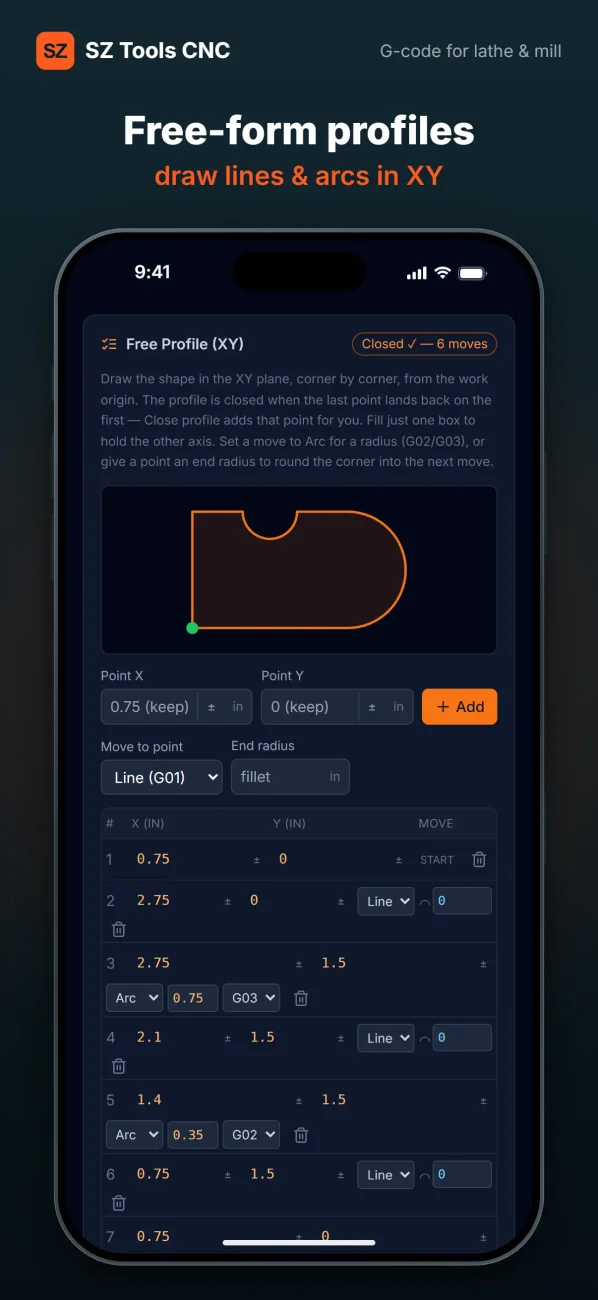
• Facing, pocketing, contouring and free profiles
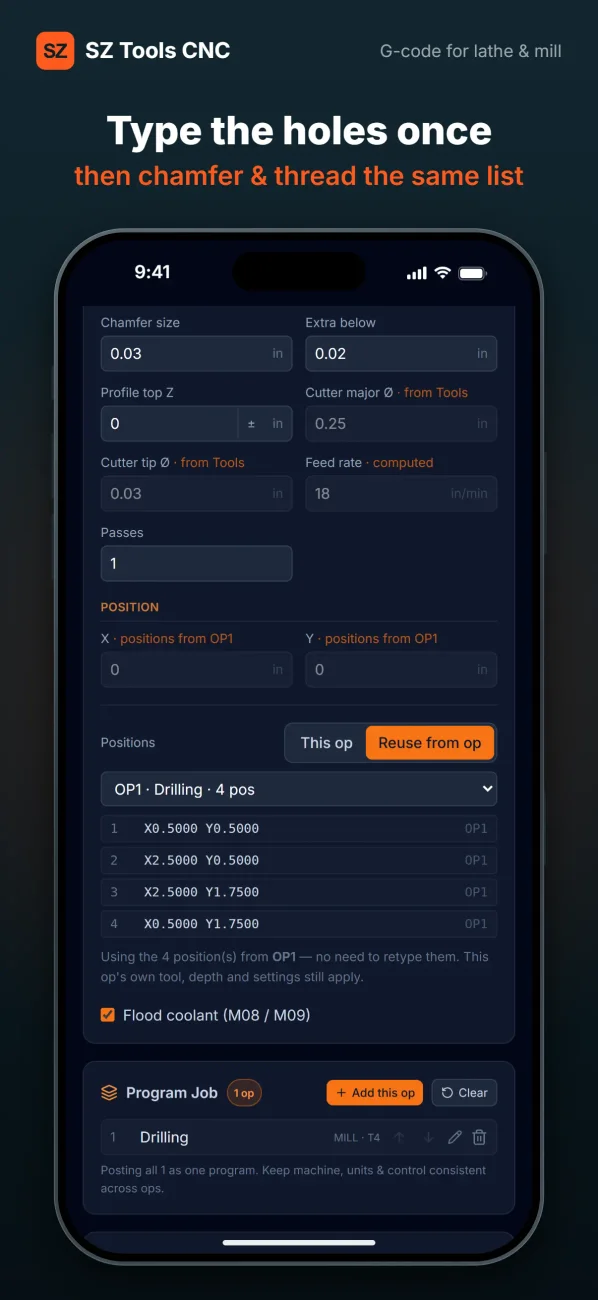
• Drilling, thread milling and chamfering
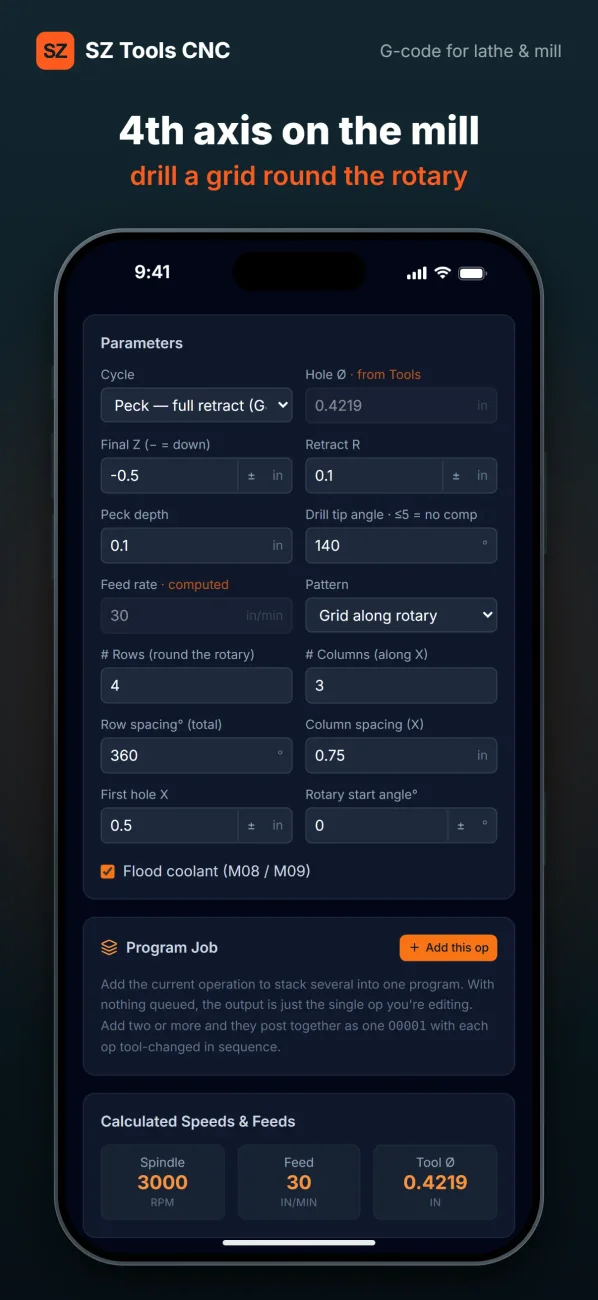
• 4th axis — index it, or drill a grid of holes around it
SET UP THE WAY A SHOP WORKS
• Pick the machine, the control and the units, and every field below follows — no scrolling past settings that don't apply
• Tool library filtered to the operation you're running; the tool drives the turret call, surface speed and hole size
• Cutting data from a materials table you can edit — carbide starting points from aluminium to titanium
• Stack operations into one numbered program, with optional stops between them
• Add your own notes; each line posts as a comment where you queued it
READ THE CODE BEFORE IT LEAVES YOUR HAND
The program is on screen the whole time, updating as you type. Canned cycles where the control expects them — G70/G71/G72 roughing, G76 threading, G83 pecking — or long-form lines if you'd rather see every move. Comments are plain ASCII, so an older control shows them as written.
WATCH IT CUT FIRST
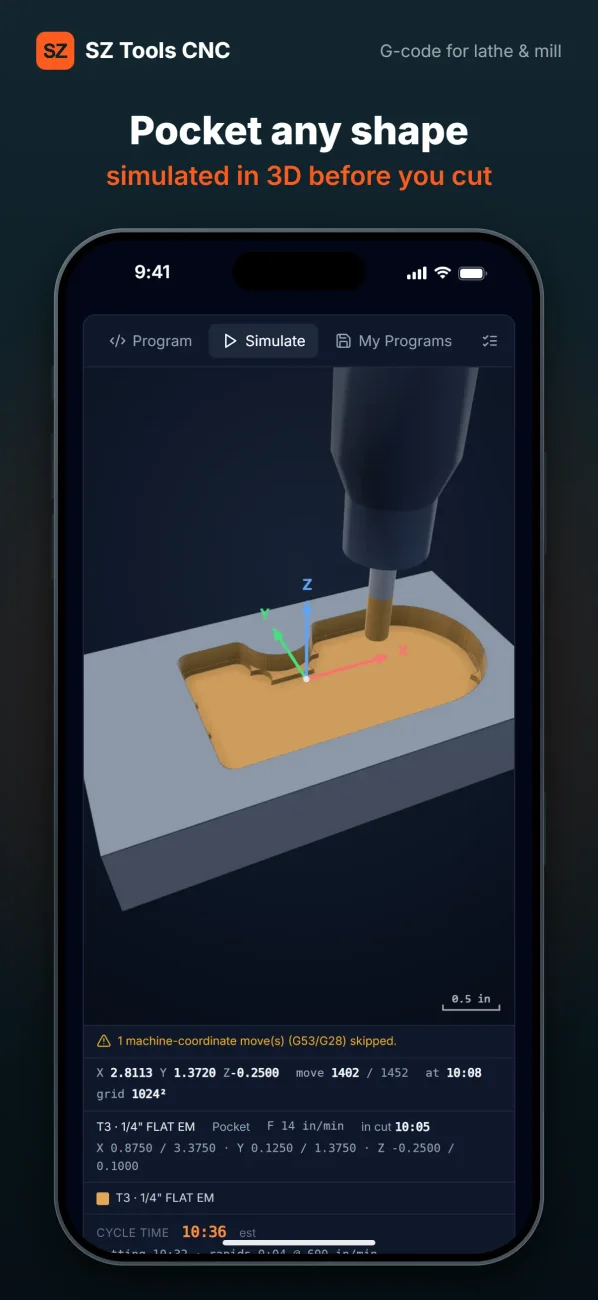
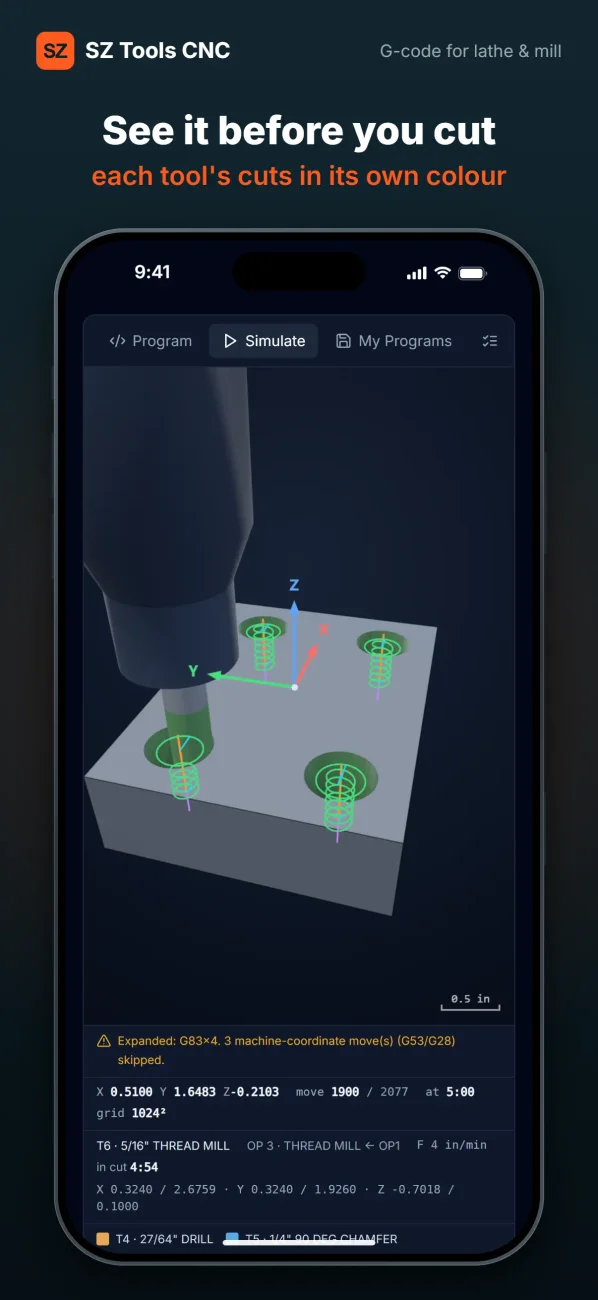
A simulator built into the app: every move colour-coded over a stock model the tool carves away as it runs. Scrub the timeline, change the speed, turn the part with a finger. It expands canned cycles into the passes the machine really makes, including G71 Type II undercuts and tapered G76 threads.
YOUR PROGRAMS STAY ON YOUR PHONE
Saved programs never leave the device. Your tool, jaw and materials libraries sync to your account, so they're waiting on every device you sign in to.
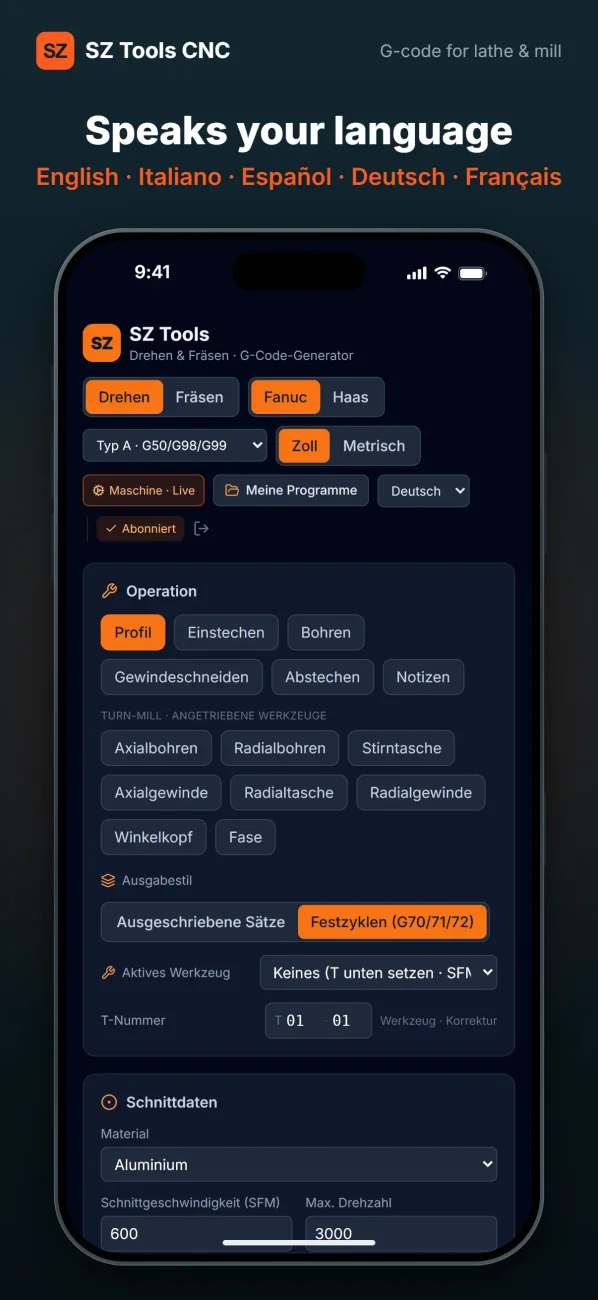
In English, Italian, Spanish, German and French.
SUBSCRIPTION
Free to download, with a 7-day free trial. After that, one subscription unlocks every lathe and mill operation: $4.99 per month. Payment is charged to your Apple Account. It renews monthly unless cancelled at least 24 hours before the end of the current period; manage or cancel it anytime in your Apple Account settings.
Privacy Policy: https://sztoolscom.com/privacy
Terms of Use: https://www.apple.com/legal/internet-services/itunes/dev/stdeula/
App privacy
What Sarsedo Zyka declares on the App Store about how this app handles data.
-
Data linked to you
May be collected and linked to your identity.
- Purchases
- Contact info
- User content
- Identifiers
Privacy practices may vary, for example with the features you use or your age.
Information
- Seller
- Sarsedo Zyka
- Category
- Productivity
- Version
- 1.8.1
- Updated
- Nov 10, 2026
- Released
- Nov 9, 2026
- Size
- 9.8 MB
- Requires
- iOS 15.0 or later
- Age rating
- 4+
- Price
- Free
- Languages
- English
- Copyright
- © 2026 SZ Tools LLC
You might also like
-
 CNC · G-Code — HelpG-code & calculators, offline
-
 ShopCAM: CNC G-Code GeneratorMachinist CAM & Toolpaths
-
 CNC For UCNC program calculator
-
 Wecare SuperAppManage Medical Claims
-
 AIConnect: World of AIAI Images, chat, tools
-
 CNC Path: G-Code SimulatorToolpath Viewer & NC Editor
-
 SolidInsightView CAD without format worry
-
 Thread CalculatorData for metal working
-
 MoCoNCAutomated CNC Programming
-
 CNC Machinist Calculator UltraSpeeds & Feeds, Threads, GD&T