
Tabletop: Mac Remote Desktop
VNC Viewer, Mouse & Trackpad
Designed for iPhone, iPad
Free
- Age rating4+
- CategoryUtilities
- DeveloperHemal Modi
- LanguagesEnglish+ 19 more
- Size13.8 MB
Links to the official App Store page
Download.org hosts no file of Tabletop: Mac Remote Desktop. The button opens its official App Store page, published by Hemal Modi. Listing last checked on Nov 23, 2026.
Screenshots


About
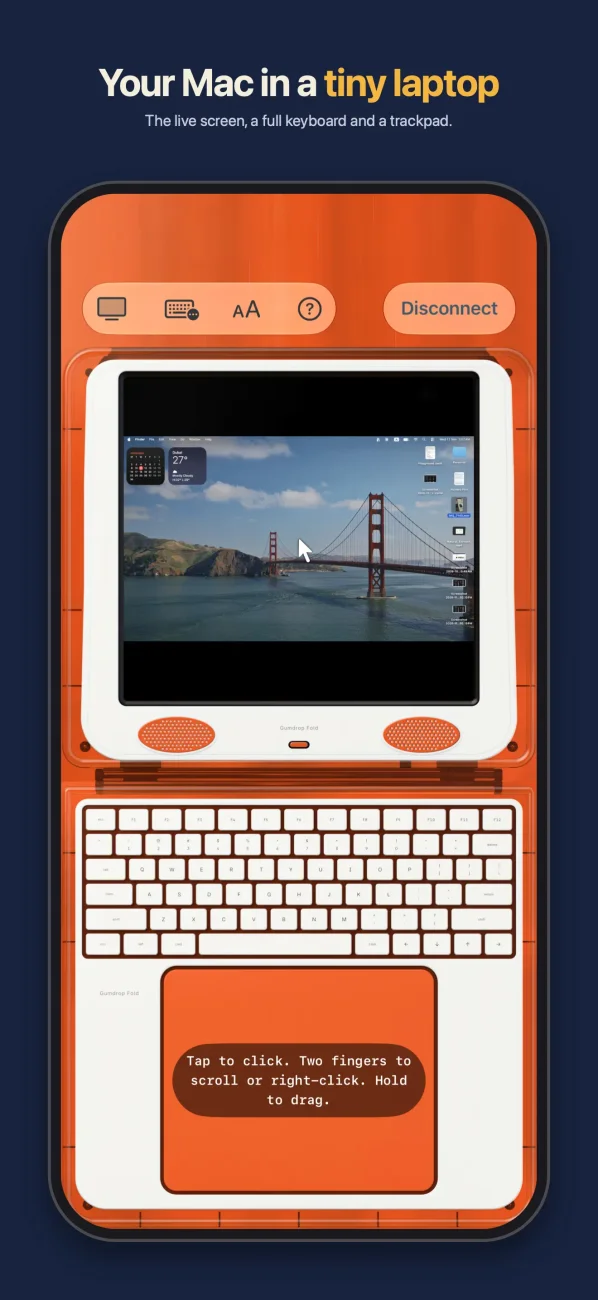
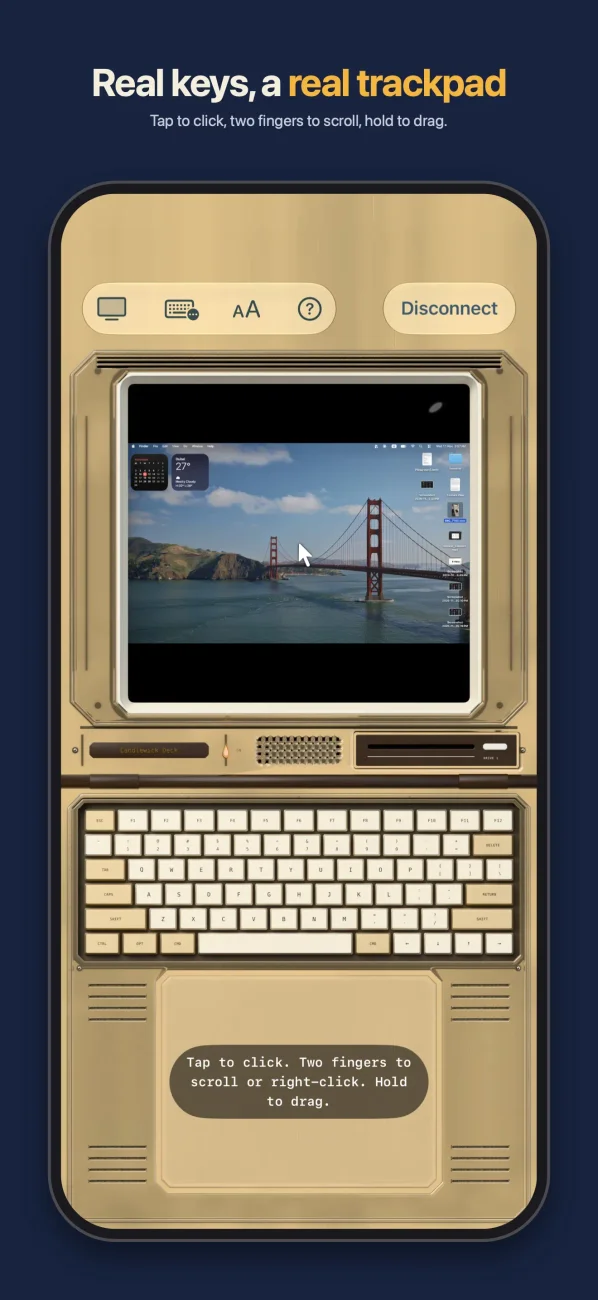
Tabletop Remote puts your Mac's screen on your iPhone or iPad and lets you drive it: click, type, scroll and drag. It uses the Screen Sharing that is already built into macOS, so there is nothing to install on the Mac.
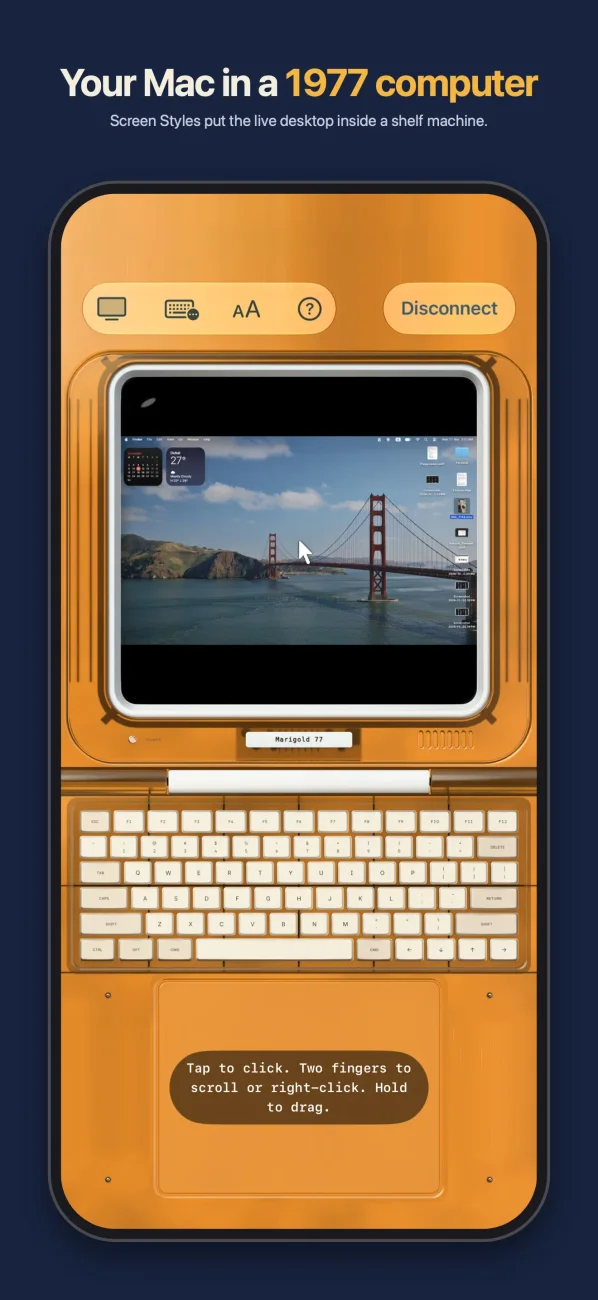
Your Mac can also sit inside a computer from 1977, with the keyboard to match.
Control your real Mac
Open Remote Desk, pick your Mac from the ones found on your network, and sign in with your Mac account or Screen Sharing password. You are looking at your real desktop. Tap the picture to click, or use the trackpad below it: two fingers to scroll with momentum, a two-finger tap to right-click, touch and hold to drag. Swipe up with three fingers for Mission Control and sideways to change Spaces.
Nothing to install on the Mac
Turn on Screen Sharing in System Settings and you are done. No helper app, no menu bar item, no extra permissions on the Mac.
Your Mac inside a machine from the shelf
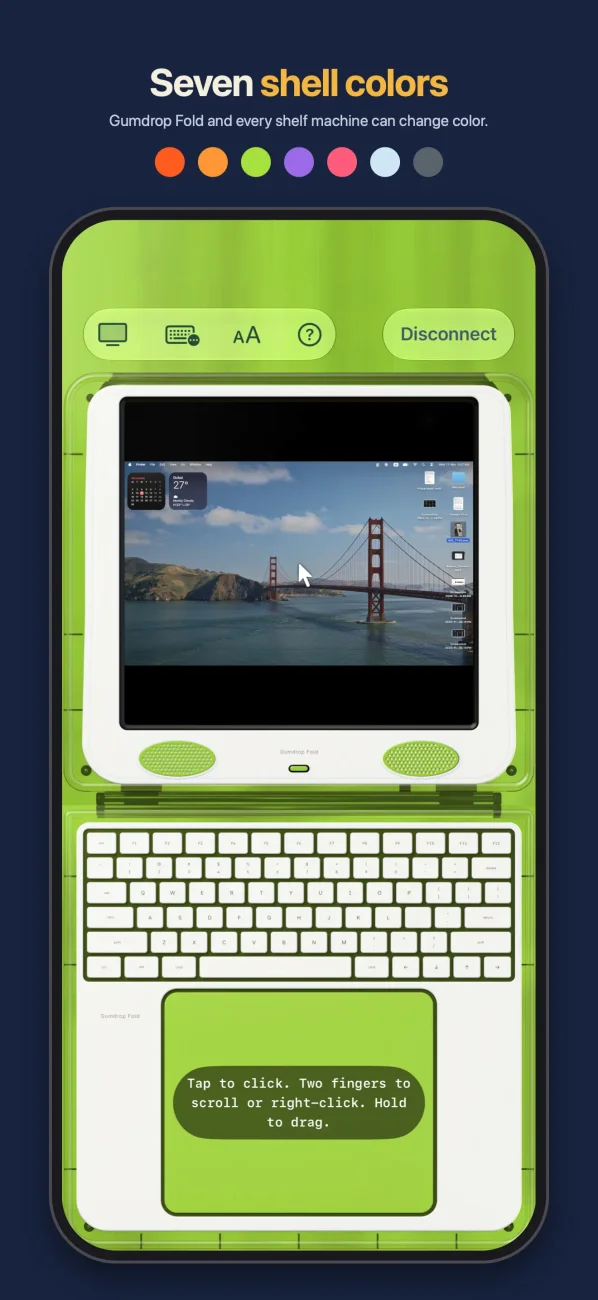
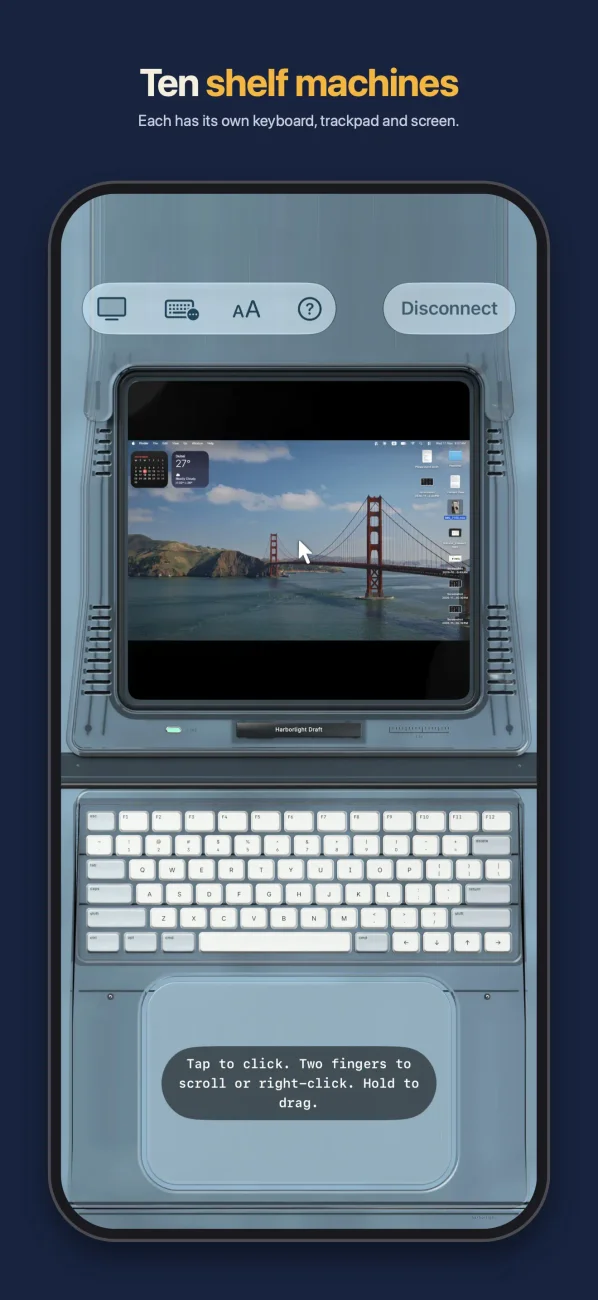
Screen Styles show your live desktop in the body of any of the ten shelf computers, with that machine's screen glass, case and a full working keyboard. There is a green phosphor tube from 1977, an amber terminal, a color CRT, an early laptop LCD, and a laptop with a touch strip that sends Esc, Tab, Spotlight and Mission Control. Switch back to the plain view whenever you like. Gumdrop Fold is a translucent clamshell laptop in seven shell colors. Every machine fills the whole display, edge to edge.
Made for iPhone Duo
Fold the Duo halfway and it becomes a tiny laptop: your Mac on the top display, trackpad and keys on the bottom, split exactly at the hinge. Open it flat for a larger picture. Folded shut, the cover display gets a compact layout with the picture, a trackpad and the system keyboard.
At home on iPad
With a mouse or trackpad attached, the iPad pointer works on the Mac's picture directly: point, click, right-click, drag and scroll. A hardware keyboard types straight into the Mac, shortcuts included.
Private by design
No account, no cloud and no relay server. The picture and your typing travel only between your device and your Mac, over your own network. Sign-in details are kept in the Keychain on your device. Face ID can lock the list of Macs, and clipboard sharing stays off until you turn it on.
Ask Siri
Say "Connect to my Mac in Tabletop Remote", add the action to a shortcut, or put the Remote Desk button in Control Center.
Ten machines, 1977 to 2001
The shelf holds ten original miniature computers, each with its own desktop. Draw in Petal Sketch, deal Wickspire Solitaire, clear a minefield, break bricks in Seawall Smash, collect flowers in Thistledown Garden or watch a spectrum move to music. Seven apps and games in all.
Fifty secrets
Every machine hides five: trivia, a screensaver, a hidden game, an easter egg. Each has a three-step hint that opens one step at a time.
Light and dark
The app follows your device's appearance. The machines keep their own color either way.
Anonymous usage statistics
The app counts which features are used, without any name or account, to help improve it. It never includes your Mac's screen, your typing or your Mac's name, and you can turn it off in Settings.
No ads, no subscriptions, no accounts.
Terms of Use: https://hemal08ce094.github.io/tabletop-remote/terms/
Privacy Policy: https://hemal08ce094.github.io/tabletop-remote/privacy/
What’s new
Version 1.1 · Nov 20, 2026
Picture in Picture: keep your Mac's live screen in a floating window while you use other apps. Choose it from the menu during a session, or swipe home and it opens on its own.
A Live Activity on the Lock Screen and in the Dynamic Island shows which Mac is connected and for how long, with Lock Mac and Disconnect buttons.
App privacy
What Hemal Modi declares on the App Store about how this app handles data.
-
Data not linked to you
May be collected but is not linked to your identity.
- Usage data
Privacy practices may vary, for example with the features you use or your age.
Information
- Seller
- Hemal Modi
- Category
- Utilities
- Version
- 1.1
- Updated
- Nov 20, 2026
- Released
- Nov 11, 2026
- Size
- 13.8 MB
- Requires
- iOS 17.0 or later
- Age rating
- 4+
- Price
- Free
- Languages
- English, Arabic, Dutch, French, German, Hindi, Indonesian, Italian, Japanese, Korean, Polish, Portuguese + 8 more
- Copyright
- © 2026 Hemal Modi
You might also like
-
 CardSync - Verified CopySD card to SSD or server
-
 Intervals: Film Look CameraLive retro filters & intervals
-
 SpyCam: Hidden Camera FinderCheck hotels and rentals
-
 PenCue - For iPhone DuoAnnotate everywhere
-
 Kan: Offline File ConverterManager: PDF,MP4,MP3,JPG,ZIP
-
 CarMate - مصاريف وصيانةUtilities
-
 FoldTally: Hinge CounterFold counter for iPhone Duo
-
 Netwatch Network & SecurityNetwork Diagnostics & Security
-
 AI Transcriber - whisper.cppLocal audio/video transcriber
-
 عنوانكUtilities