Tabs: Split Bills & Expenses
Split with friends, settle up
Designed for iPhone
Free · In-app purchases
- Age rating4+
- CategoryFinance
- Developert19a
- LanguagesEnglish
- Size33.0 MB
Links to the official App Store page
Download.org hosts no file of Tabs: Split Bills & Expenses. The button opens its official App Store page, published by t19a. Listing last checked on Nov 15, 2026.
Screenshots

About
Tabs makes splitting money with your friends effortless
Trips, roommates, dinners, group gifts, anything you share. Snap the receipt, assign who had what, and Tabs does the math to the cent.
Scan, Don't Type
• Photograph a receipt and Tabs reads the items for you
• Review, assign, and save in seconds
Split It Any Way
• Split a bill equally in one tap
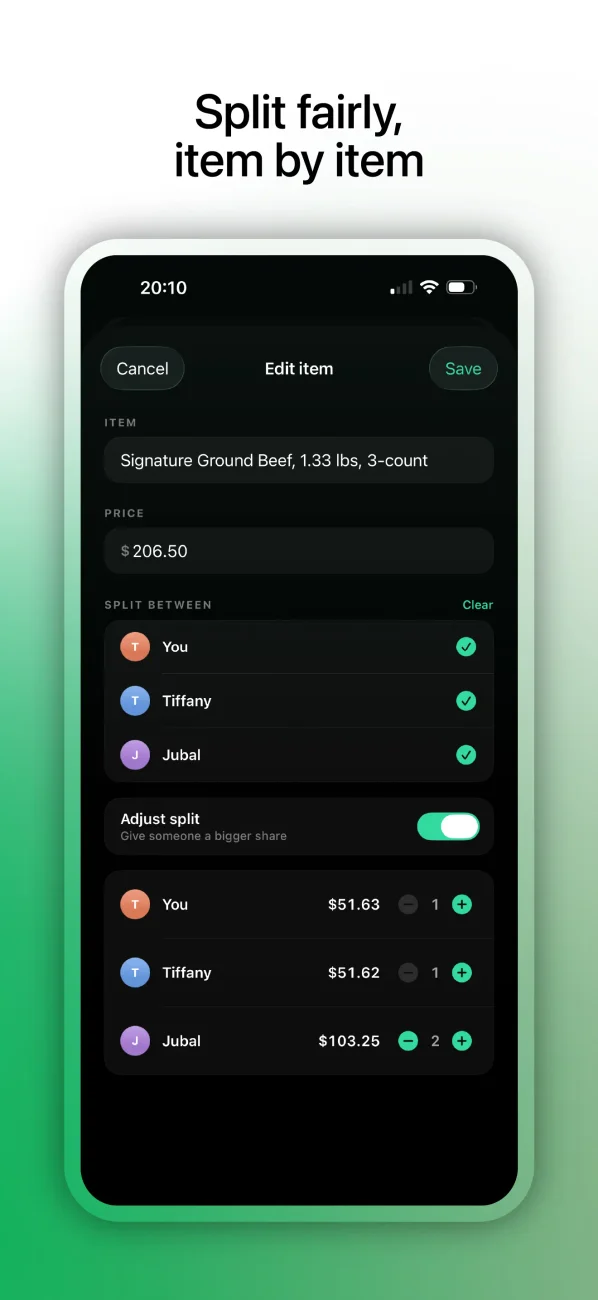
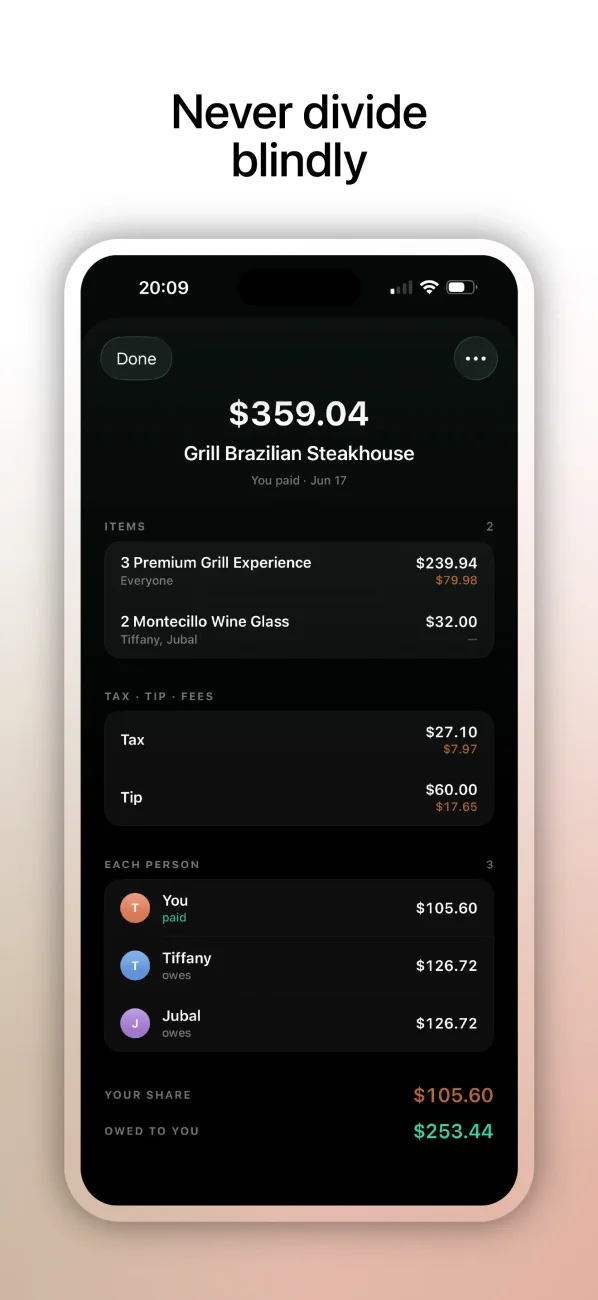
• Or go itemized, assign each item to the people who shared it
• Uneven splits made simple: someone had more? Bump their share and the amounts follow automatically
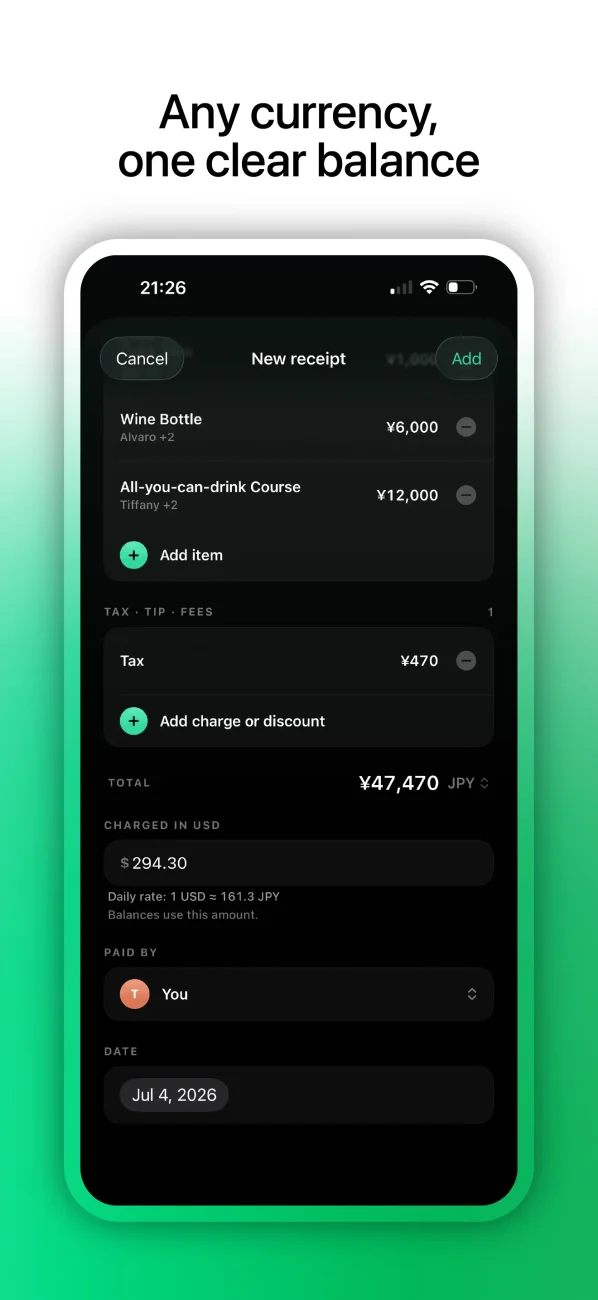
• Tax, tip, fees, and discounts handled for you
Built For Travel
• Log expenses in any currency
• Balances stay in your group's currency, converted at daily reference rates you can adjust
• Made for trips abroad with friends
Always Know Where You Stand
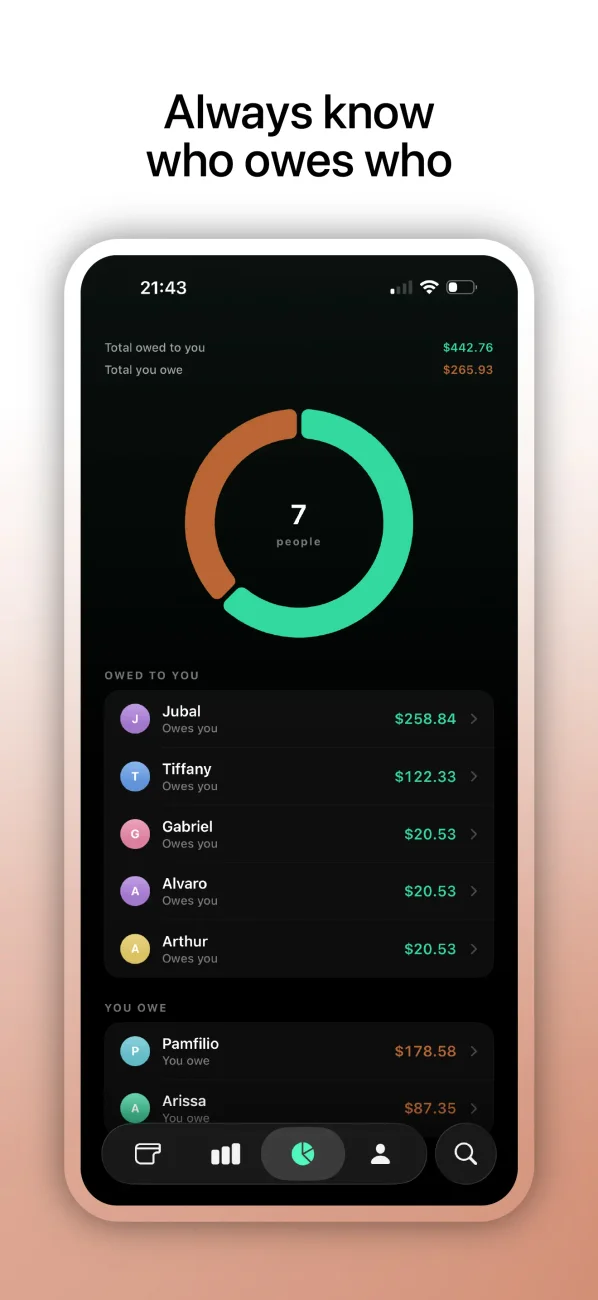
• See who owes who at a glance
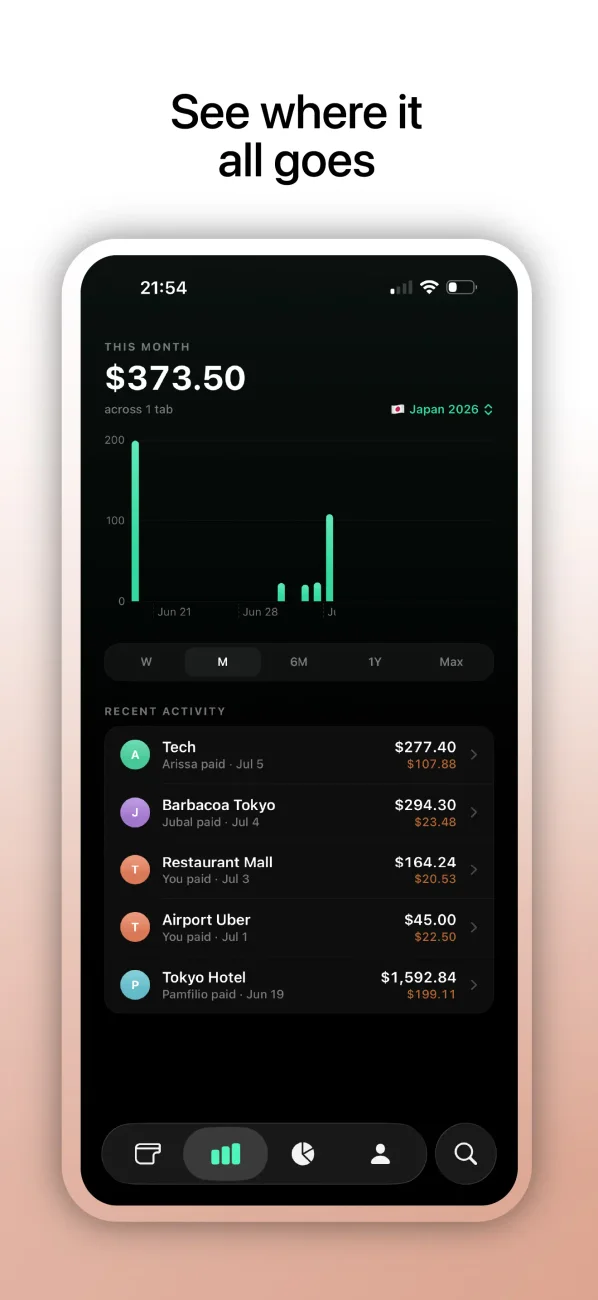
• Track group spending over time with clear charts
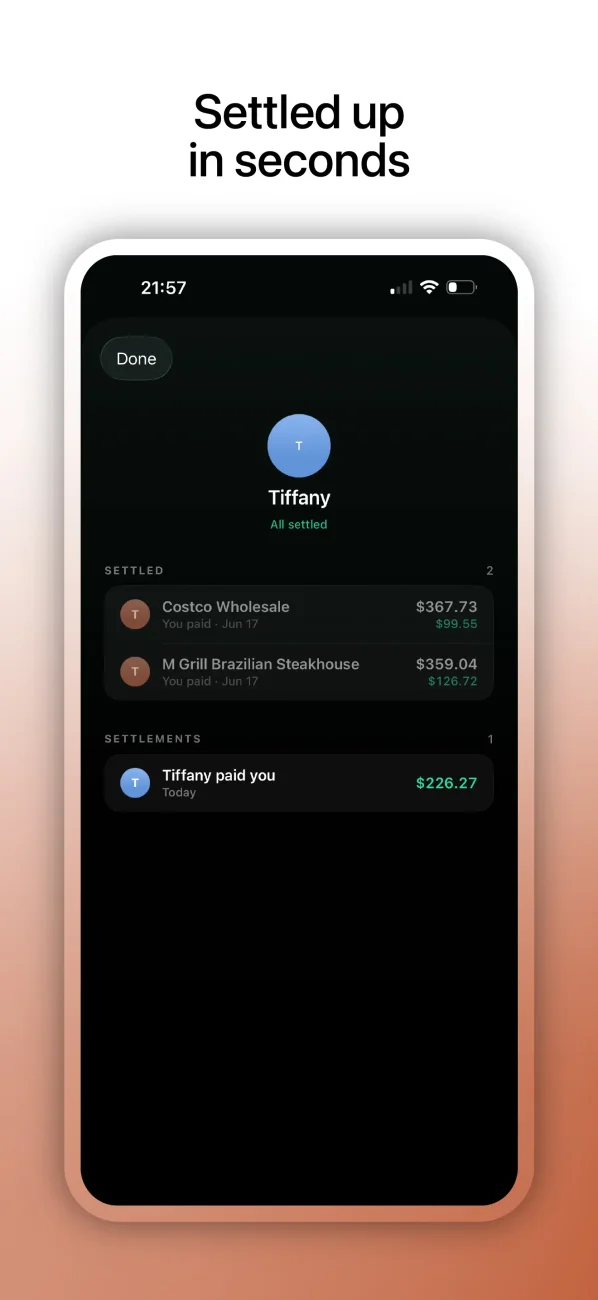
• Record payments and settle up in a tap
Keep a Record
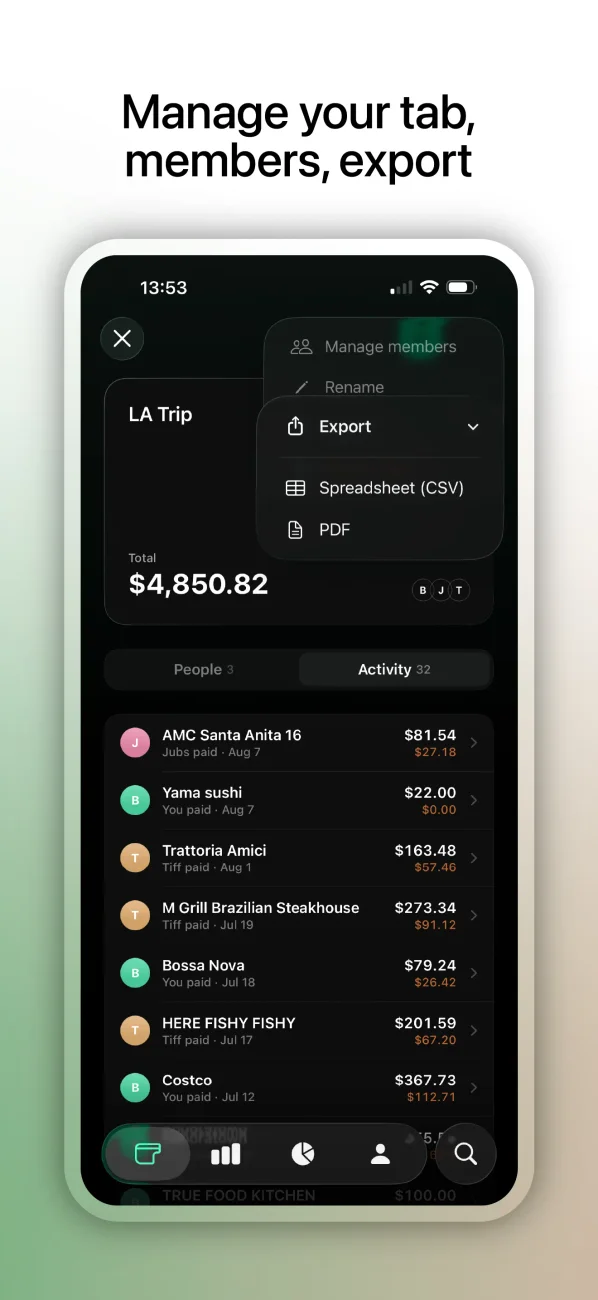
• Export any tab as a CSV or PDF
• Clean statements for reimbursements, expense reports, or your own files
Sign in with your phone number and start a tab in seconds. Light and dark mode included.
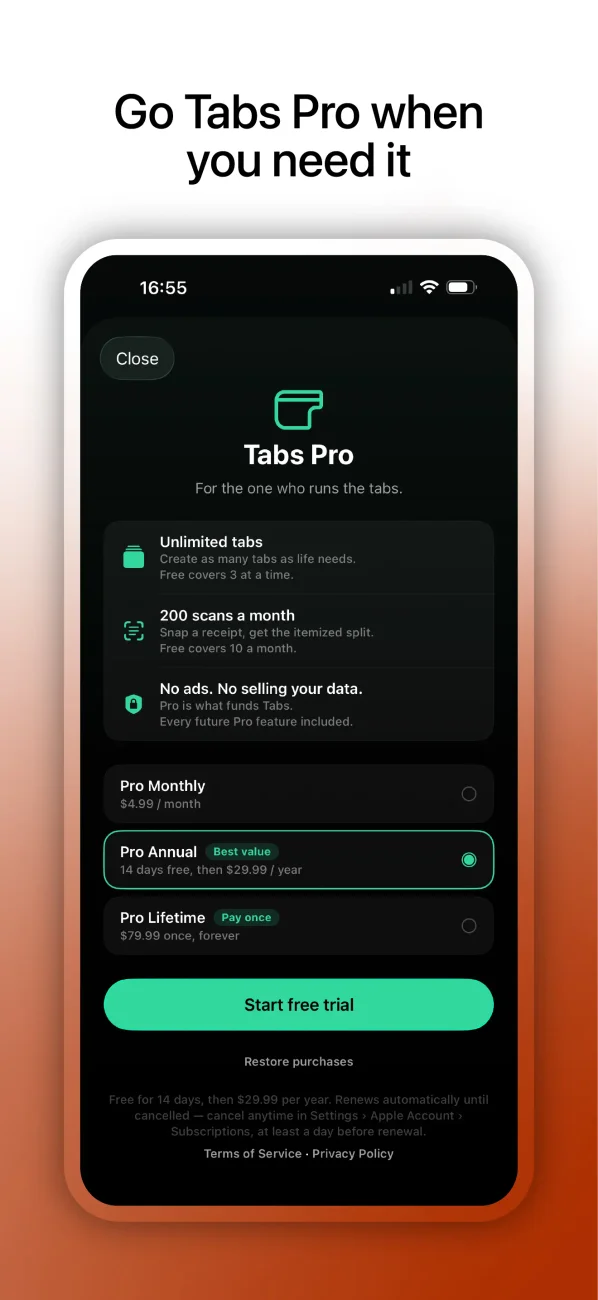
Start free. Upgrade to Tabs Pro for unlimited tabs and more receipt scans every month.
Tabs Pro is an auto-renewing subscription (monthly or annual with a free trial), plus an optional one-time lifetime purchase. Payment is charged to your Apple Account at confirmation. Subscriptions renew automatically unless canceled at least 24 hours before the period ends; manage or cancel anytime in your App Store settings.
Terms: https://tabs.page/terms
Privacy: https://tabs.page/privacy
What’s new
Version 1.2 · Sep 16, 2026
• Start tabbing right from the empty Home screen with a new button.
• Tap anywhere outside a field to dismiss the keyboard when creating tabs, adding members, receipts, charges, or items, settling up, or searching.
• Long tab, item, member, and charge names now truncate cleanly instead of squeezing the amount next to them.
• Help & Support now copies the support email if your device has no Mail app set up.
Happy Tabbing!
App privacy
What t19a declares on the App Store about how this app handles data.
-
Data linked to you
May be collected and linked to your identity.
- Purchases
- Financial info
- Contact info
- User content
- Identifiers
-
Data not linked to you
May be collected but is not linked to your identity.
- Diagnostics
Privacy practices may vary, for example with the features you use or your age.
Information
- Seller
- t19a LLC
- Category
- Finance
- Version
- 1.2
- Updated
- Sep 16, 2026
- Released
- Aug 5, 2026
- Size
- 33.0 MB
- Requires
- iOS 18.0 or later
- Age rating
- 4+
- Price
- Free
- In-app purchases
- Yes
- Languages
- English
- Copyright
- © 2026 t19a, LLC
You might also like
-
 FinanceGCAI Sovereign Wealth Auditor.
-
 Budget Saver: Bill TrackerTrack Bills & Budget Smarter
-
 Fiscify: Budget TrackerTrack Subscriptions & Bills
-
 VoccaYour AI money companion
-
 Deks GiftsCrypto Gift Cards
-
 PocketPinch: Spend SmarterKnow before you buy
-
 Divvy: Trip & Bill SplitterGroup expenses & receipts
-
 Call It Even: Split ExpensesSplit bills. Stay friends.
-
 SuperformEarn up to 8.5% APY on cash
-
 Money by CheckrManage Expenses, Subscriptions