
TagSet: ML Image Datasets
Label & Upload Photos to S3/R2
Designed for iPhone, iPod touch
- Age rating4+
- CategoryDeveloper Tools
- DeveloperLinus Tegethoff
- LanguagesGerman+ 1 more
- Size25.7 MB
Links to the official App Store page
Download.org hosts no file of TagSet: ML Image Datasets. The button opens its official App Store page, published by Linus Tegethoff. Listing last checked on Nov 23, 2026.
Screenshots
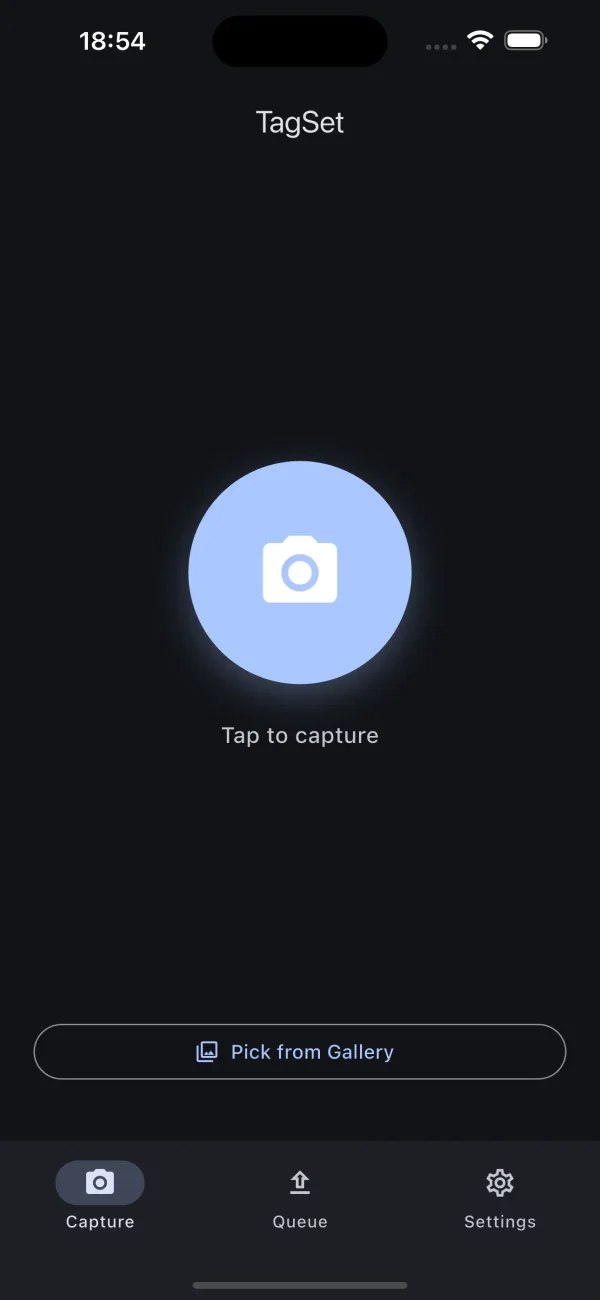
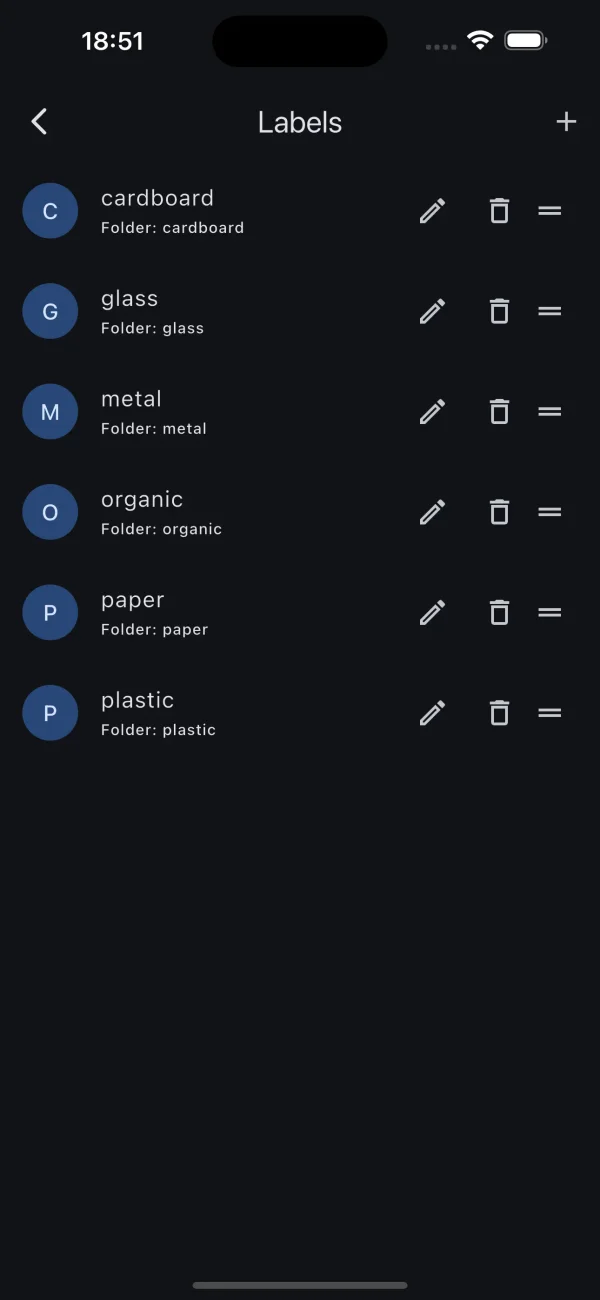
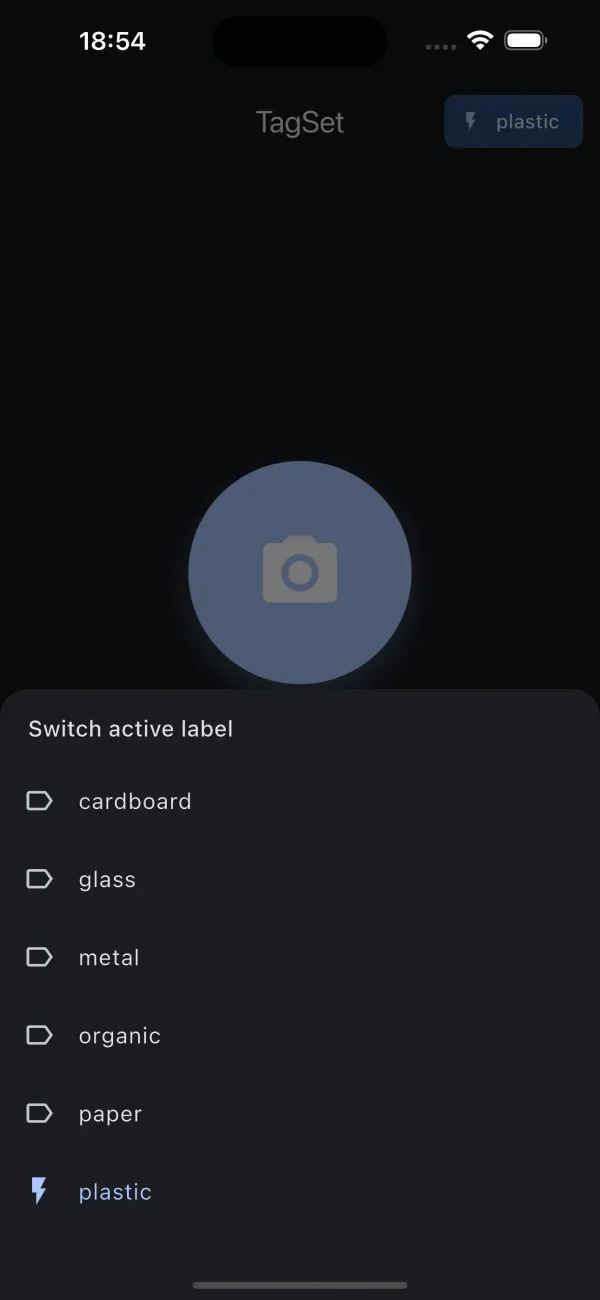
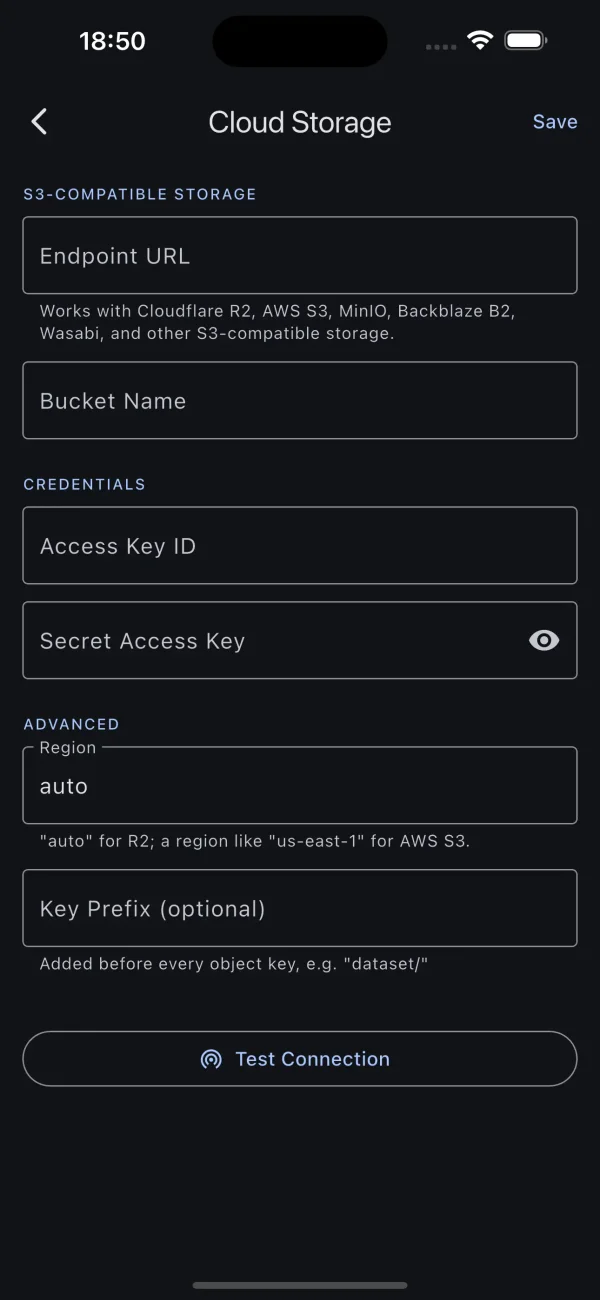
About
Snap a photo, pick a label, and it lands in your own cloud storage, sorted and ready to train.
TagSet turns your iPhone into a fast tool for collecting labeled image datasets. Every label becomes a folder in your bucket, the layout PyTorch ImageFolder, Keras and most ML tools read out of the box. No sorting, no renaming, no upload scripts.
HOW IT WORKS
1. Connect your bucket: Amazon S3, Cloudflare R2, MinIO, Backblaze B2, Wasabi or any S3-compatible storage
2. Add your labels
3. Shoot. With Speed Mode, every photo uploads to the active label the moment you capture it
FEATURES
• Capture and label in one continuous flow
• Speed Mode for fast bulk collection
• Auto upload, or queue and review before sending
• Retry queue, so failed uploads stay visible
• Wi-Fi-only uploading to save mobile data
• Adjustable image quality to balance detail and file size
• Guided setup for first-time users
YOUR DATA STAYS YOURS
TagSet has no servers and no accounts. Your storage keys stay in the iOS Keychain, and photos go directly from your phone to your bucket. No analytics, no tracking.
Made for ML engineers, researchers, students and anyone collecting real-world image data.
What’s new
Version 1.2.0 · Nov 18, 2026
• The Capture tab is now a camera: take several shots and label them all at once
• Pick multiple photos from your library at once
• The Queue tab shows how many uploads failed or are still waiting
• Clear explanations for failed uploads, with a tap to fix them
• Fresh new look and app icon
• Small improvements and fixes
App privacy
What Linus Tegethoff declares on the App Store about how this app handles data.
-
Data not collected
The developer does not collect any data from this app.
Privacy practices may vary, for example with the features you use or your age.
Information
- Seller
- Linus Tegethoff
- Category
- Developer Tools
- Version
- 1.2.0
- Updated
- Nov 18, 2026
- Released
- Oct 28, 2026
- Size
- 25.7 MB
- Requires
- iOS 13.0 or later
- Age rating
- 4+
- Languages
- German, English
- Copyright
- © 2026 Linus Tegethoff
You might also like
-
 LunamuxRemotely control your terminal
-
 ChewCode: Learn Python CodingPython Tutorial For Beginners
-
 ApptallyApp Sales & Revenue Dashboard
-
 React Native MLKitDeveloper Tools
-
 Launch CanvasScreenshots for indie apps
-
 WebhookBeam: Webhook AlertsPush Notifications for Any API
-
 Recipes for SwiftRunnable code and SQL examples